Tutorial
Welcome to the Tutorial guide. This documentation is automatically generated from the latest game features.
Global Tutorial — Step 4
Step 4 asks the player to run their show by adjudicating its segments.
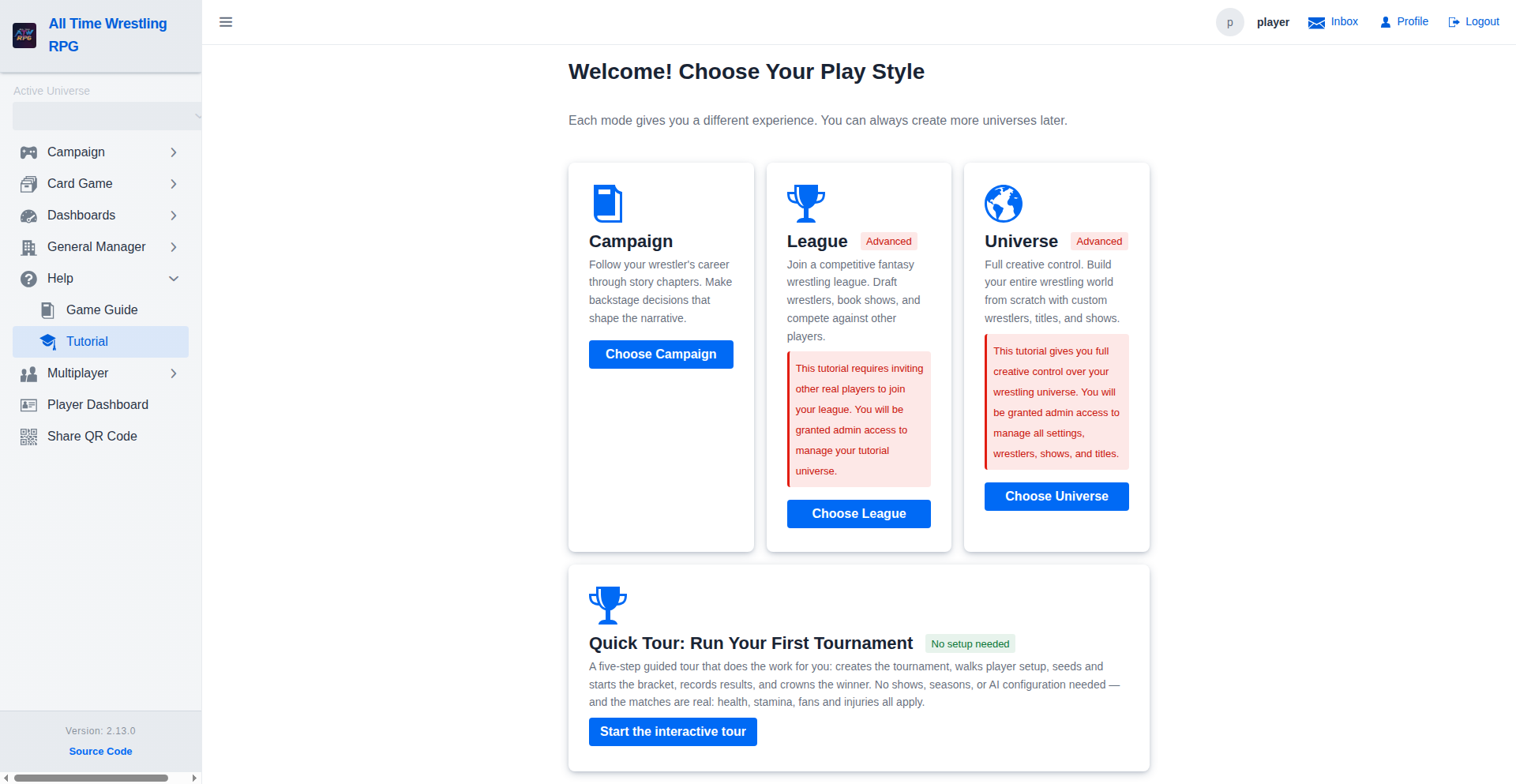
Global Tutorial — Step 1
The tutorial guides new players through the key actions for their mode. Step 1 asks the player to pick their featured wrestler.
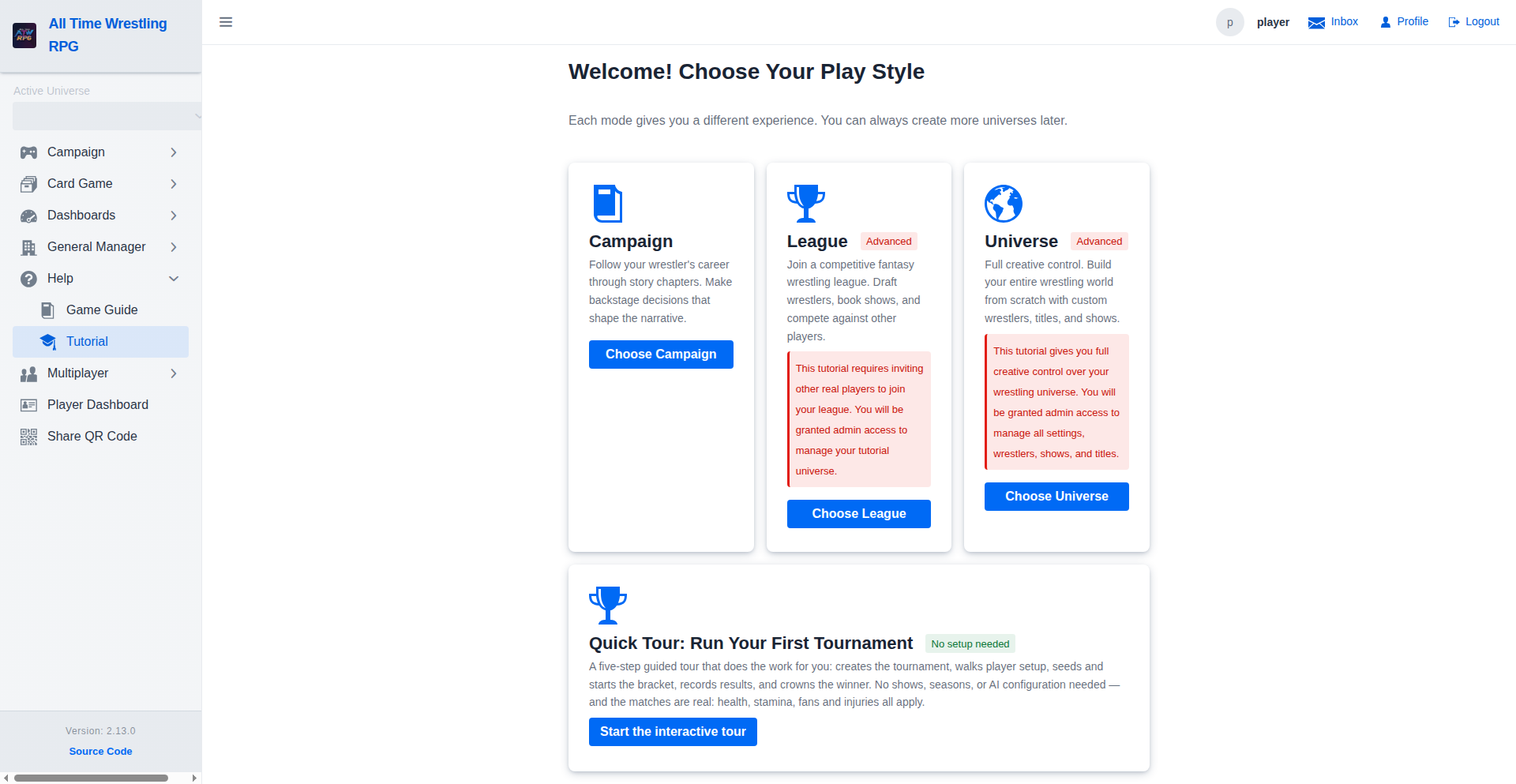
Global Tutorial — Step 3
Step 3 asks the player to plan their card by adding at least one segment to their show.
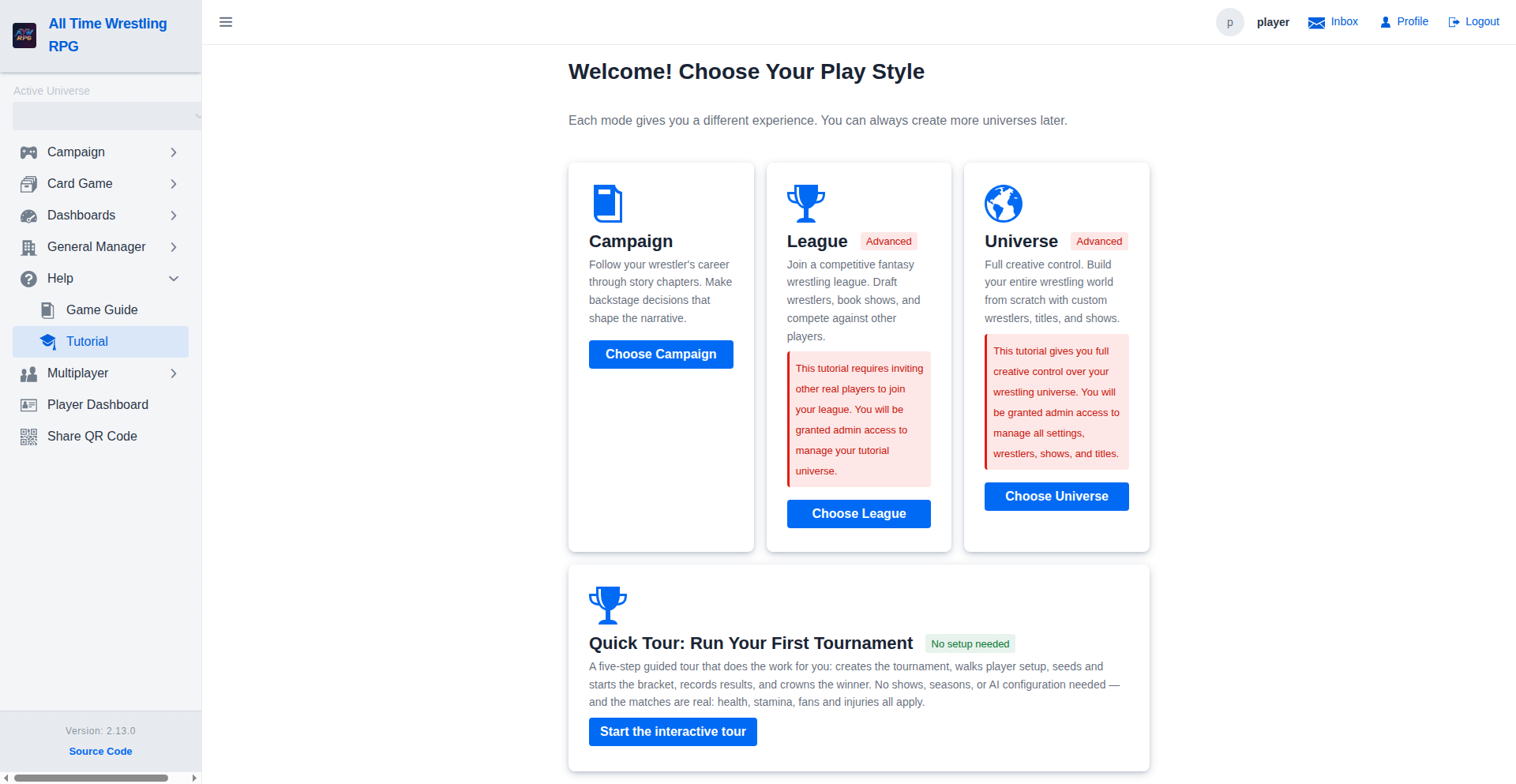
Global Tutorial — Step 5
Step 5 introduces AI narration — players can configure an AI provider to generate match commentary.
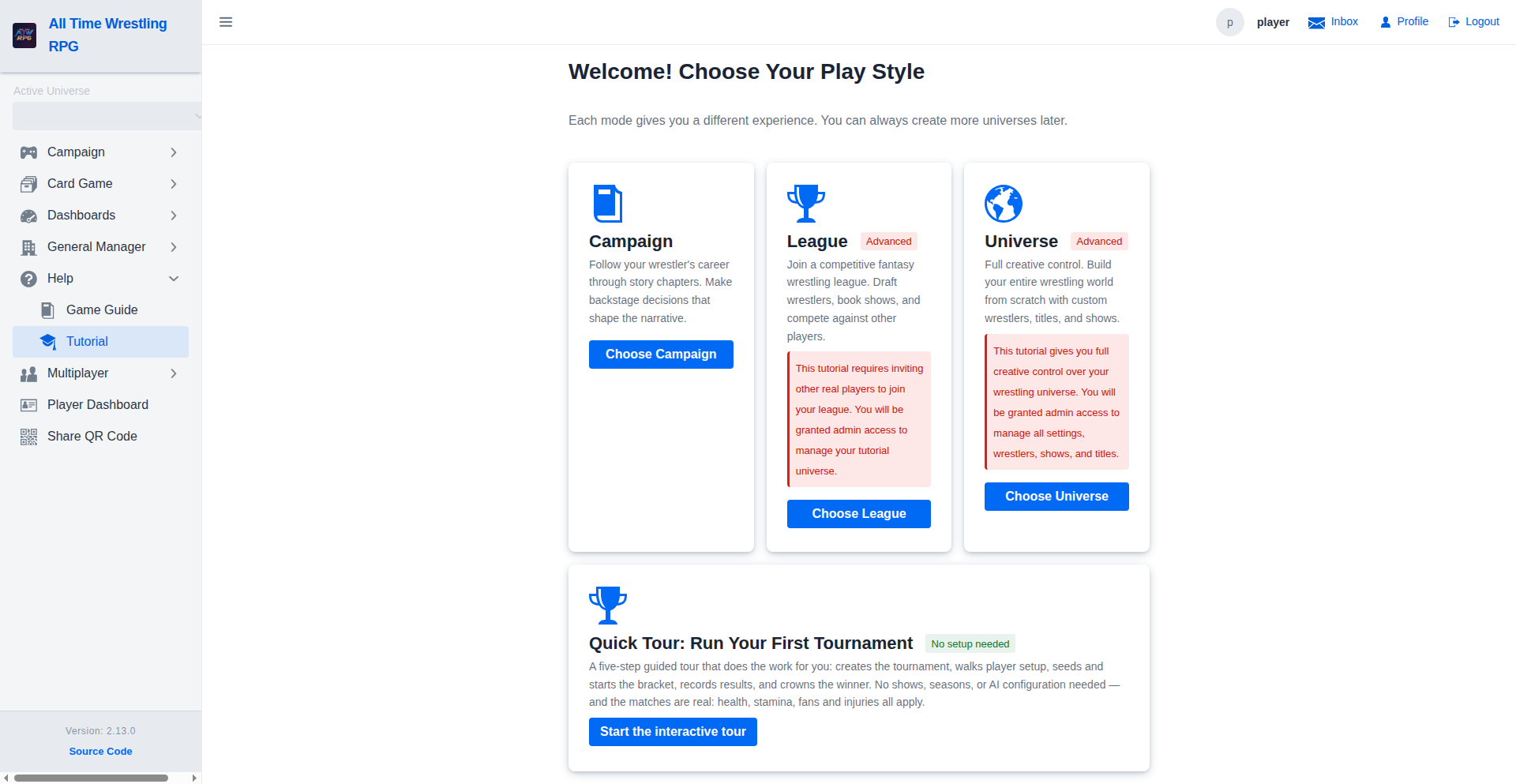
Global Tutorial — Step 2
Step 2 guides the player to create their first show in the universe.
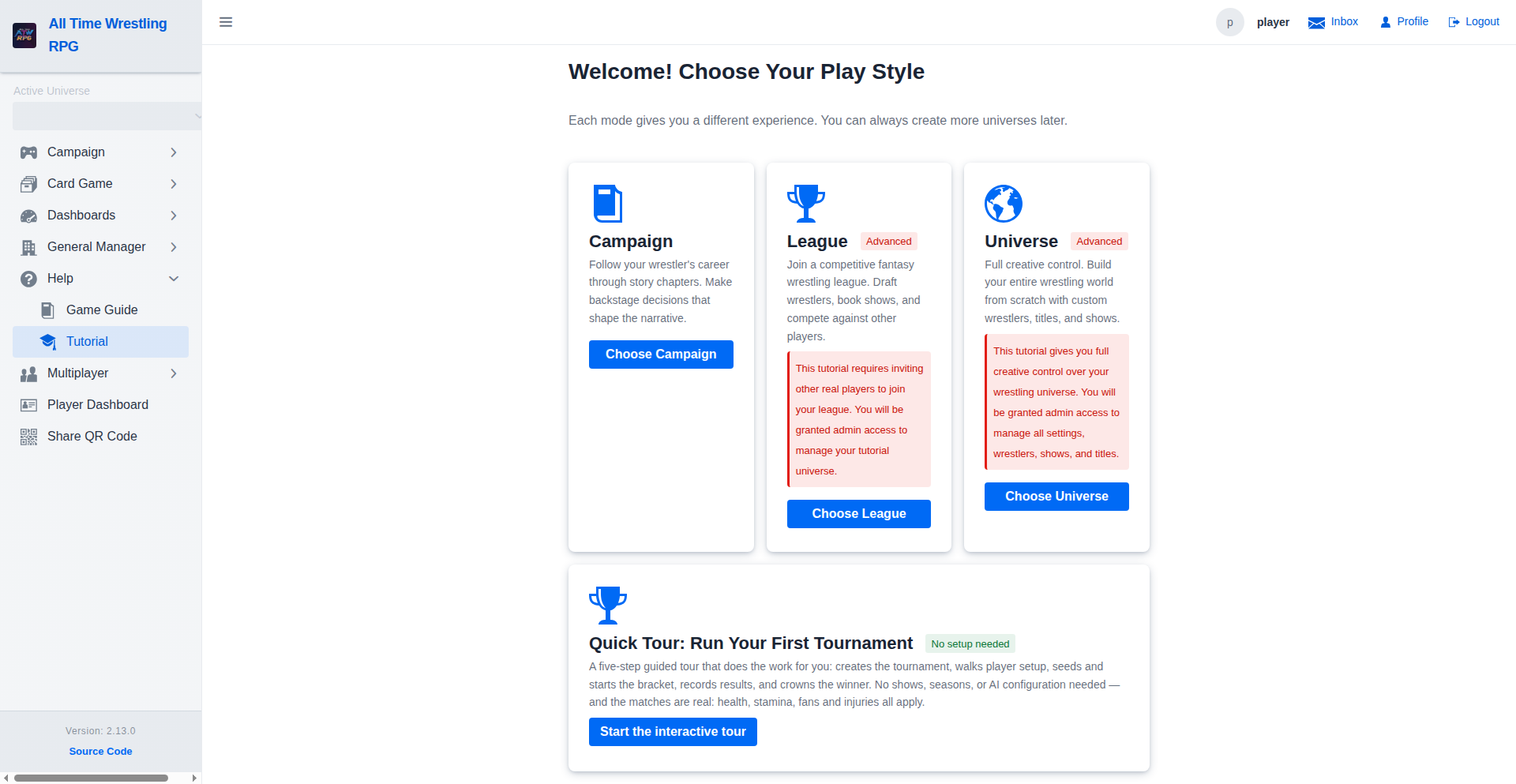
League Tutorial — Step 1
The league tutorial begins by creating a tutorial league and making the player the commissioner. Step 1 shows the Leagues page with the player's tutorial league.
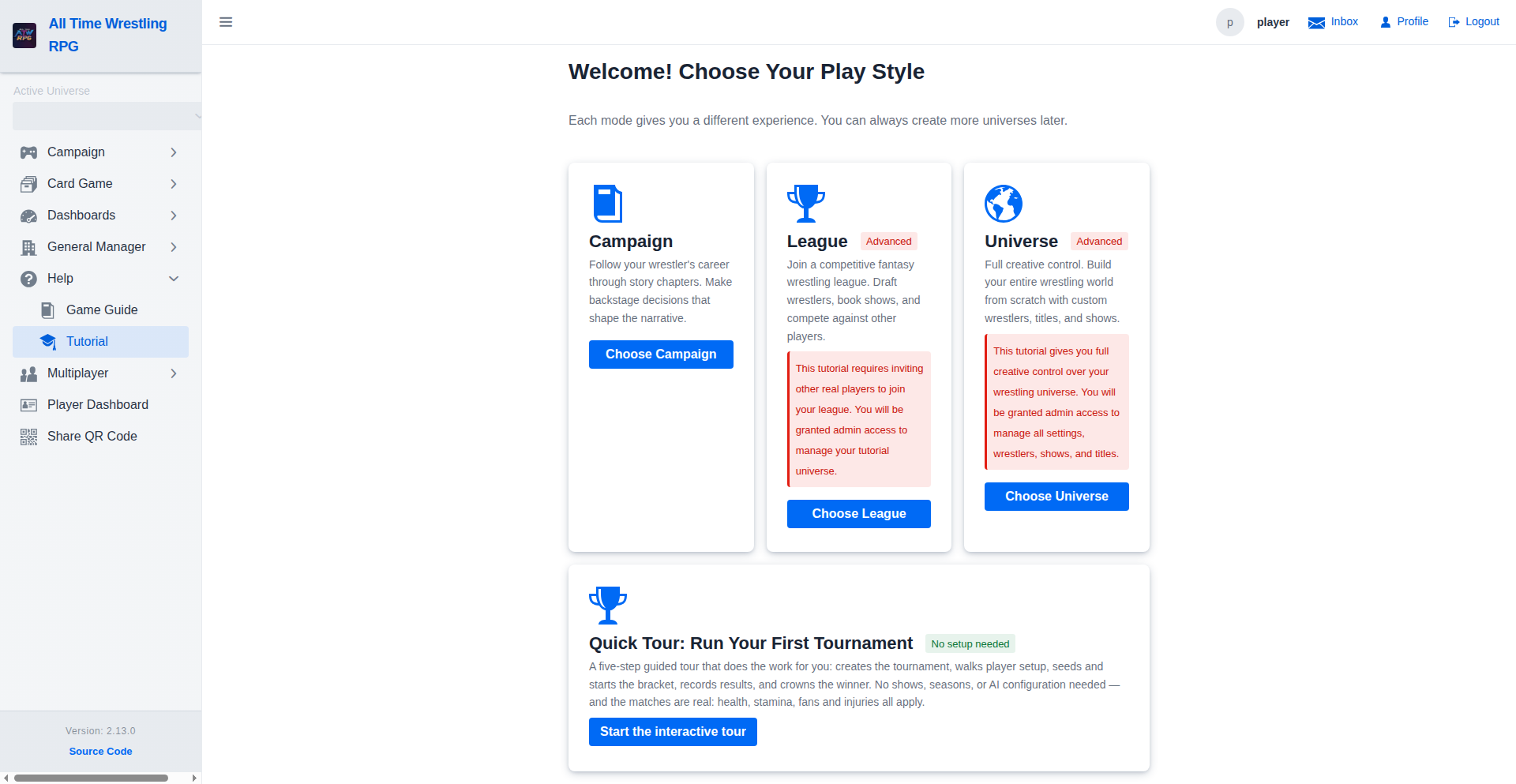
League Tutorial — Step 2
Step 2 guides the commissioner to invite other players to their league by generating an invite link.
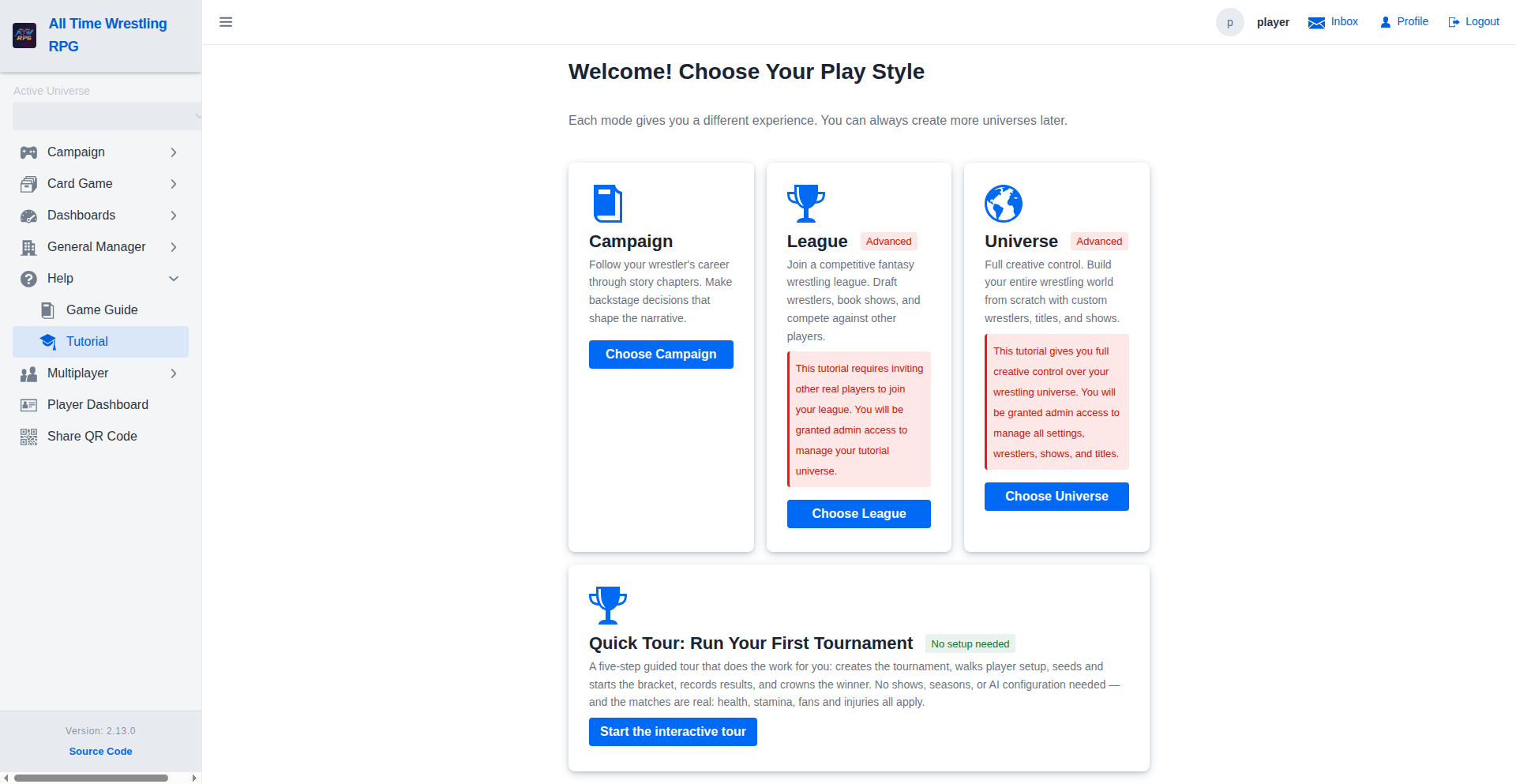
League Tutorial — Step 3
Step 3 instructs the commissioner to start the snake draft once all players have joined.
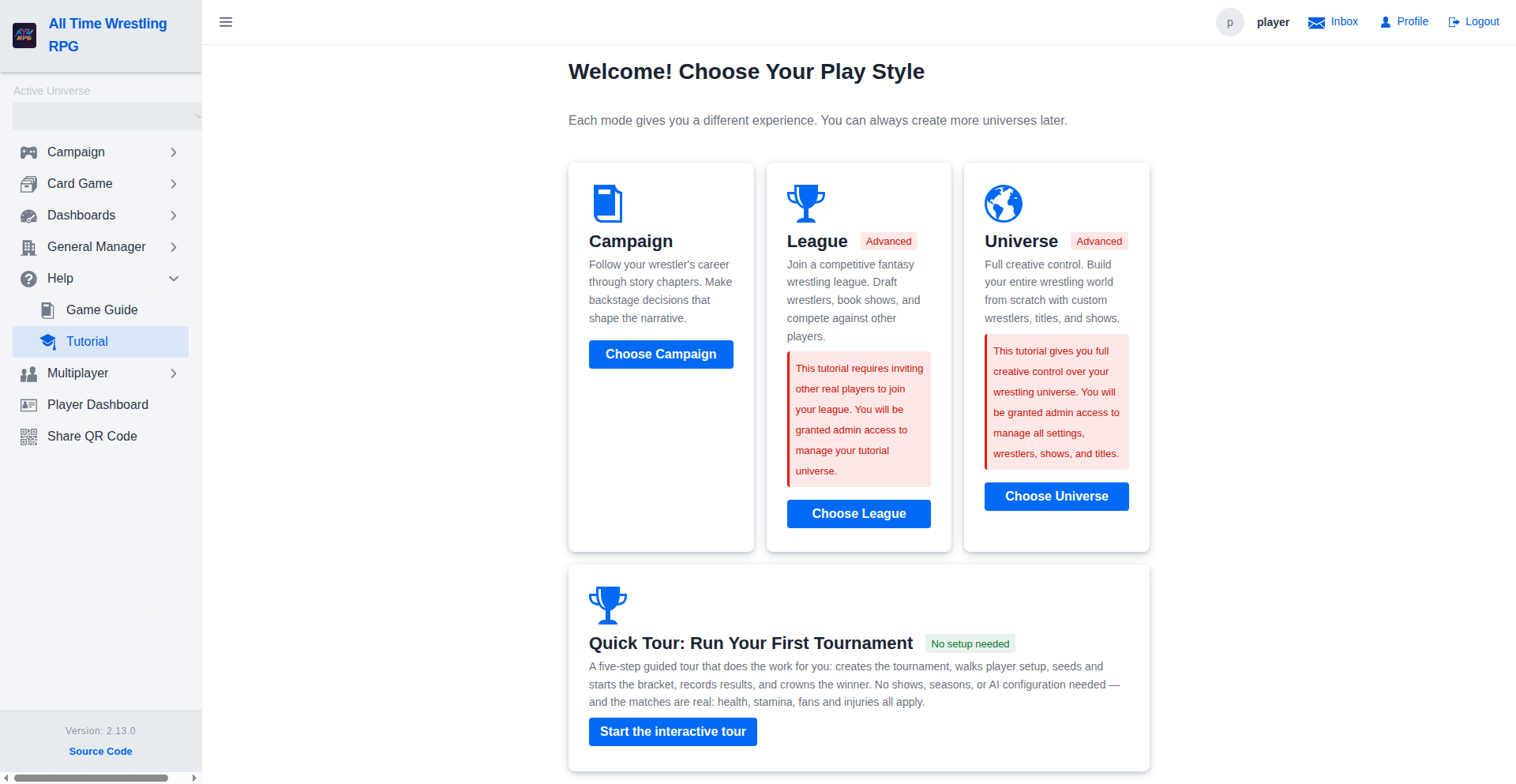
League Tutorial — Step 4
Step 4 takes the player to the Draft page to make their first wrestler pick, completing the league setup tutorial.
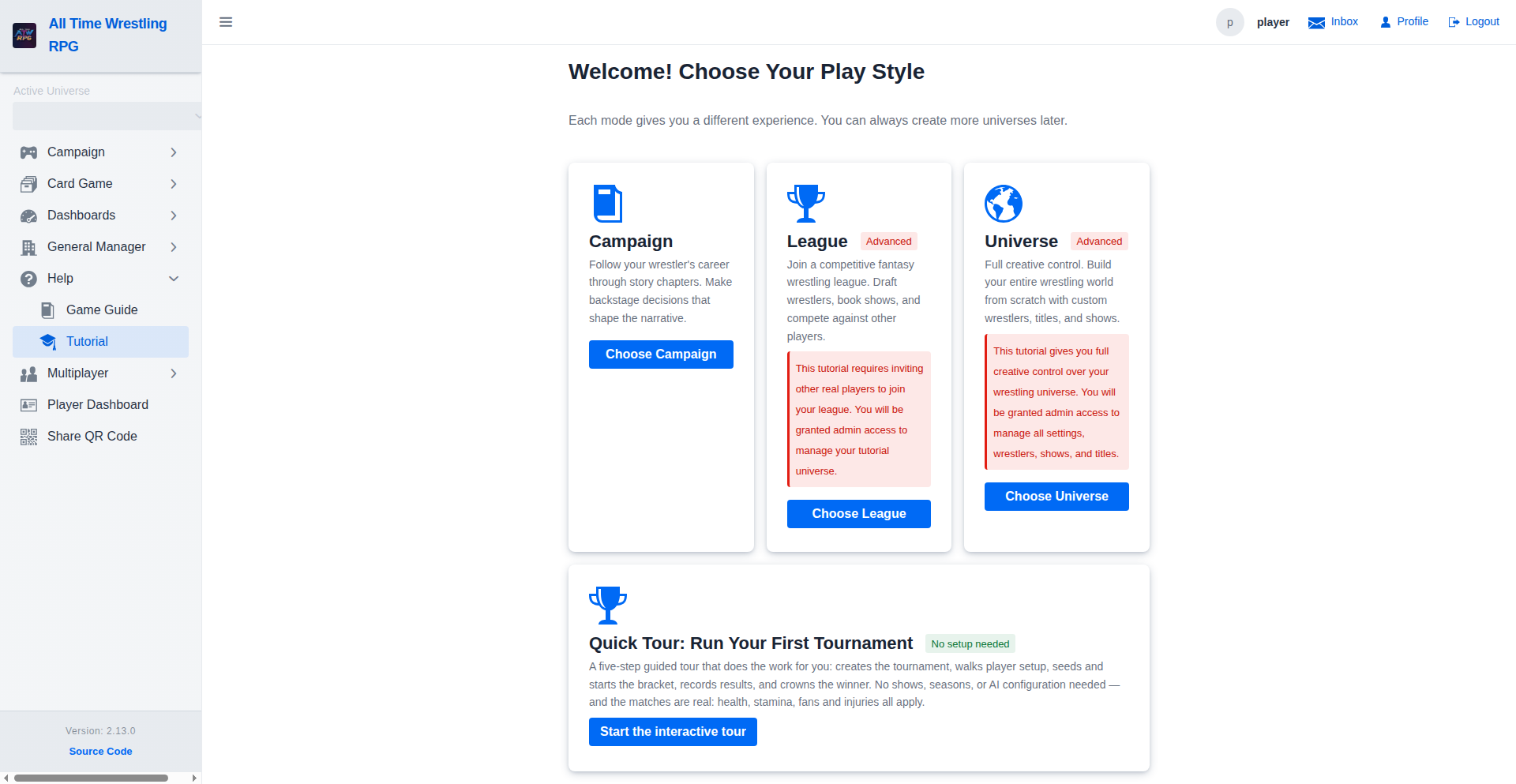
Campaign Tutorial — Step 1
The campaign tutorial starts by asking the player to assign a wrestler on their Player Dashboard. Only wrestlers allowed by the first campaign chapter are shown.
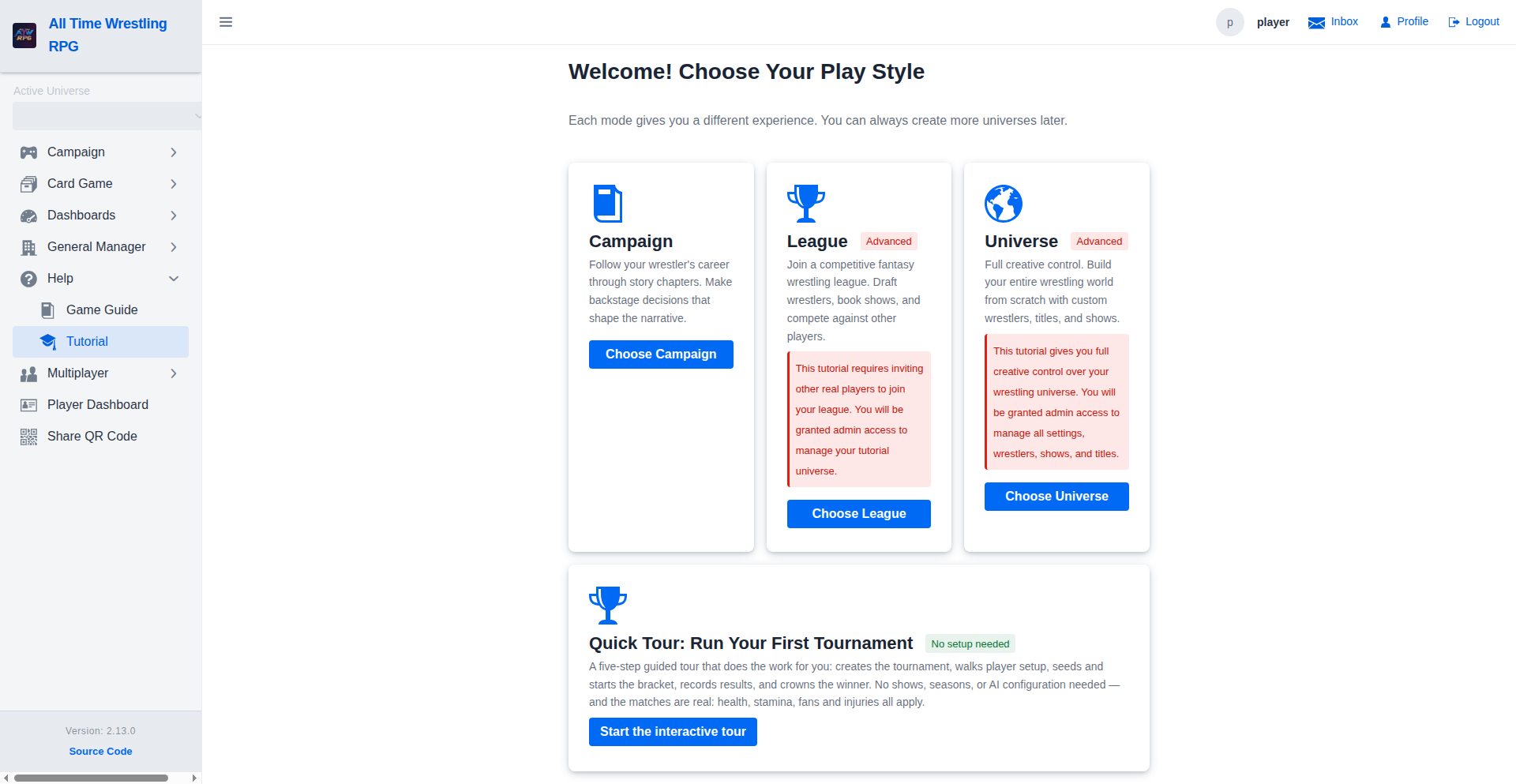
Campaign Tutorial — Step 2
Step 2 directs the player to the Campaign view where an active campaign has been automatically created for their chosen wrestler.
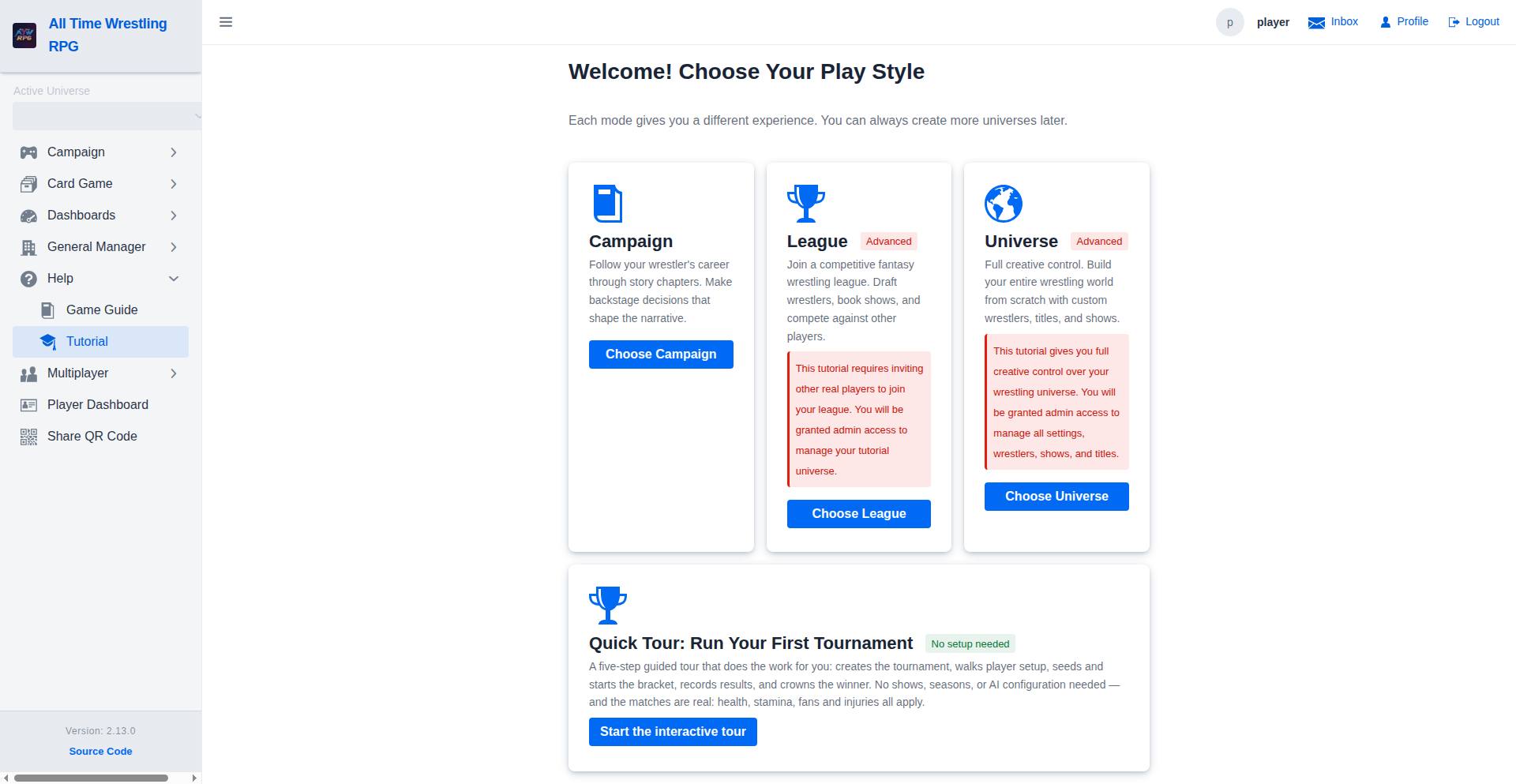
Campaign Tutorial — Step 3
Step 3 sends the player to the Backstage Actions page to make their first story-driven choice, completing the campaign tutorial.
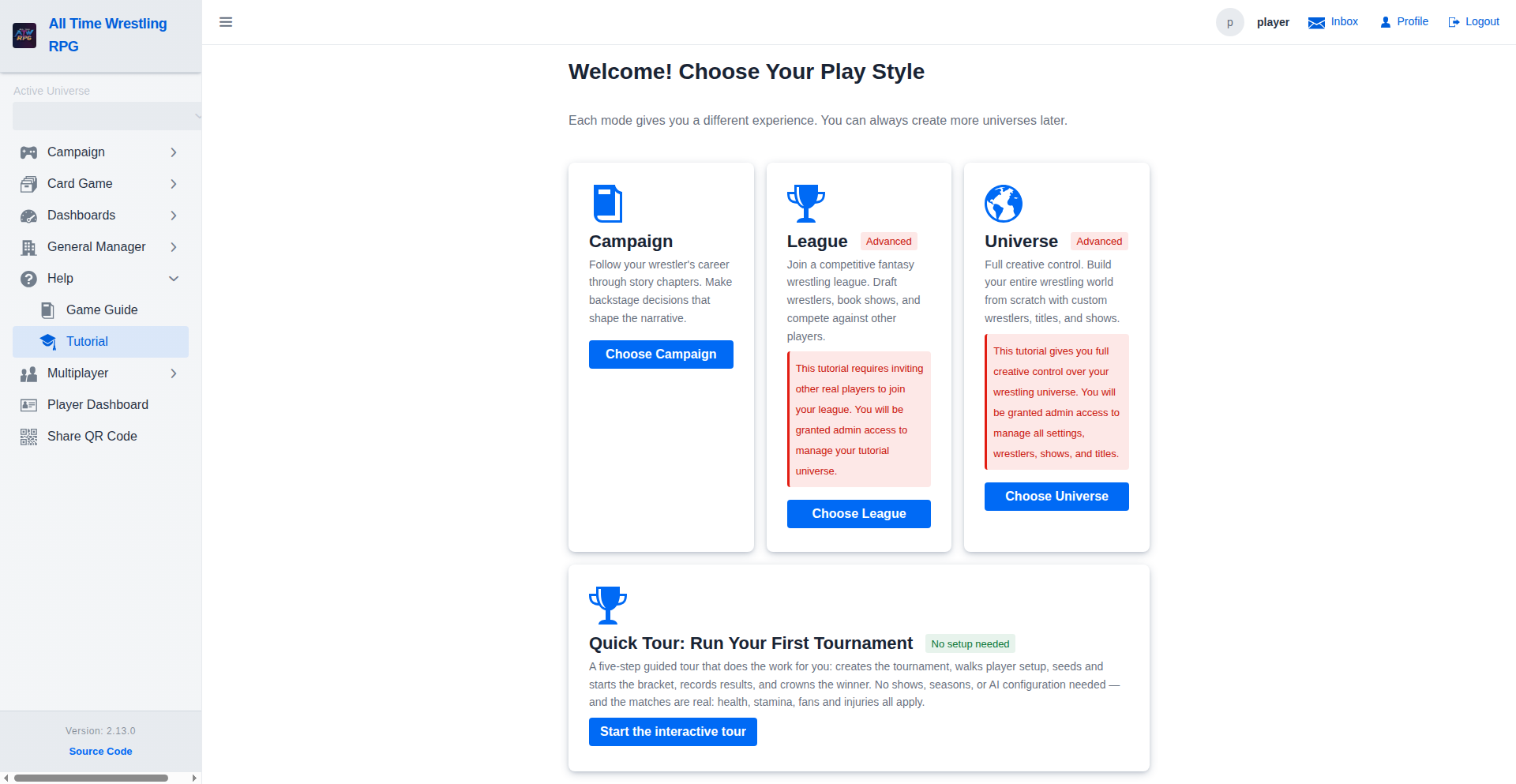
Video Walkthroughs
Campaign Tutorial Walkthrough
Step 3 — Make Your First Backstage Action
League Tutorial Walkthrough
Step 4 — Make Your First Draft Pick
Global Tutorial Walkthrough
Step 5 — Enhance with AI