Game Mechanics
Welcome to the Game Mechanics guide. This documentation is automatically generated from the latest game features.
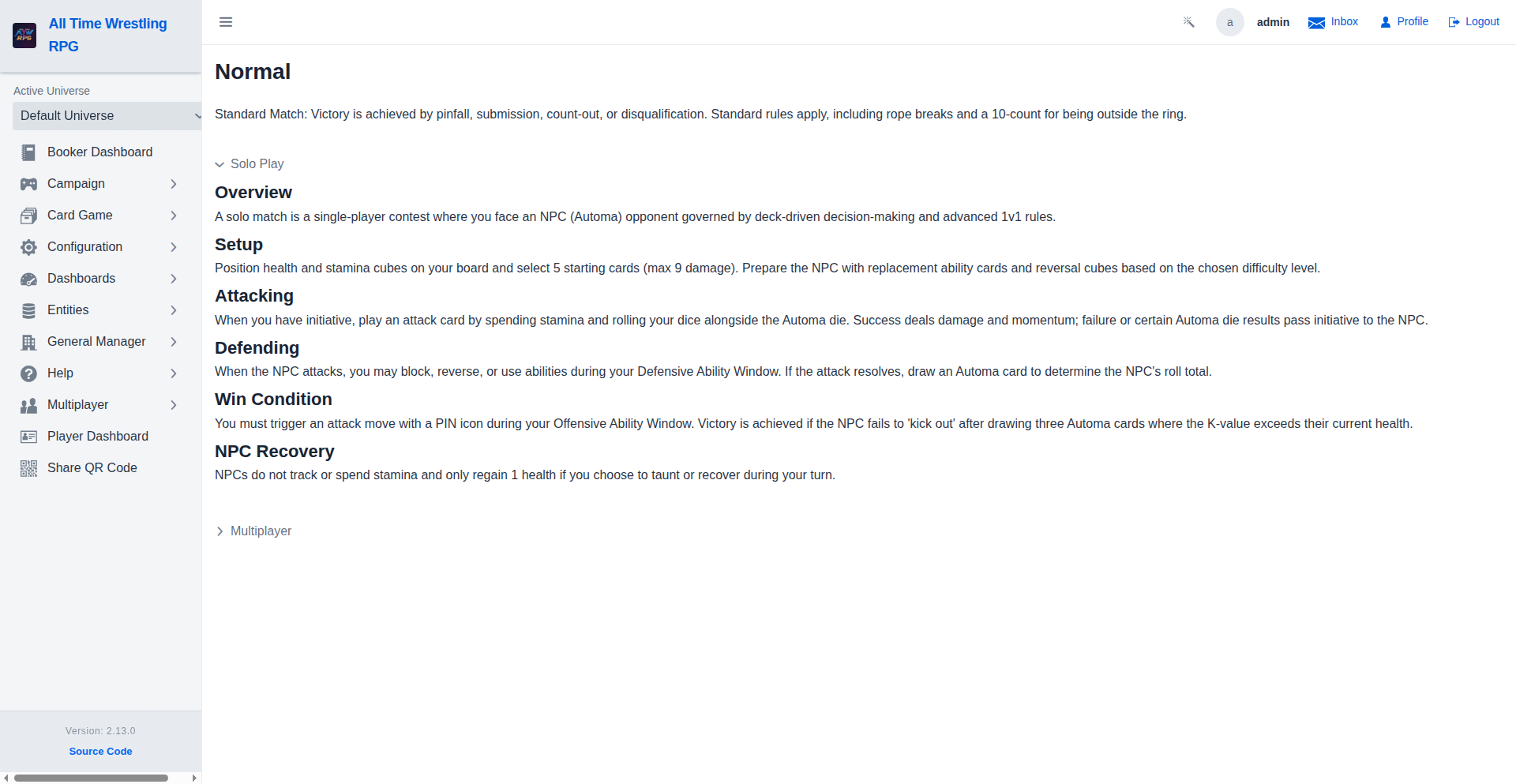
Match Rules Viewer
Every match type has a built-in rules reference. Tap the info button on any segment or the How to Play button during a match to view solo and multiplayer rule summaries without leaving the app.
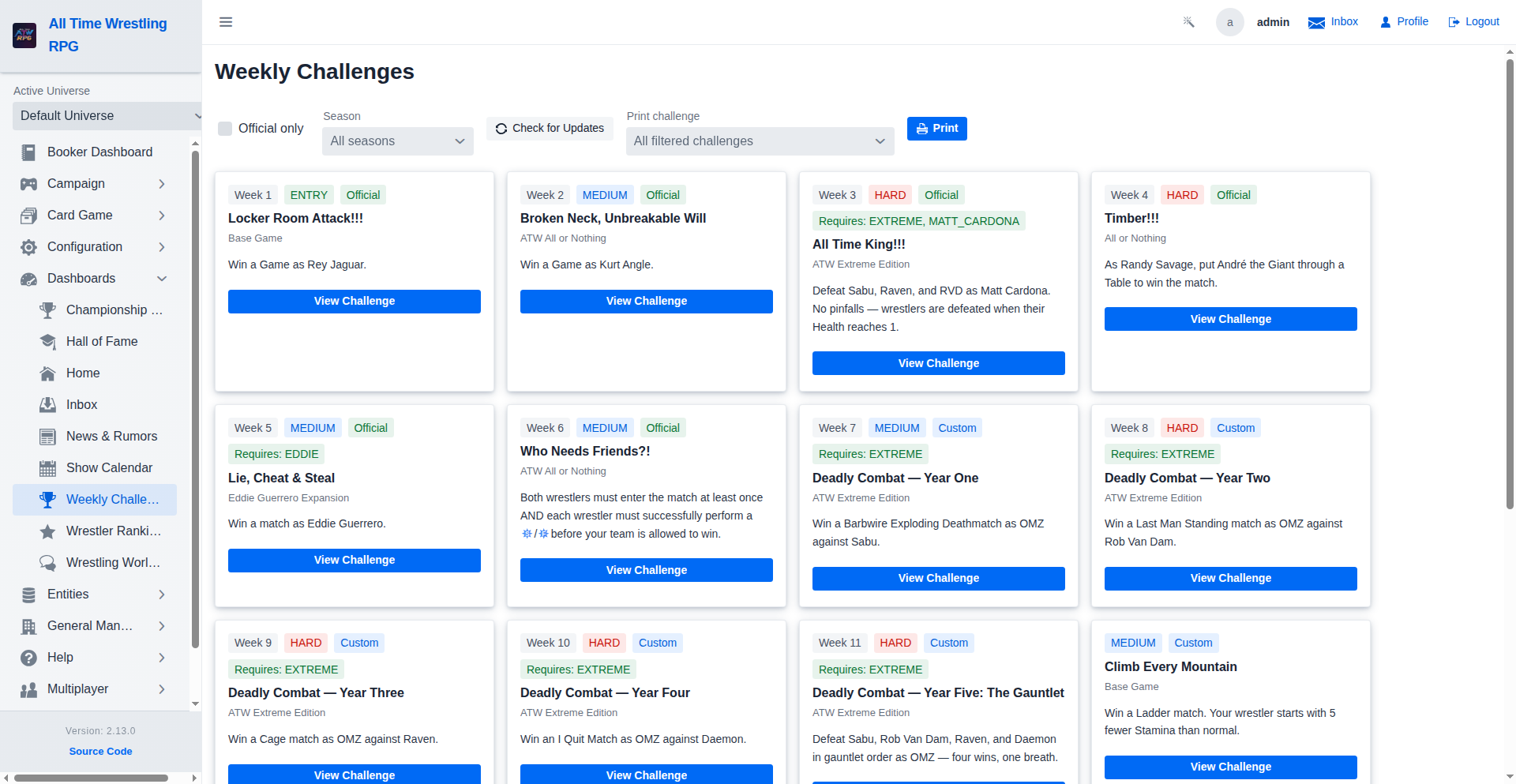
Weekly Challenges
Browse official and custom weekly challenges. Filter by official status or required expansions and open any challenge for full setup instructions, conditions, and modifiers.
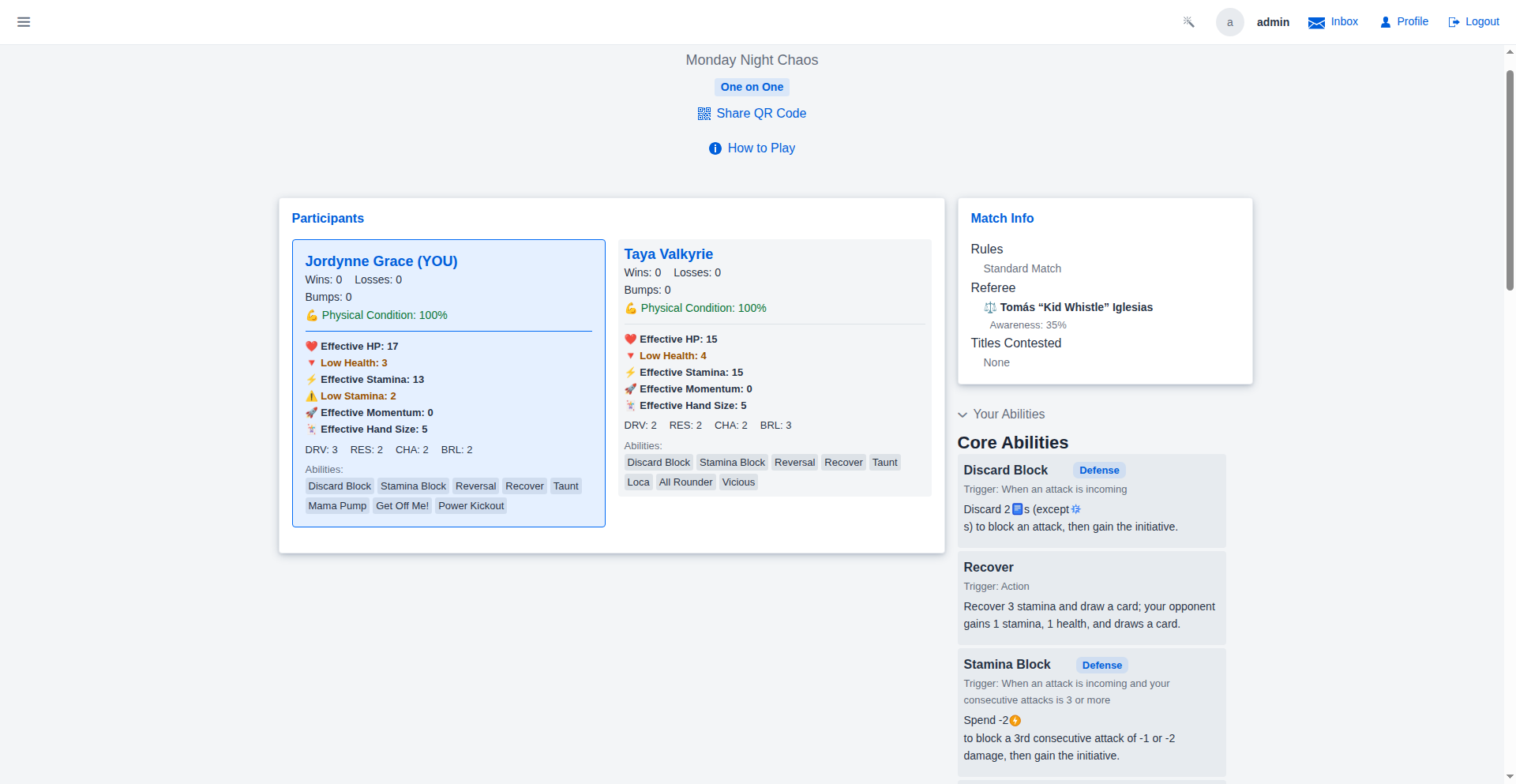
Wrestler Abilities in Match
Your wrestler's ability board is always a tap away during a match. The collapsed 'Your Abilities' panel in the match sidebar shows your core, wrestler-specific, and unlockable abilities with their type badges and [[token]] icon descriptions — no need to leave the match to look something up.
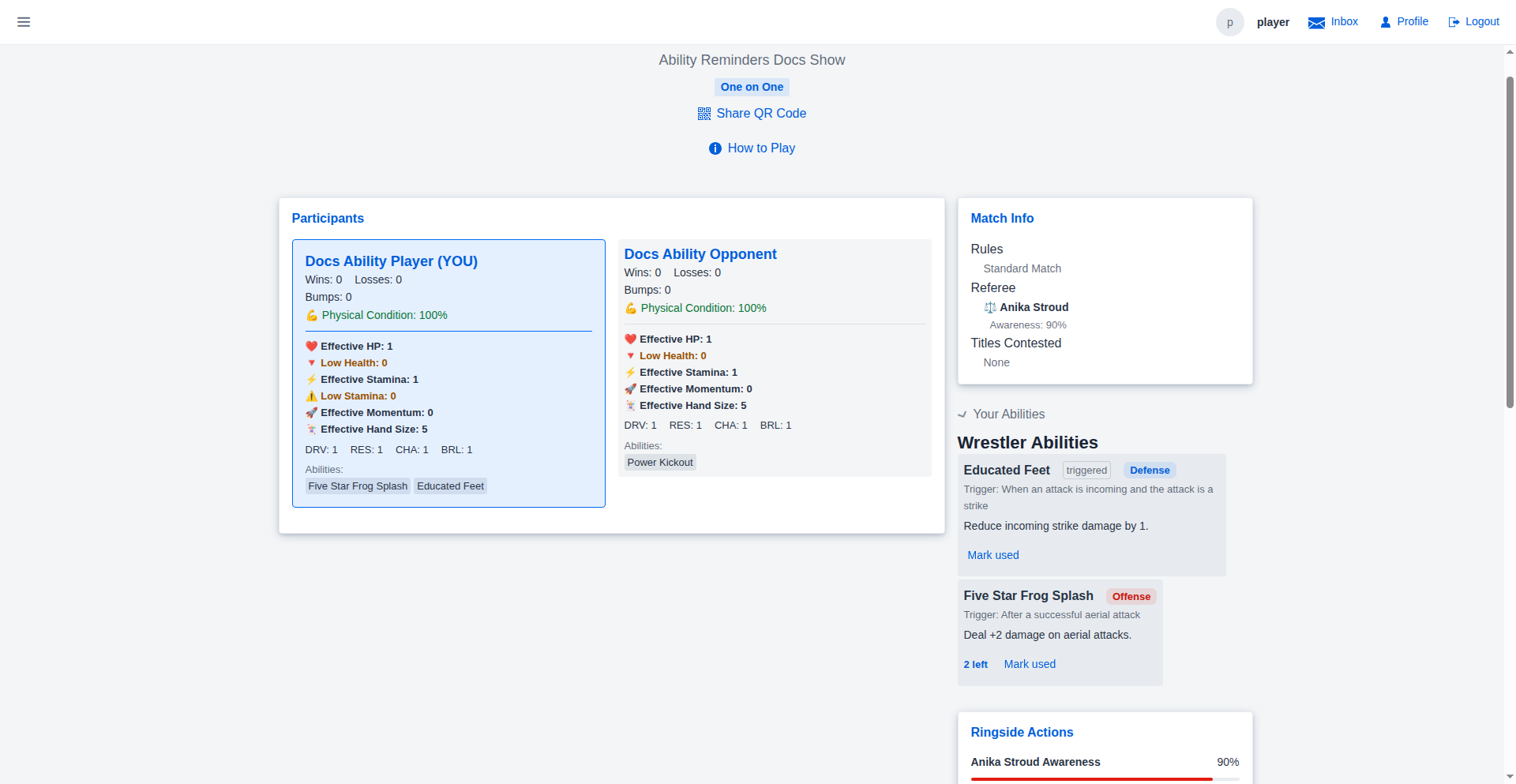
Ability Reminders
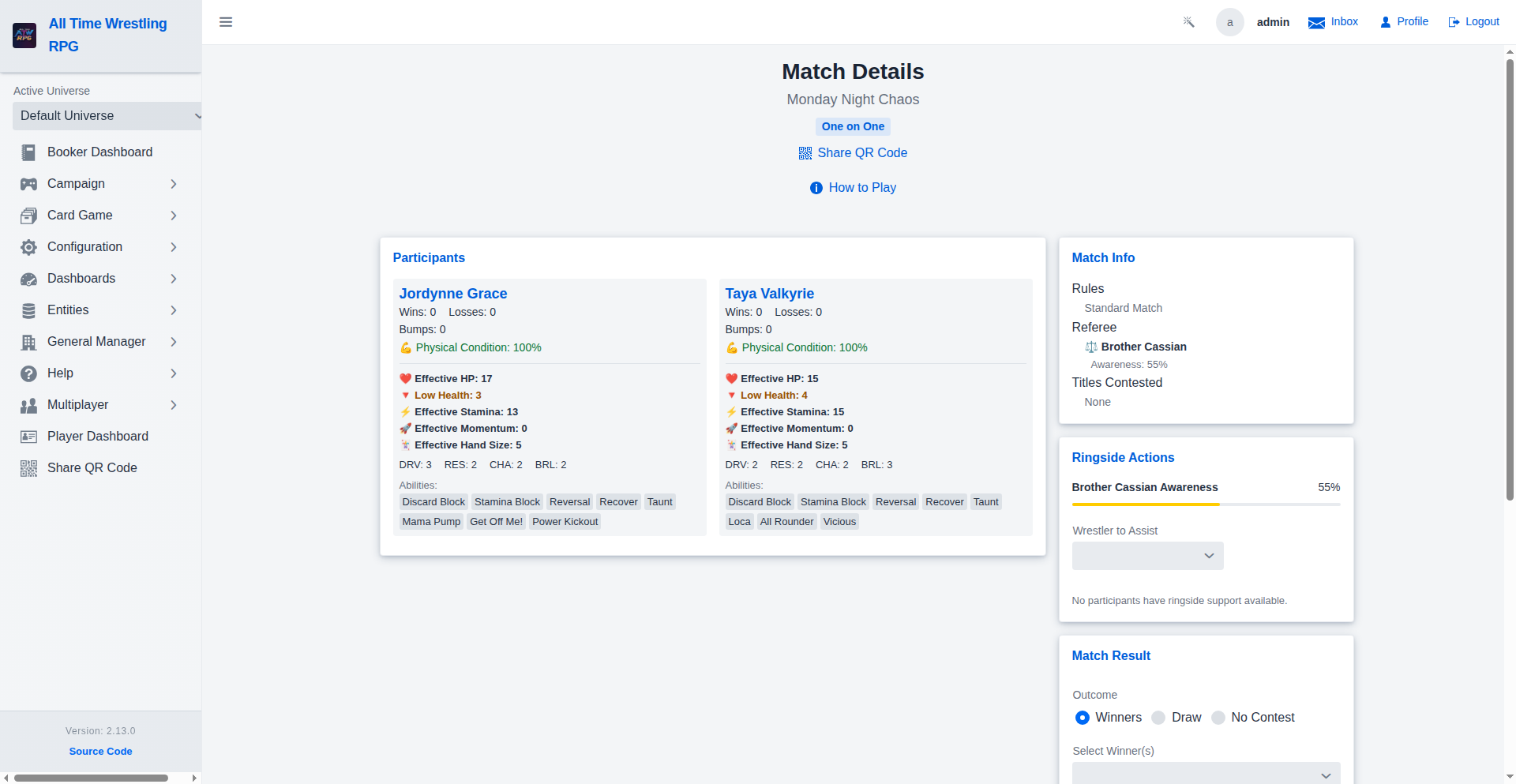
The match view reminds everyone at the table what each wrestler's abilities do. Participant cards carry compact ability chips with trigger tooltips, and the player's own panel shows when each ability fires (color-coded by offense/defense/pinned), an advisory uses-left counter, and a Mark Used button that logs the usage into the match notes — feeding the AI narration and match summary. Nothing is enforced: the table remains the authority.
Contender Matches
Mark any match as a #1 Contender Match to put the next title shot on the line. The segment carries a gold star badge on the show card, the winner is automatically designated as the title's #1 contender, and the match earns bonus rivalry heat and fan gains.
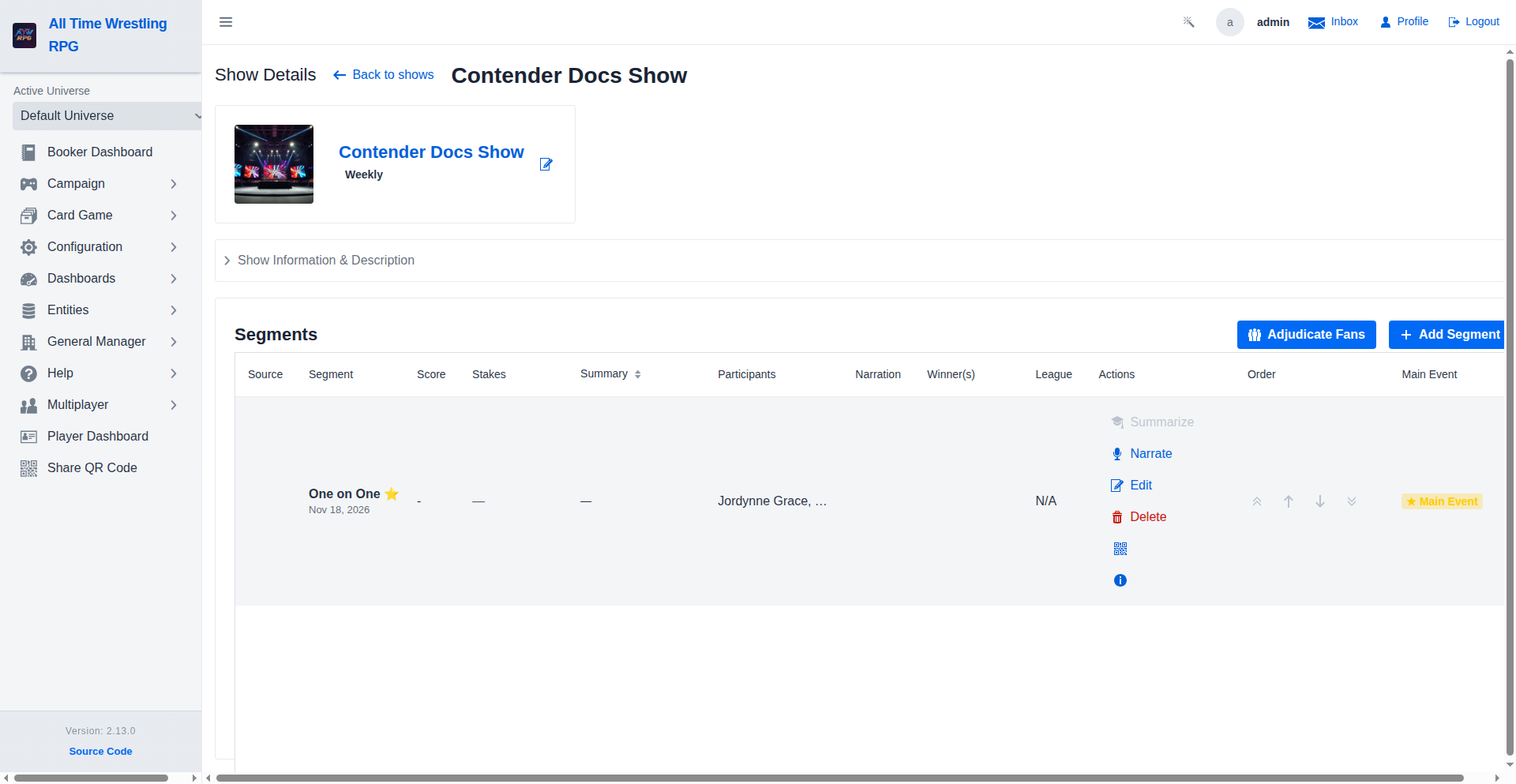
Tournament Bracket
The full projected 4-round bracket (Round 1 through Quarter-Final, Semi-Final and Final): connector lines between rounds, decided winners advancing (replacing 'Winner of Match N' placeholders), losers struck through, and Fit/100% zoom controls.
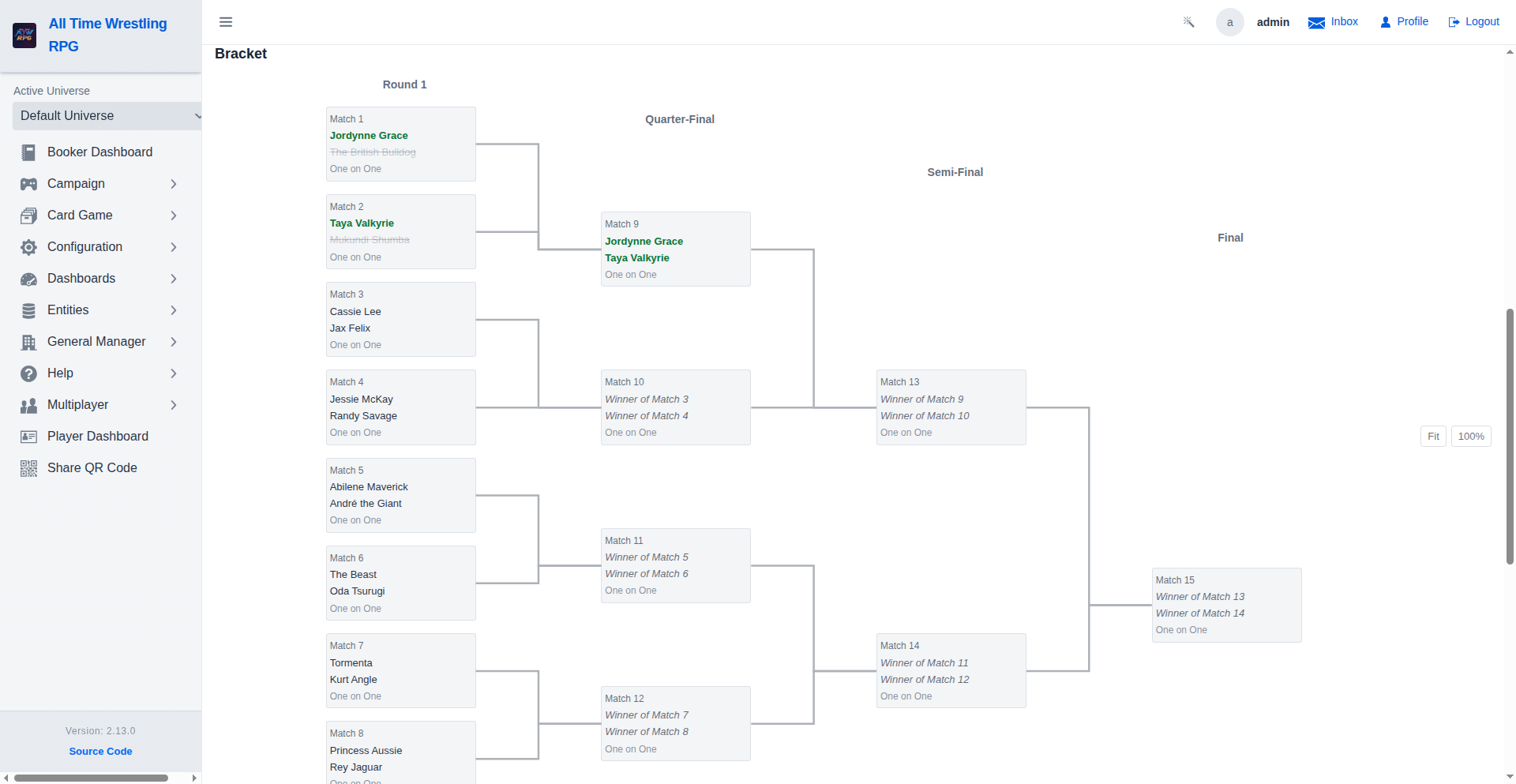
Money in the Bank Briefcase
A briefcase-deciding tournament (like the annual Time Vault) pays off with a cashable briefcase instead of a championship: the detail view shows the payoff mode and the winner's briefcase status (held with its cashable-until date, cashed in, or expired).
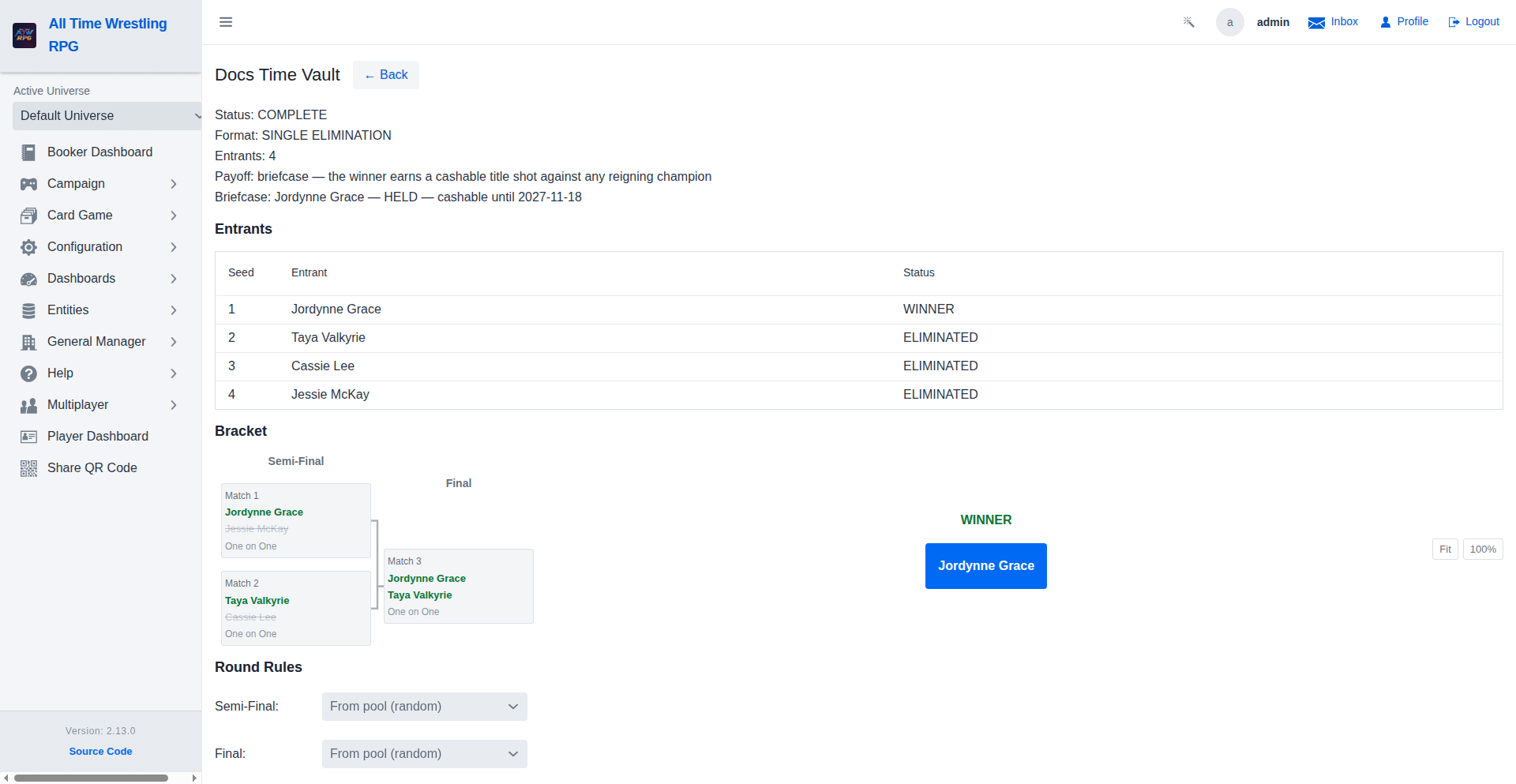
Cash In the Briefcase
The holder's career view shows the held briefcase with its expiry and a Cash In action: pick any active championship with a reigning champion and a show, and the title match books on the spot. The briefcase is spent whether the match is won or lost.
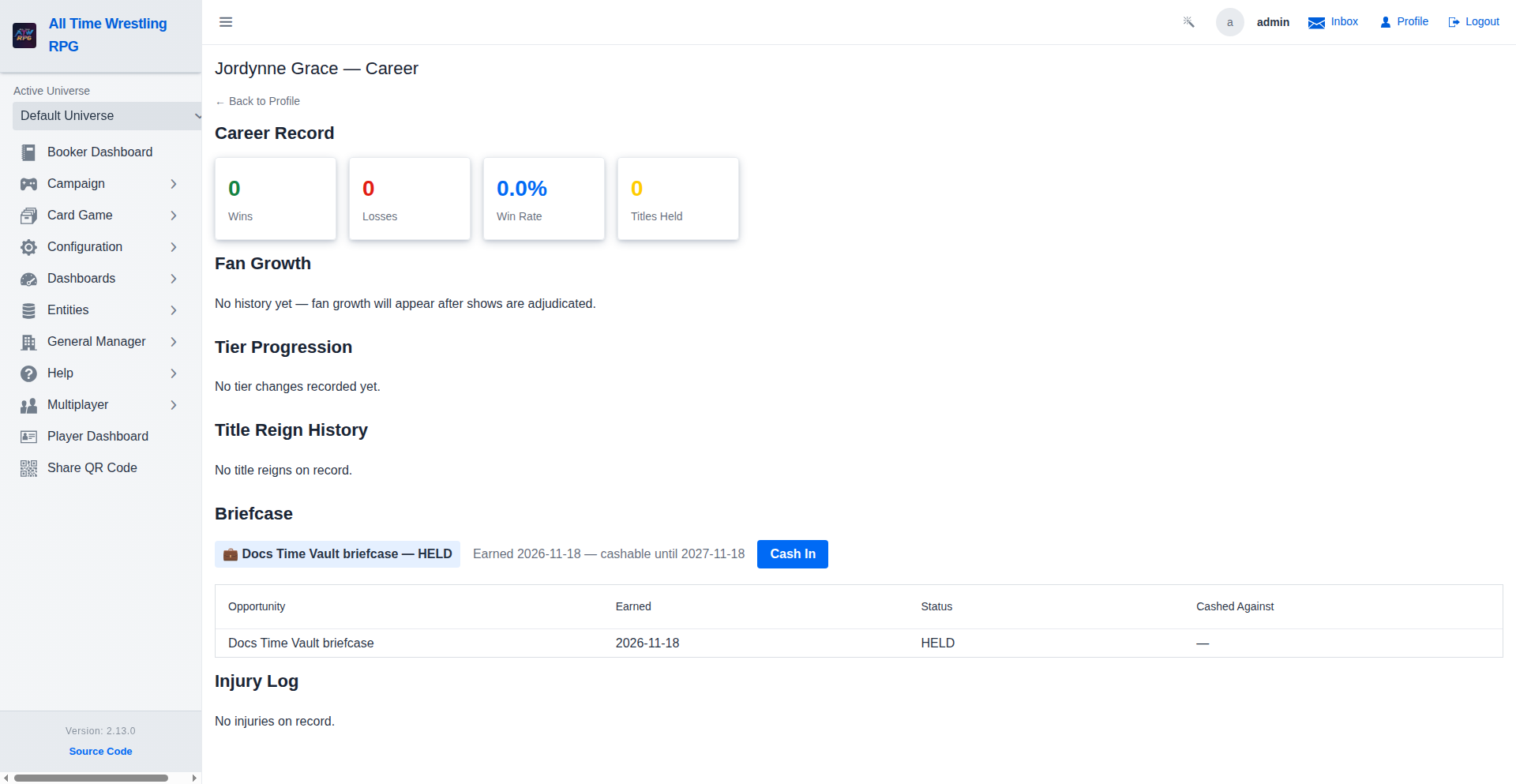
Briefcase on the Wrestler Profile
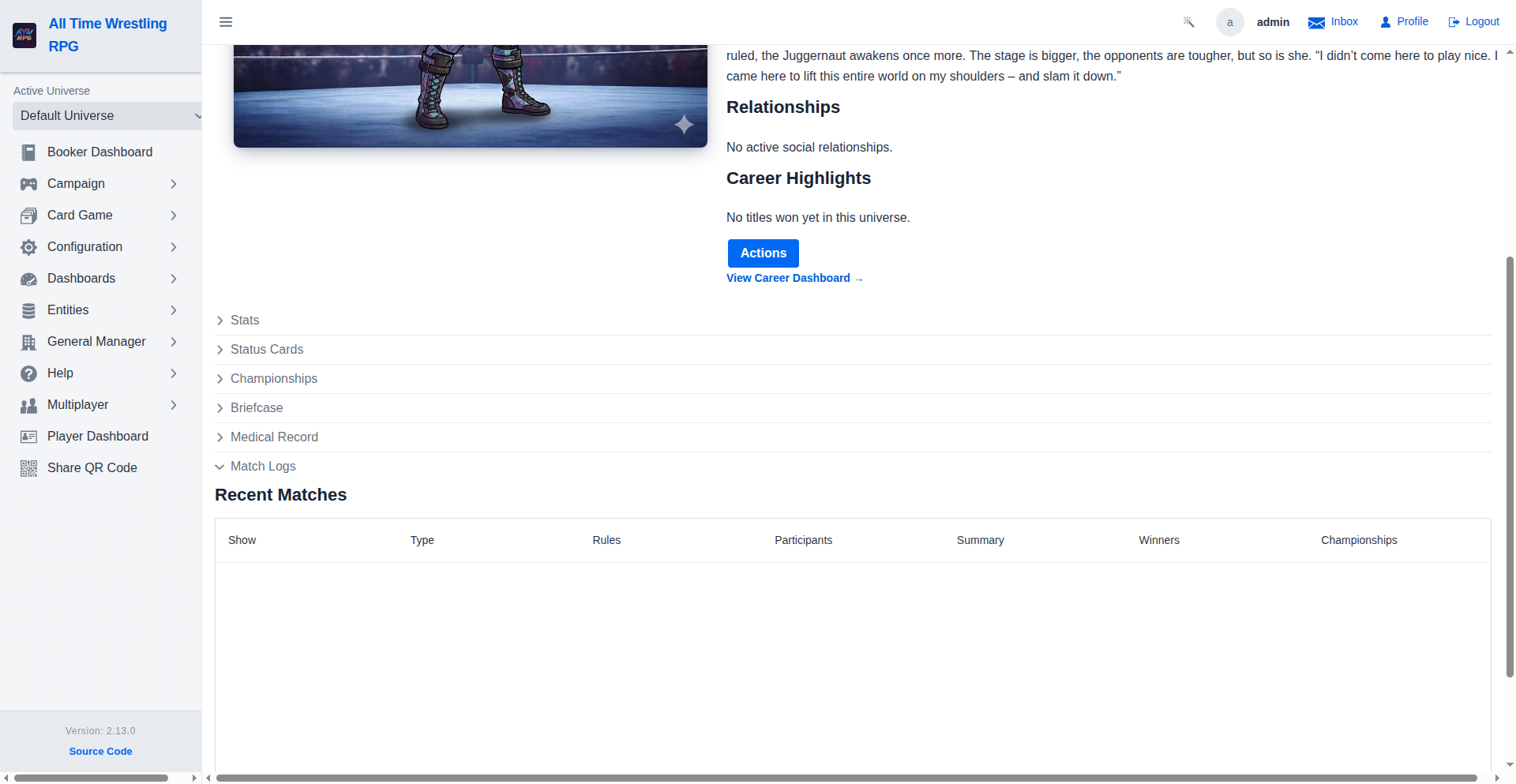
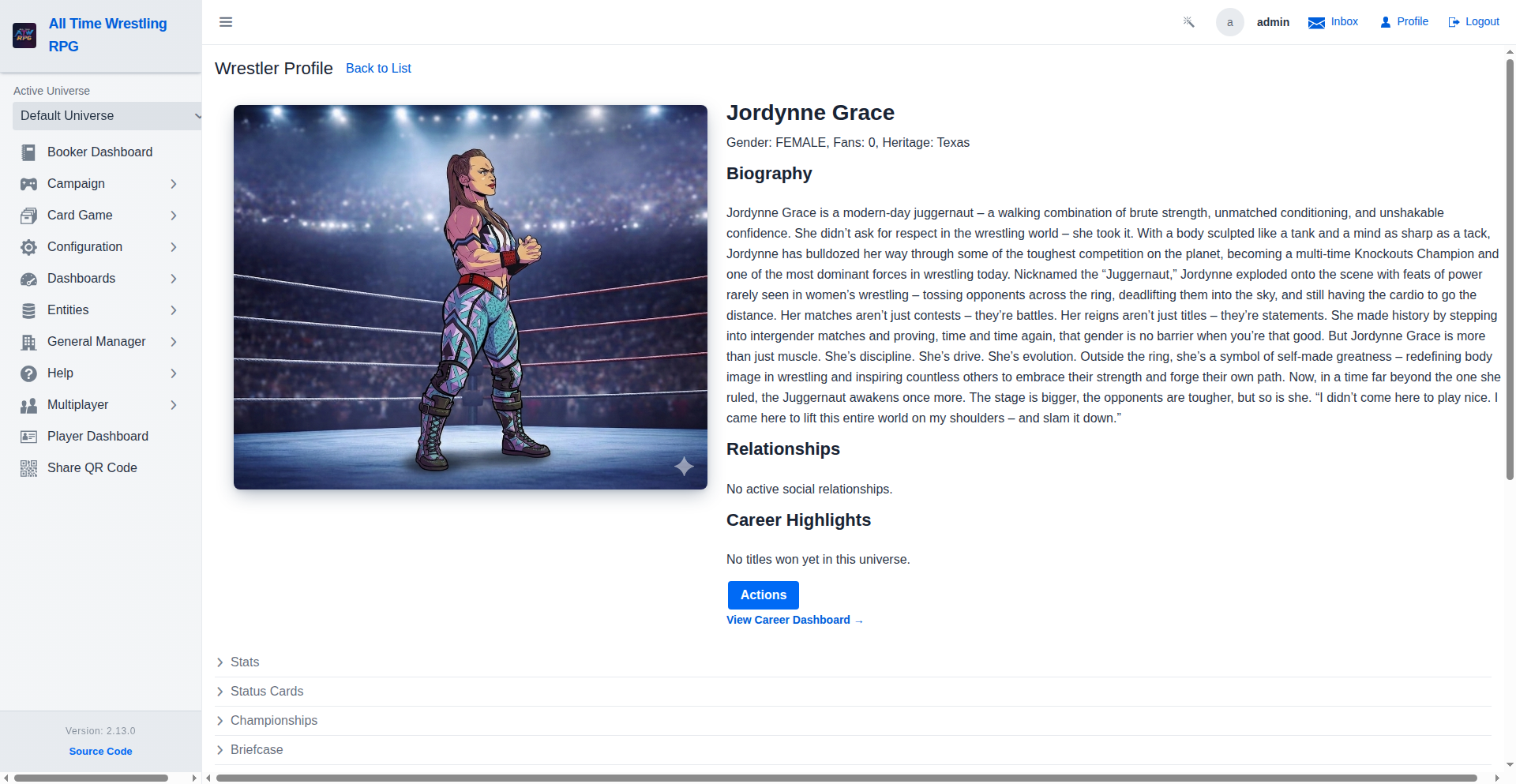
The wrestler profile carries the same Briefcase panel — held case, cashable-until date, and the Cash In action — next to Championships, so the prize is visible without leaving the profile. The Career Dashboard link in the hero section leads to the full career history.
Briefcase Management
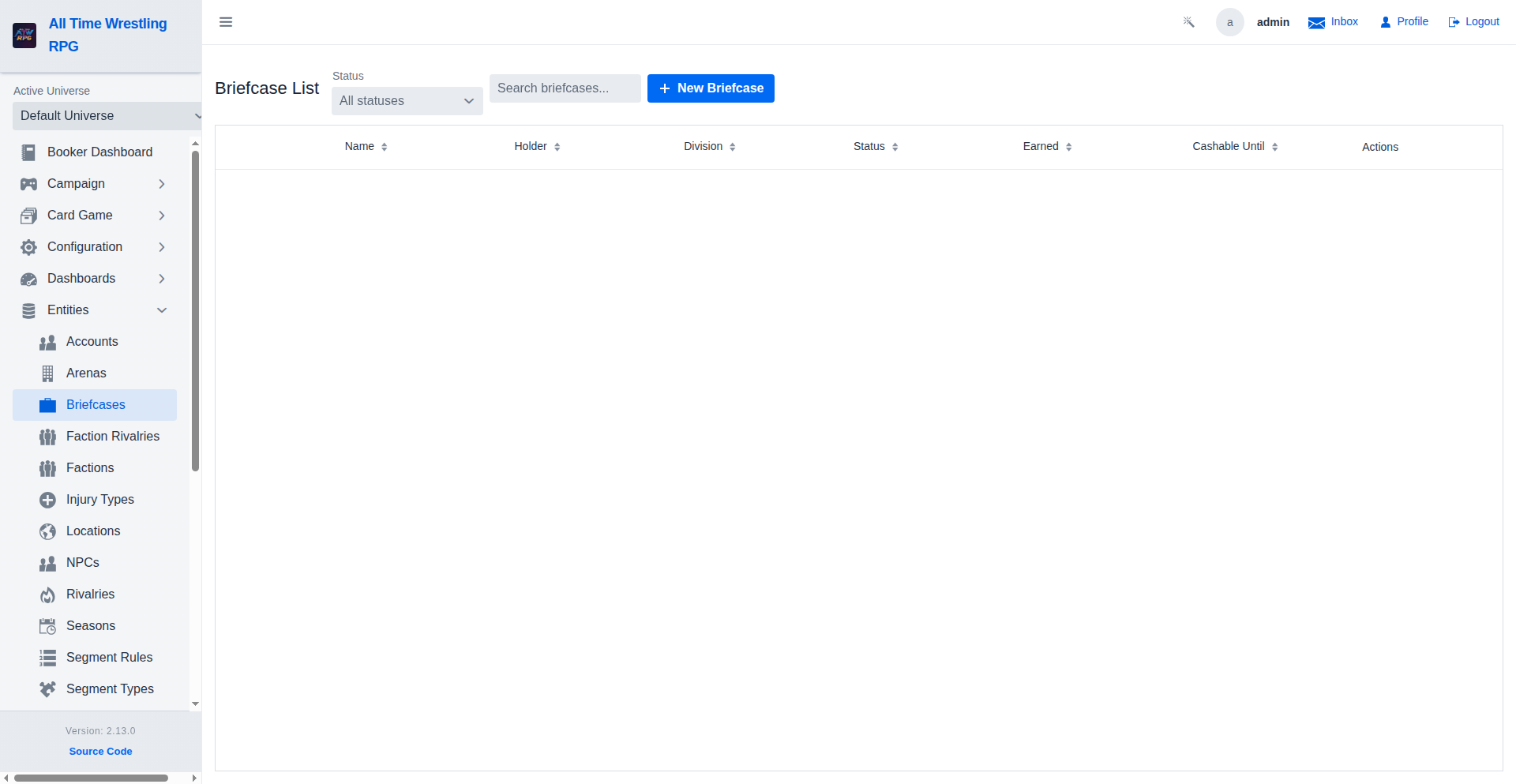
Bookers manage the Money in the Bank-style briefcases from the Entities menu: every case with its holder, division, status and cashable-until date. Live (HELD) cases can be edited — rename, override the expiry, upload artwork — or voided (a manual cancel that keeps the row as history). Cashed-in and expired rows are read-only history.
Team Tournaments
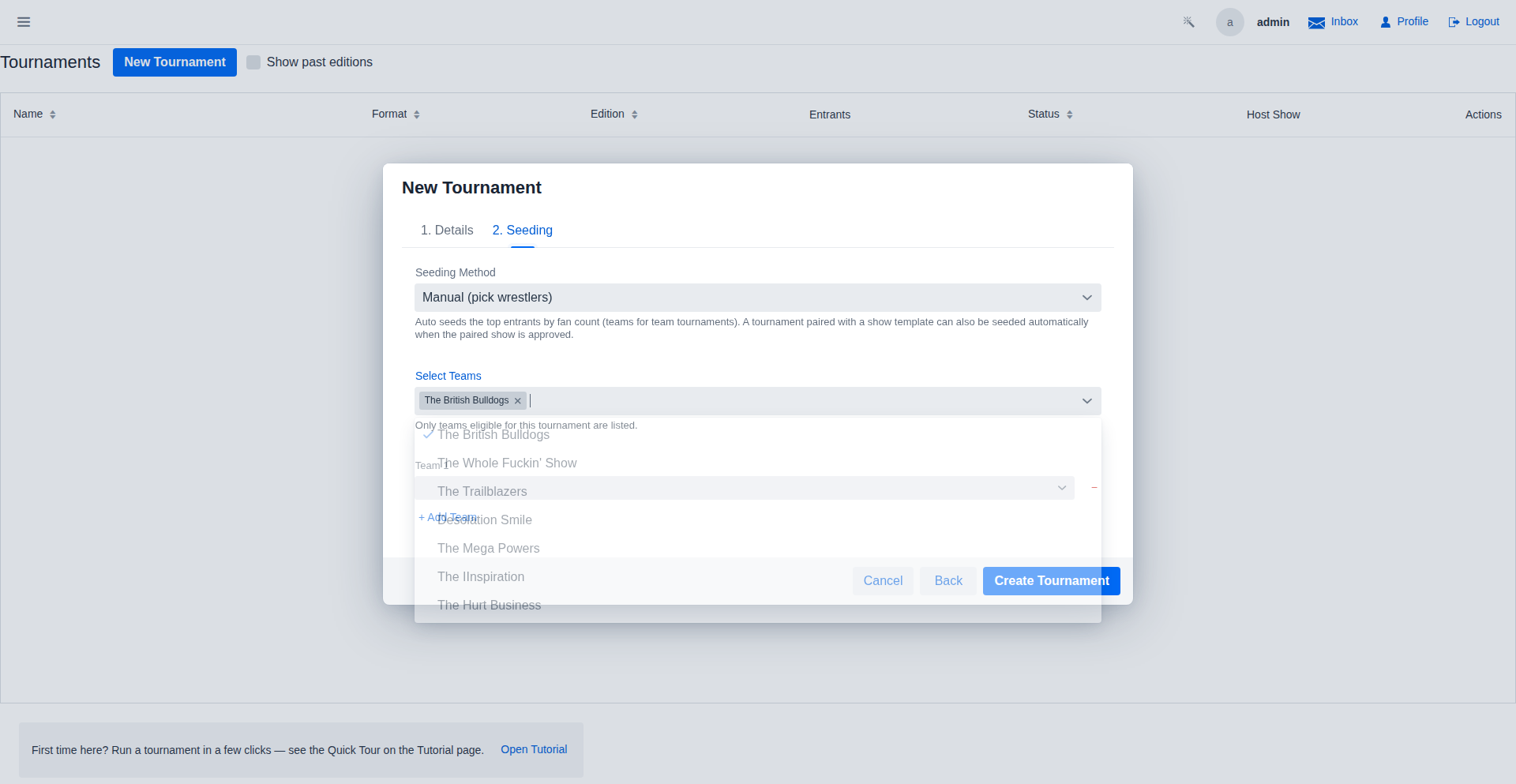
Tournaments can be crowned with team champions: pick Tag Team or Trios entrants and the seeding step swaps the wrestler picker for a team registry — active, seeded teams of the declared size (DUO/TRIO) filtered by the gender restriction, sorted by team fans. The linked championship must be a TEAM title, and the payoff always puts it on the line: the winning team becomes the inaugural champions.
Team Tournaments — One-Off Assembly
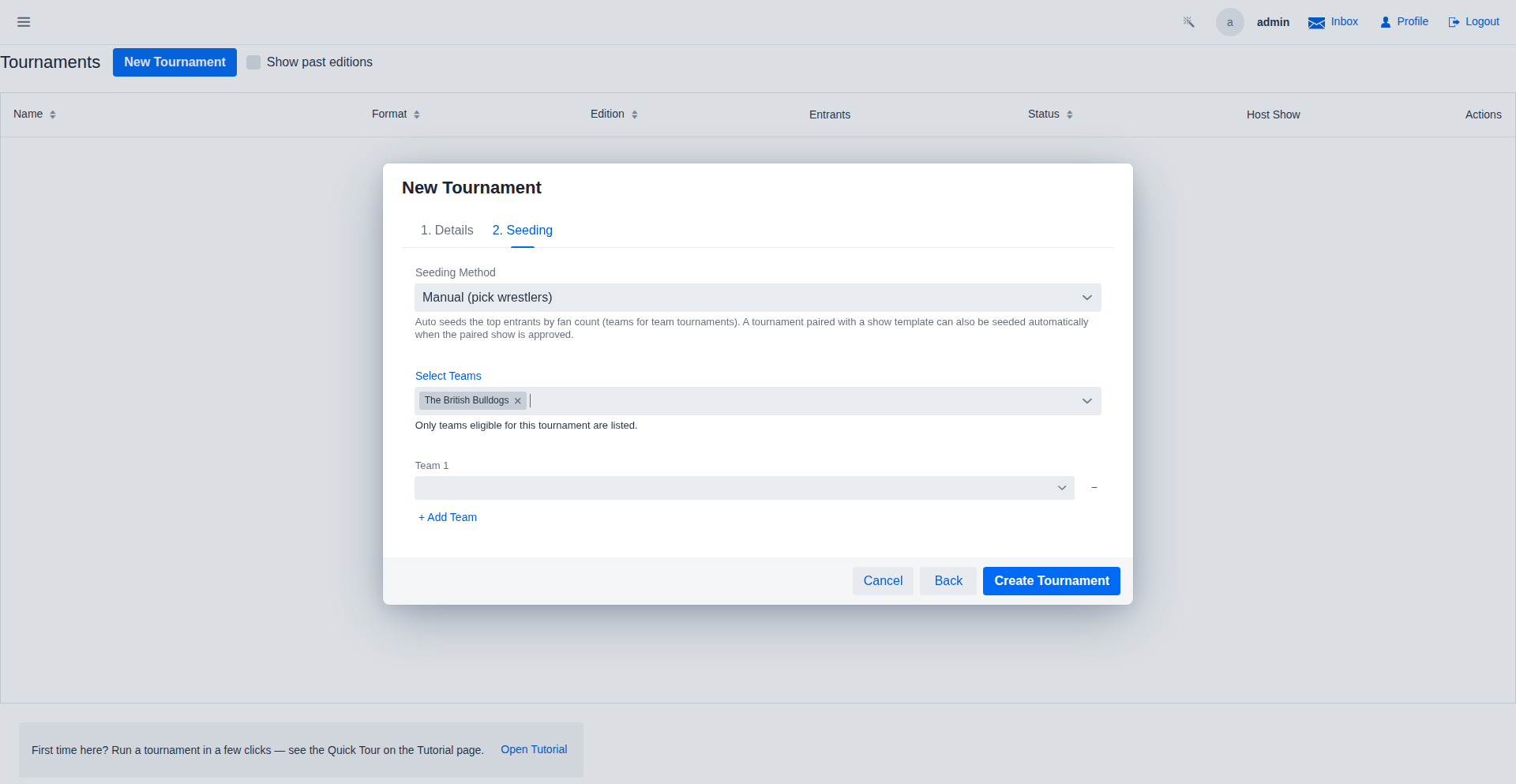
Prefer a team that is not in the registry? Assemble one right in the wizard with the add-team rows: each row is one team accepting exactly the declared member count (a duo row takes two picks), "+ Add Team" adds another, and every picker excludes wrestlers already committed to a picked registry team or another row. Team names are generated from the lineups and uniquified on create. The assembled teams persist as one-off (AD_HOC) teams unless 'Save these teams to the team registry' is checked (default off), which flips them into the registry for future tournaments.
Cards
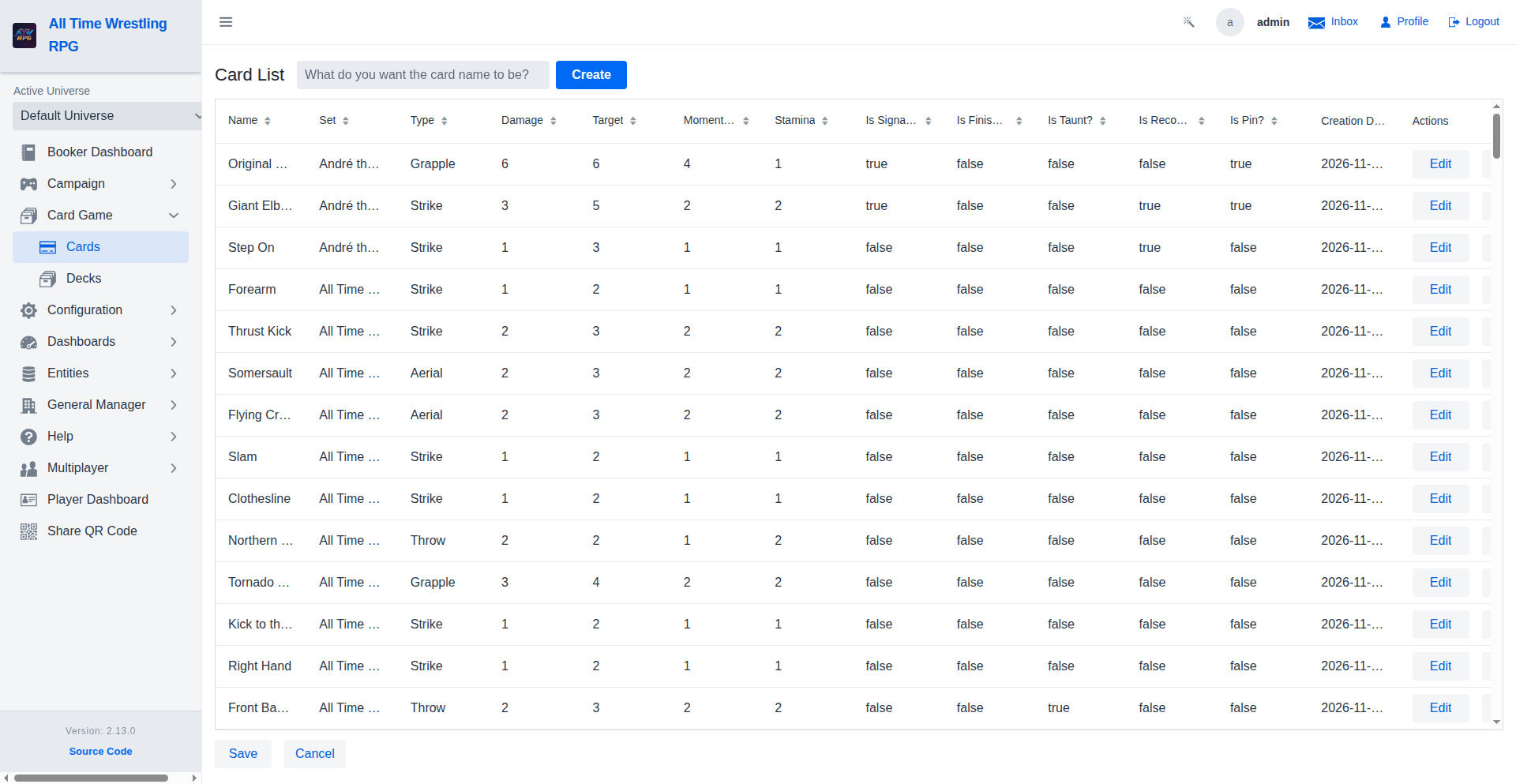
The heart of the ATW RPG battle system. Each card represents a move (Strike, Grapple, Aerial, Throw) with specific health and stamina costs and damage effects.
Decks
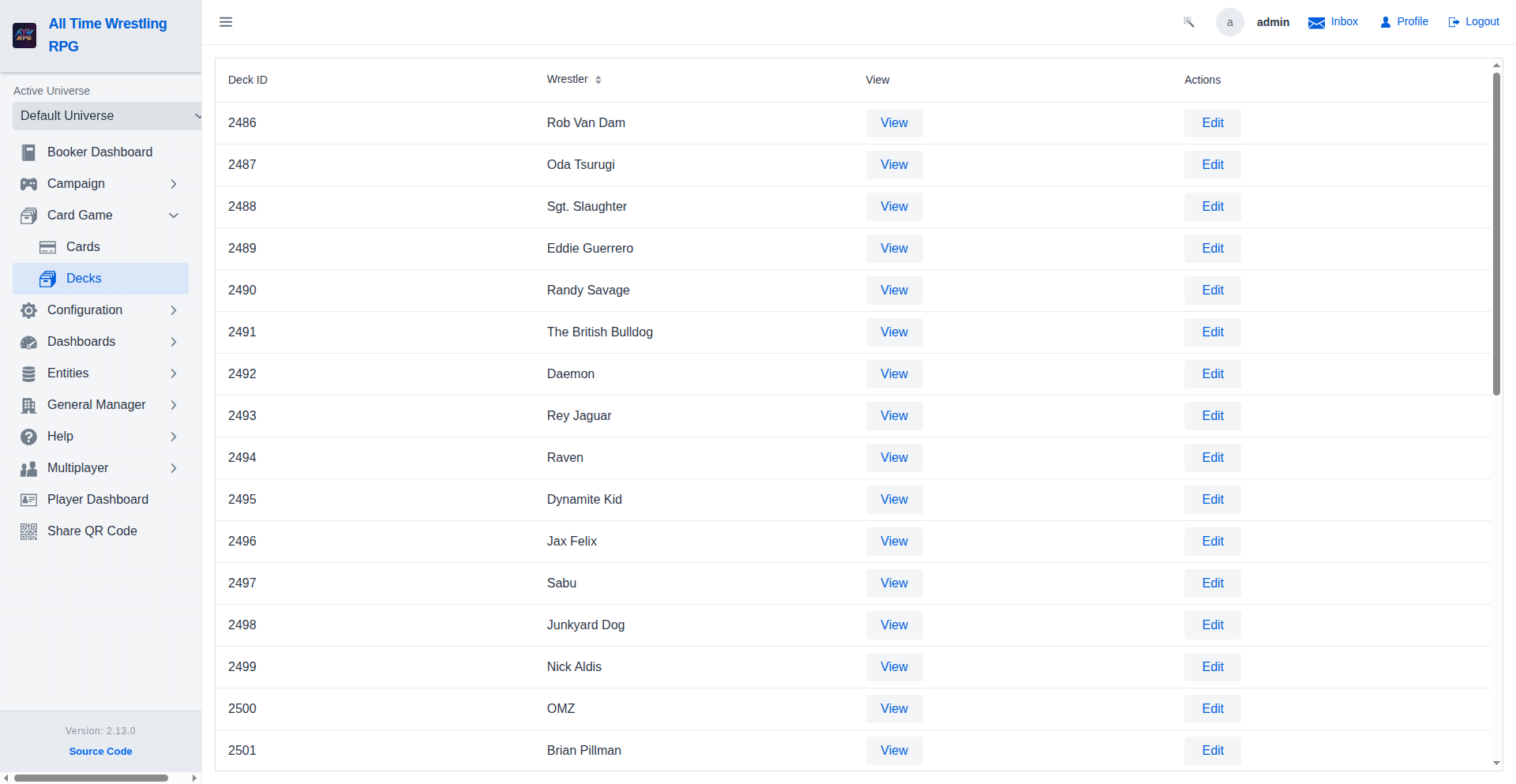
Manage wrestler-specific decks. Strategy involves balancing high-damage finishers with efficient setup moves and stamina-recovering taunts.
Faction Synergy
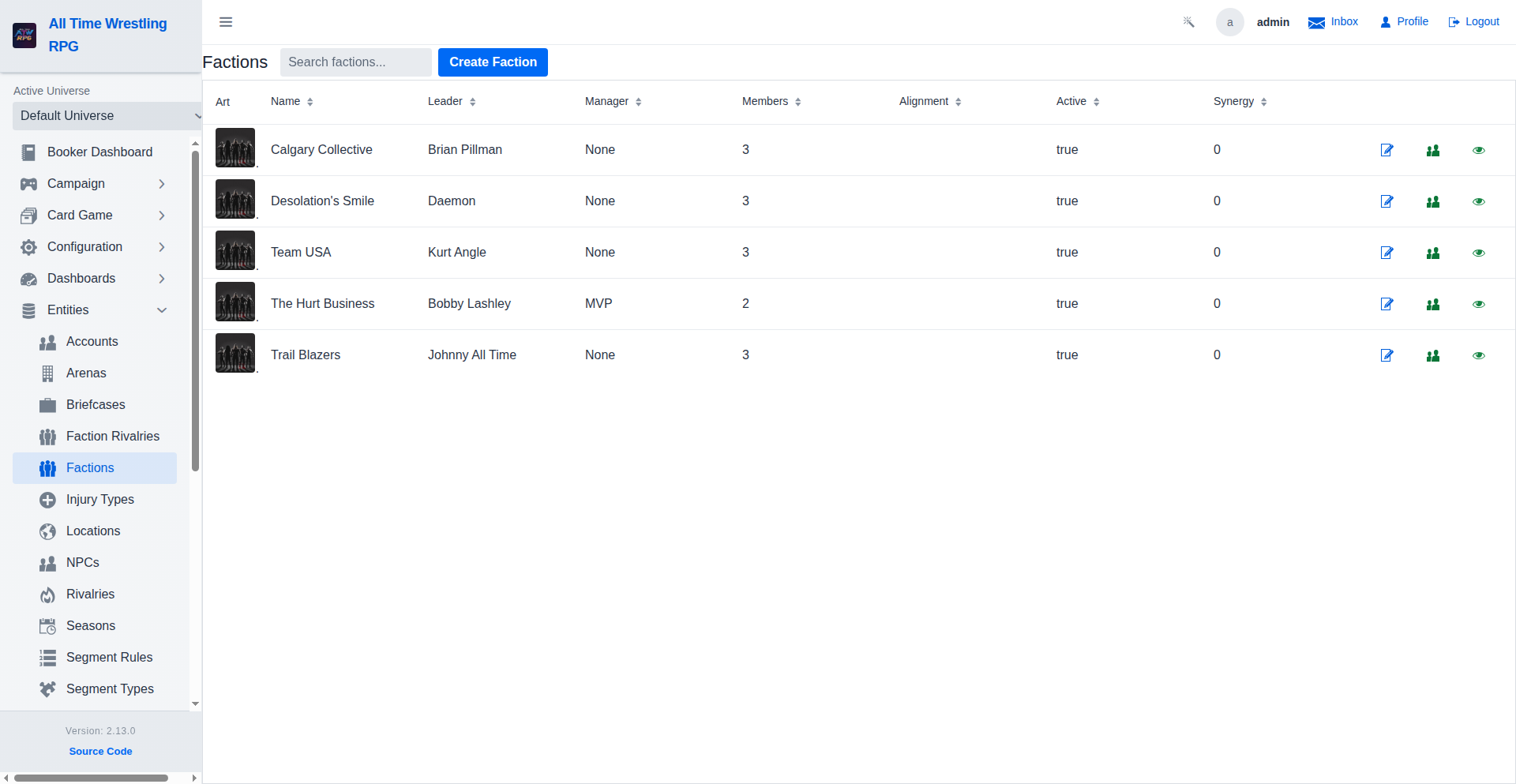
Factions grow stronger as members work together. Affinity builds through shared matches and victories, unlocking powerful synergy buffs like stamina recovery, finisher damage, and resilience bonuses. High-affinity factions have a mechanical advantage in match outcomes.
Persistent Wear & Tear
Matches take a toll on a wrestler's body. Physical condition degrades over time based on match intensity (Extreme matches double the wear) and positioning (Main Events are more demanding). Low condition results in health penalties and potential forced retirement.
Expansion Packs
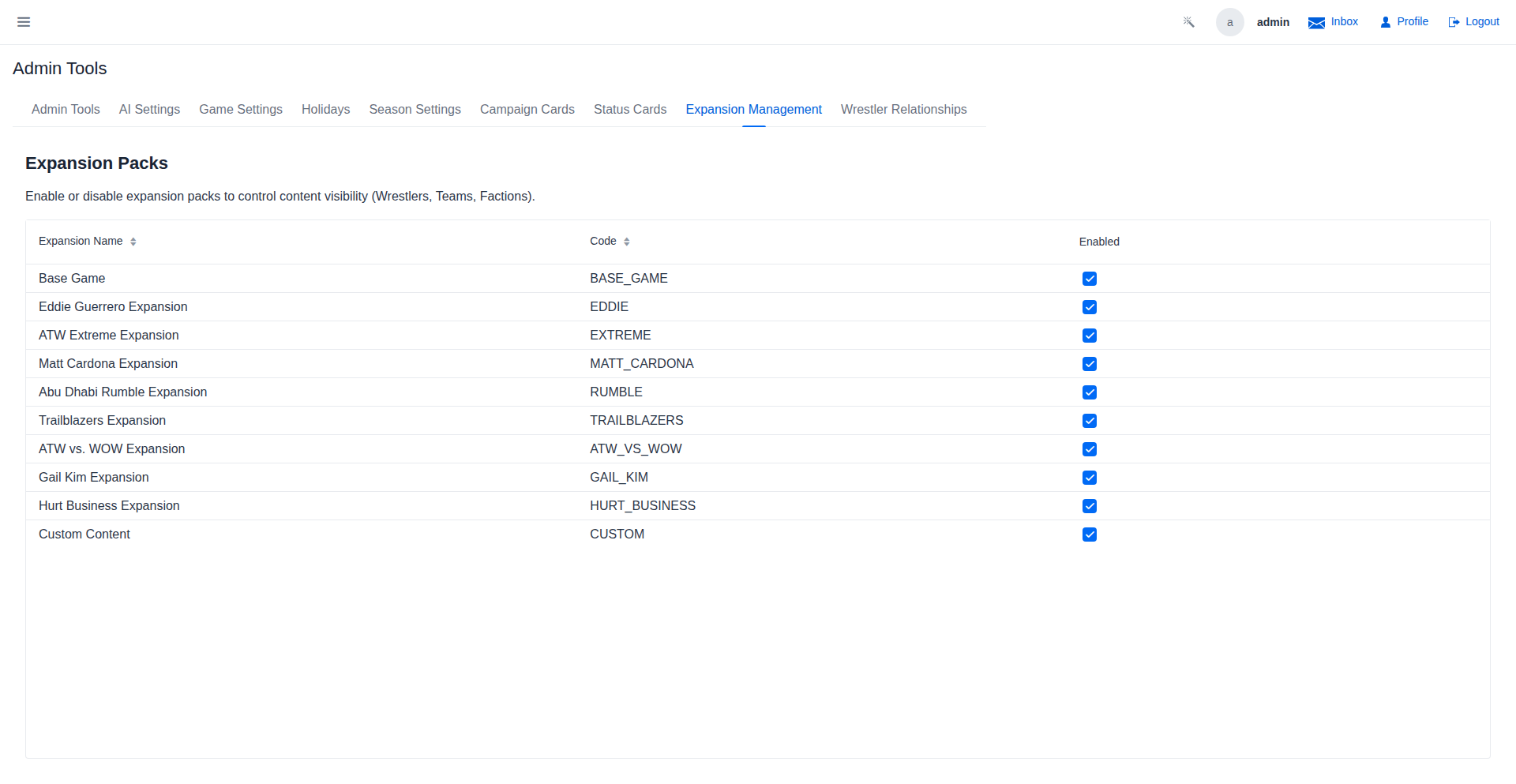
The roster is modular. Content is grouped into Expansion Packs that can be enabled or disabled by administrators. This dynamic system automatically filters wrestlers, teams, and factions based on active sets, allowing for themed seasons and customized gameplay experiences.
Ringside Actions
Managers and faction members can swing the match in your favor. Perform ringside actions like coaching, distracting the referee, or sliding in a weapon, but be careful - too much illegal interference will lead to ejections or disqualification!
Video Walkthroughs
Managing Cards
Card name updated in place — changes persist immediately with no page reload, keeping the editing flow smooth during show preparation. Updated cards are reflected in all decks that reference them automatically.
Creating a Card
New card created — it appears in the grid immediately and is ready to be assigned stats, a card set, and rules for use in segments. Open the Edit dialog to configure health cost, stamina cost, and damage values.
Decks Walkthrough
A well-rounded deck includes both offensive moves and defensive counters. Cards carry health cost, stamina cost, and damage values — the match engine draws from these to determine realistic in-ring outcomes.
Cards Walkthrough
Card detail view shows health cost, stamina cost, damage type, and move category. These values are referenced directly by the match engine and AI narration when describing what happened in a segment.
Briefcase Cash-In Walkthrough
In this seeded universe no championship currently has a reigning champion, so the dialog stays closed — the Cash In precondition is an active title with a reigning champion. In a universe with championships on the line, the dialog lists every eligible title and show here.