Book Your First Show
Who this is for: BOOKER or ADMIN. Players and viewers can watch shows run, but only bookers build and run the card.
A first-time booker's walkthrough: from an empty calendar to a completed show with results.
Before you start: your admin must have set up the promotion — wrestlers on the roster, at least one arena, and (for AI narration) a working AI provider. See Admin Getting Started if anything is missing.
Step 1 — Create the show
Open Show List from the navigation and create a new show. You'll pick:
- Show type — the kind of event (weekly TV, premium live event, house show). The type shapes expectations: weekly shows build momentum, premium events are where titles change.
- Date — when the show runs on the calendar.
- Arena — where. Capacity feeds attendance and fan calculations.
Step 2 — Fill the card
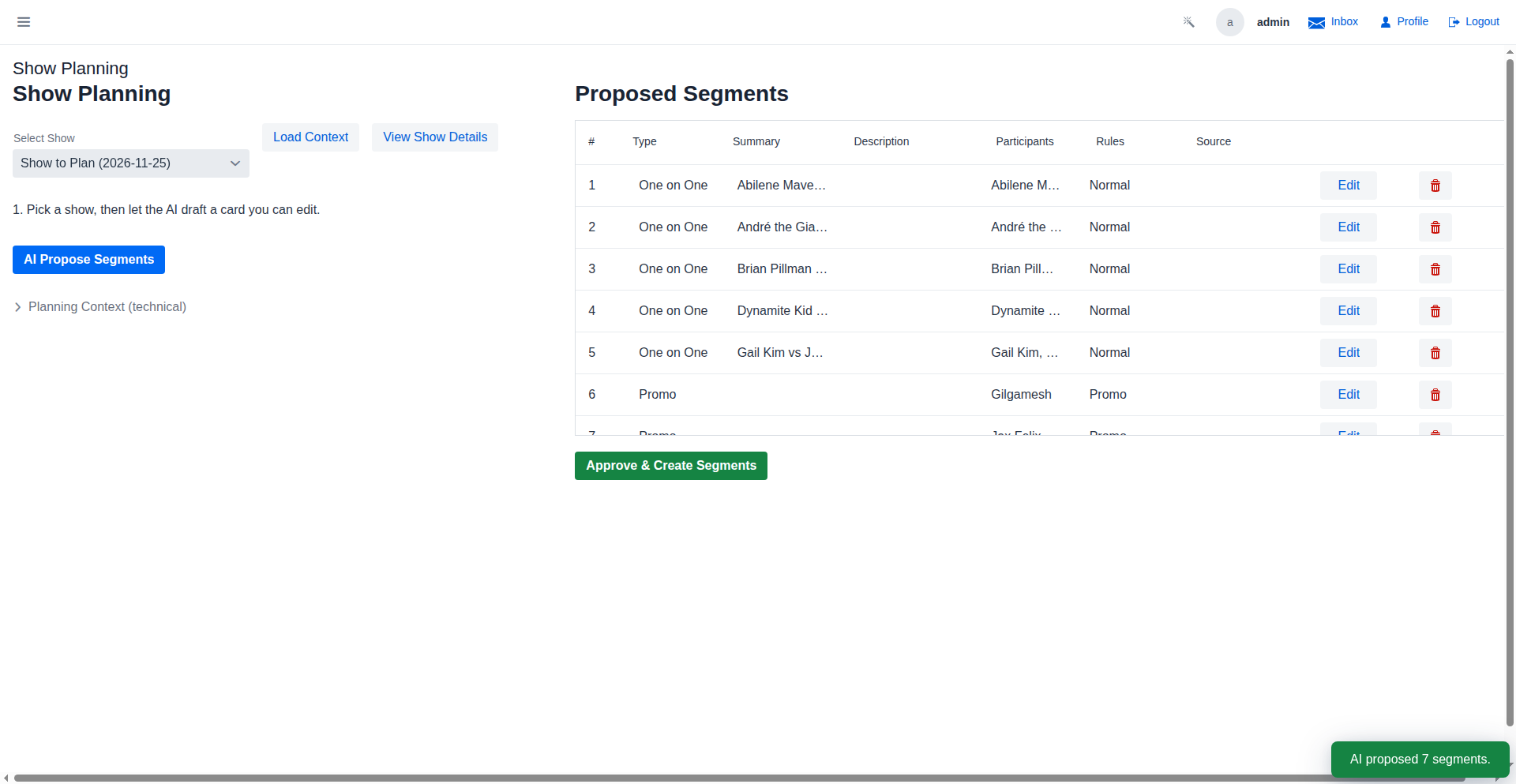
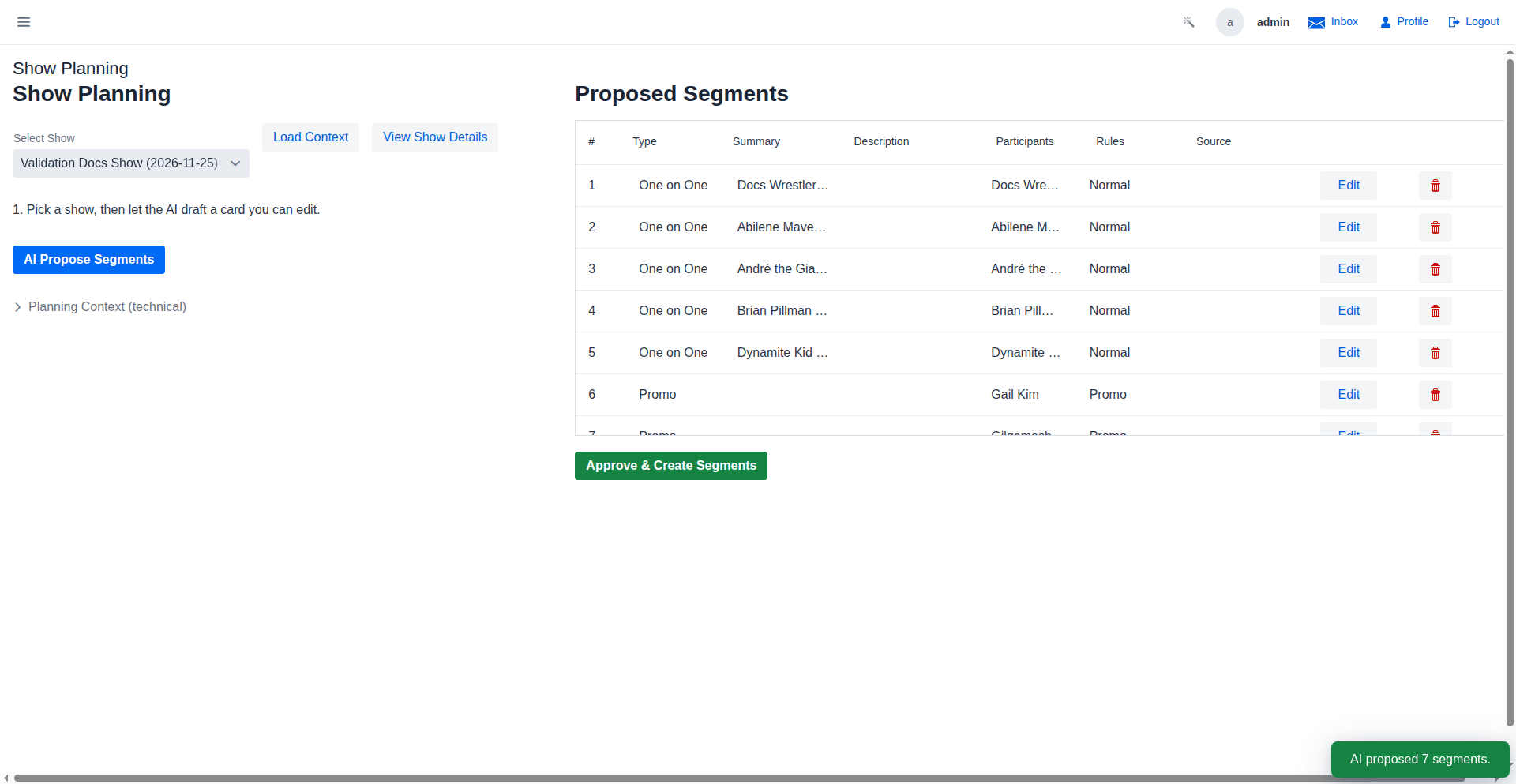
A show is an ordered list of segments. Add segments one by one; each has a type, participants, and (for matches) a match type:
- Matches are the heart of the card: pick two or more wrestlers and a match type (singles, tag, triple threat… — the list comes from your enabled expansions). The winner is decided when the show runs.
- Promos give wrestlers mic time to build heat without a physical contest — use them between matches to pace the show.
- Championship matches: attach a title to a match to put it on the line. Champions who retain gain fans; losers lose them.
Watch the proposed card helpers as you build — the game flags problems before showtime (a wrestler booked twice, a stipulation that doesn't match the participants, a card with no main event).
Step 3 — Designate the main event
The last non-promo segment on the card is the night's headline. Main-event winners earn elevated fan gains and the AI narration treats the segment as the climax — so put your hottest rivalry there.
Step 4 — Run the show
When the card is final, run the show. The game adjudicates each segment in order:
- Match outcomes roll from wrestler stats, health, stamina, and momentum — the better-prepared wrestler usually wins, but upsets happen.
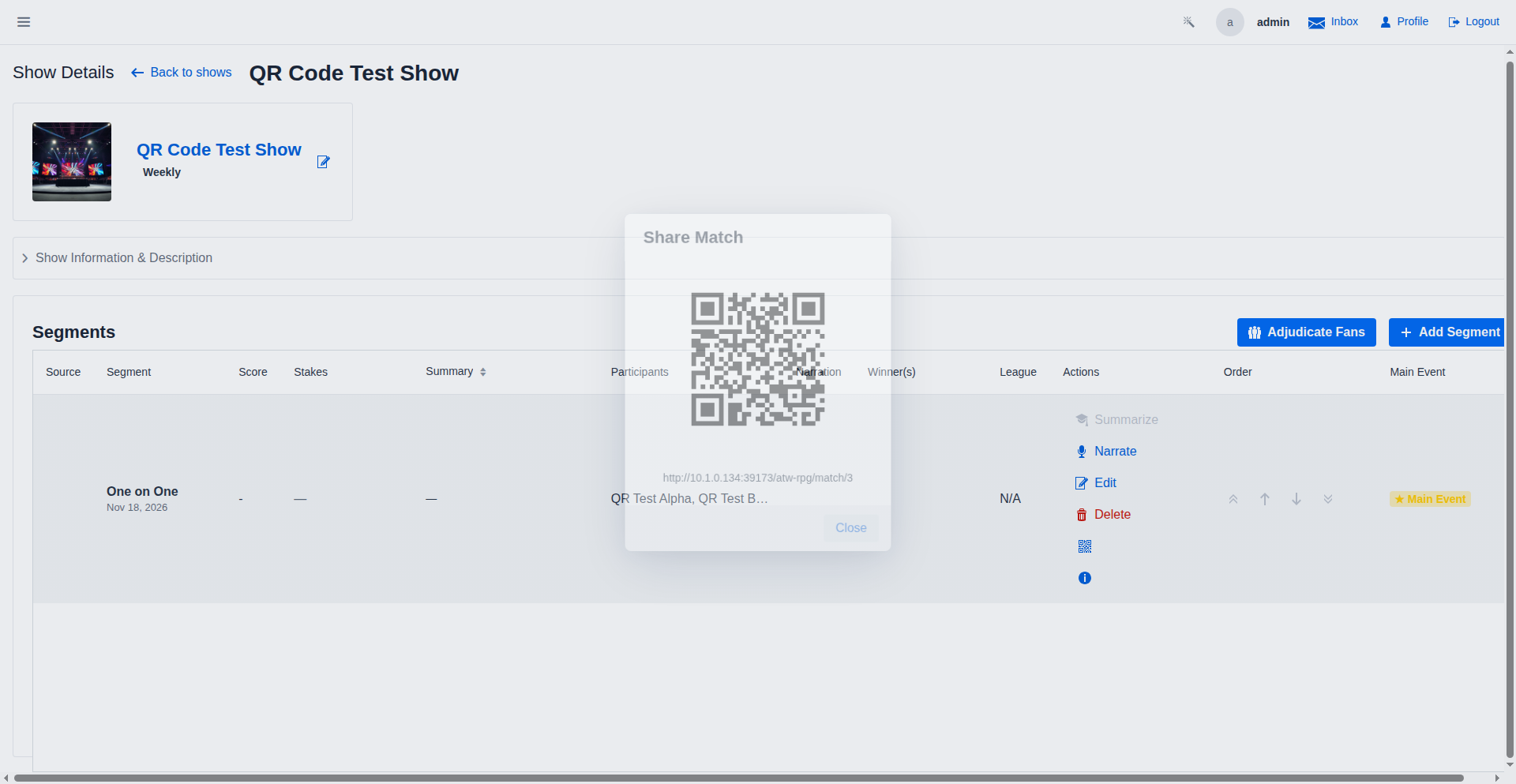
- With an AI provider configured, every segment gets live narration and commentary you can share with your community (shows expose a QR code link for viewers).
- Fans, rankings, and injuries update as segments complete.
Step 5 — After the bell
Once the show is final:
- Results are visible to players and viewers — summaries update on the show card.
- Fan reactions land on winners and losers; a decisive win over a popular opponent moves the needle most.
- Rivalries heat up or cool down based on who fought whom and how.
- Notifications tell wrestlers and title holders what changed.
Check the show's detail page afterwards — it's also where you review the AI narration and segment results in order.
Where to go next
- The auto-generated Booker Overview documents every booker screen.
- Manage Rivalries — the heat system that decides who belongs on your cards.
- The Booker Journey page has video walkthroughs of the full show lifecycle.
- Rivalries, tournaments, and season scheduling are covered in the General Manager guide.