Set a Player-Controlled Wrestler
Who this is for: BOOKER or ADMIN — only bookers and admins see the Is Player flag and Player Account picker in the wrestler dialog.
An admin or booker's guide to handing a wrestler to a player. A wrestler flagged as player-controlled belongs to a real account: that player makes their wrestler's campaign choices, books their league matches, and gets personal notifications — instead of the AI running them as an NPC.
Step 1 — Open the wrestler
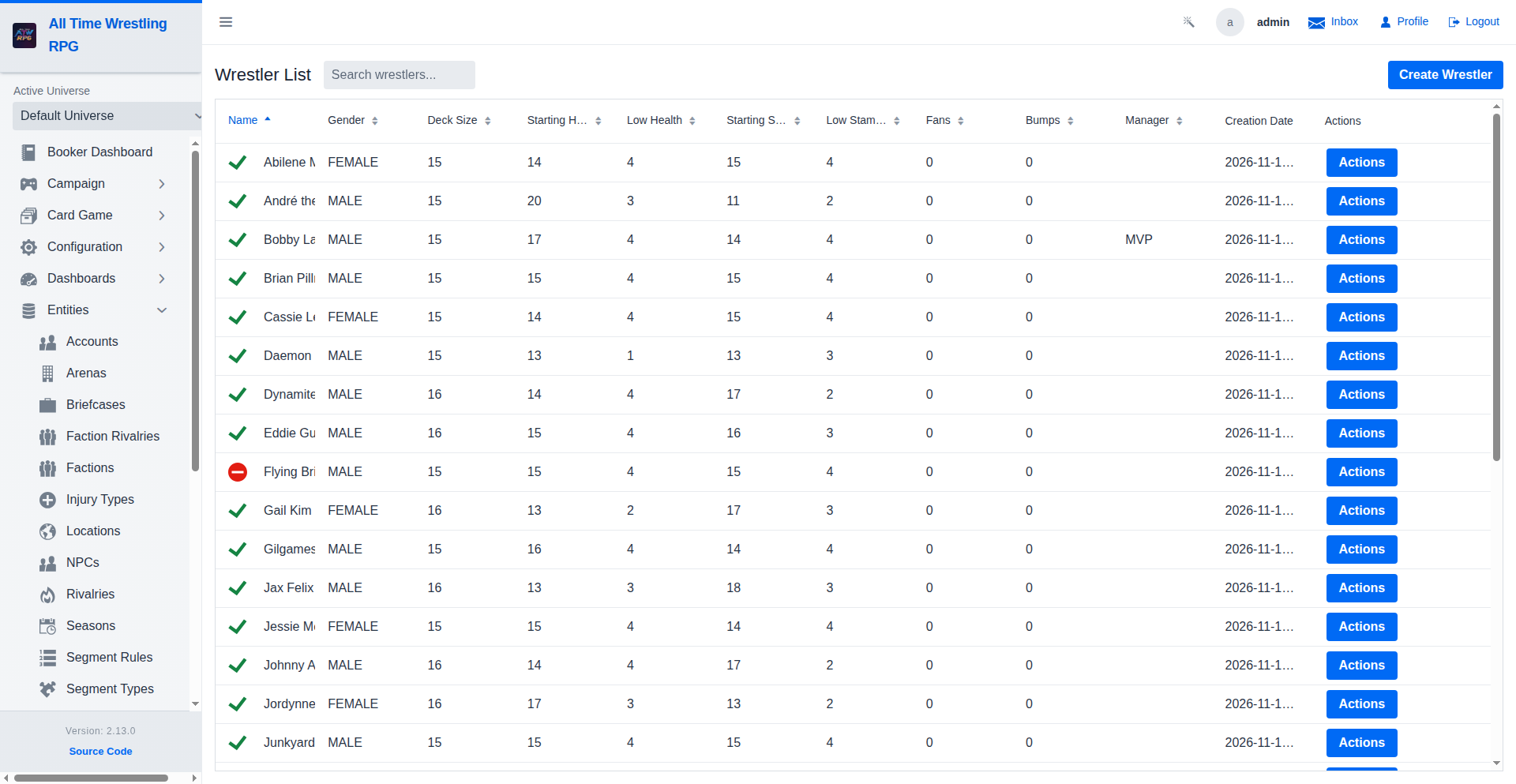
Open Wrestler List from the navigation and click the wrestler you want to hand over (or create a new one). The edit dialog opens.
Step 2 — Flag the wrestler as a player
In the edit dialog:
- Tick Is Player.
- A Player Account combo appears — pick the account that will control this wrestler. Only players with an account can log in and act as their wrestler.
- Save.
The roster list shows an Is Player? column so you can see at a glance who's human.
Step 3 — What changes for a player-controlled wrestler
- Player Dashboard — the player sees their wrestler's stats, effective stats (with all modifiers applied), status cards, season history, and notifications there.
- Campaign mode — the player can assign the wrestler to a campaign and make story choices on their behalf; AI-controlled wrestlers never appear in a player's campaign slot.
- Leagues — player-controlled wrestlers can be drafted into leagues and their players report match results (see Report Match Results).
- Tournaments — player-controlled entrants can appear in brackets; when one of their matches books, they get a notification to report the result.
Step 4 — Take the wrestler back (un-flagging)
Untick Is Player and save. The link to the player account is cleared — the wrestler returns to AI control. Any campaign or league history stays with the wrestler.
💡 One account, one wrestler: the player-account link is exclusive — if an account already controls a wrestler, reassigning it moves control. Clear a wrestler's flag before handing the account to someone else.
Where to go next
- Wrestler Profile — what players see once they control a wrestler.
- Grow a Wrestler — fans, tiers, injuries, and the career arc.
- Player Dashboard — the player's home screen.
- Report Match Results — the player's side of league play.