Admin
Welcome to the Admin guide. This documentation is automatically generated from the latest game features.
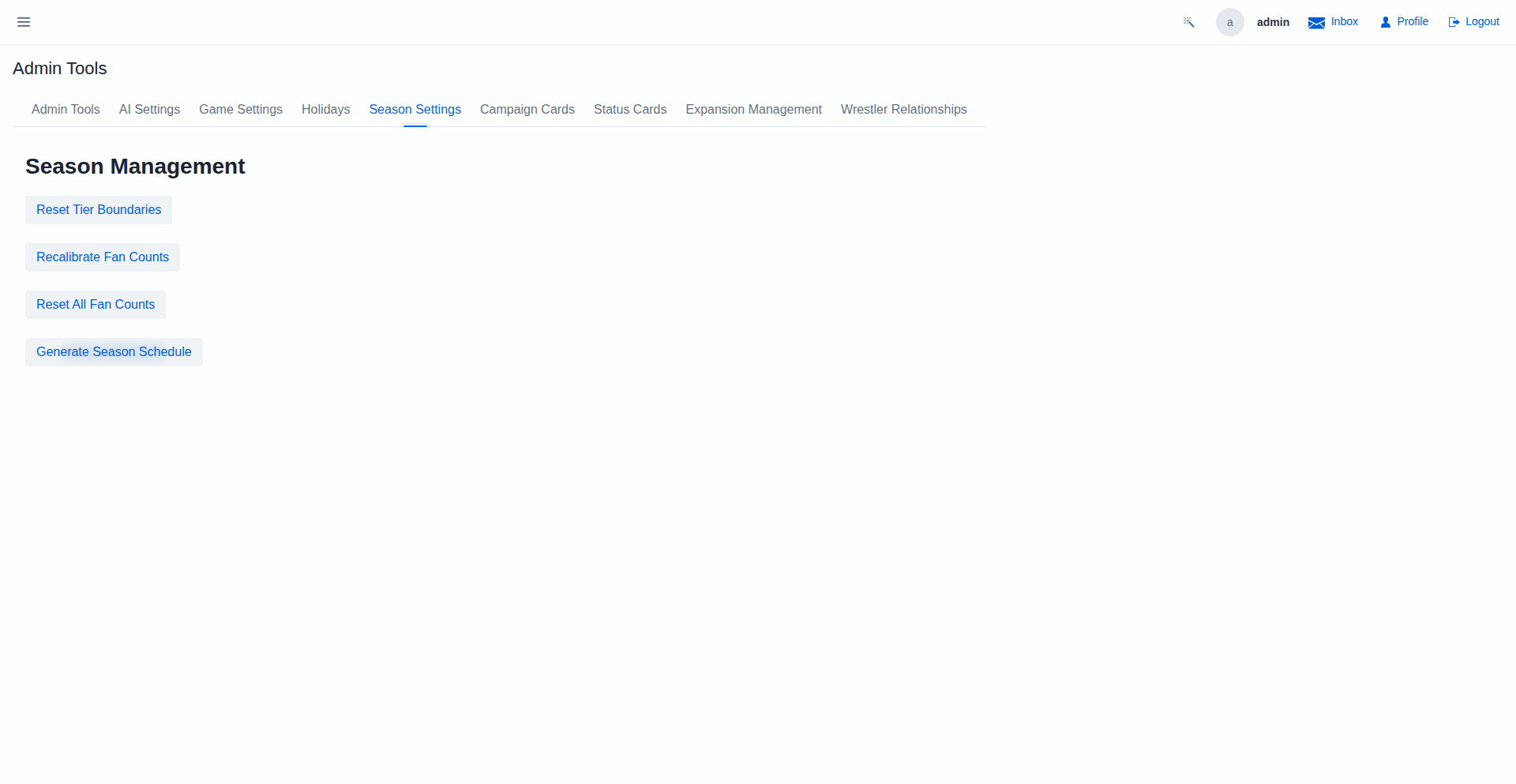
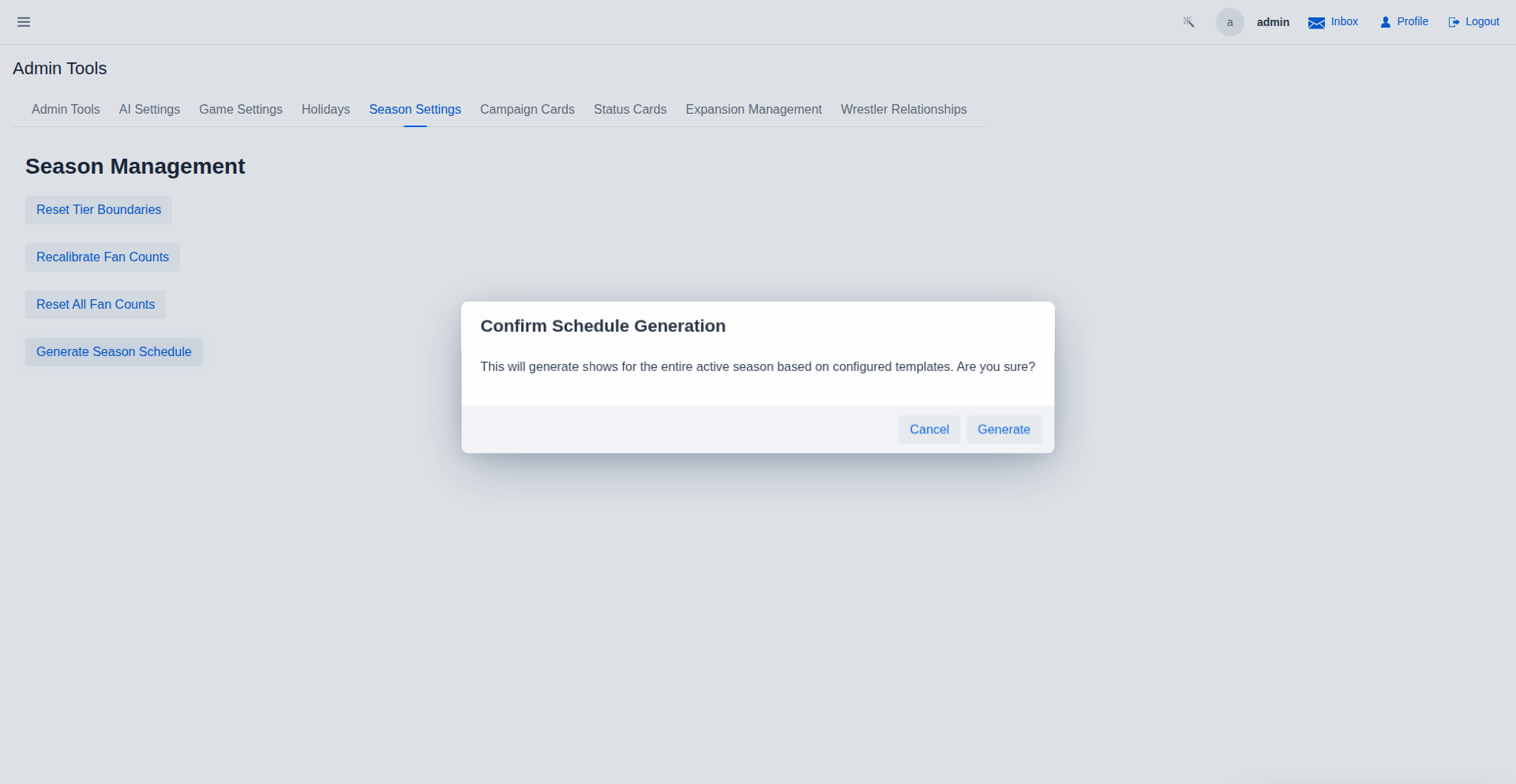
Season Settings - Schedule Generation Confirmation
The Season Settings tab showing the 'Generate Season Confirmation' button, before execution.
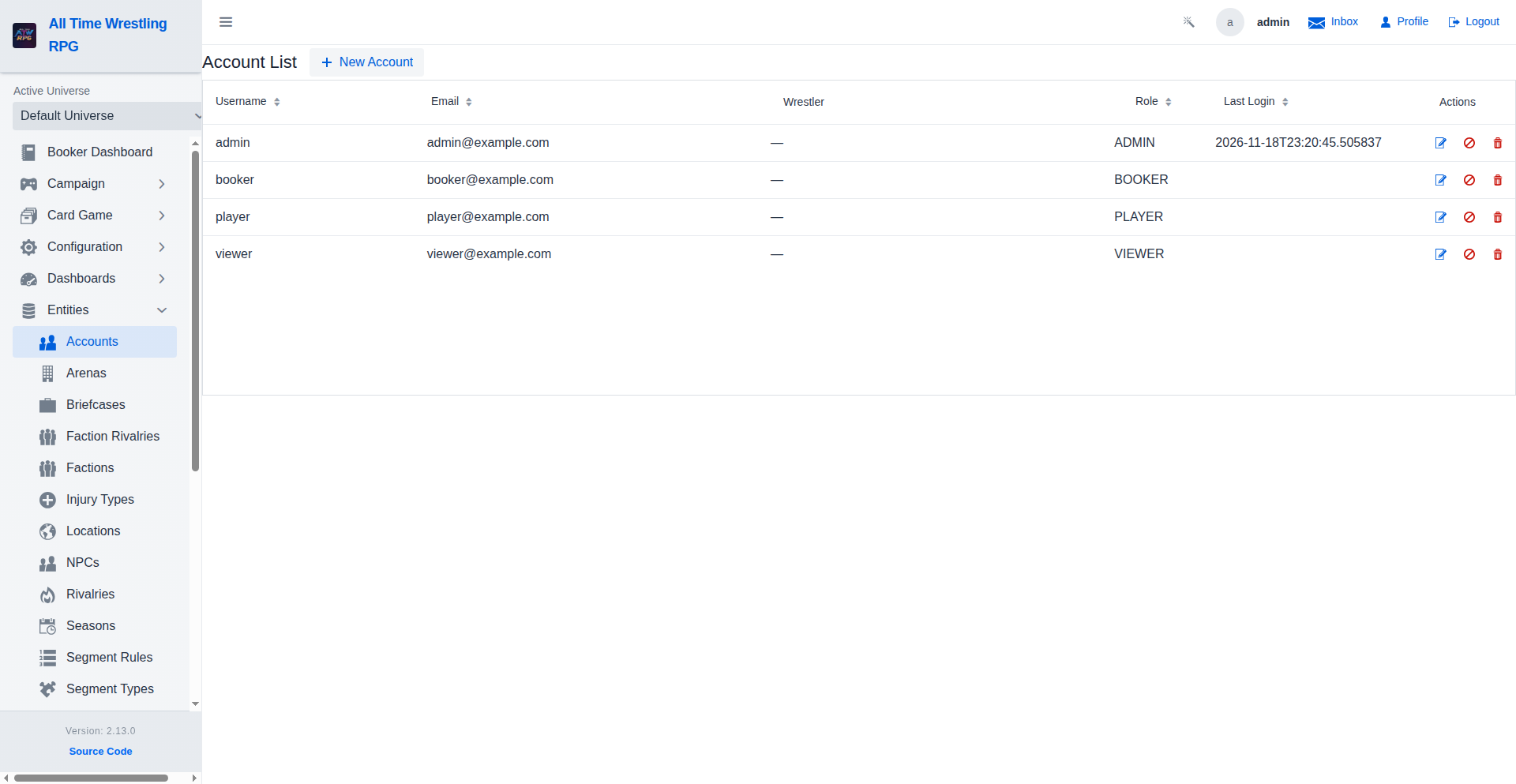
Account Management
Admins manage all user accounts from this view. Each row shows the account's username, email address, assigned roles, last login timestamp, and enabled/disabled status. Use Edit to change roles or reset credentials, and Delete to permanently remove an account.
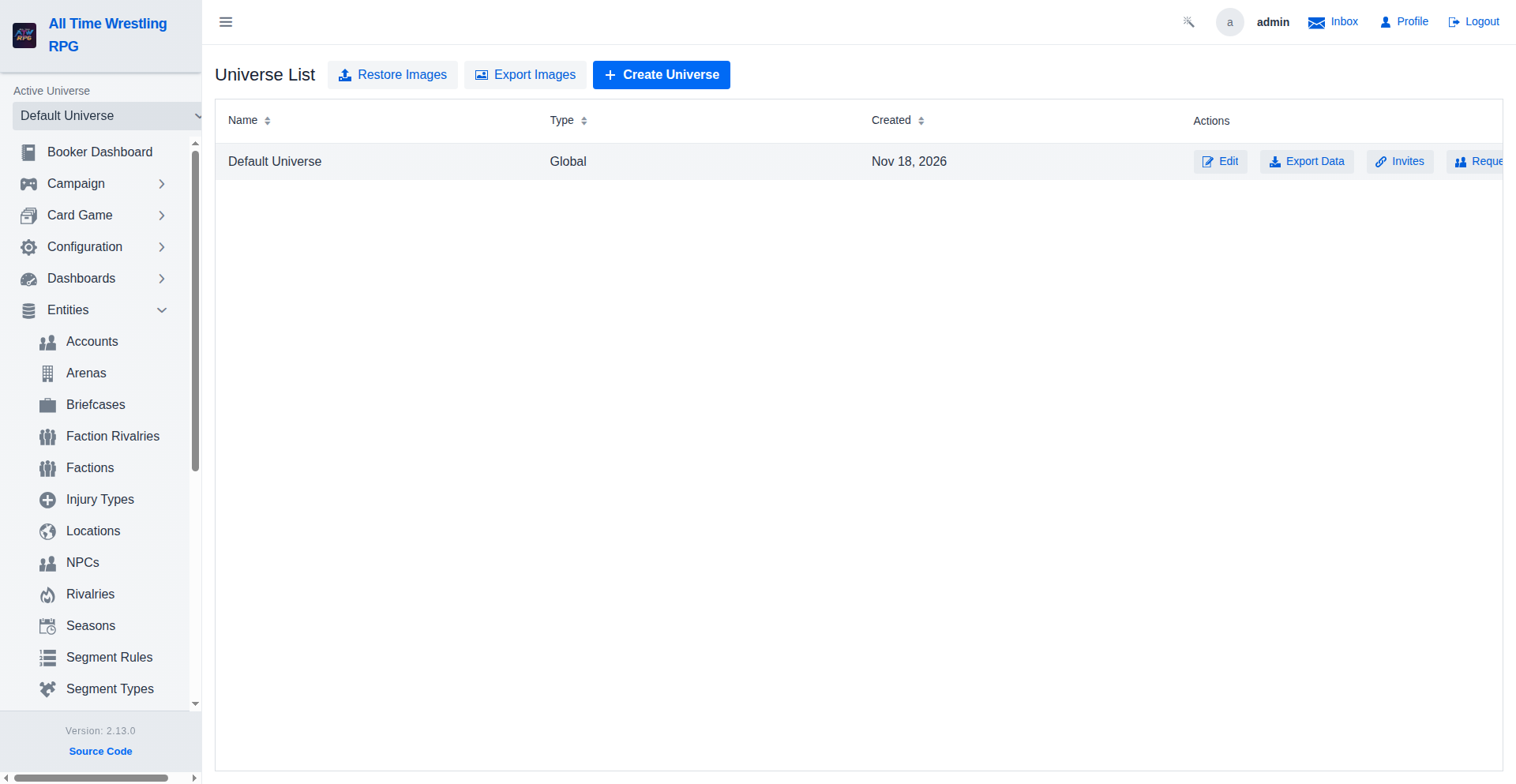
Universe Management
Universes are the top-level containers for all promotion data — shows, wrestlers, titles, factions, and storylines all belong to a universe. An installation can run multiple universes simultaneously, each with its own independent roster, calendar, and championship lineage.
Export Custom Images
Download a ZIP of all custom images (wrestlers, factions, titles, arenas, and more) in one click. The archive preserves the original file paths so images can be restored on a new host without reconfiguration.
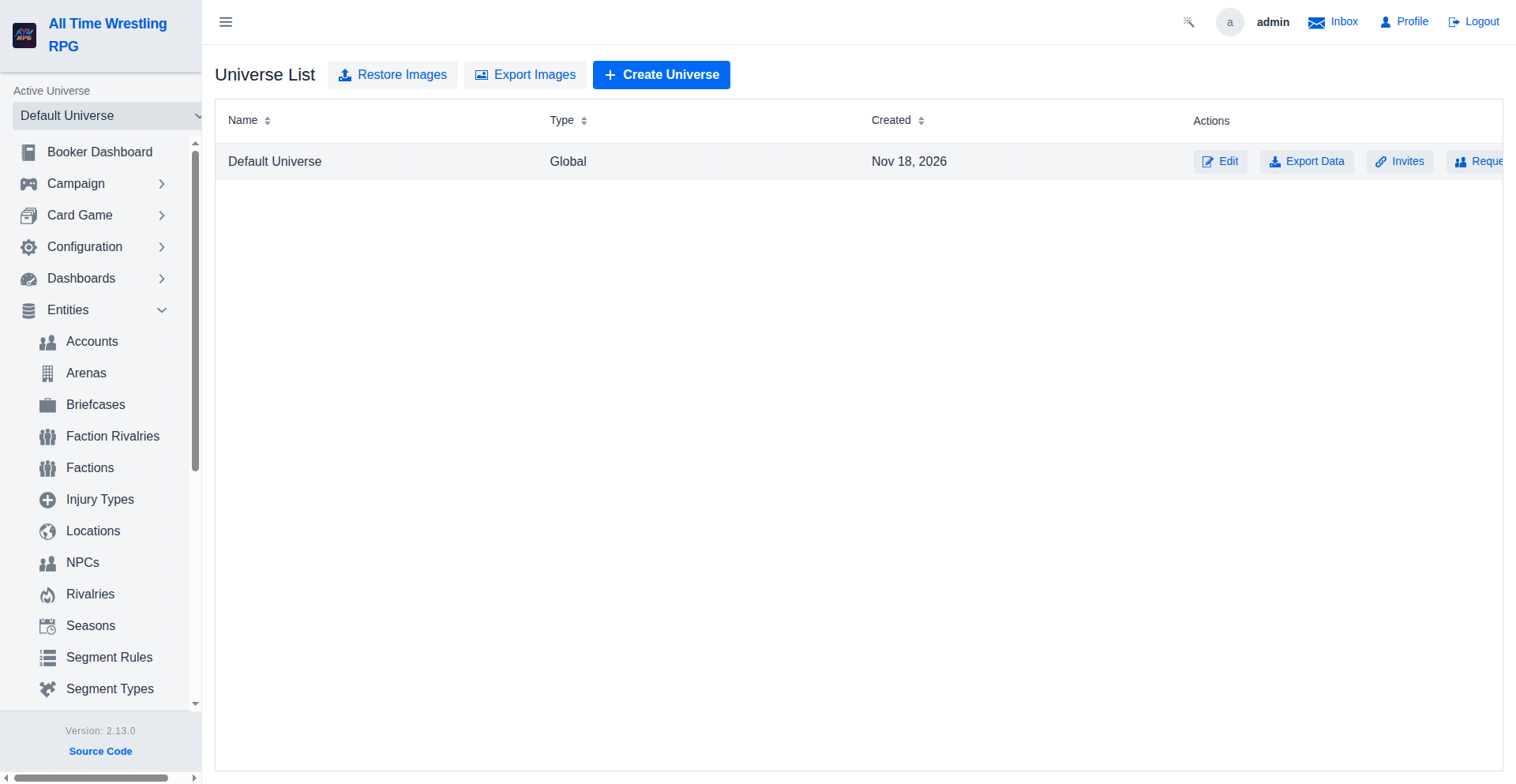
Managing Universe Invites
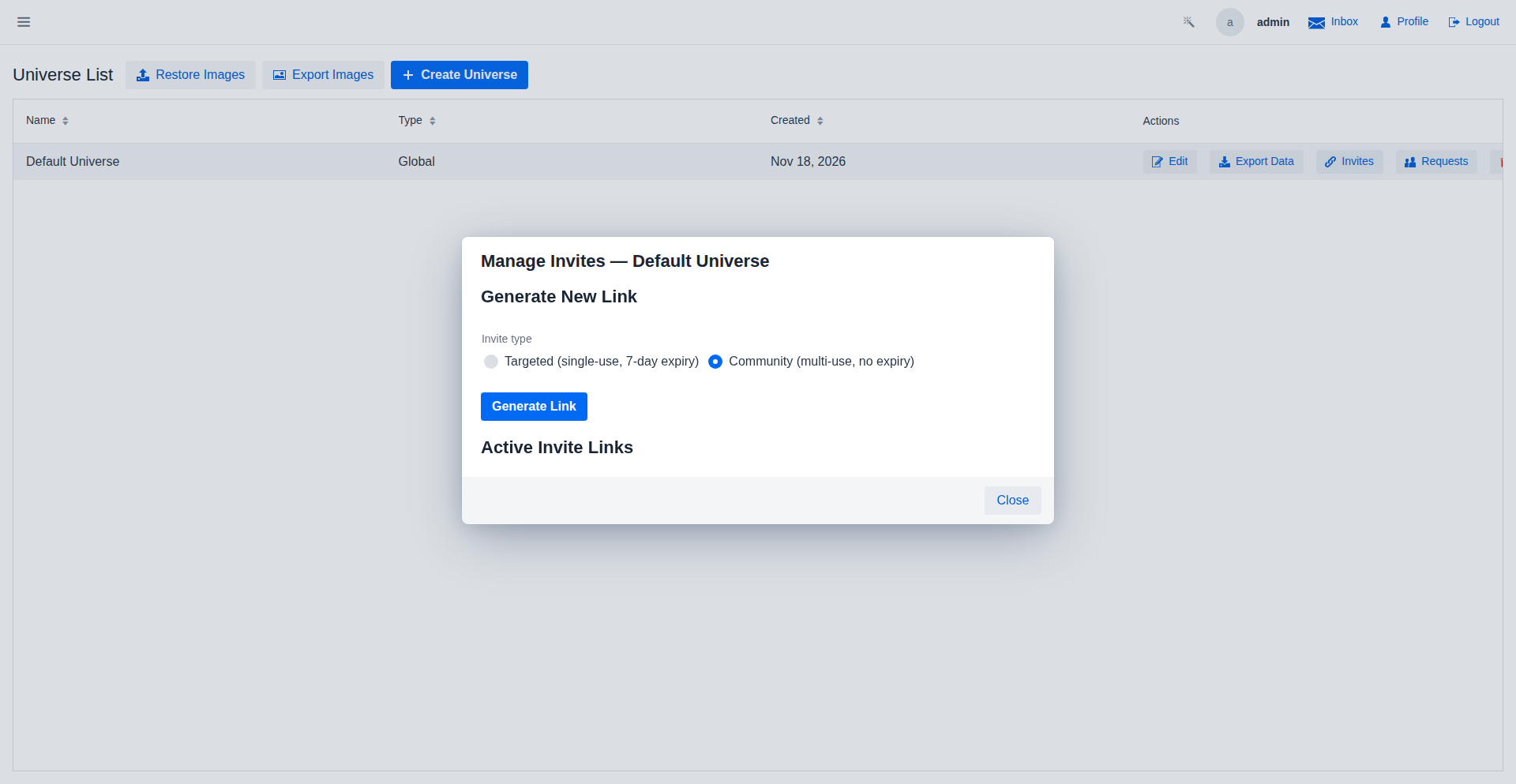
Admins can generate invite links to share with prospective members. Targeted links are single-use with a 7-day expiry; Community links are multi-use with no expiry. Active links are listed below with options to revoke.
Reviewing Join Requests
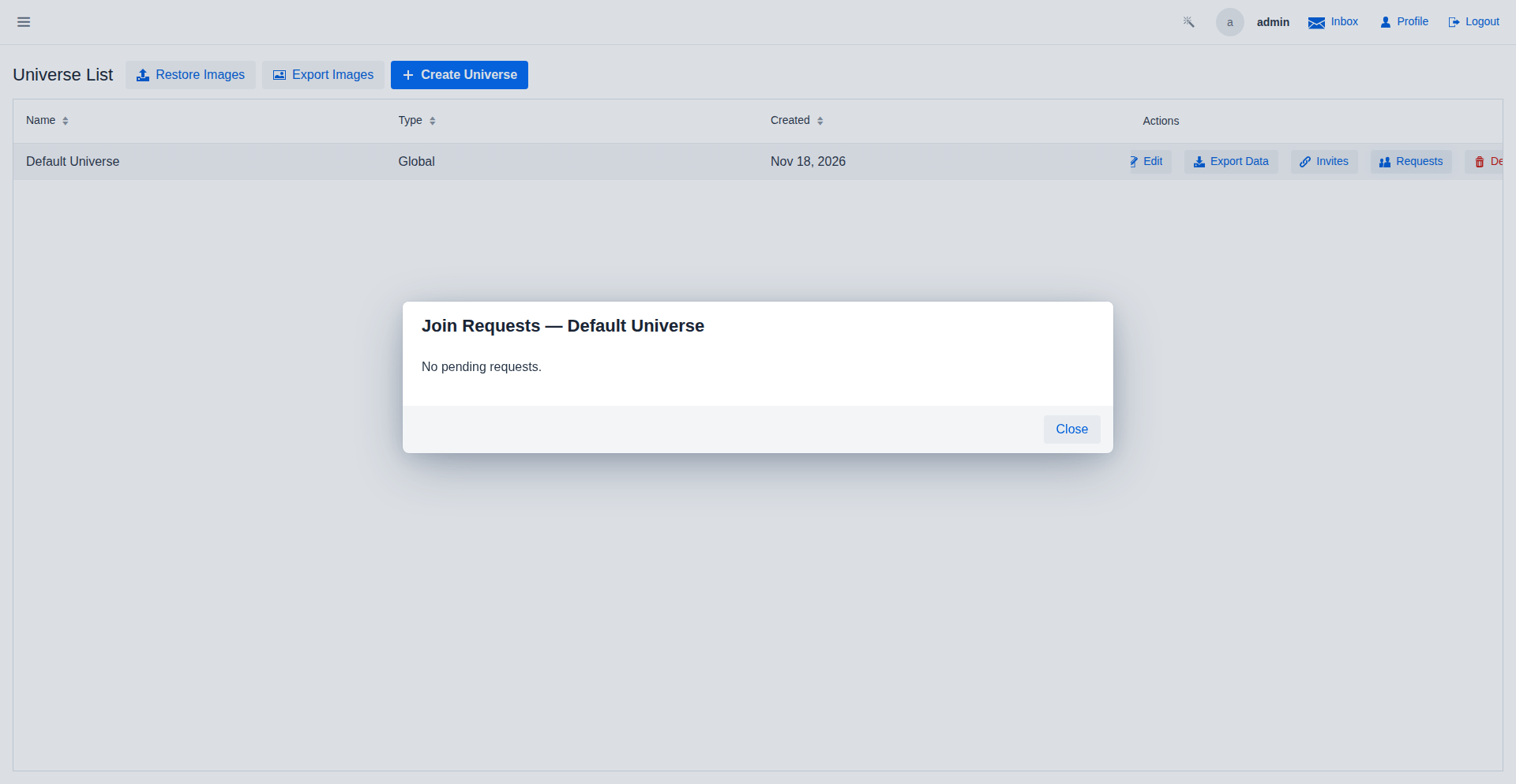
Pending membership requests appear here. Approve to add the user as a member, Reject to decline while allowing them to re-request, or Block to permanently prevent future requests from that account.
Contender Automation Settings
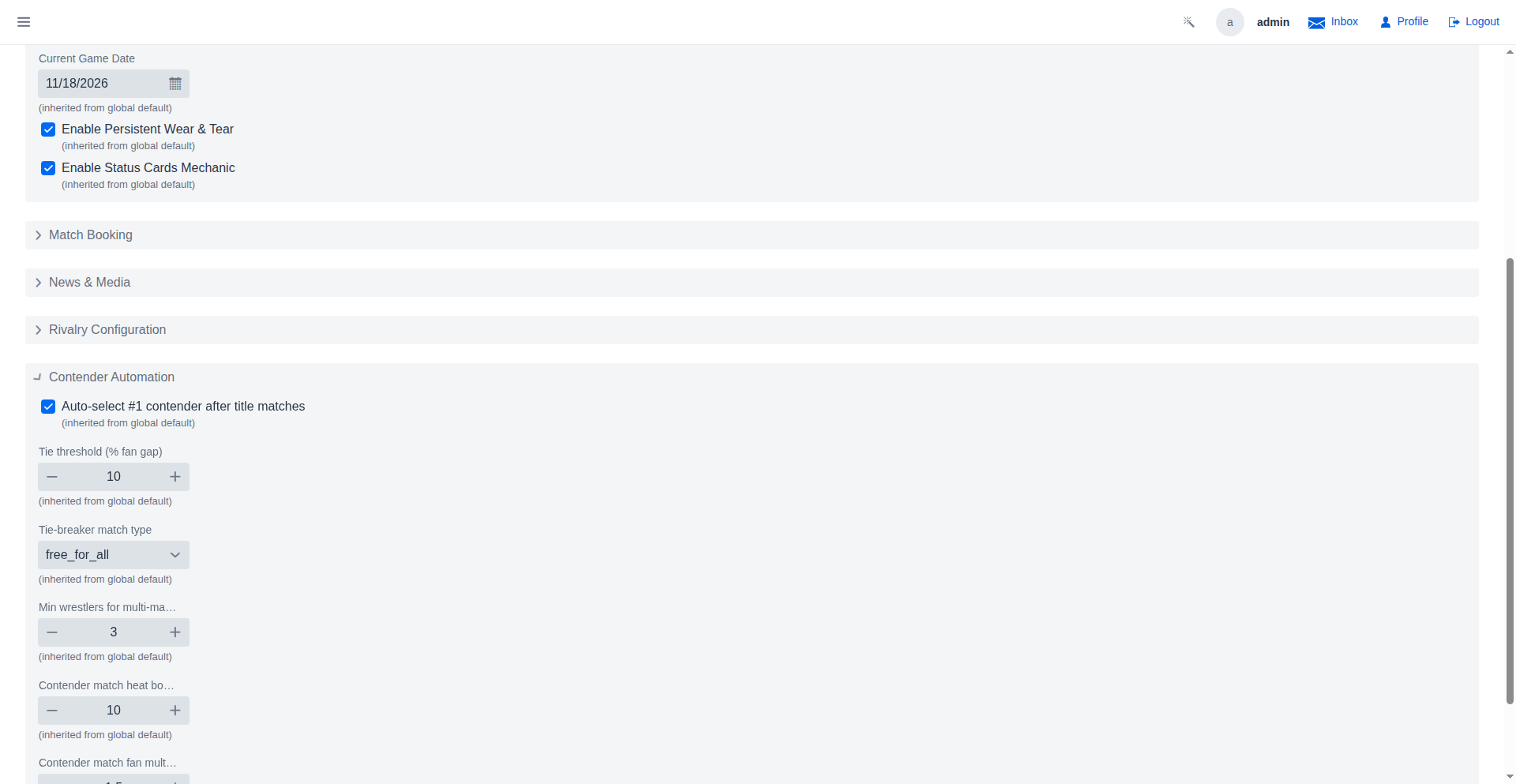
Every contender-automation threshold is configurable: enable or disable auto-selection after title matches, tune the fan-gap percentage that counts as a tie, pick the tie-breaker match type and its minimum participants, and adjust the heat bonus and fan multiplier applied to contender matches.
Game Settings
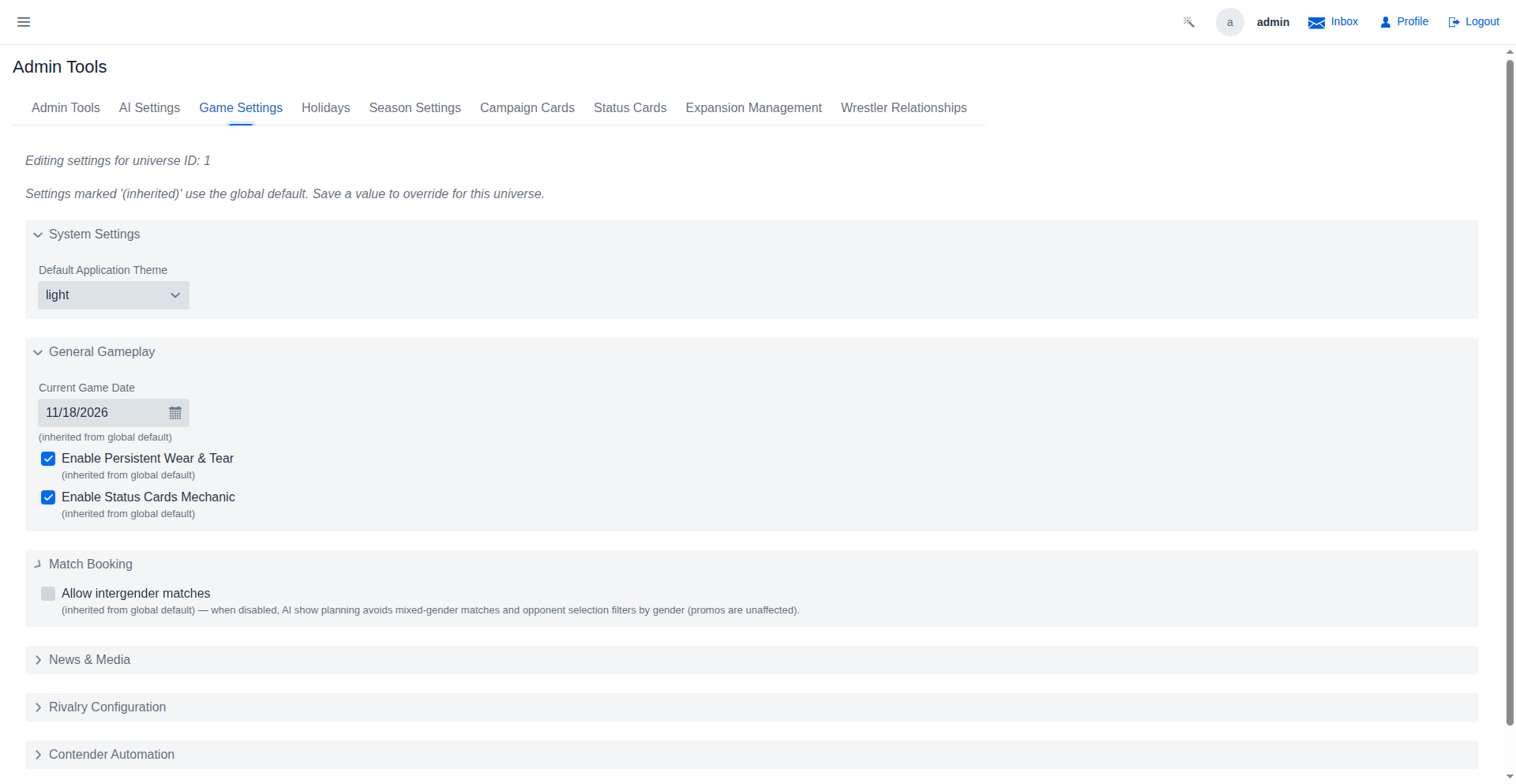
Tune gameplay from grouped, collapsible sections: system defaults, general gameplay, match booking (including whether intergender matches may be booked), news generation, rivalry lifecycle, contender automation, and tutorials. Settings can be overridden per universe.
Tournament-Fed Template Assignments
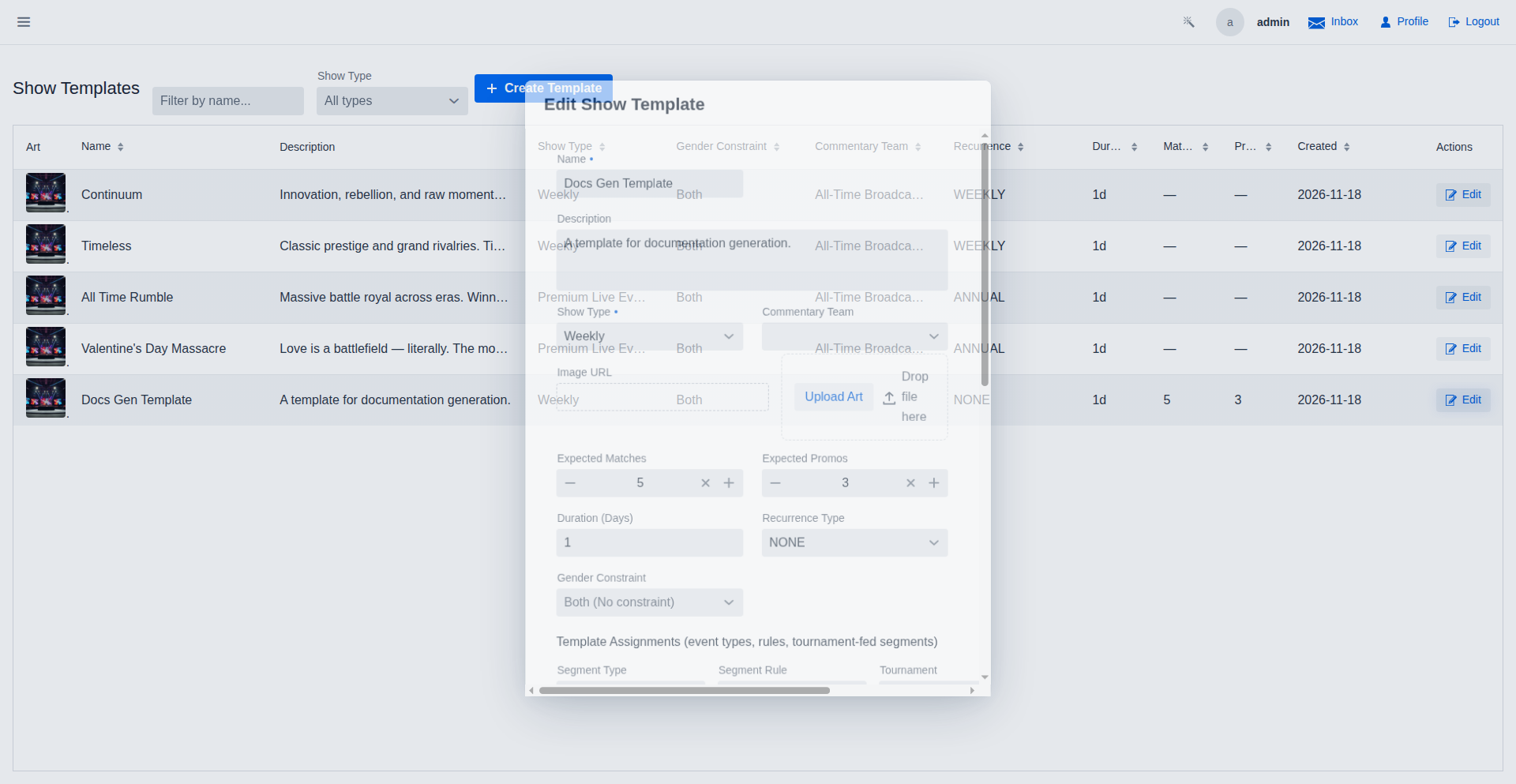
Pair a tournament with a show template so its bracket feeds the participants of the auto-attached segment. When a show of this template is approved, the tournament resolves that match's entrants instead of the AI — an in-progress tournament fills the next open bracket match, and a completed one books a winner showcase.
AI Onboarding Wizard
Fresh installs ship with no AI provider configured. Every AI action — match narration, show summaries, segment planning — dead-ends into this entry point. "Set up AI…" opens the wizard, which walks you through Google Gemini's free tier: it opens the API key page in your browser, you paste the key, and the game verifies the provider is live. The key is stored per universe, so each player configures their own.
Wrestler Relationships Management
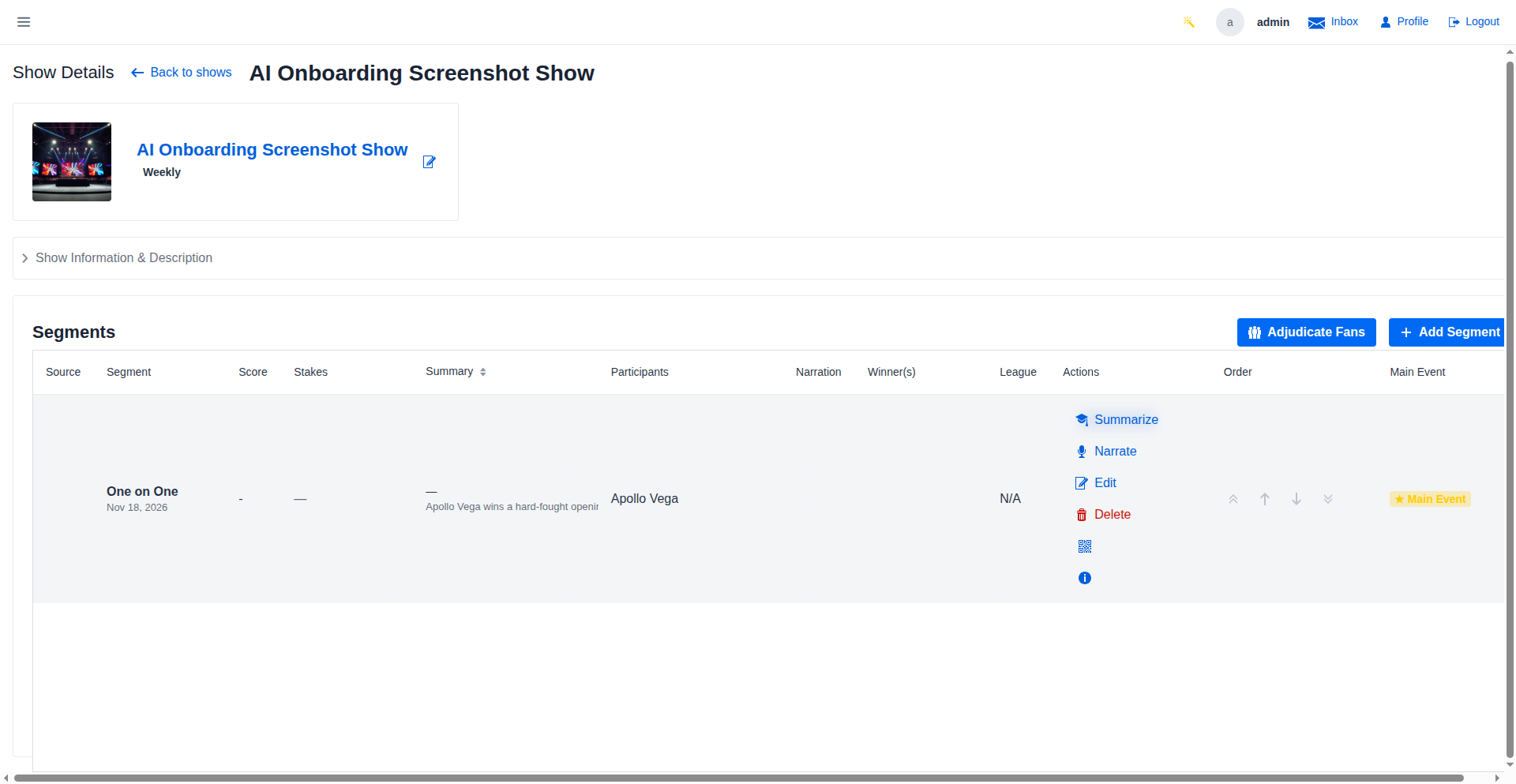
Manage the social fabric of your promotion. Define marriages, family ties, and deep friendships that influence chemistry, AI narration, and random backstage events.
Generate Template Art
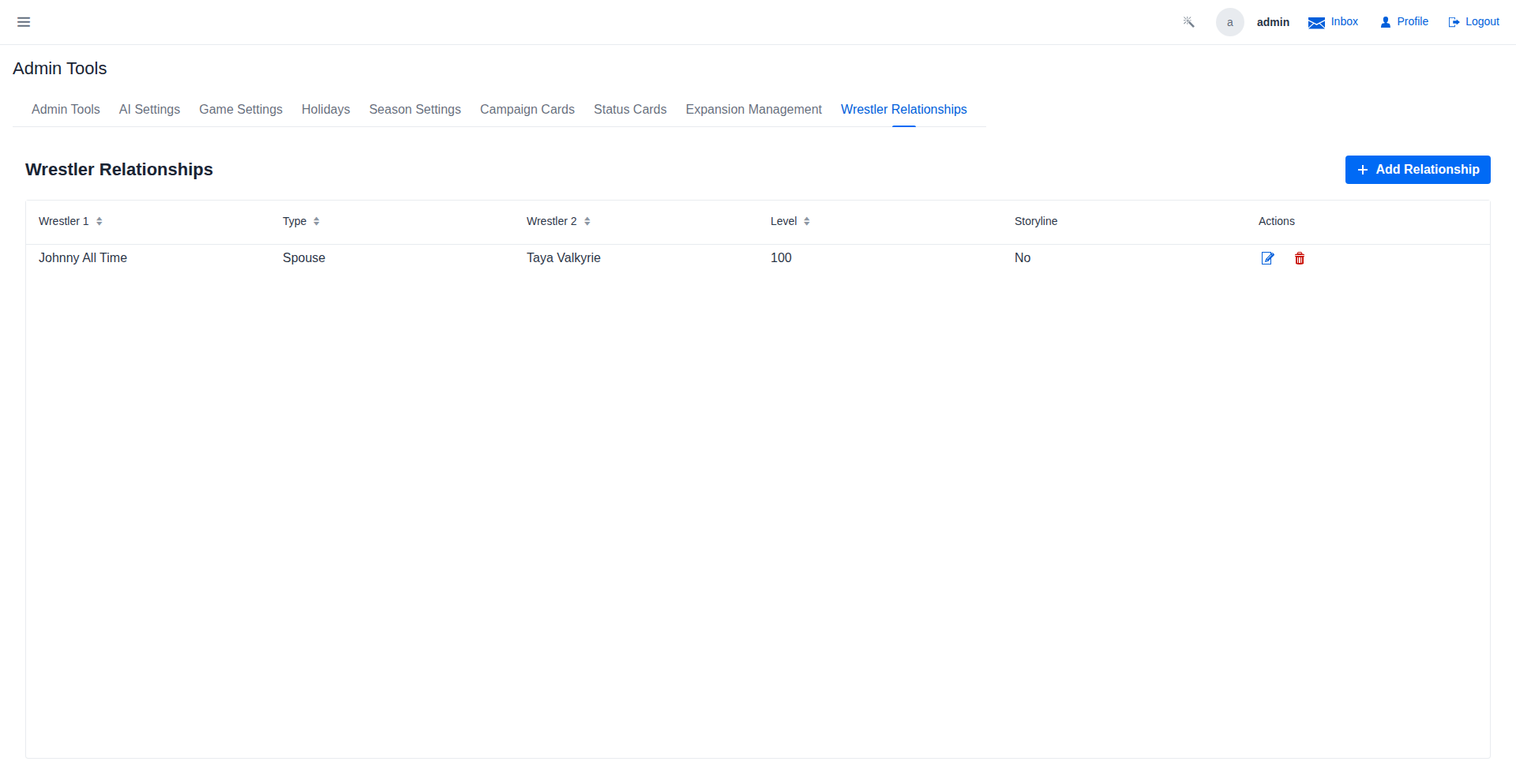
Create unique branding for your show templates using AI. This art will be used in the booking interface and calendar.
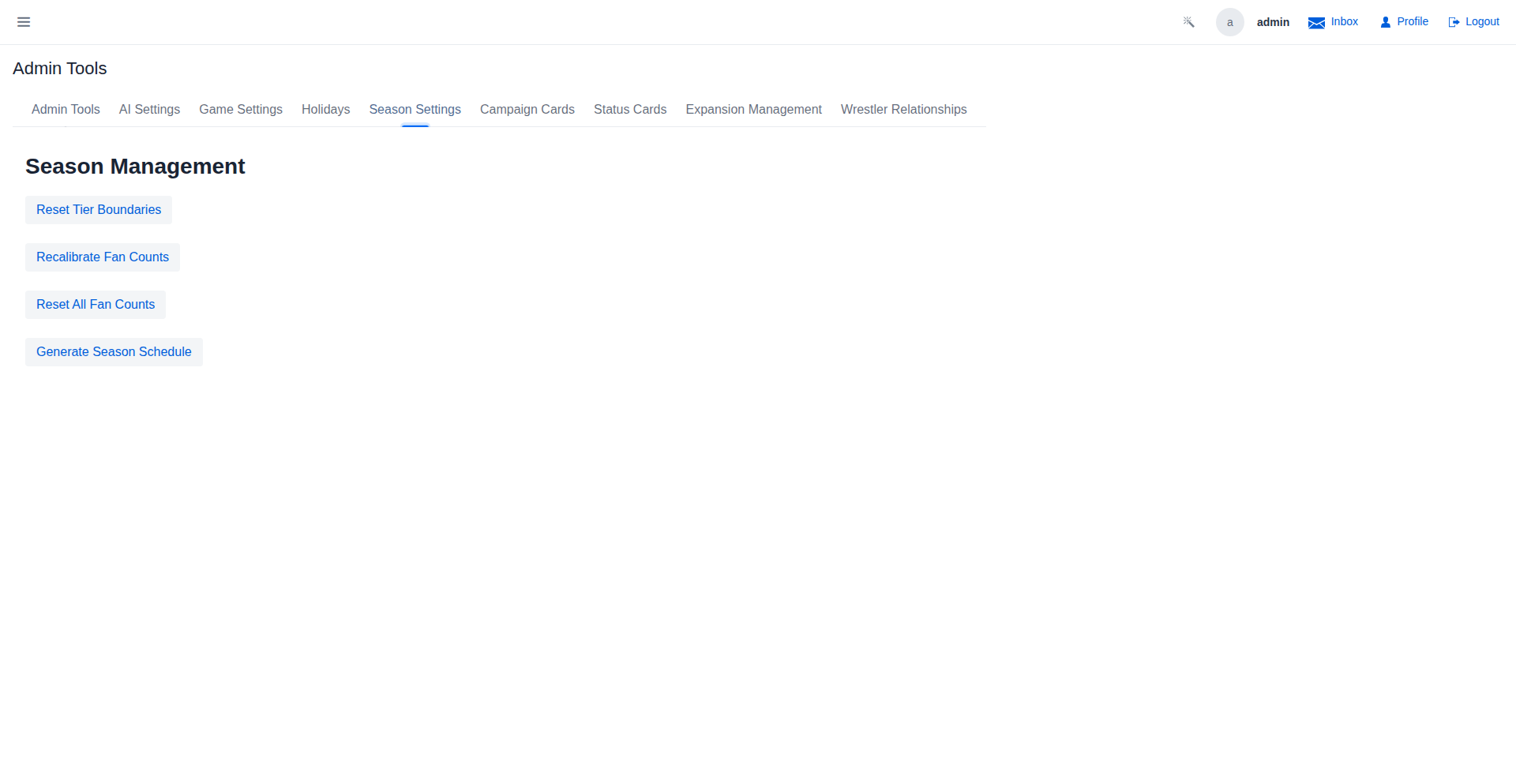
Season Settings - Before Schedule Generation
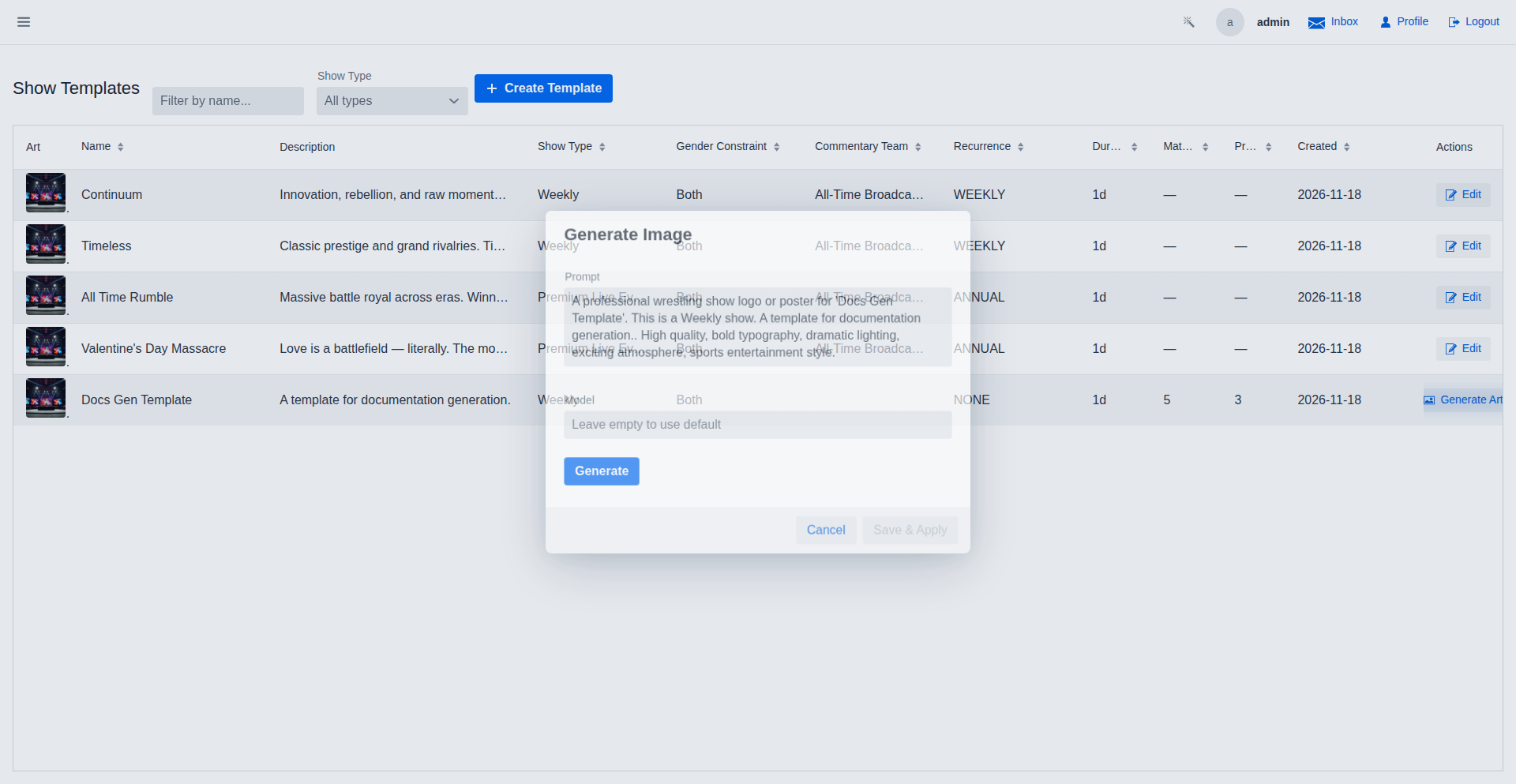
The Season Settings tab showing the 'Generate Season Schedule' button, before execution.
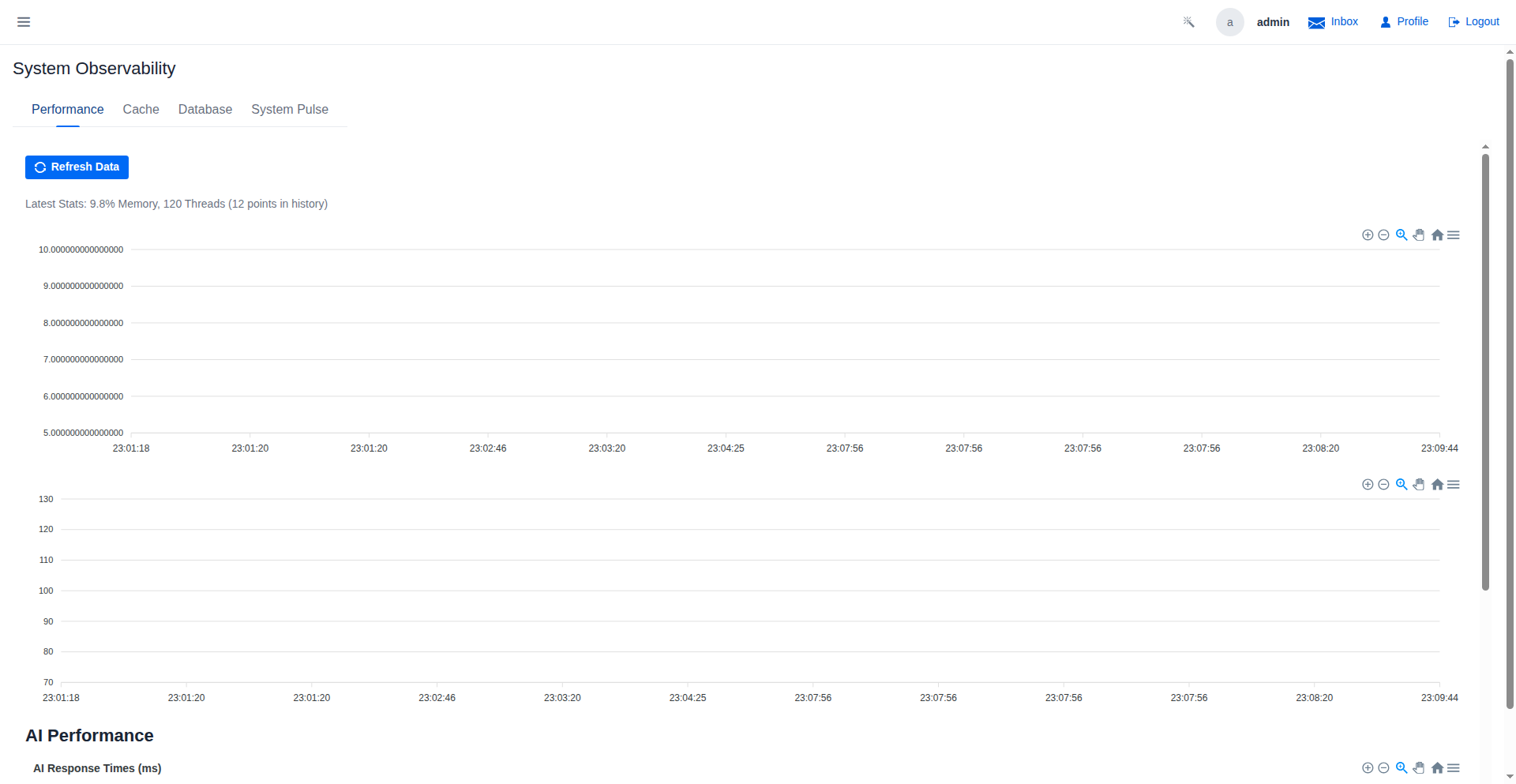
System Performance
Monitor AI response times and resource usage.
Season Settings - After Schedule Generation
The Season Settings tab after successfully generating the season schedule.
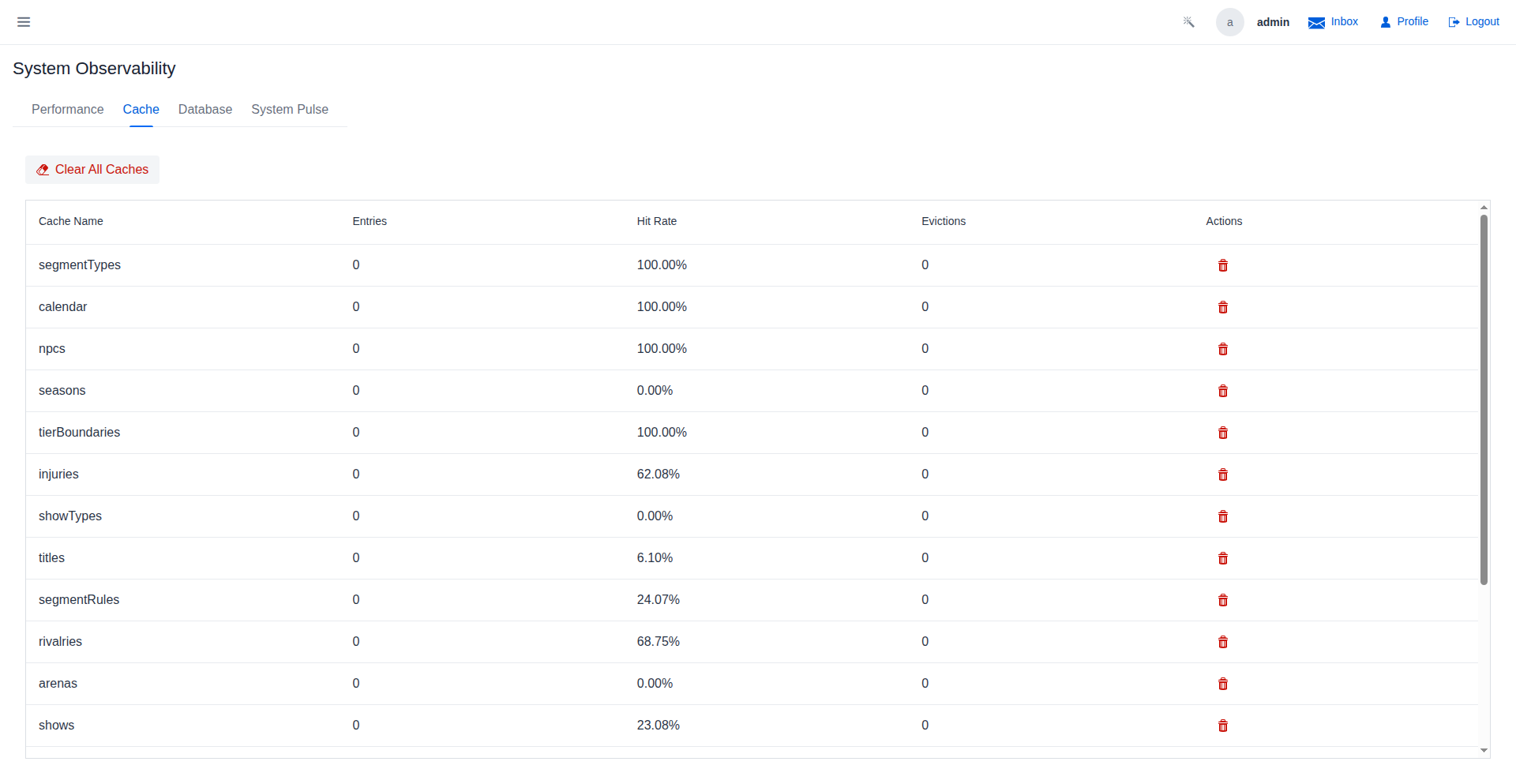
Cache Management
Monitor and manage application caches.
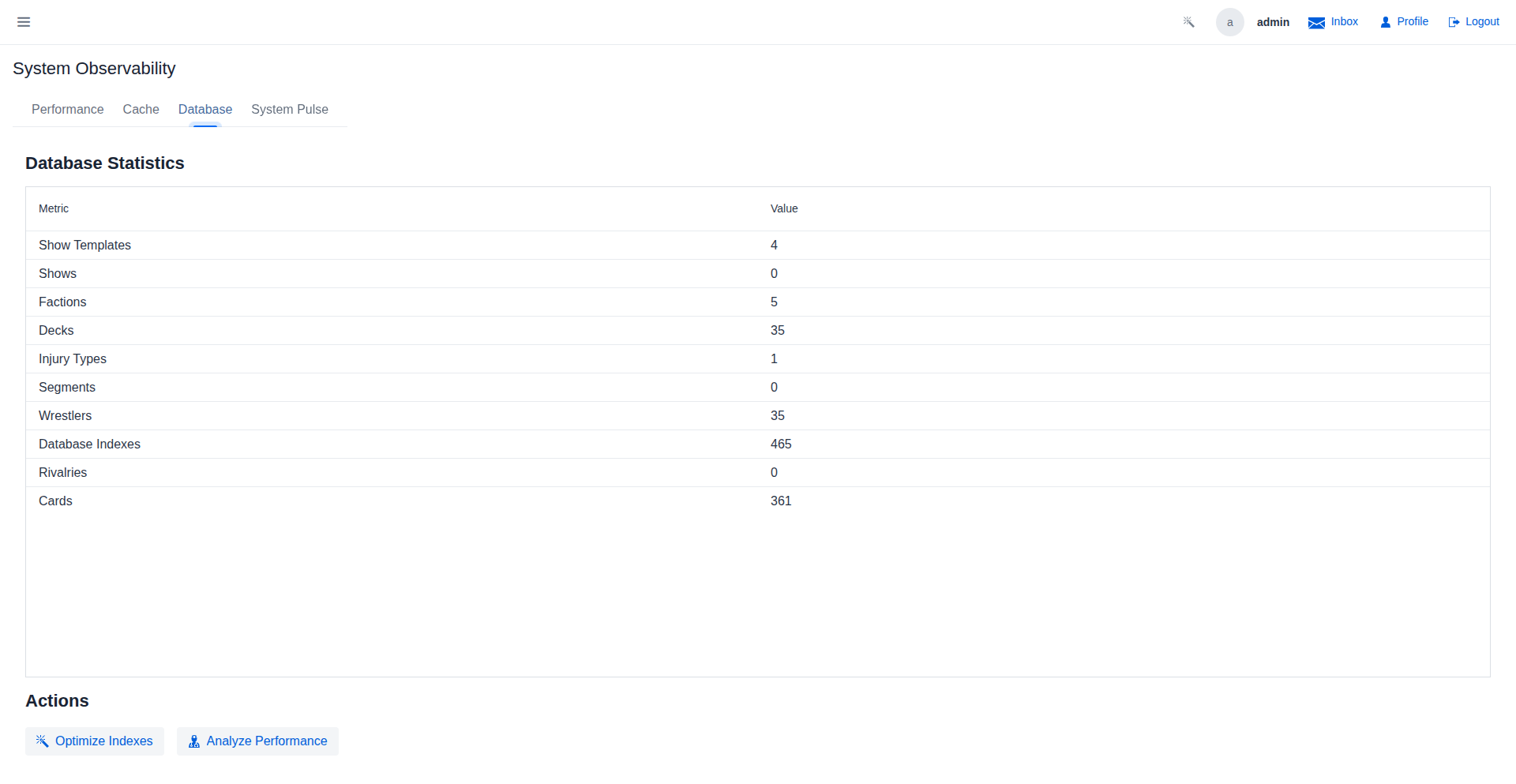
Database Management
Monitor database statistics and optimize performance.
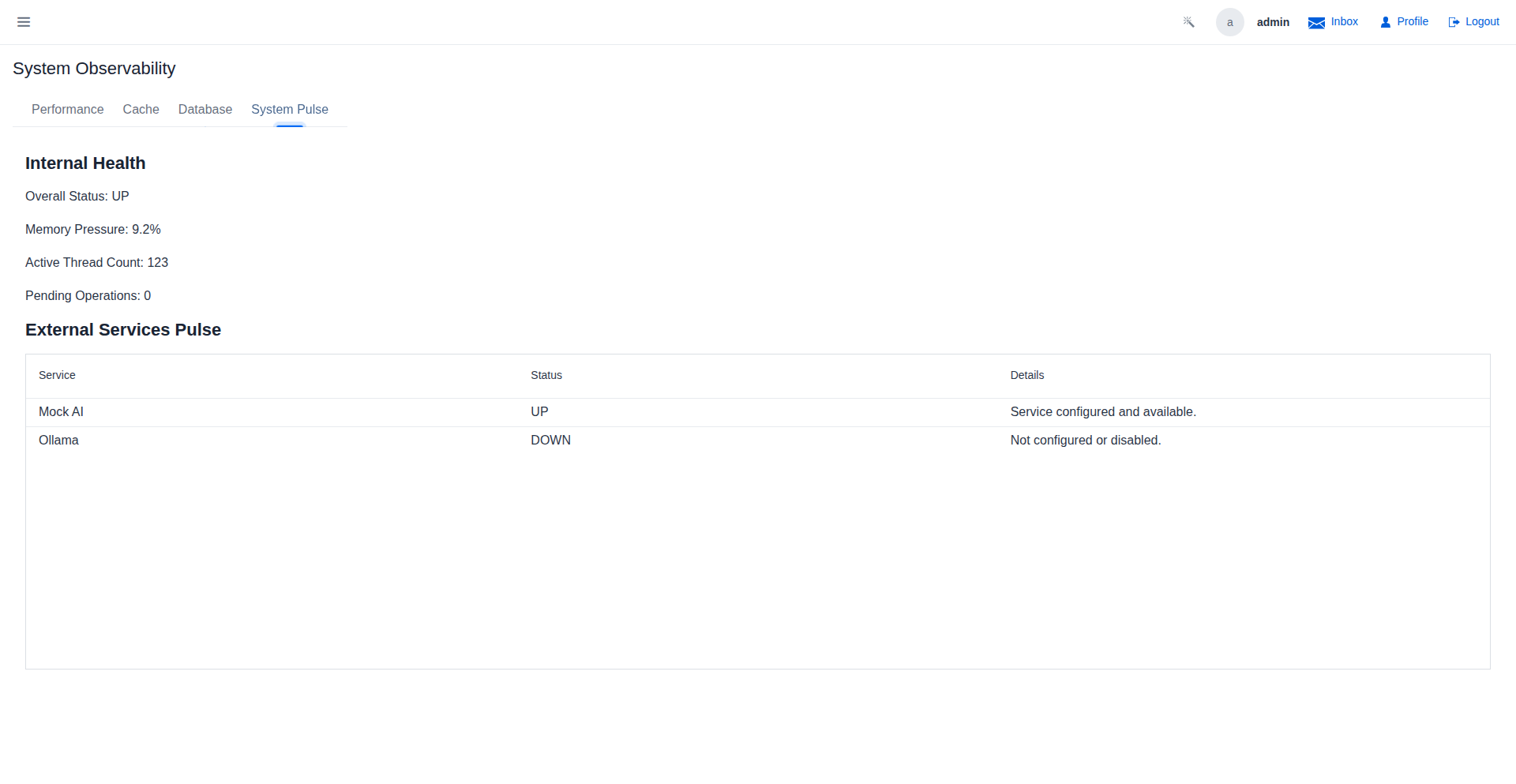
System Pulse
Real-time health status of the application.
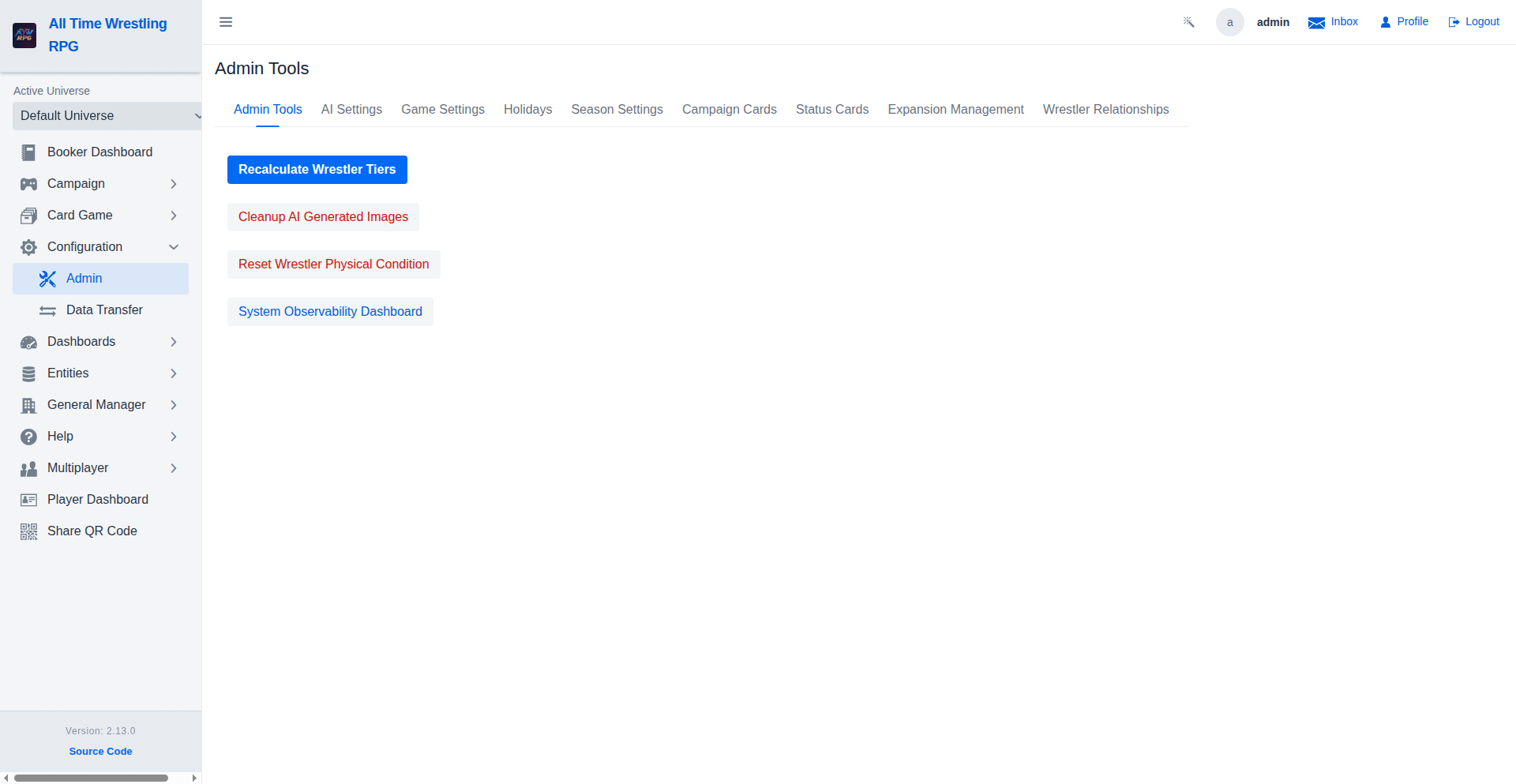
Admin Tools
Perform critical maintenance tasks such as manual tier recalculation and account management.
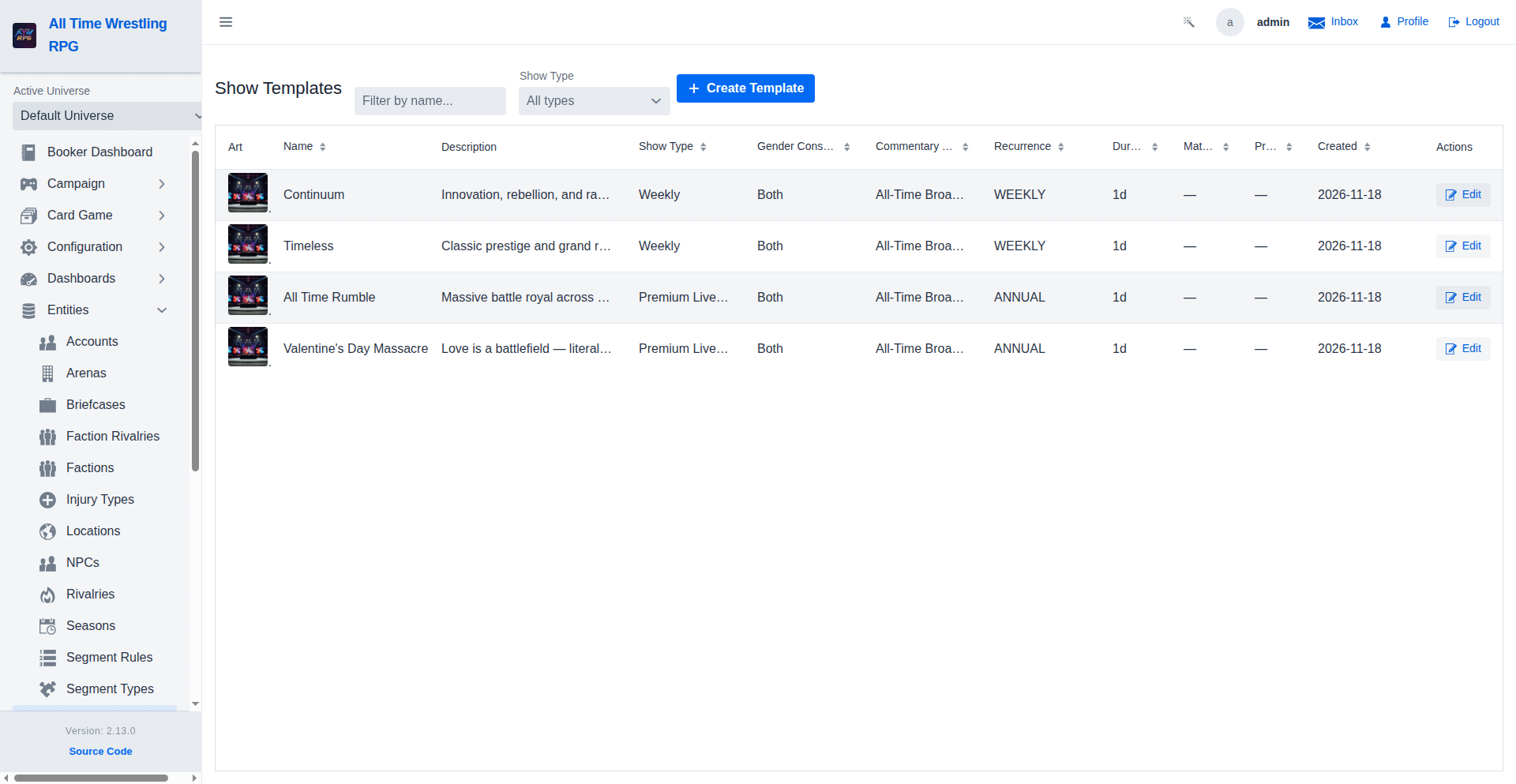
Show Templates
Define reusable templates for your shows. Set up standard segments, match orders, and branding to quickly book consistent weekly episodes or pay-per-views.
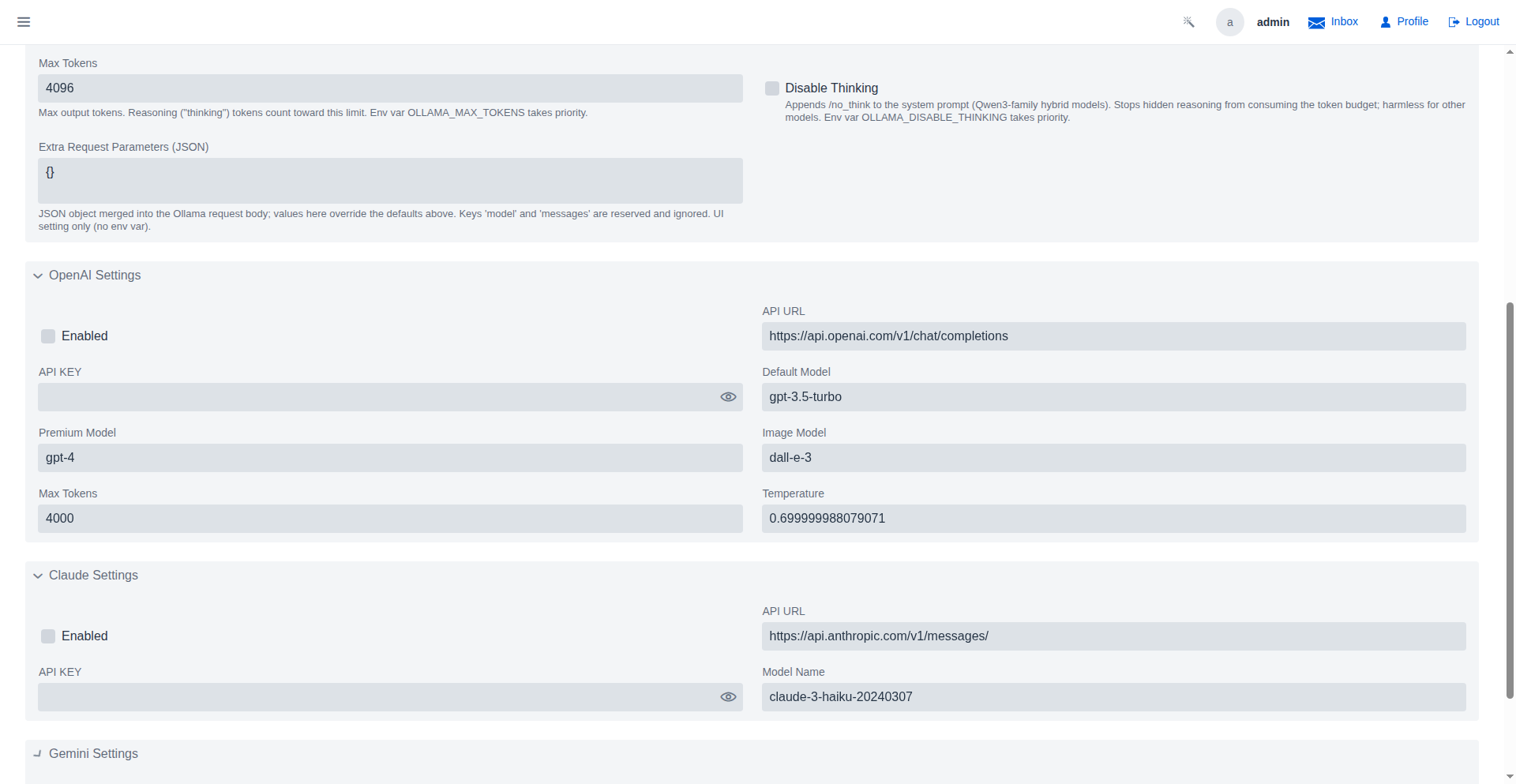
AI Configuration
Configure the Artificial Intelligence providers used for match narration, image generation, and creative assistance. You can switch between different LLM providers (OpenAI, Anthropic, Gemini) and configure their specific settings.
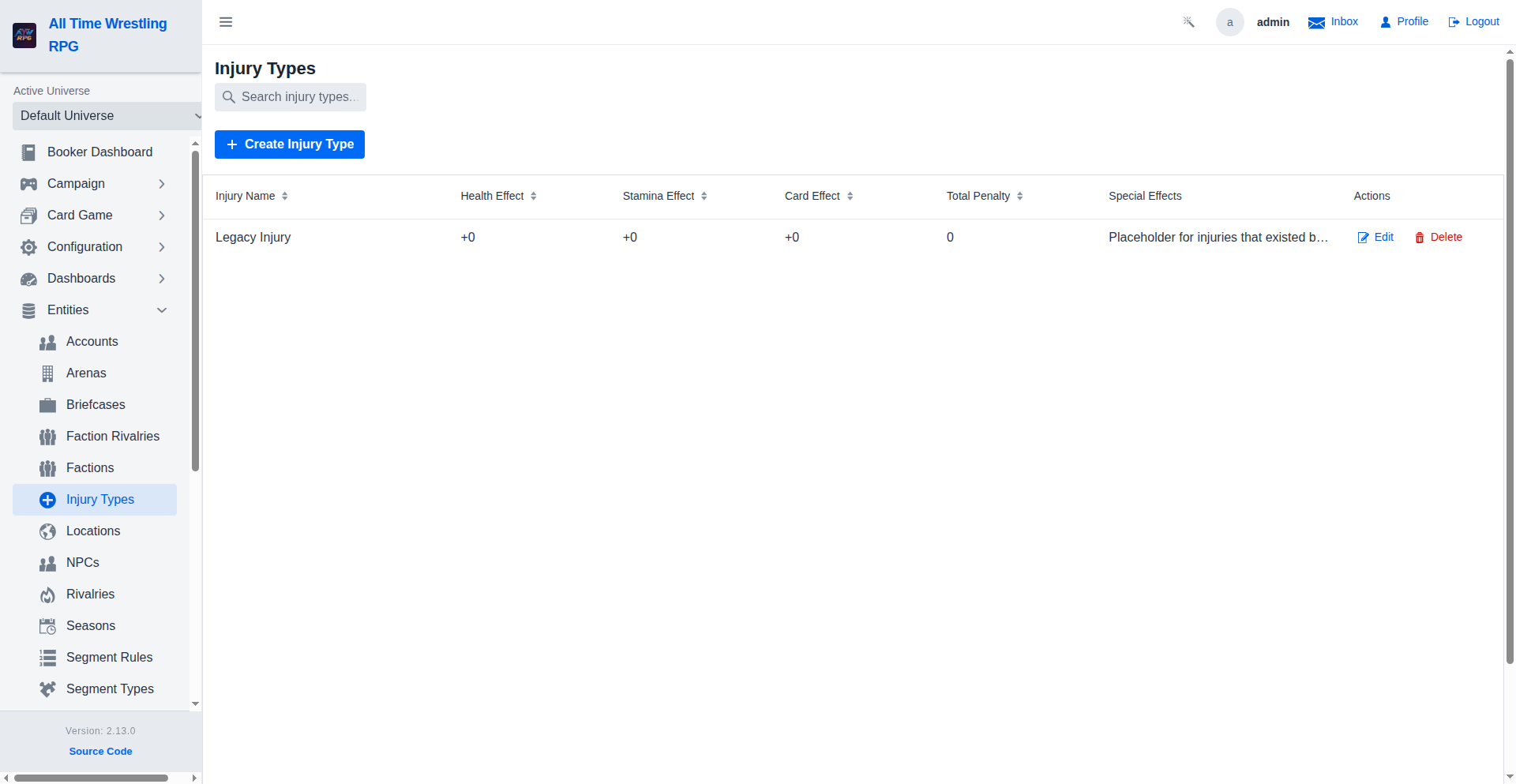
Injury Management
Define different types of injuries, their severity, and recovery times. These are used to dynamically affect wrestler performance and availability in the campaign and booking modes.
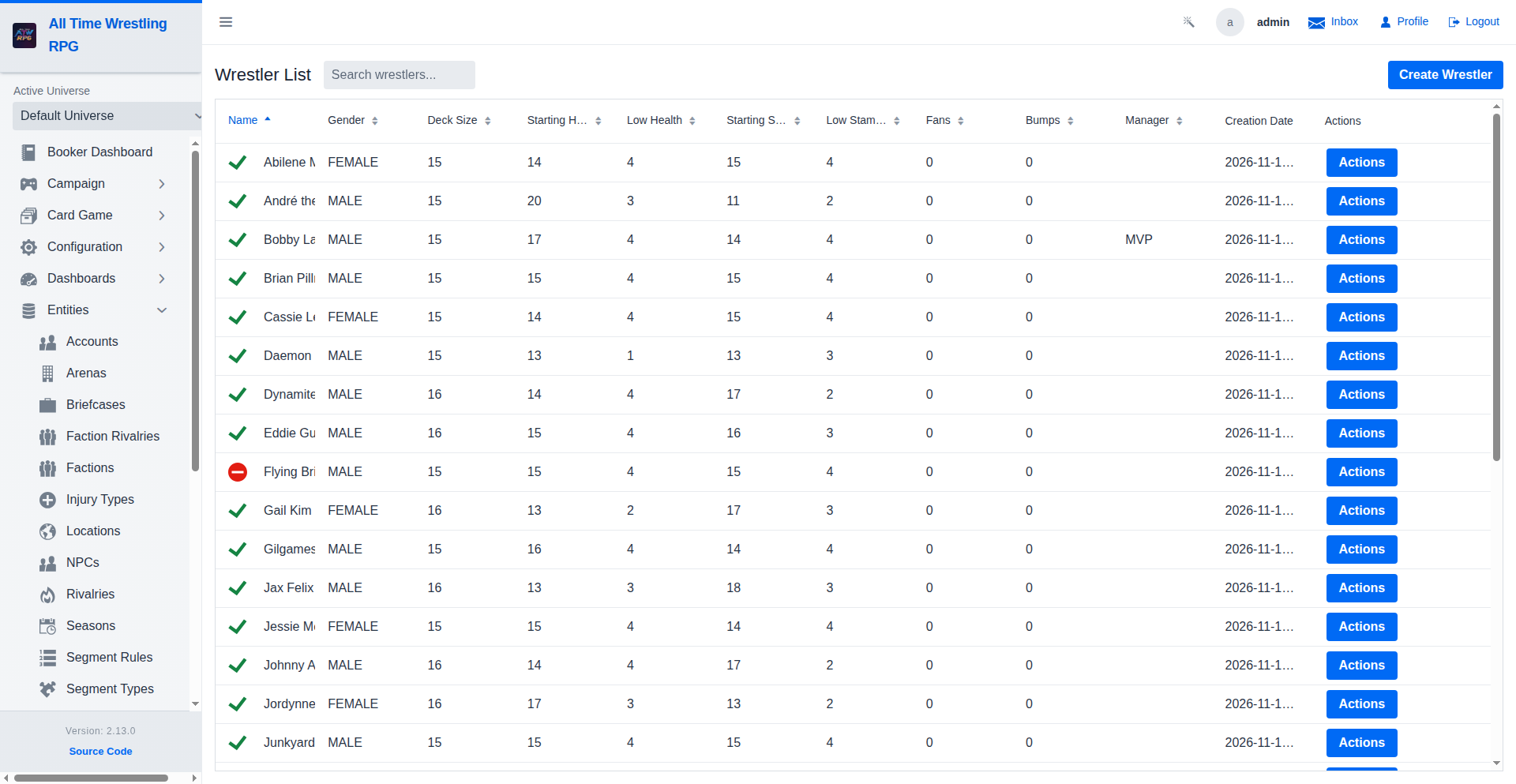
Wrestler Management
Manage the entire roster of wrestlers. Add new talent, edit existing stats, assign images, and manage contract details from this centralized view.
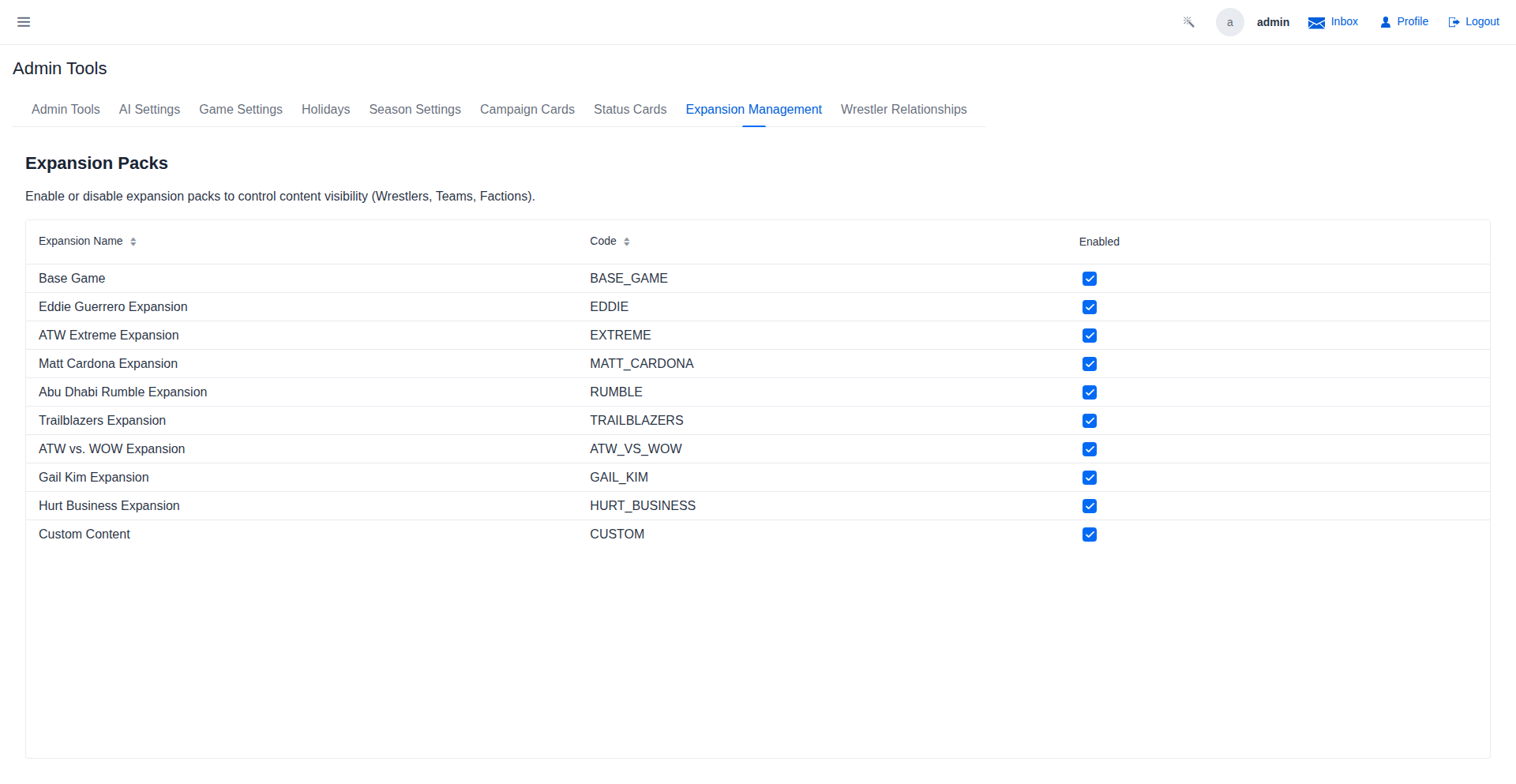
Expansion Management
Group and toggle themed content sets. Enable or disable entire collections of wrestlers, teams, and factions to customize the available roster for matches and leagues.
Seed Update Review
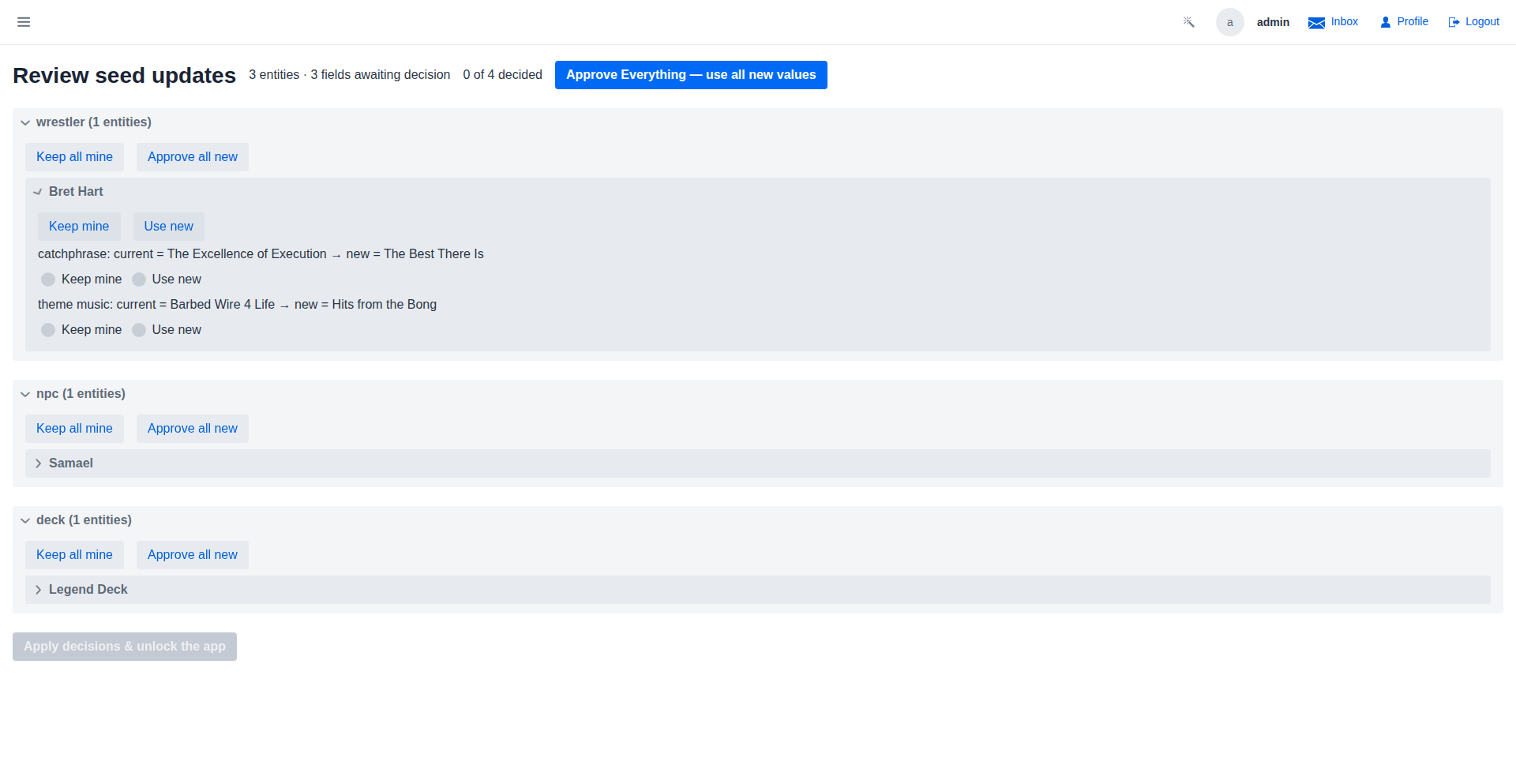
After a version upgrade, seed-data changes that would overwrite your customizations are parked here instead of applied silently. Decisions group by domain and entity: field rows show the current value vs. the incoming one with a Keep mine / Use new choice per field, and removed-from-source entities show a Keep as custom / Remove choice. 'Approve Everything' shortcuts the field conflicts (removals always need a per-entity decision), and 'Apply decisions & unlock the app' writes the whole batch and lifts the review freeze.
Video Walkthroughs
MySQL Data Migration Wizard
Migration complete — all data is now in MySQL and verified. Restart the application with the MySQL Spring profile (spring.profiles.active=mysql) to run in production mode against the new database.
Account Management Walkthrough
New Account dialog — username and email are required; password is set on first login or by the admin. Roles can be combined: a Booker who also plays in leagues needs both the Booker and Player roles.
Universe Management Walkthrough
Create Universe dialog — name is required; type controls which game rules apply. Standard uses the default ATW ruleset; Fantasy enables league drafts; Historical locks the roster to a specific era.
Inviting Members to a Universe
When someone follows the link and submits a request, click Requests to review it. Approve to add them as a member, Reject to decline, or Block to prevent future requests from that account.
Seed Update Review
Apply writes the whole batch in one transaction and the review freeze lifts immediately — the app is back to normal. Kept fields re-collide only if a future release changes them again, so every upgrade lands as a short, focused review instead of silent overwrites.