Community
Welcome to the Community guide. This documentation is automatically generated from the latest game features.
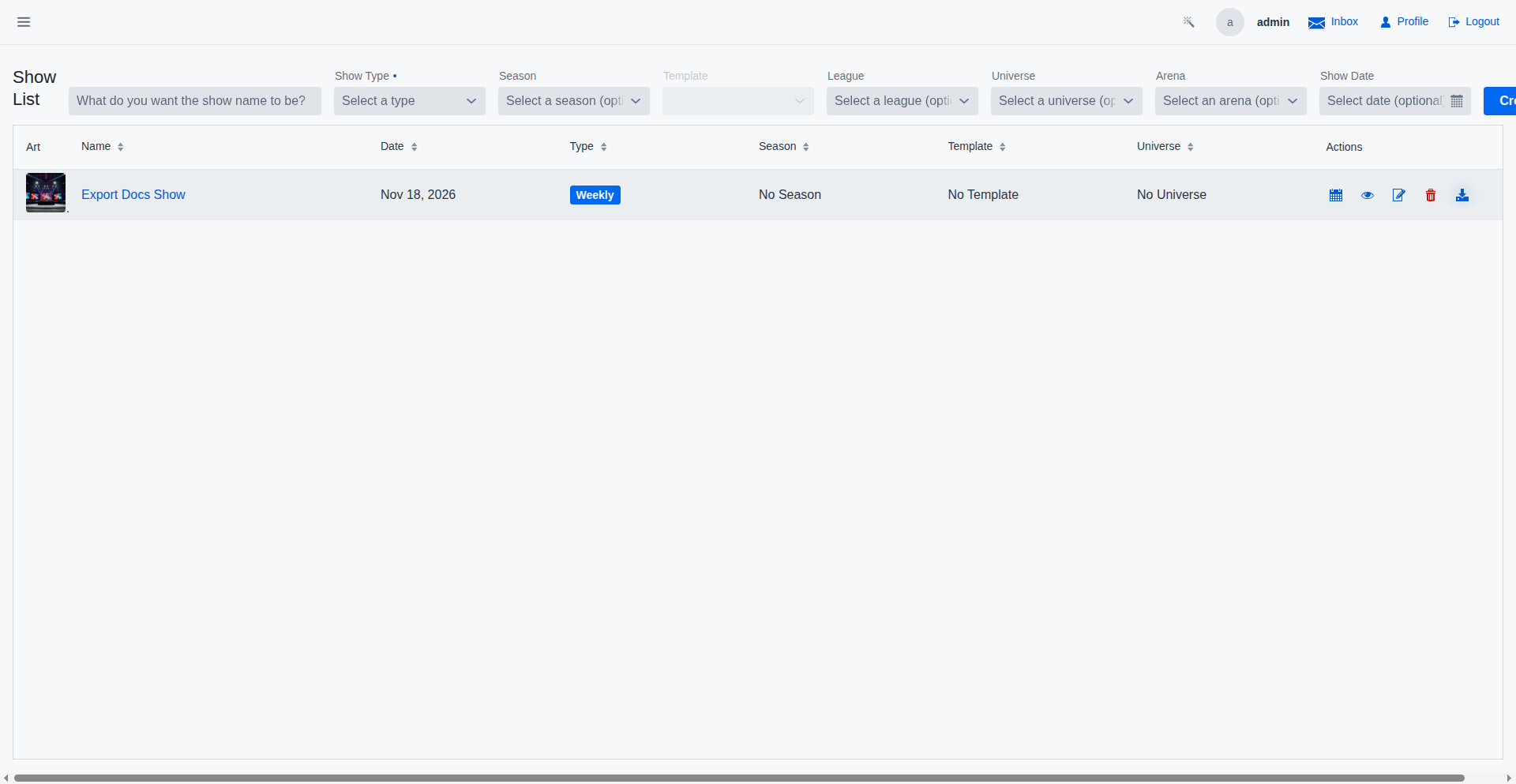
Social Media Export
Share your show cards with the world! The Social Media Export tool generates perfectly formatted match cards for Markdown, Facebook, X (Twitter), and Bluesky. Choose to include match results, segment summaries, and highlighted main events to keep your community engaged and informed.
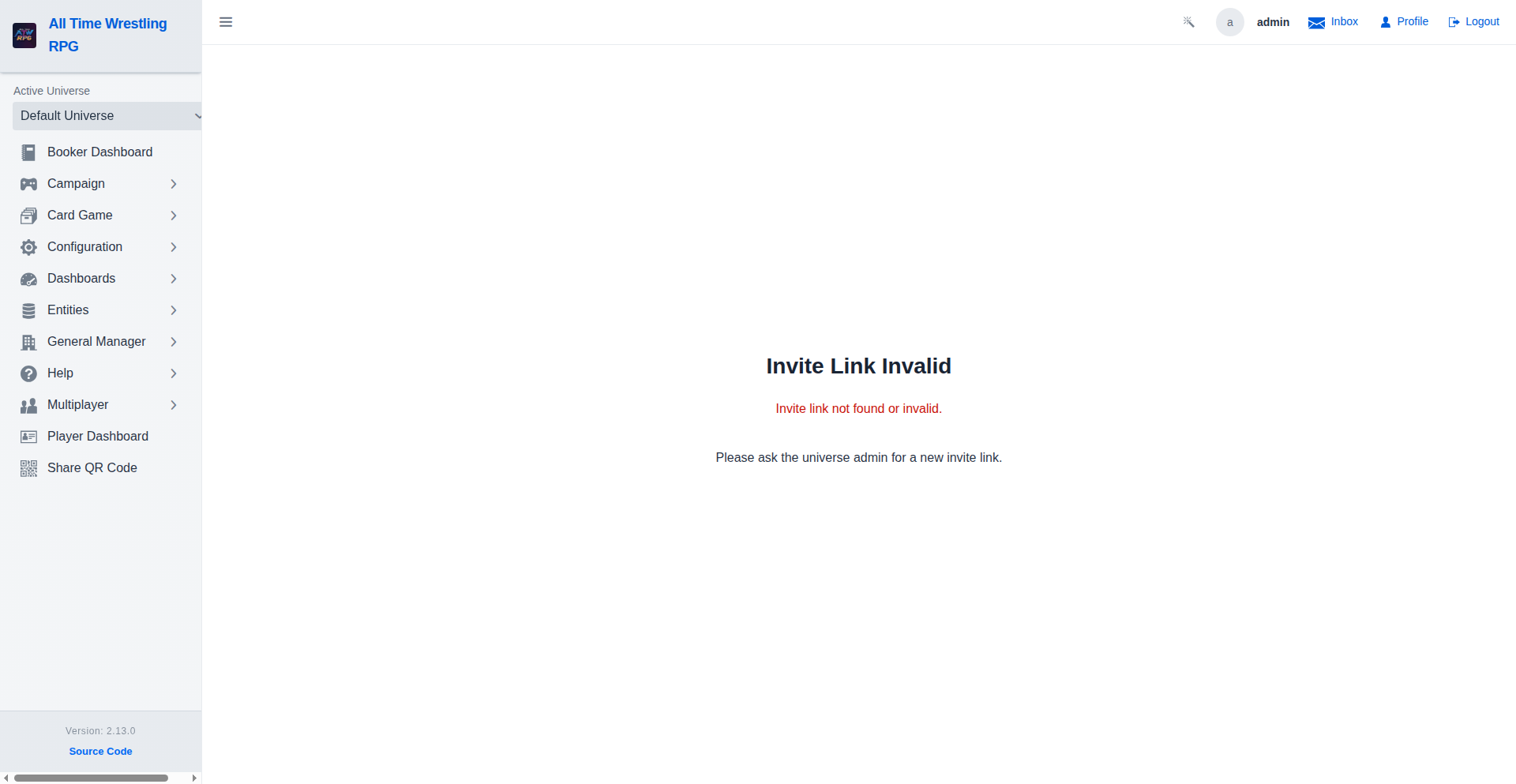
Joining a Universe
When you follow a universe invite link, you are taken to this page. Existing users can log in and request membership; new users can create a free account and submit their request in one step.
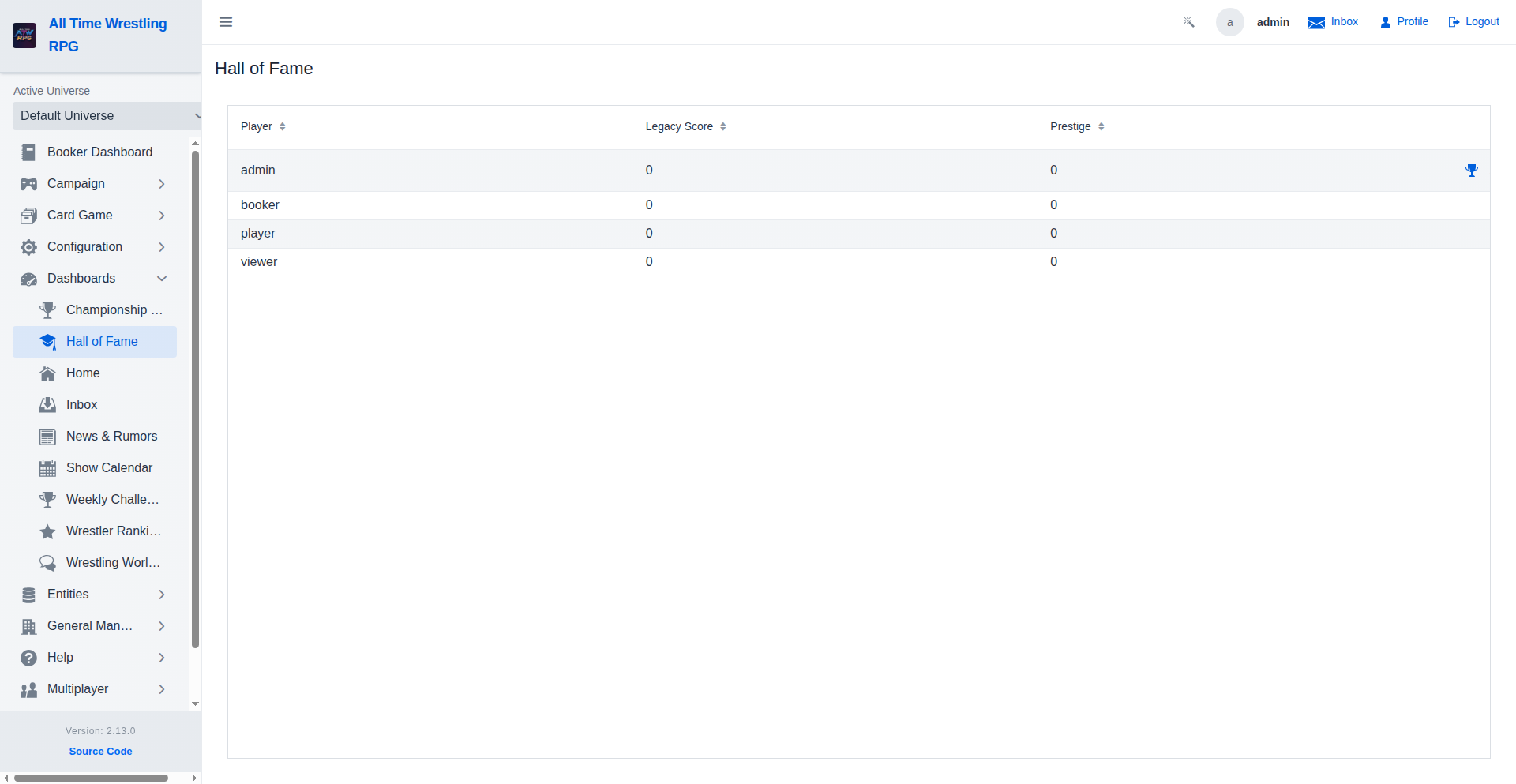
Hall of Fame — Achievement Trophies
Each player row shows a trophy icon when they have unlocked achievements. Hover the icon to see a quick summary; click it to open the full achievement history.
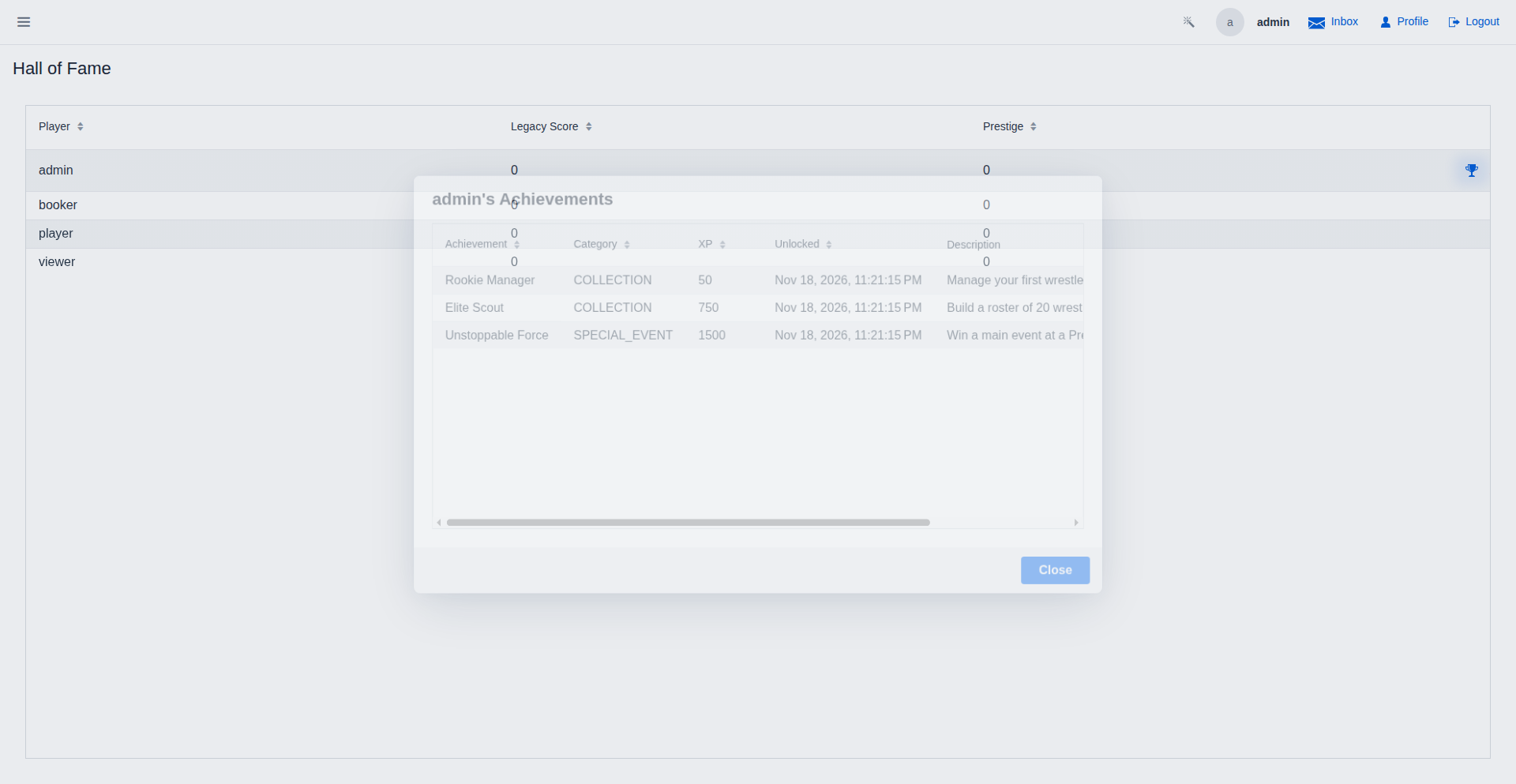
Hall of Fame — Achievement Details
The achievement dialog lists every unlocked achievement with its category, XP reward, and the date and time it was earned.
Video Walkthroughs
Creating a Faction
New faction appears in the grid — it's immediately available for member assignment and can be featured in feuds and storylines. Use the Members button to add wrestlers to the roster right away.
Managing Faction Members
Wrestler added to the faction roster — the members grid updates instantly. Members can be removed at any time without affecting their match or feud history; faction membership is independent of past results.