Leagues
Welcome to the Leagues guide. This documentation is automatically generated from the latest game features.
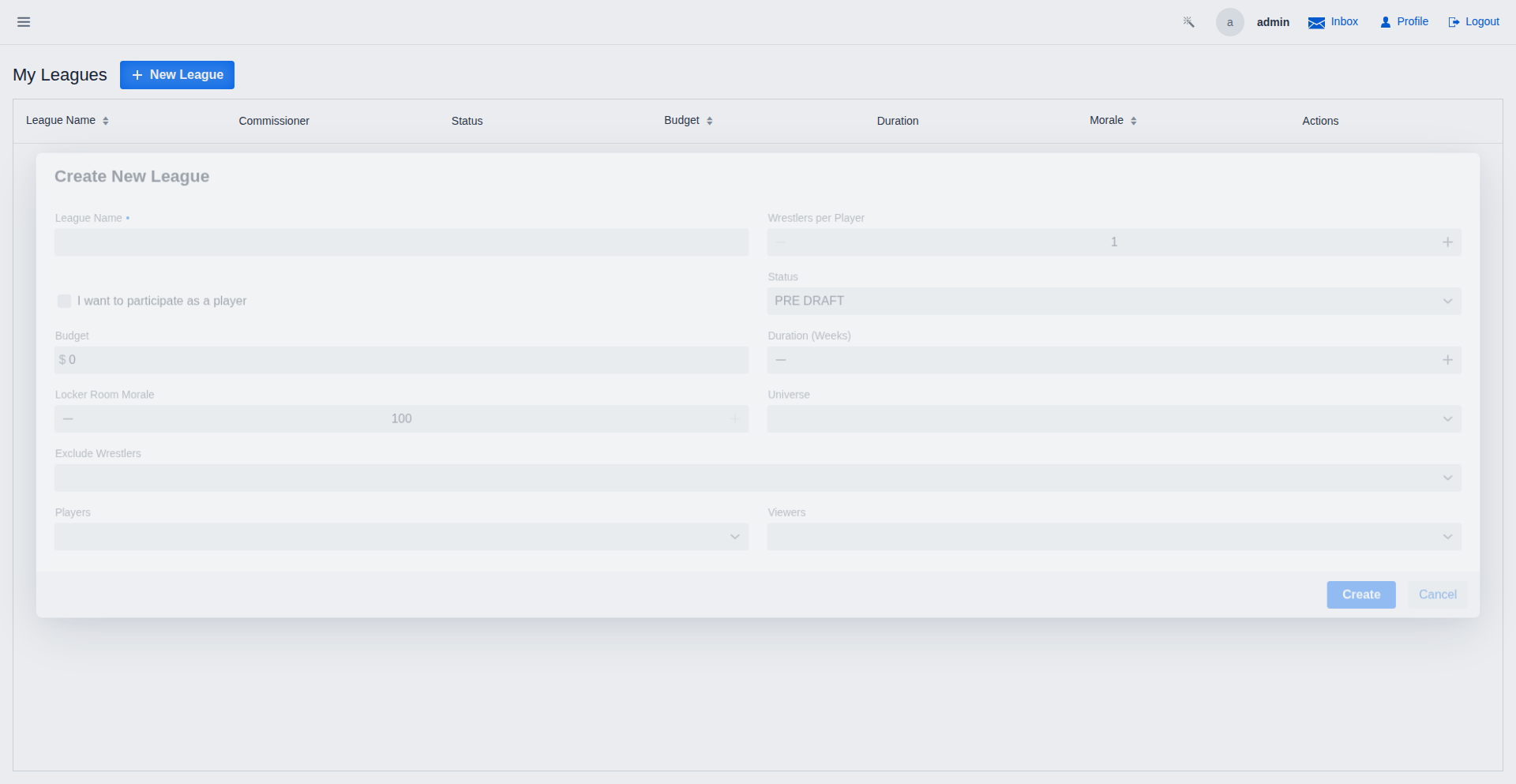
Creating a League
Commissioners can create new leagues, setting the maximum picks per player and inviting other players.
The Draft Room
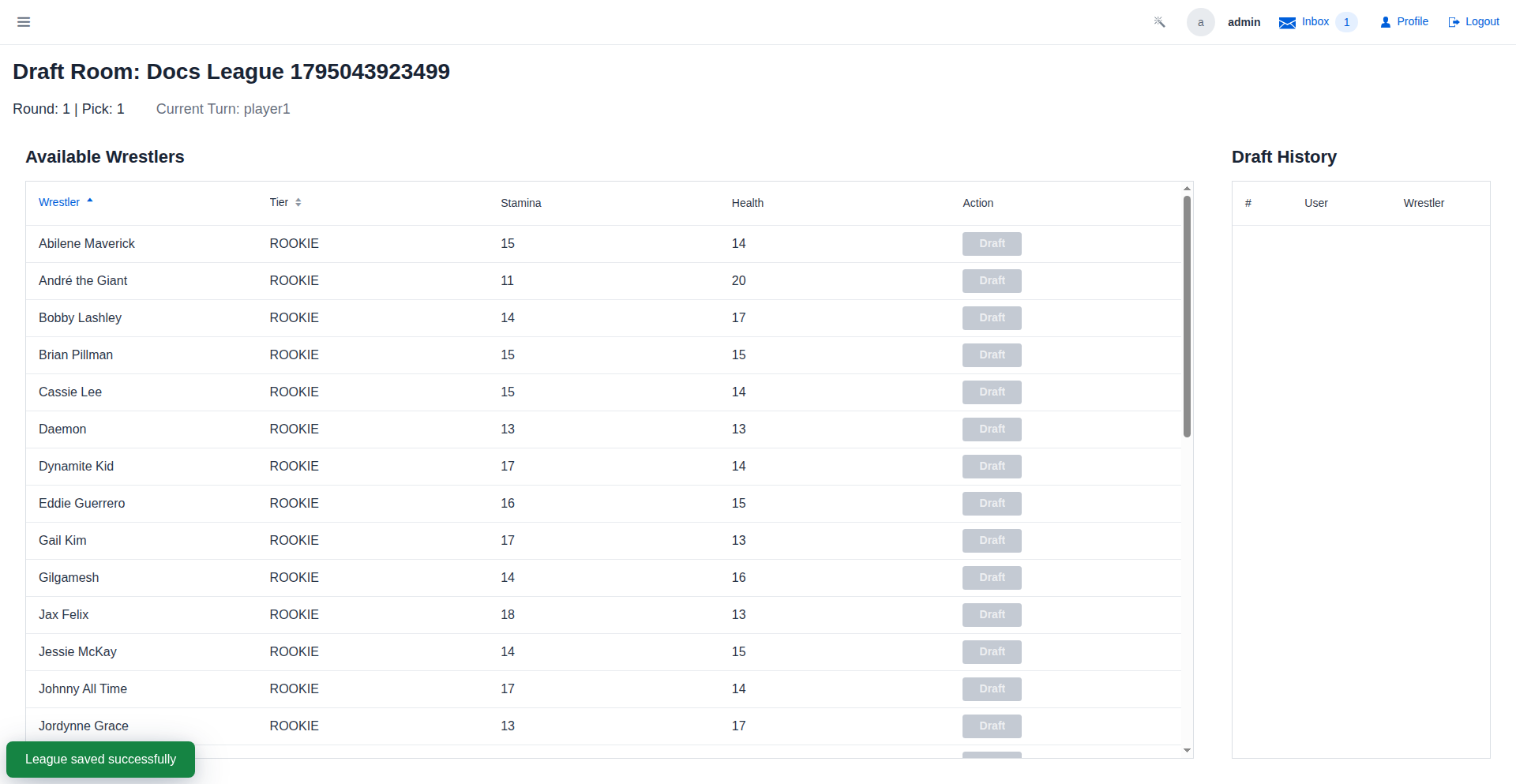
Players participate in a snake draft to build their rosters. The UI shows the current turn and available wrestlers.
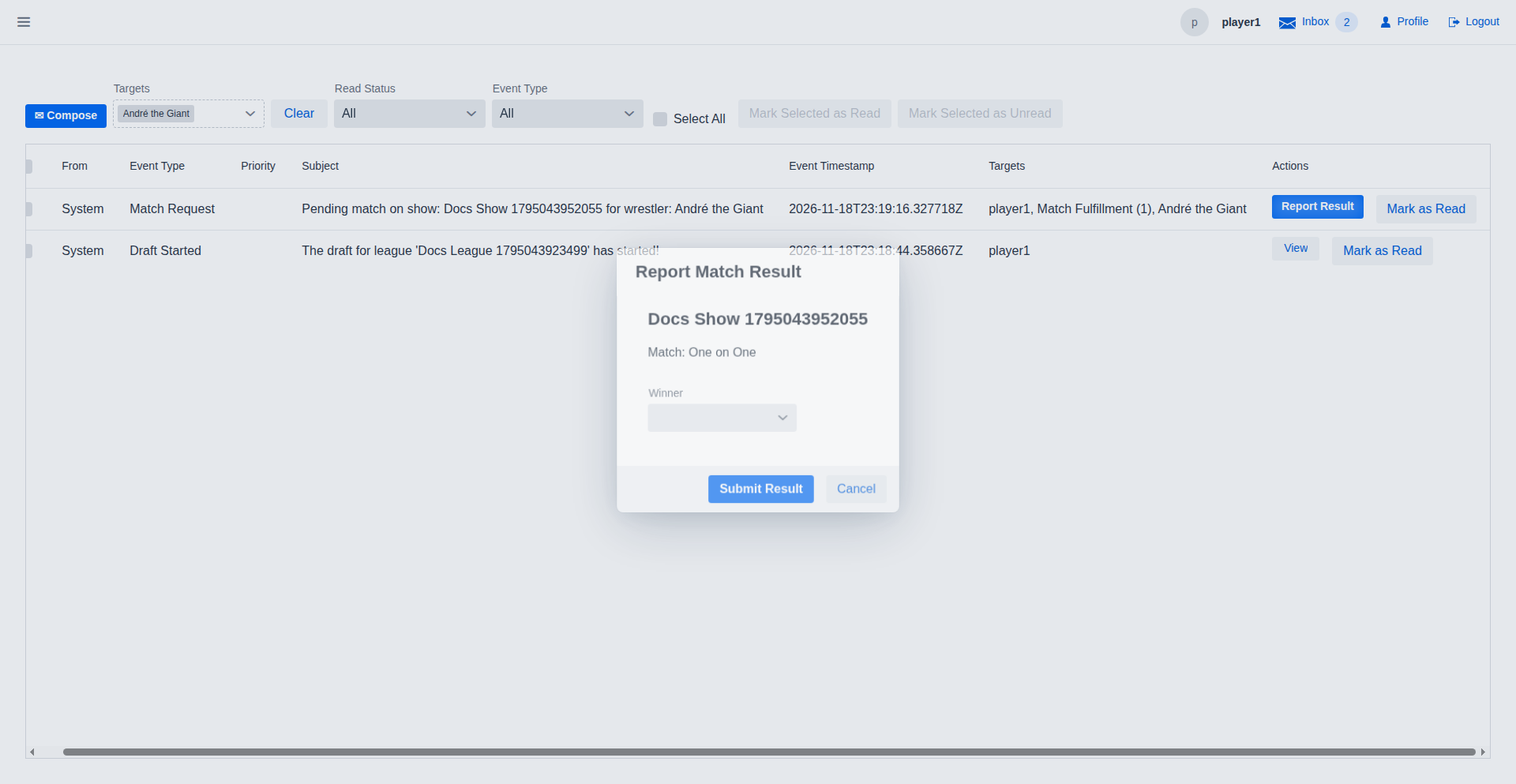
Match Reporting
When a league match is booked, players receive a notification to report the results of their matches.
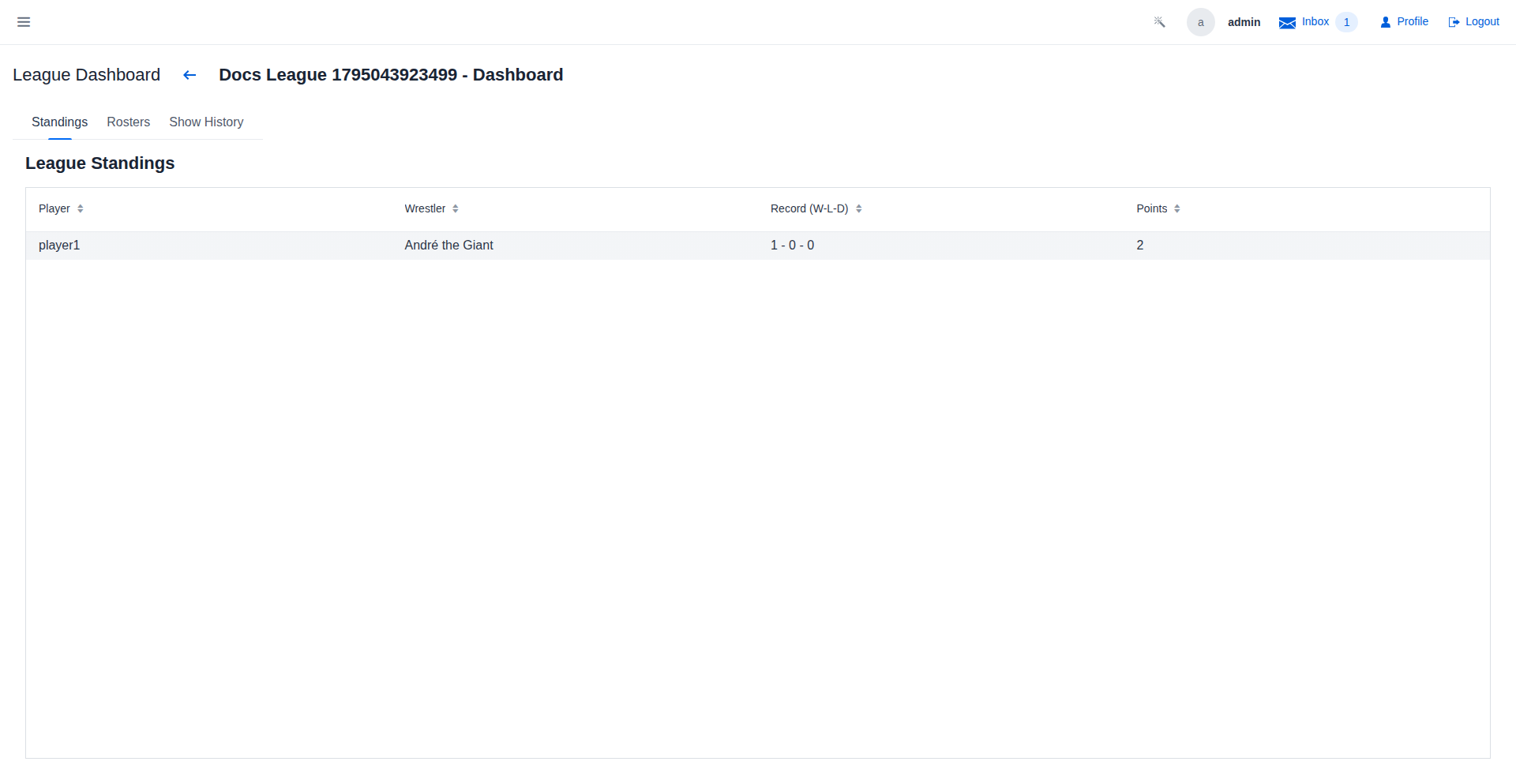
League Standings
The league dashboard displays the current standings, including wins, losses, and draws for each wrestler.
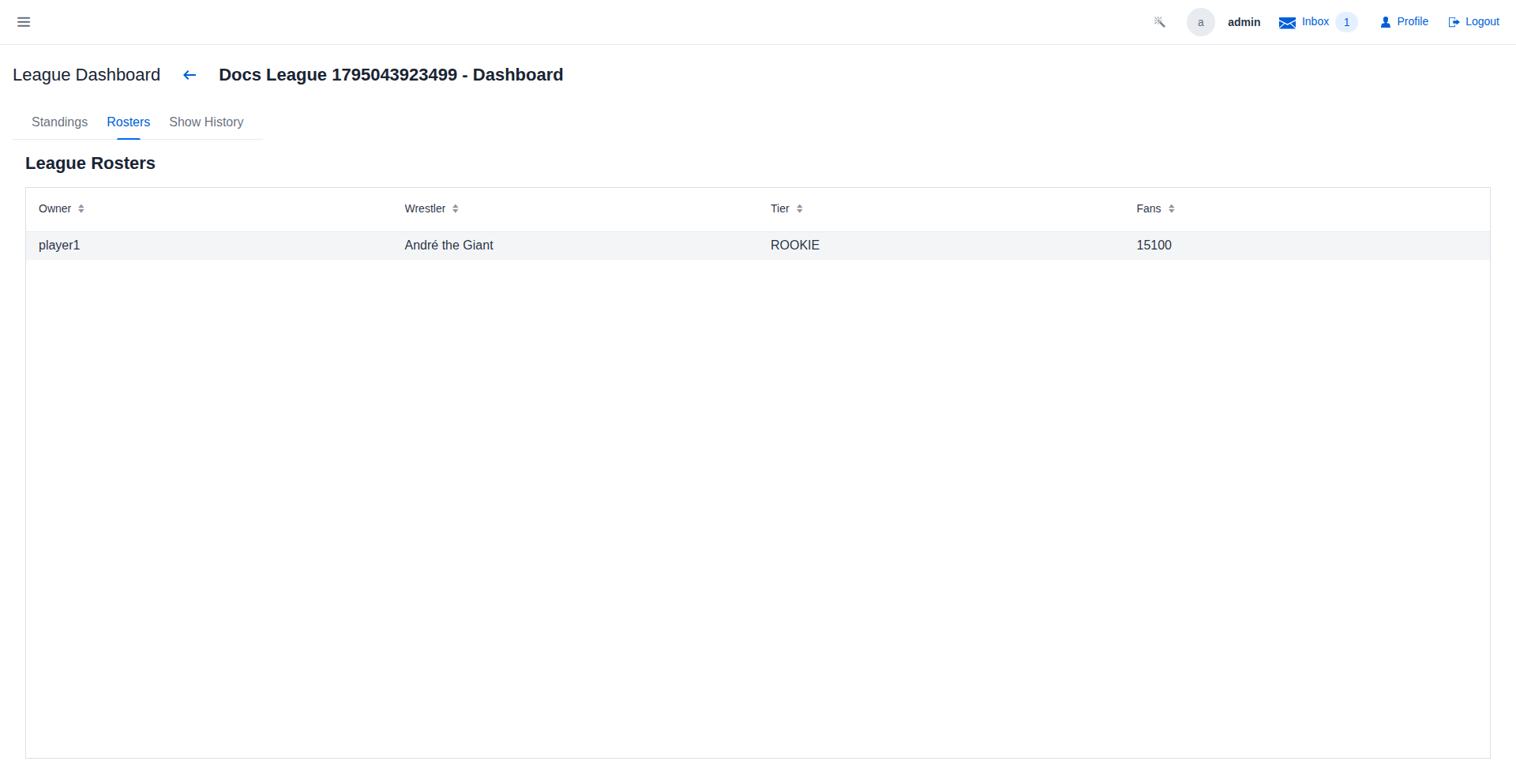
League Rosters
View the complete rosters for all players in the league.
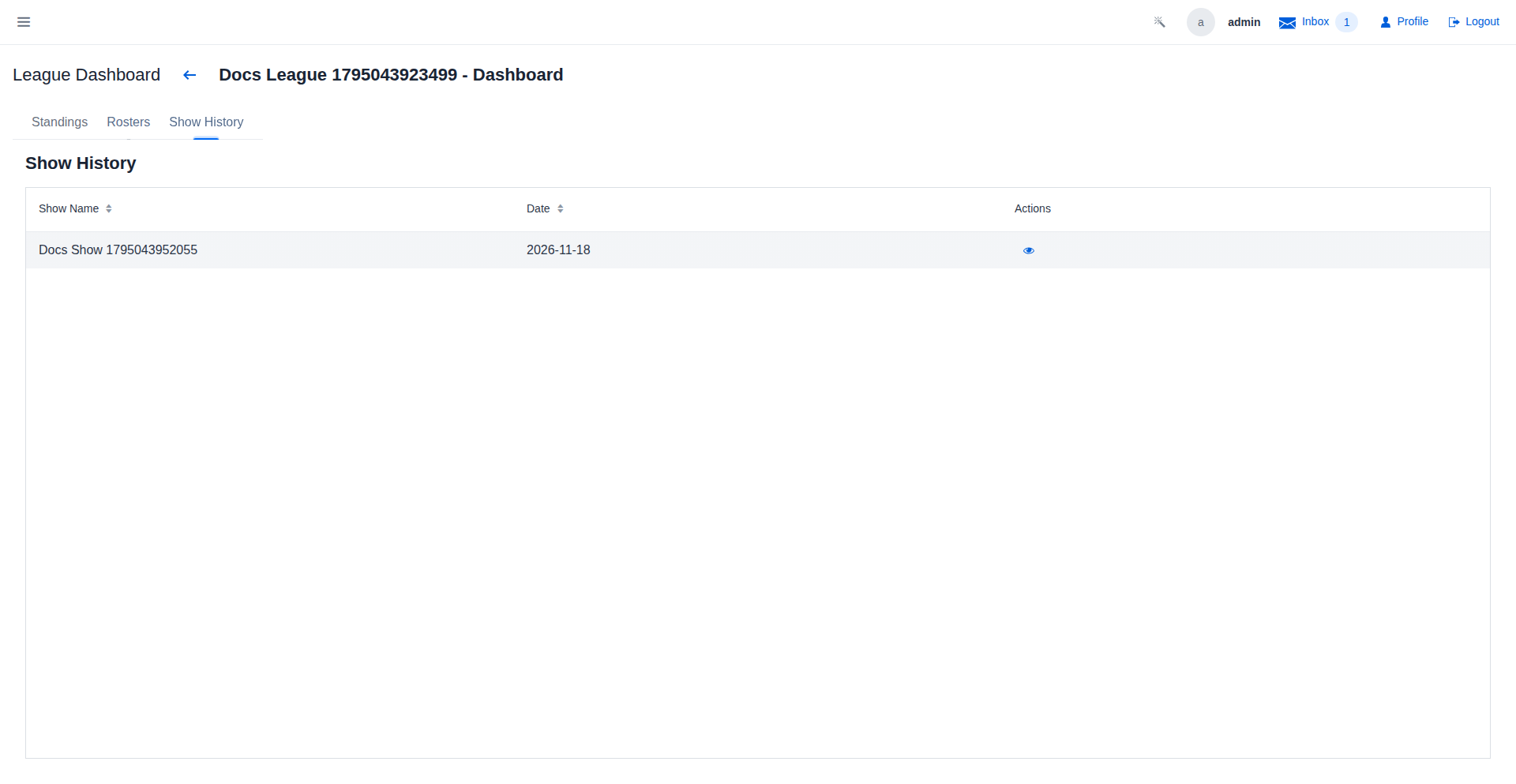
League History
Keep track of all shows and match results that occurred within the league.
Video Walkthroughs
League Season — Full Lifecycle
Switch to Rosters to see every player's drafted squad, or Show History to review every finalized event and its outcomes. The complete season record is preserved here after the league ends.
The Draft Room
Turn updated — the turn label now shows it's player1's pick. All participants see the same live board simultaneously, so there is no need to refresh. Each pick resolves within seconds of the button click.