Manage Rivalries
Who this is for: BOOKER or ADMIN — creating rivalries and steering feuds. Rivalry heat itself builds automatically from match results, no role needed.
A booker's guide to rivalries — the feuds that give your shows a reason to exist. Rivalries build heat as wrestlers cross paths, force themselves onto your cards, and resolve in big matches.
How heat works (the ATW RPG rules, applied automatically):
- 10 heat — they must wrestle at the next show. The game flags the match as must-book.
- 20 heat — the rivalry can start ending: each show rolls to resolve it.
- 30 heat — the feud is forced into a stipulation match (steel cage, hardcore, …) — the blowoff.
Step 1 — Create a rivalry
Open Rivalries from the navigation and click New Rivalry. Pick the two wrestlers and save — the rivalry starts at 0 heat and active.
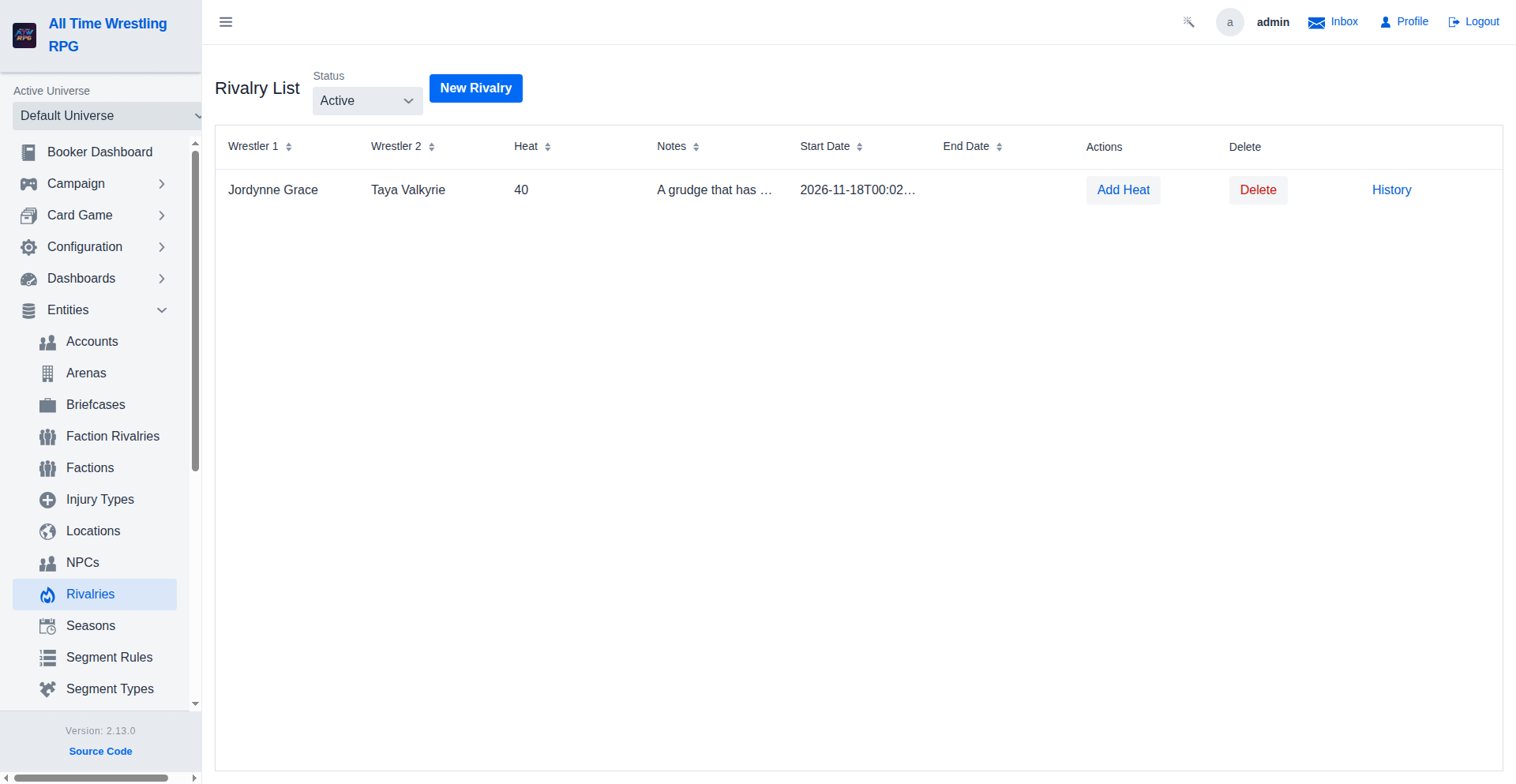
You can't create a duplicate of a pair that's already active — one feud at a time per pairing.
Step 2 — Let heat build (or push it yourself)
Heat rises on its own as the two wrestlers:
- Face each other in matches — winners and losers both gain, scaled by match importance.
- Cut promos targeting each other — verbal jabs add heat without a physical contest.
- Interfere, get interfered on, or hit drama events — anything that throws them together.
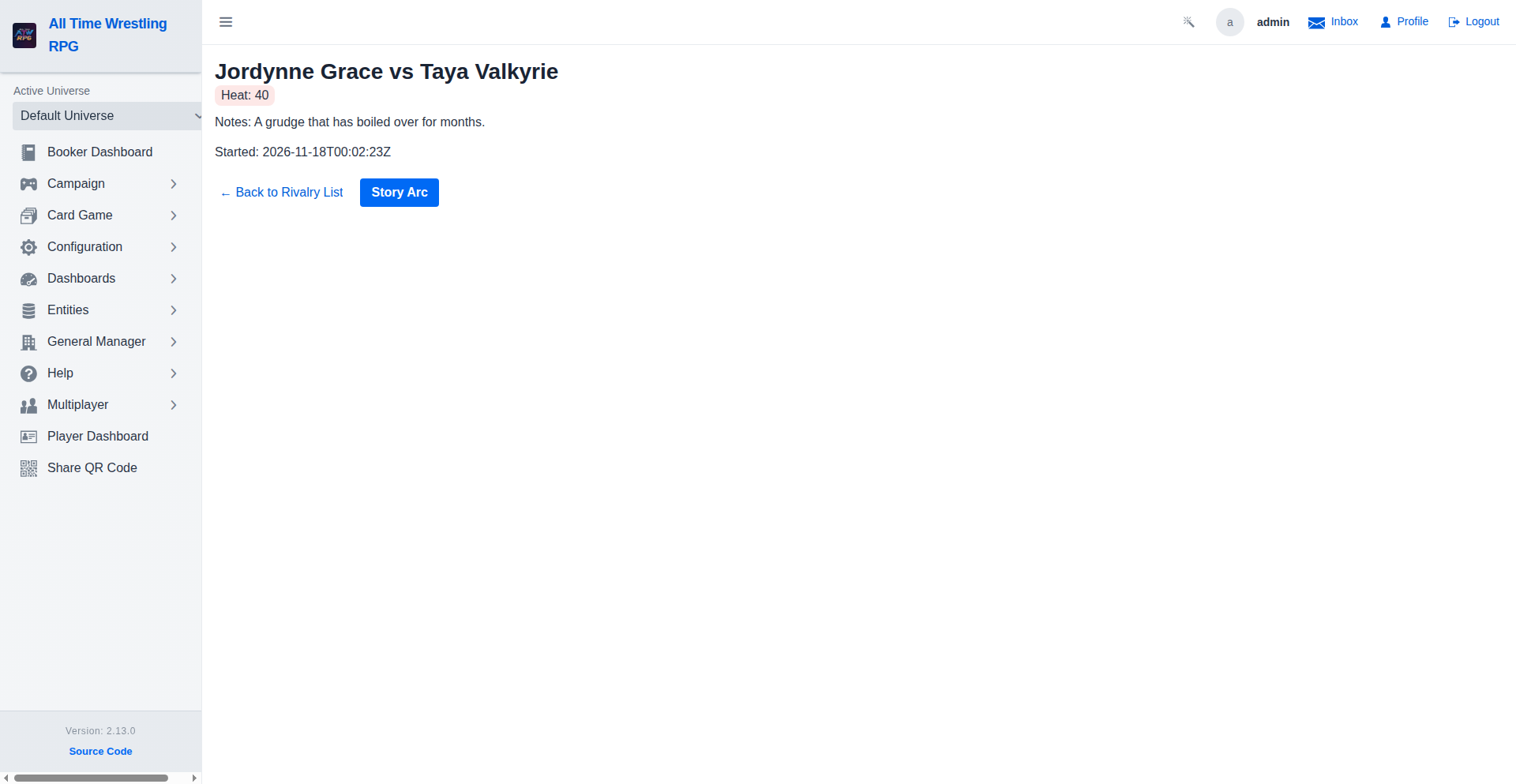
Every heat change is recorded as a heat event with a reason — open the rivalry's detail page to see the full history and understand why a feud escalated.
Step 3 — Book the matches
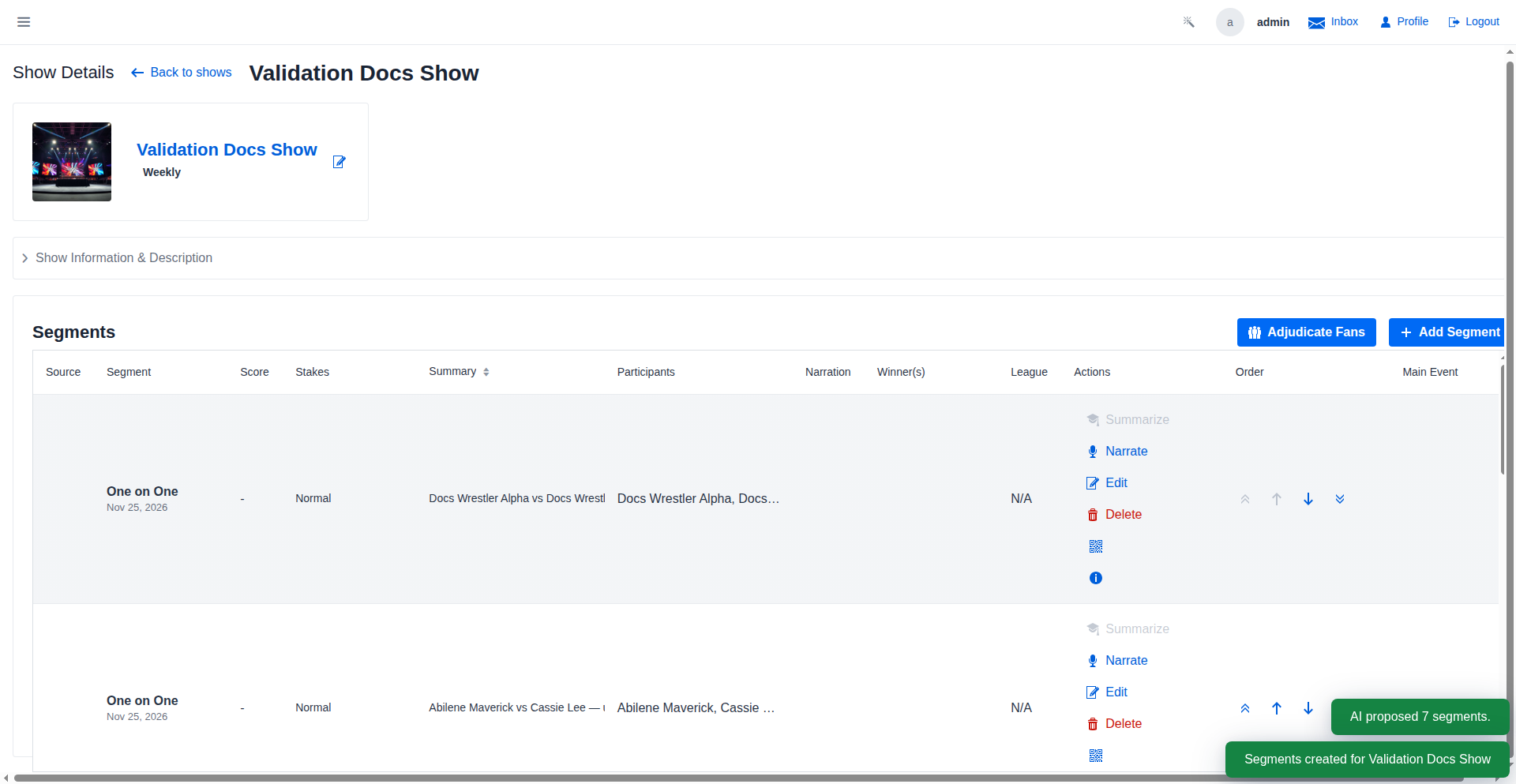
The show-planning tools work the heat for you:
- The Add Segment dialog suggests your hottest unbooked rivalries ("Suggested feuds (by heat)") so the must-book matches don't slip.
- Card validation warns when two wrestlers with a hot rivalry are booked without a stipulation.
- The Show Planning view flags shows that would leave a heat-10 rivalry unbooked.
Step 4 — Let it resolve (or cool down)
Two things end a rivalry:
- Resolution matches — at 20+ heat, PLE matches between the two roll for resolution; a win ends the feud. On premium shows the threshold drops (rivalries are meant to blow off on the big stage), and a rivalry that keeps missing resolution attempts on PLEs is force-resolved to keep feuds from stalling.
- Heat decay — rivalries that stop being booked cool off gradually. If nothing re-ignites them, they fade to a natural end.
Both are game-settings driven — admins tune the decay interval, decay amount, minimum resolution heat, and whether regular shows (vs PLEs only) can resolve feuds under Admin → Game Settings.
Step 5 — Turn a rivalry into a story arc
From the rivalry's detail page, click Story Arc to launch the feud wizard — the structured, scripted way to run the feud (see Build Story Arcs). Rivalries handle the heat; story arcs handle the script.
Where to go next
- Book Your First Show — putting the feud on a card.
- Build Story Arcs — scripting the feud beat by beat.
- The auto-generated Booker Overview documents every rivalry screen.