Player Dashboard
Welcome to the Player Dashboard guide. This documentation is automatically generated from the latest game features.
Effective Stats and Status Cards
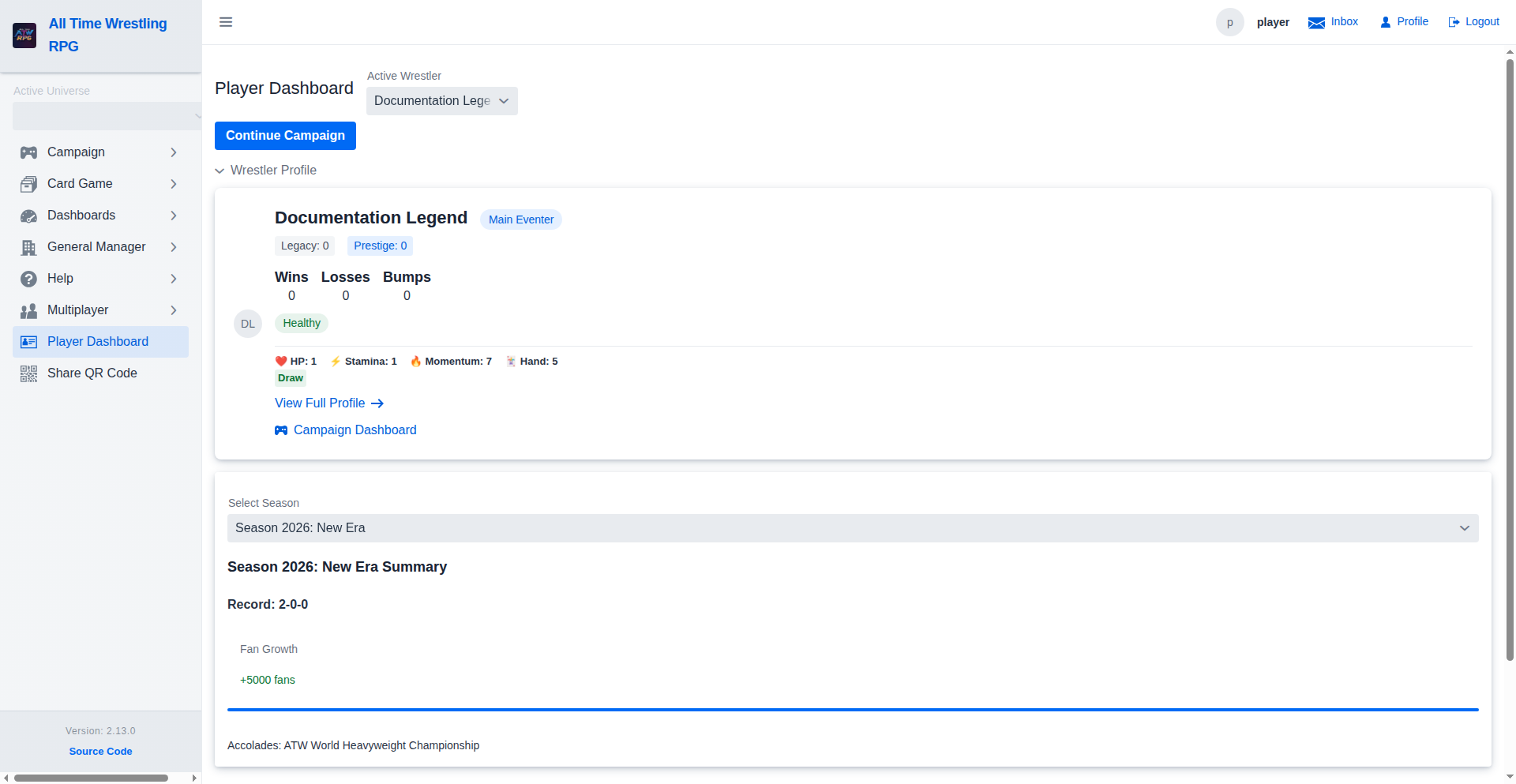
The Effective Stats section shows real-time HP, Stamina, Momentum, and Hand Size after applying all active modifiers — campaign bonuses/penalties, injuries, bumps, and Status Cards. Hover over any stat for a full breakdown. Active Status Cards appear as colour-coded badges: green for positive, red for negative.
Season Summary
The Season Summary component provides a snapshot of your wrestler's performance during the currently active season, including their win-loss record, fan growth progress, and any championships or accolades earned.
Inbox — Event Feed
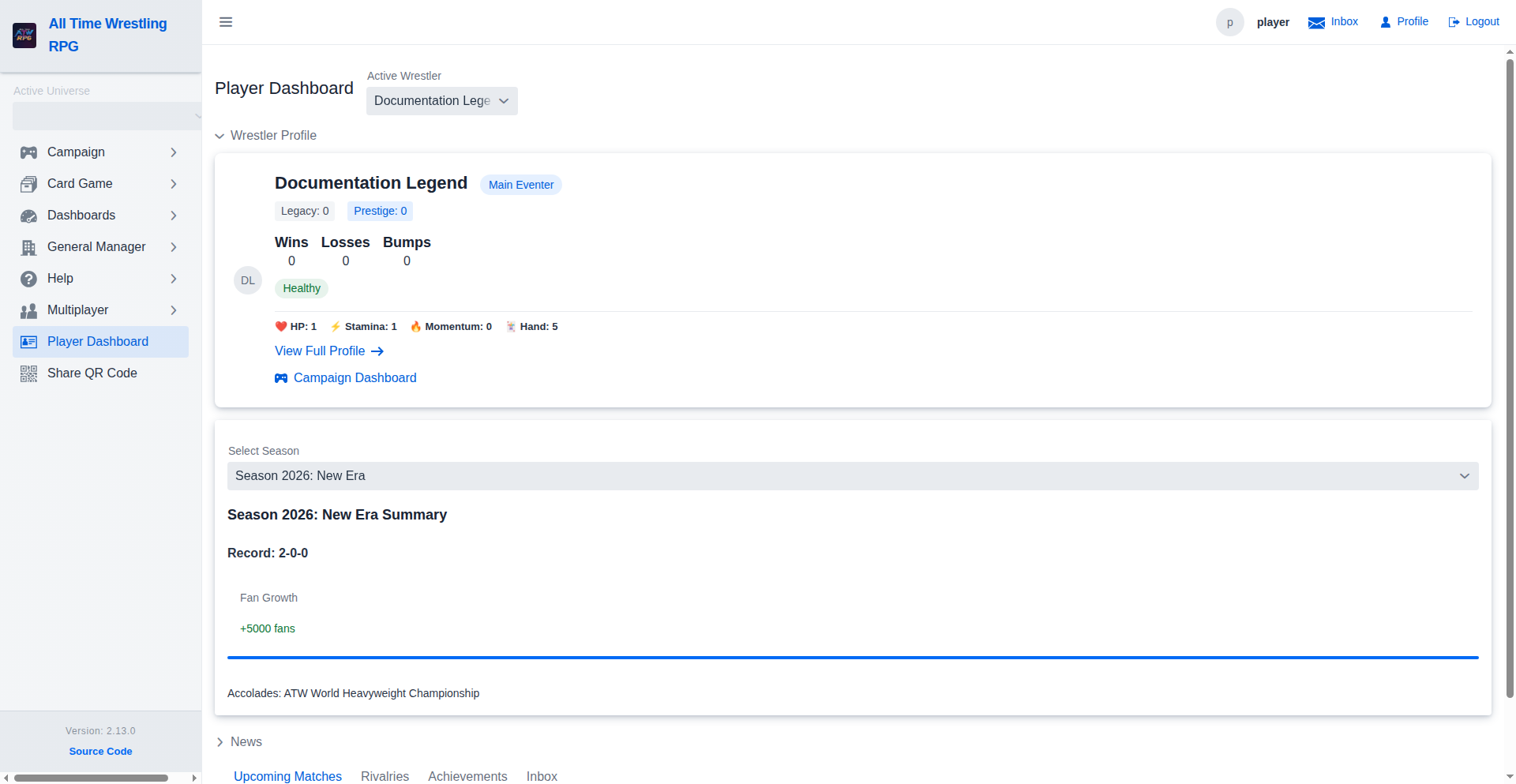
The Inbox surfaces every automated event that affects your wrestlers — championship changes, injury reports, rivalry heat shifts, and achievement unlocks. Filter by event type or wrestler target to focus on what matters most. Unread items are highlighted; select any row to mark it read or act on it.
Historical Season Performance
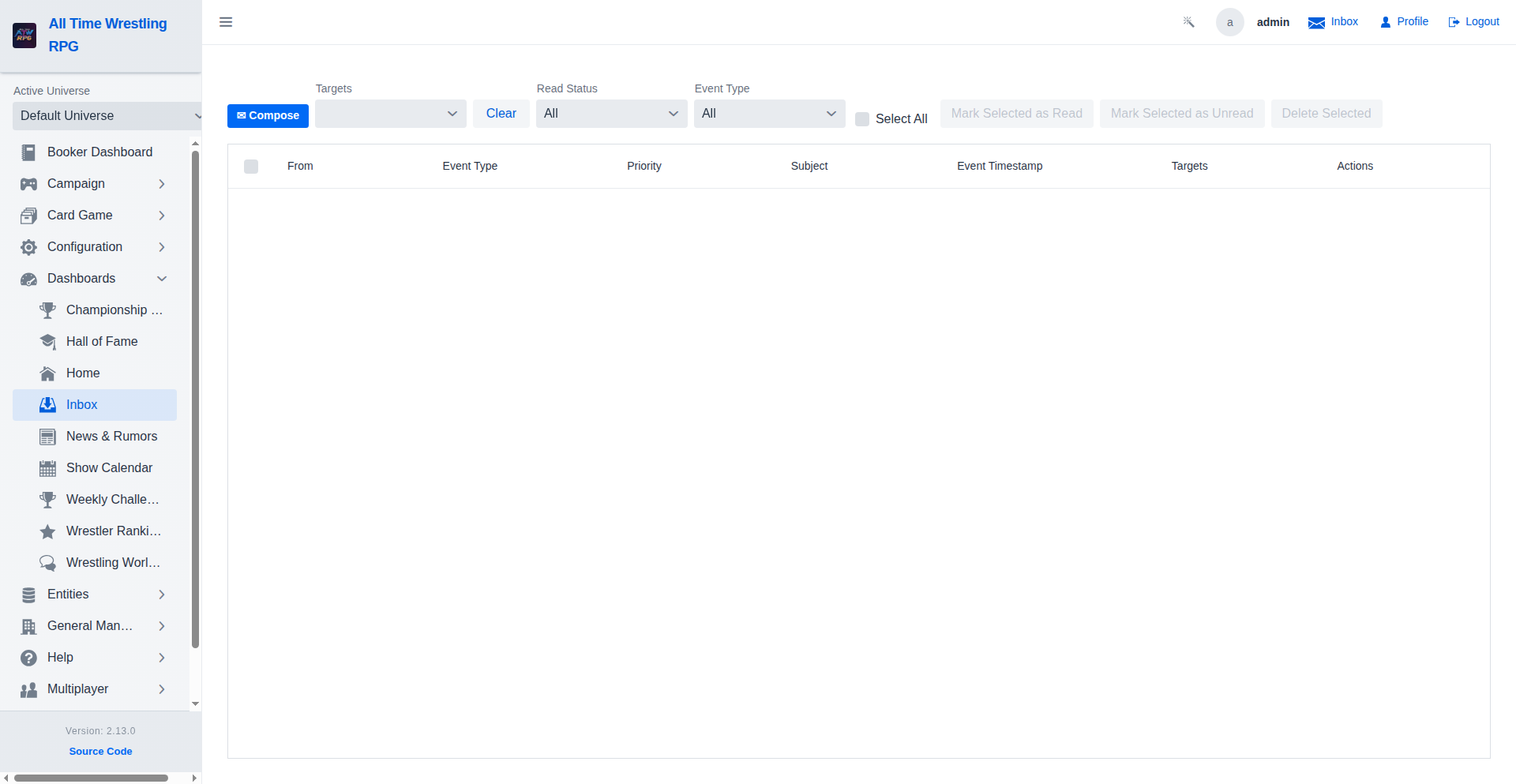
Review your past glory by switching between seasons. The dashboard stores historical data, allowing you to track your wrestler's career trajectory and milestones over time.
Video Walkthroughs
Interactive Promo
The Silent One responds — AI-generated retort appears under the opponent's name. The full exchange is persisted to the segment narration and becomes part of the permanent show record, visible to all participants.
Match Narration
Generate Narration lets the player request an AI-written match story using their deck cards and the segment outcome. Only participants see this button — the result is stored on the segment and visible to everyone afterward.
Navigating to a Match
Match view loaded — shows the show name, match type, and participants. Players can submit results, request AI narration, or start an interactive promo depending on the segment type.
Season Summary
Fan growth tracks audience gained or lost this season — wins and title feuds push it up, while losses and inactivity drag it down. The net change is displayed so players can see the impact of their booking outcomes.
Player Dashboard Overview
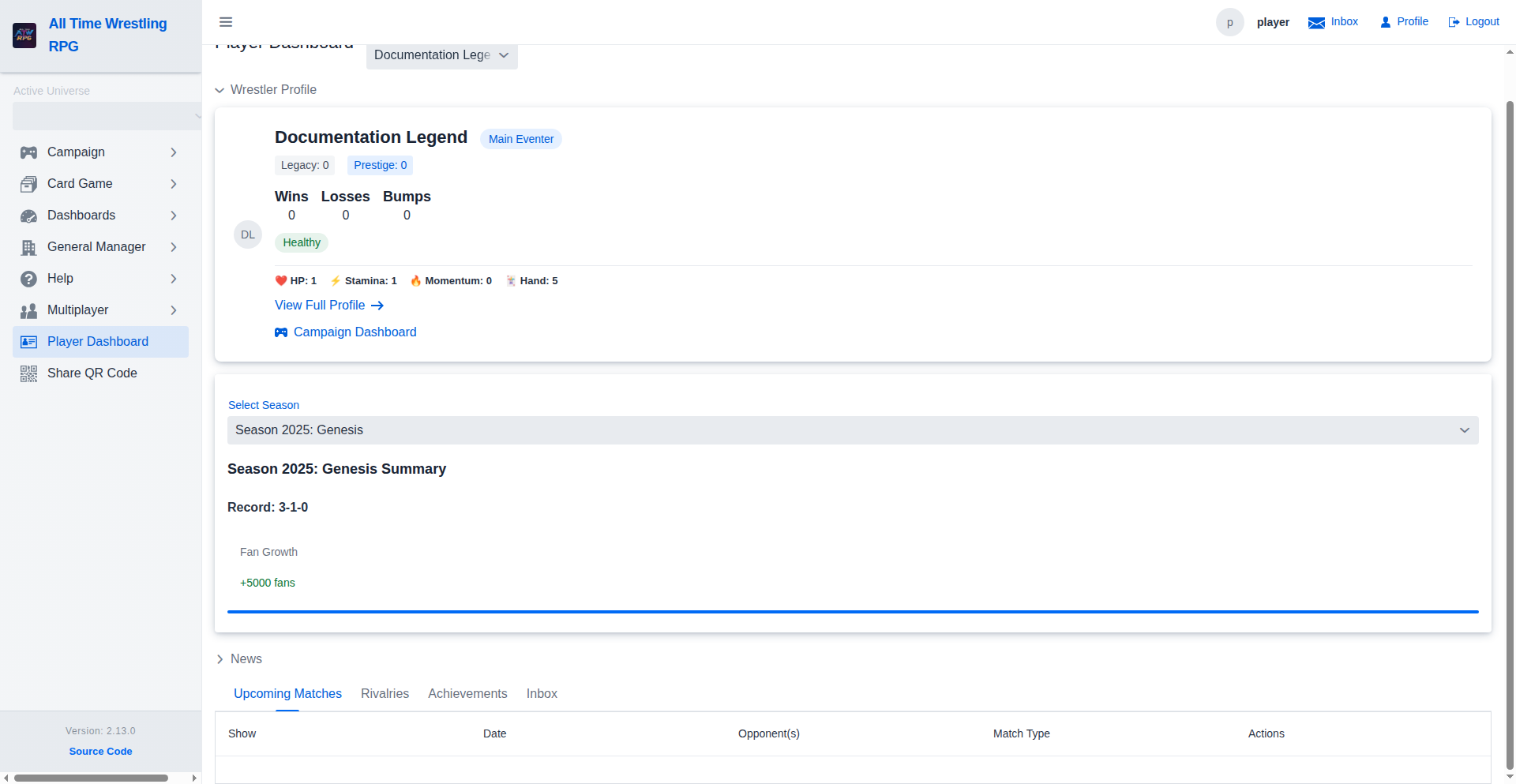
Inbox tab — booker messages, angle updates, and match announcements arrive here. Players stay informed about story directions and upcoming bookings without needing to contact the booker directly.
Status Cards and Momentum
Momentum reflects all active status card bonuses — the effective stat shown here is exactly what the match engine uses when drawing cards in combat. Higher momentum increases the chance of landing powerful moves.
Inbox Walkthrough
Filtered to Championship Change events only — the feed now shows just the title activity for quick review. Clear the filter to return to the full event stream.