Booker
Welcome to the Booker guide. This documentation is automatically generated from the latest game features.
Show Planning — Stipulation Required Error
When a rivalry with heat ≥ 30 is on the card but has no match rule (stipulation), approval is blocked. The error dialog lists each affected rivalry. Edit the segment and add a rule such as Steel Cage or Last Man Standing before approving.
Show Planning — Proposed Card
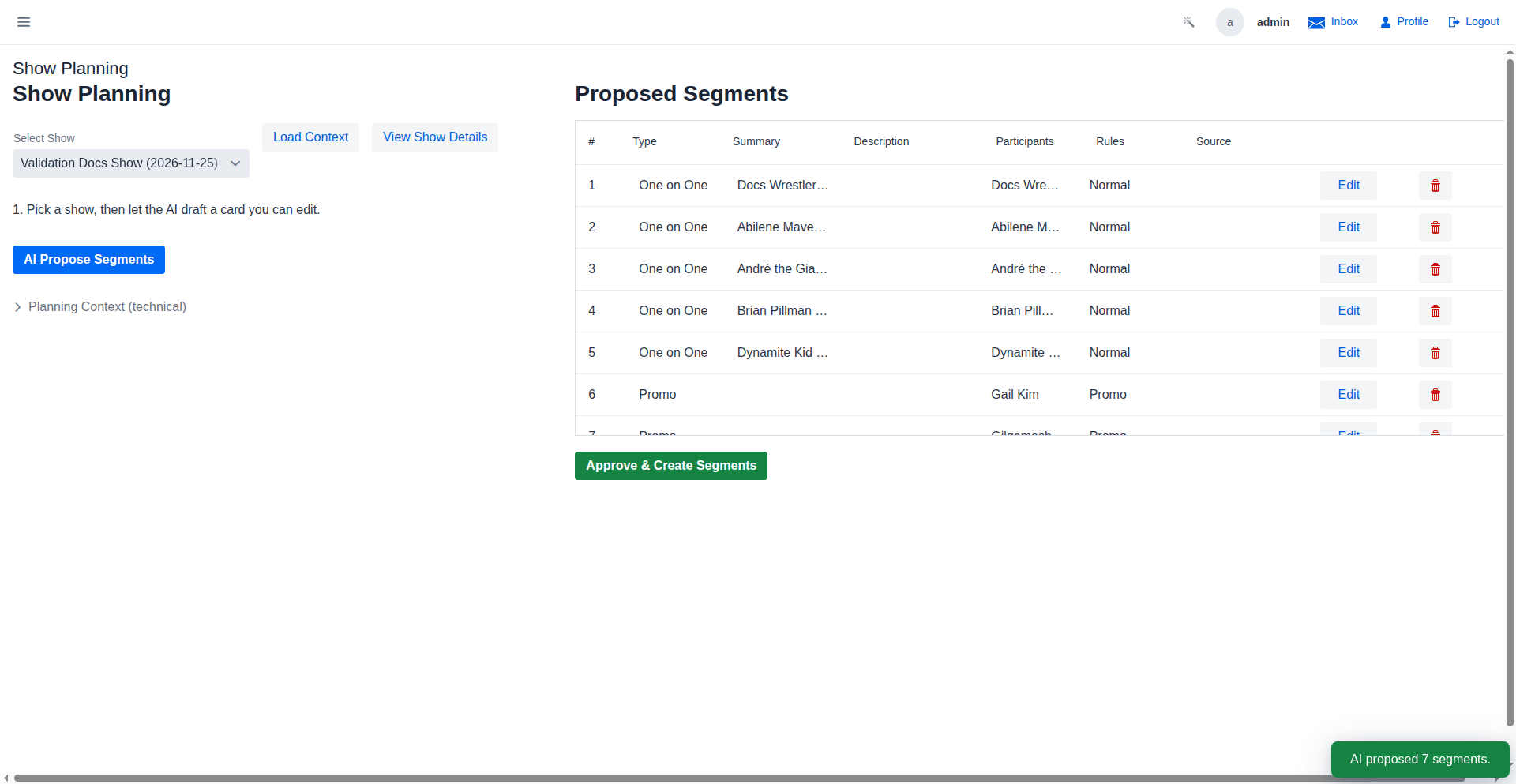
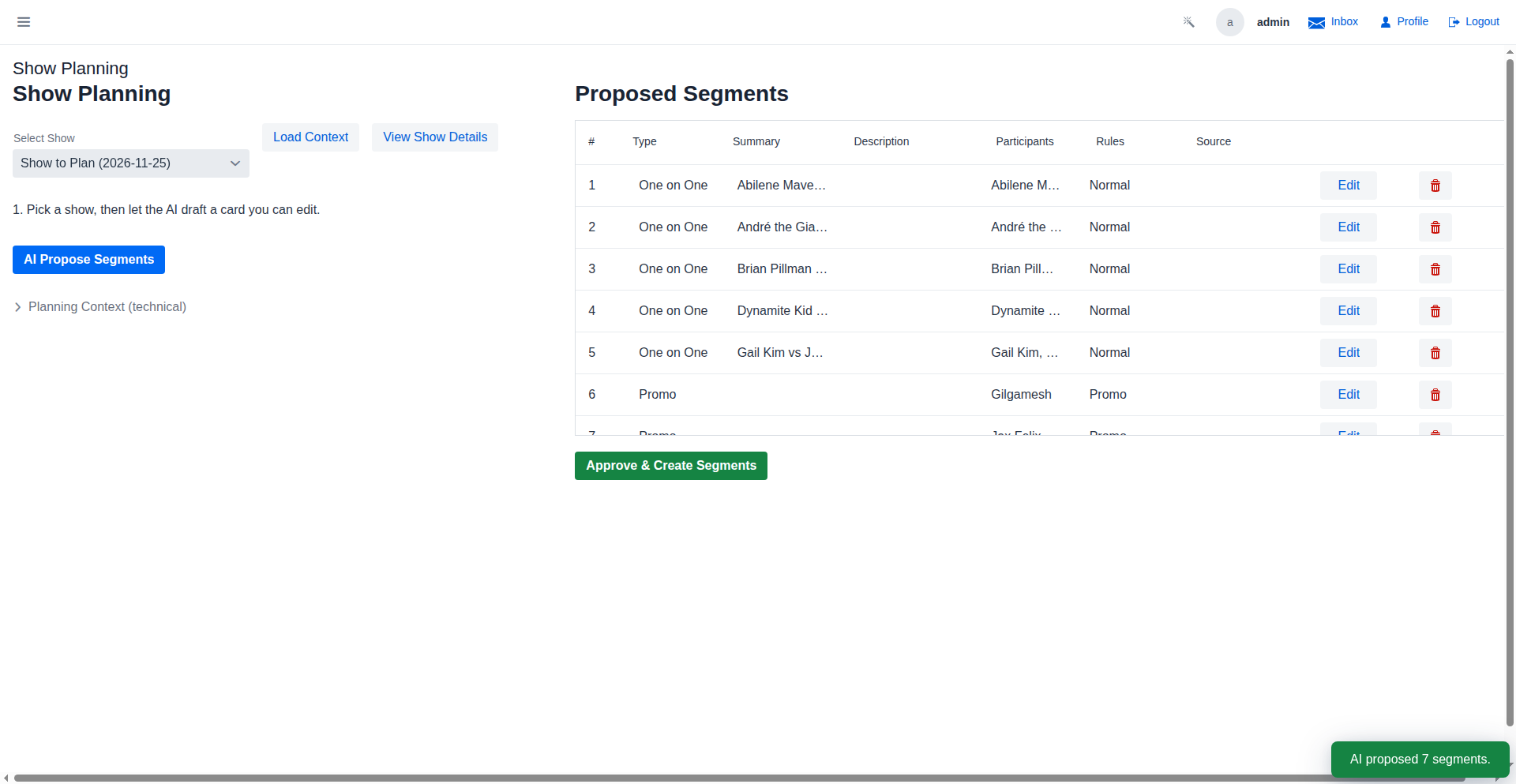
After the AI proposes segments, the booker reviews the card before approving. Rivalries with heat ≥ 10 that are not on the card will trigger an advisory when the Approve button is clicked.
Show Planning — Unbooked Rivalries Warning
When rivalries with heat ≥ 10 are not on the proposed card, a confirmation dialog lists each unbooked feud. The booker can go back and add them, or acknowledge and approve anyway — unbooked rivalries carry over to future shows.
QR Code Match Share
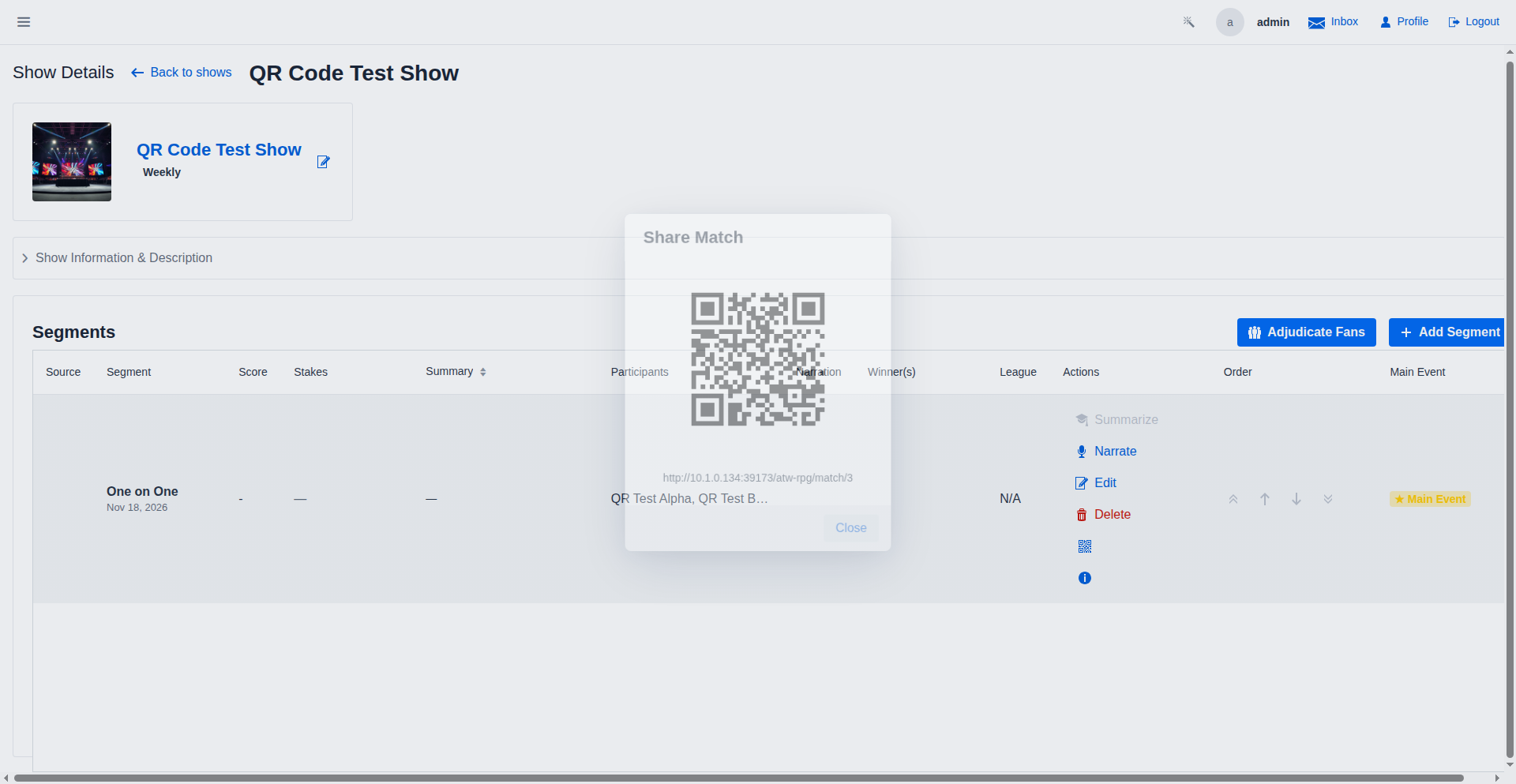
The QR share button on a match segment opens a dialog with a scannable QR code. The URL uses the machine's LAN IP address so phones on the same network can navigate directly to the match page.
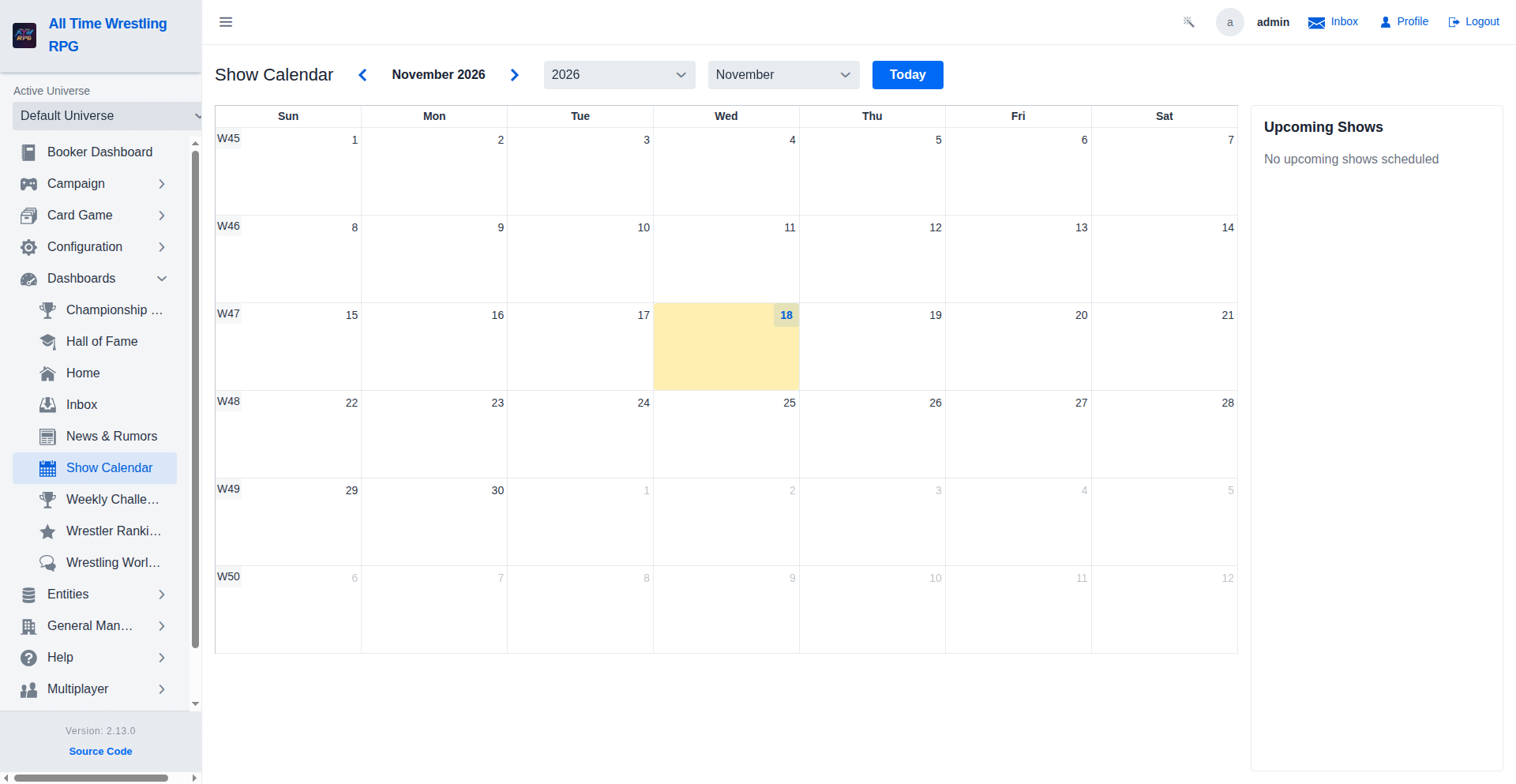
Show Calendar
The Show Calendar provides a monthly view of every scheduled show in the promotion. Each show appears as a colour-coded event tile on its booked date. Click any tile to jump directly to that show's detail page. Navigate between months using the prev/next arrows, or click Today to snap back to the current date.
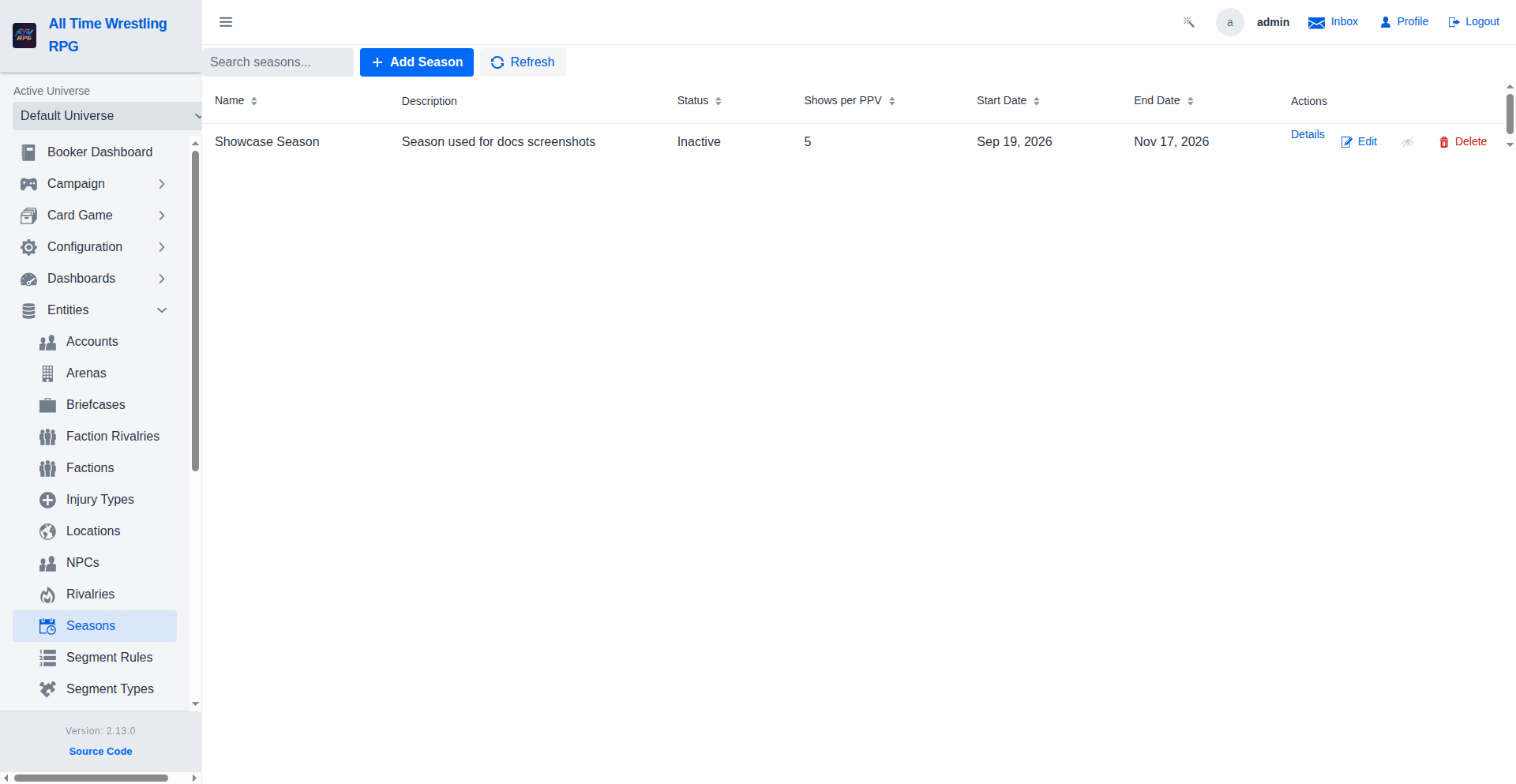
Season List
Browse all seasons with their status, show count, and date range. Click 'Details' on any season to open its full detail page, including the awards ceremony results.
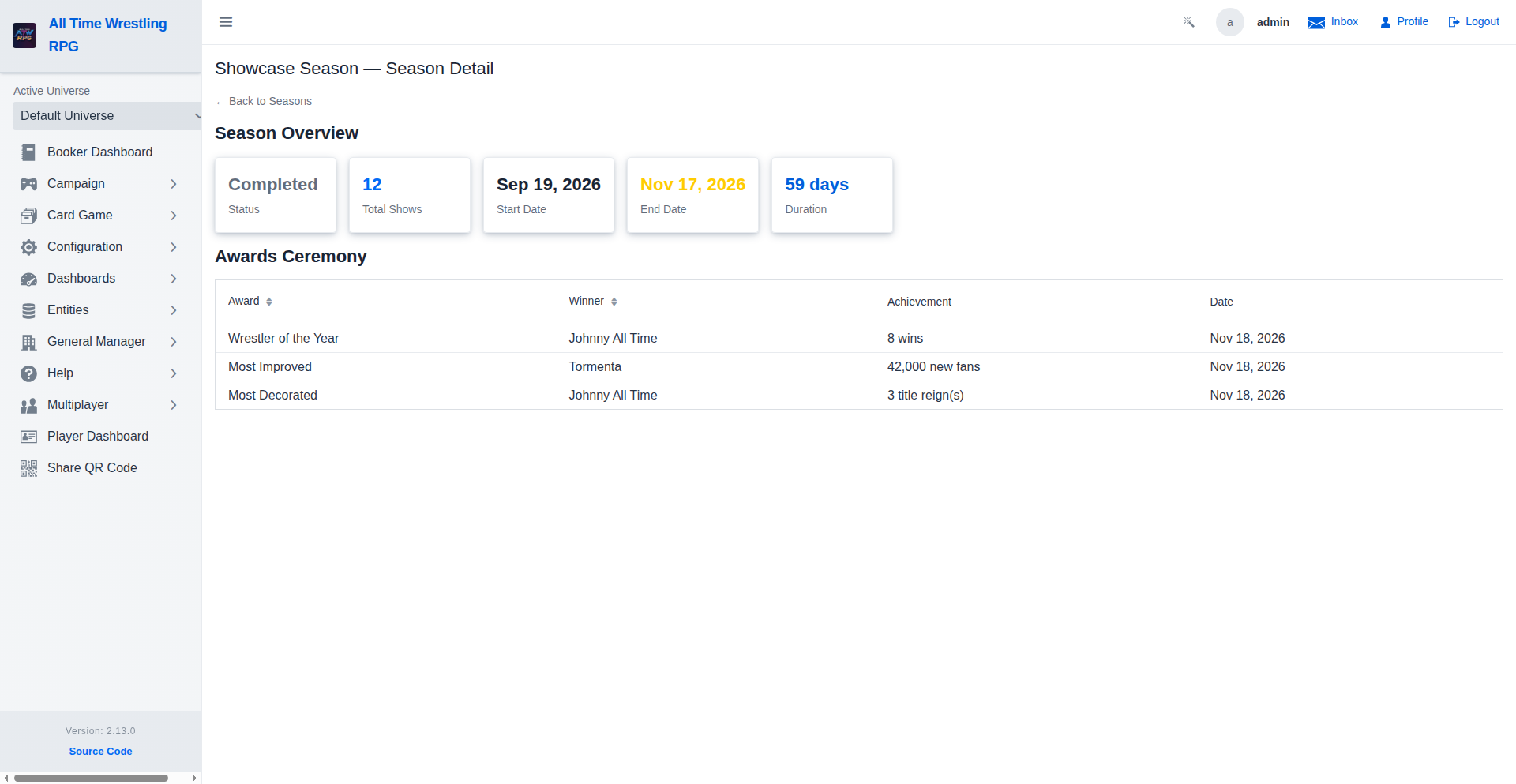
Season Detail
Full season breakdown showing key stats (status, show count, duration) and the Awards Ceremony section listing Wrestler of the Year, Most Improved, and Most Decorated winners.
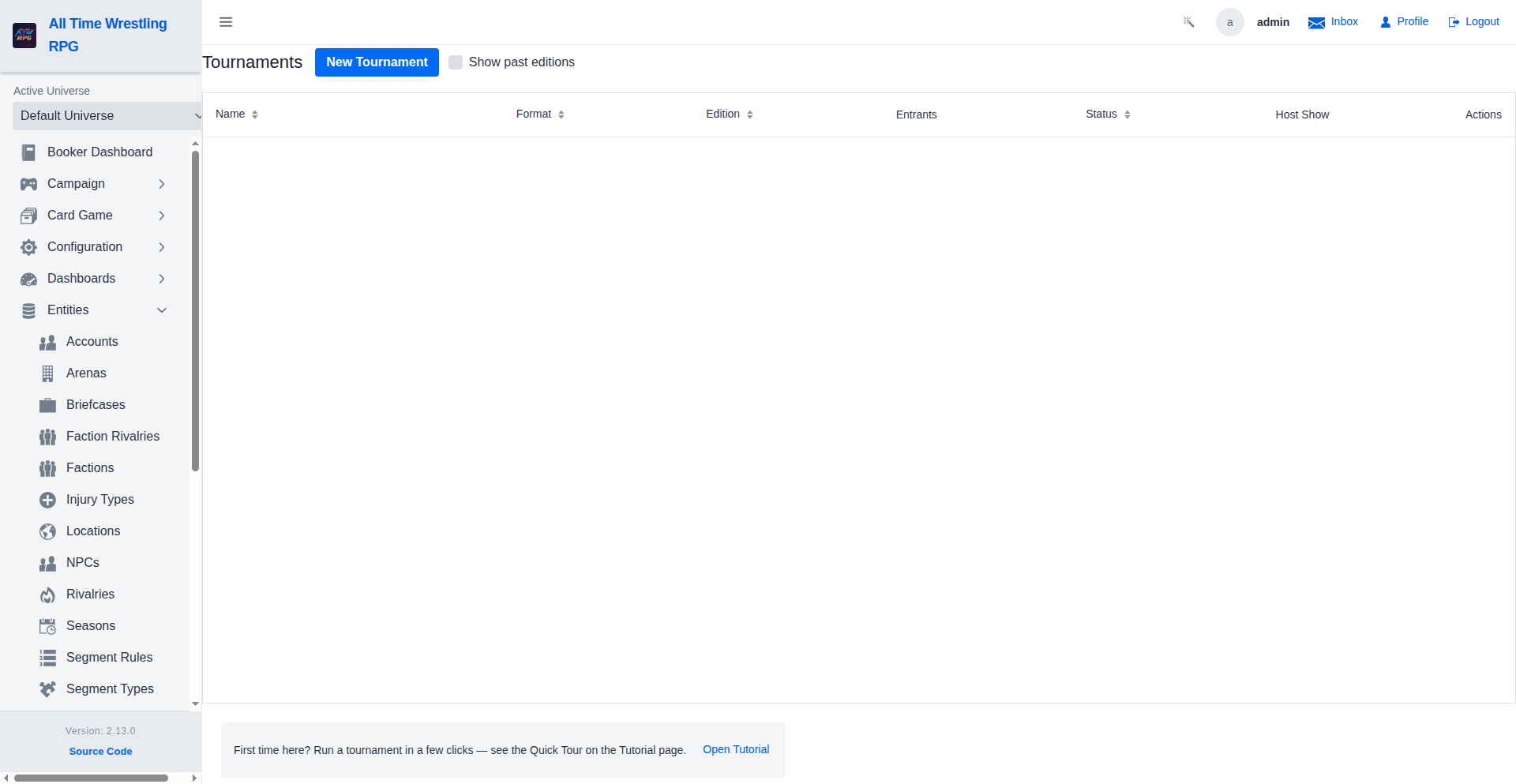
Tournament Bracket Generator
Plan and run tournaments directly from the Booker dashboard. Choose from Single Elimination or Round Robin formats, auto-seed wrestlers by fan count or pick them manually, and book each round across your scheduled shows.
Tournament Detail — Scheduled
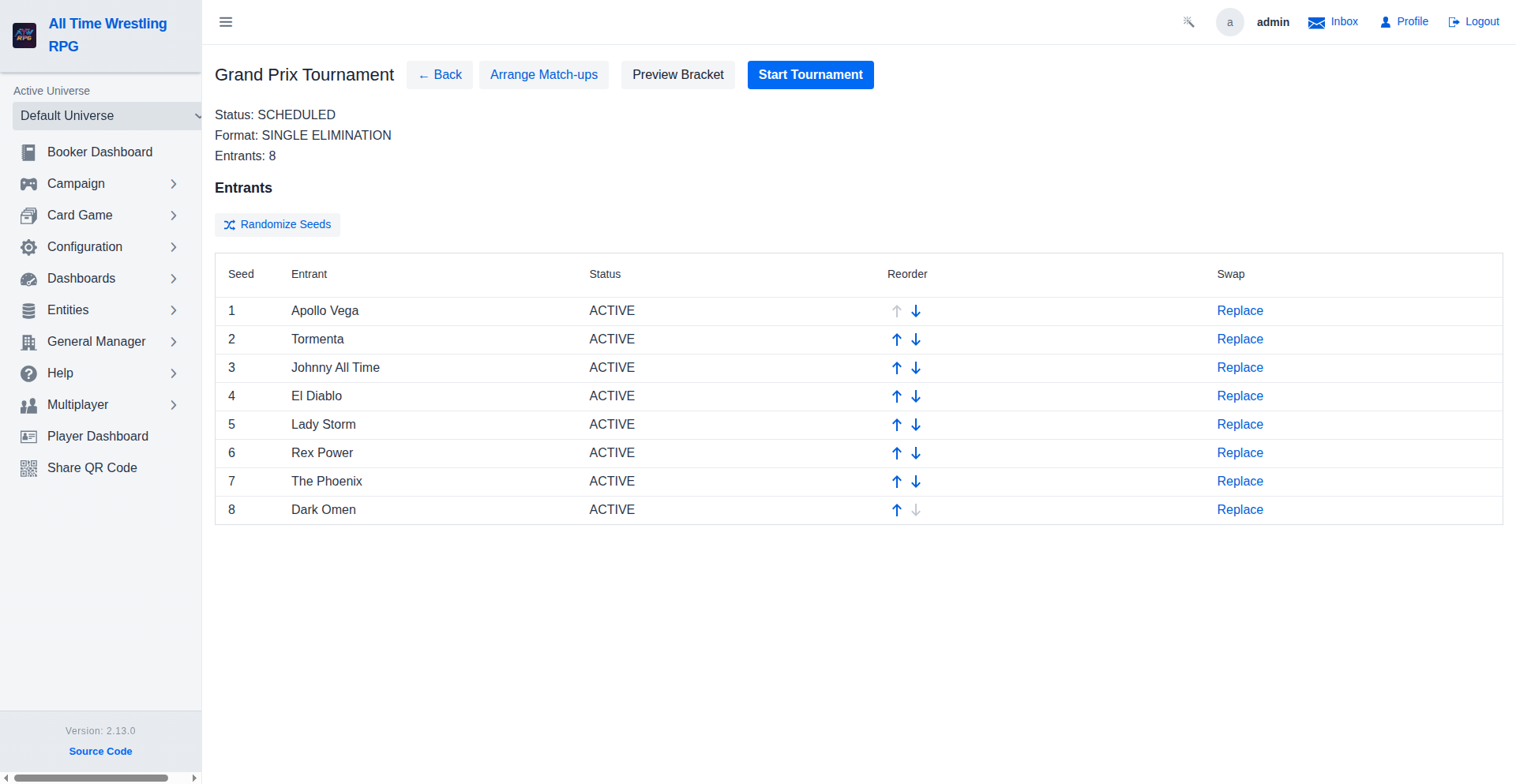
A freshly created tournament shows all entrants seeded and ready. The 'Start Tournament' button generates the first-round bracket. Entrants are ranked by seed — 1 vs 8, 2 vs 7, and so on.
Tournament Detail — In Progress
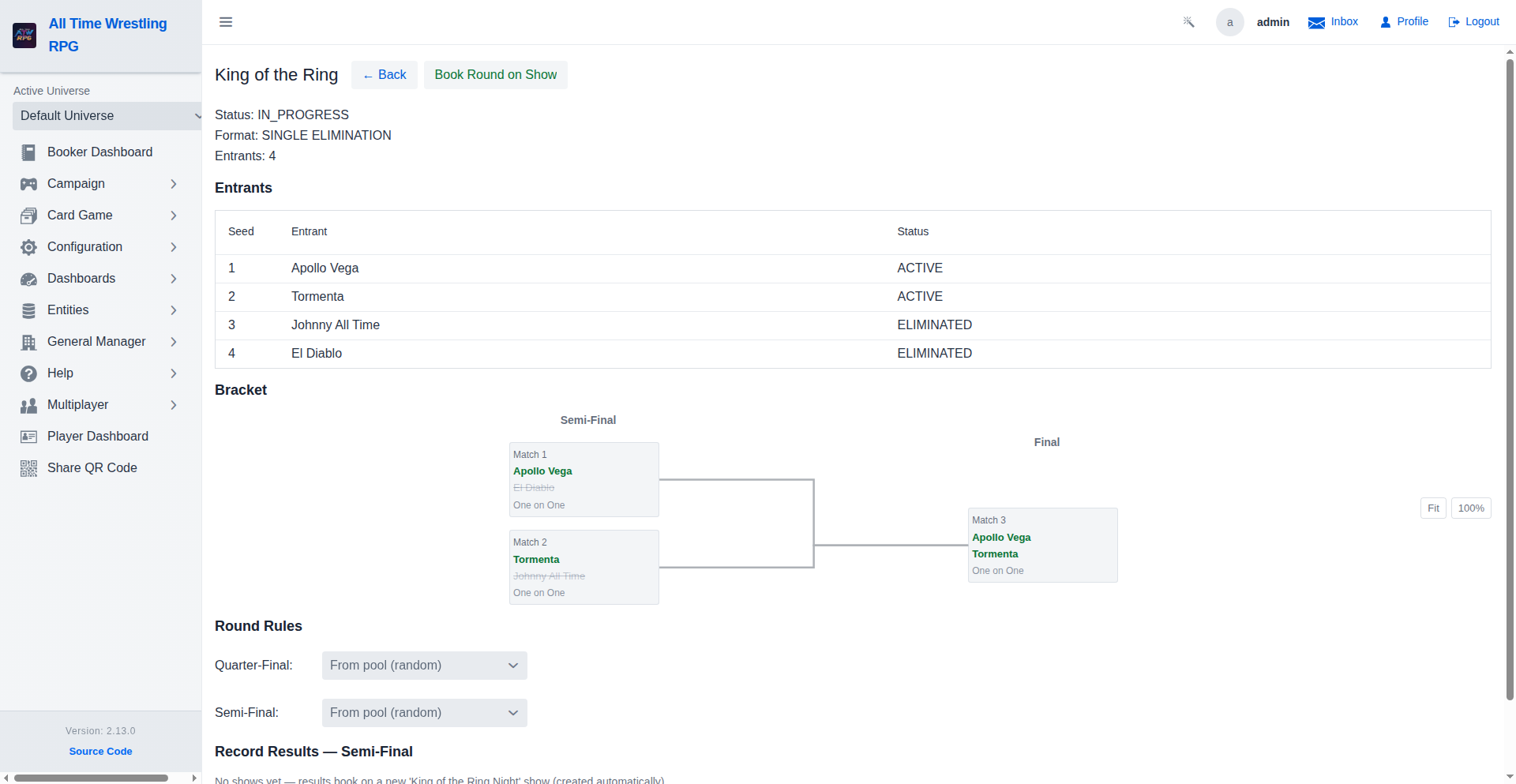
Live tournament view shows completed round results and the pending next round. The booker can book the upcoming round onto any scheduled show and record match winners as each event is completed.
Story Arc Wizard
Three-step wizard for scripting a feud arc: select wrestlers, name the arc and choose its length, then add ordered beats (match type, stipulation, winner control).
Rivalry Detail
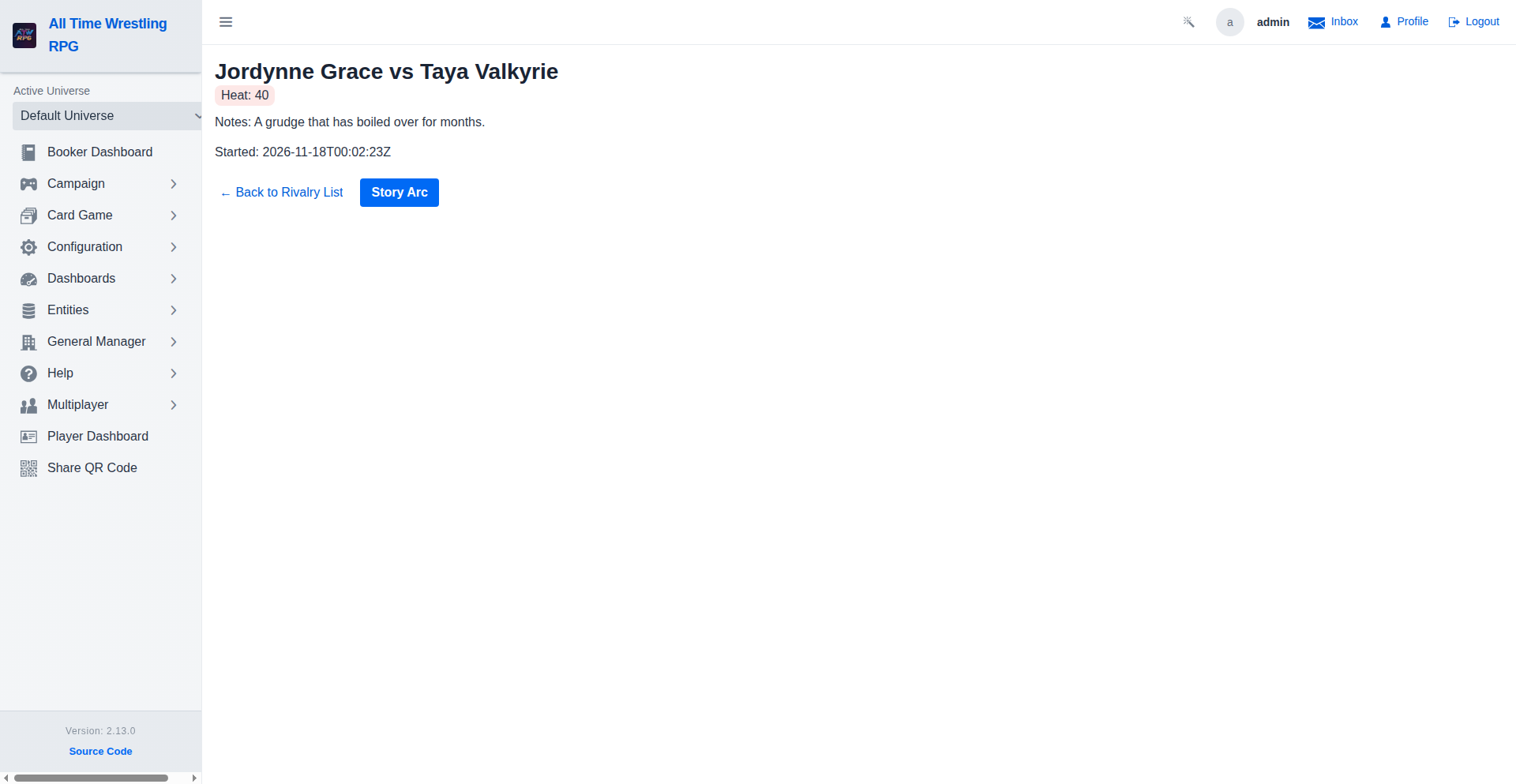
View rivalry details including heat, storyline notes, and dates. Use the Story Arc button to script a multi-beat feud arc for this rivalry.
Rivalry List
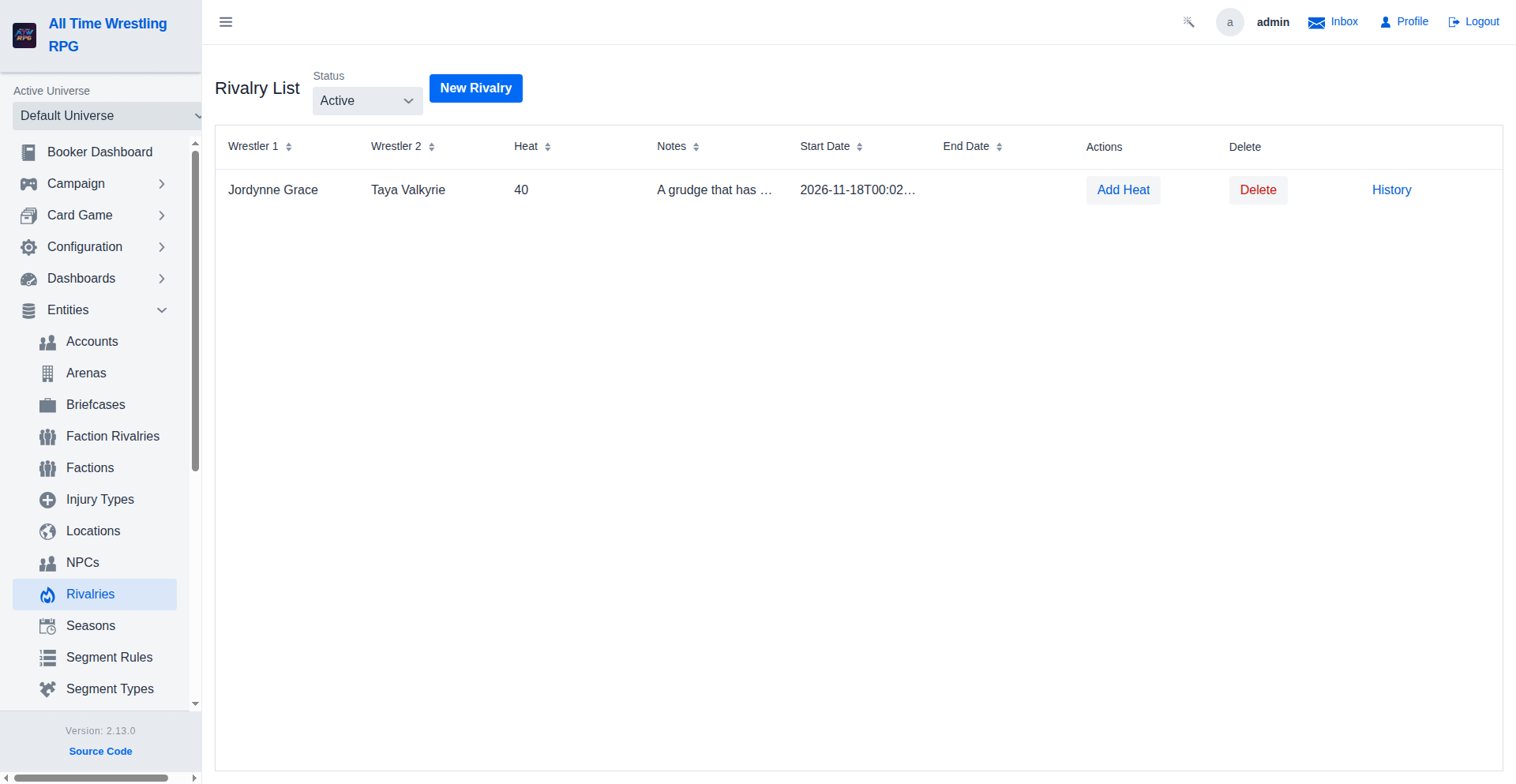
Browse active rivalries between wrestlers — ended feuds are filtered out by default; switch the Status filter to All or Ended to see them. Click any row to open the rivalry detail view where you can manage story arc scripts.
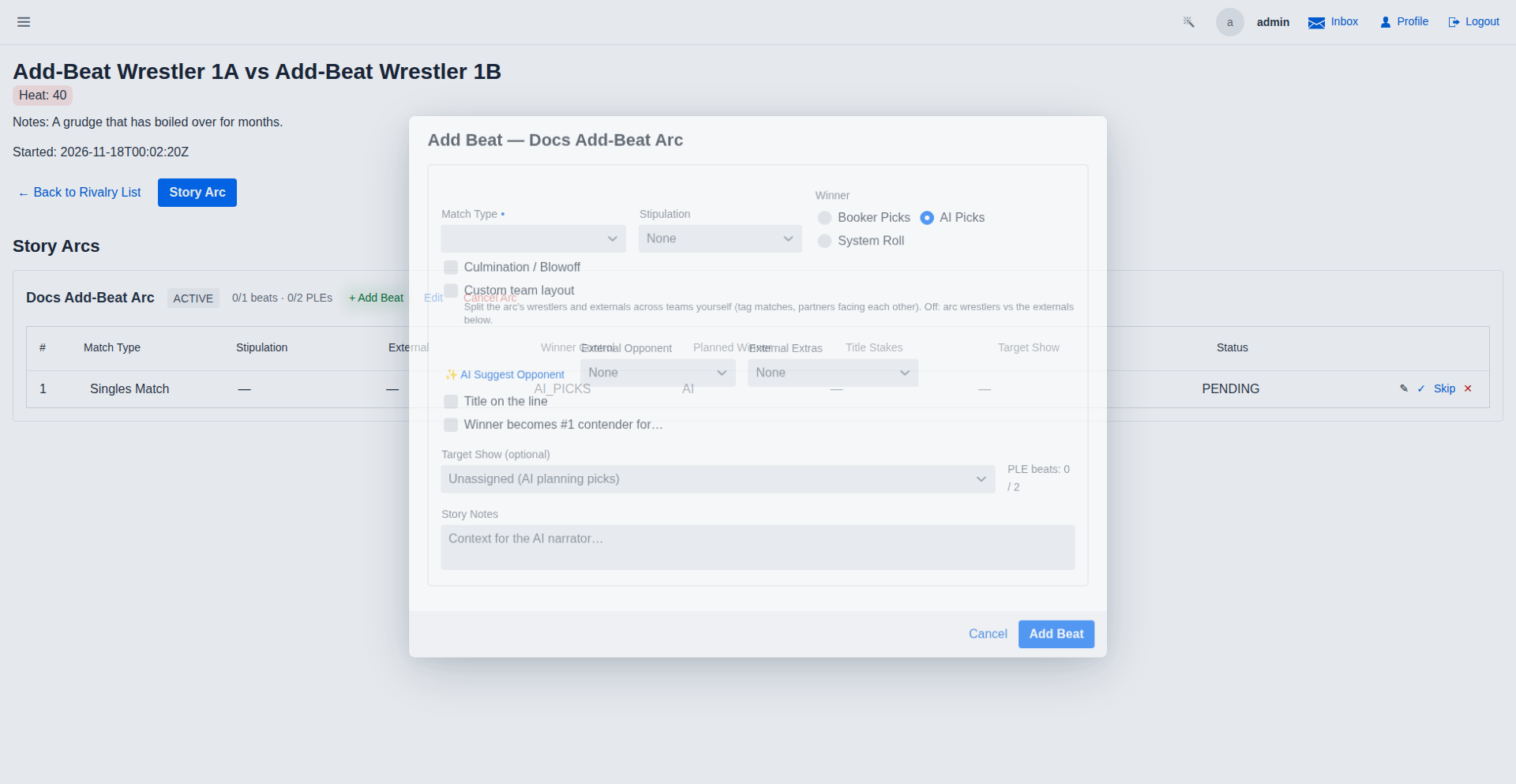
Add Beat to Story Arc
Append new beats to an existing story arc after it has been saved. The Add Beat dialog offers the same match type, stipulation, winner control and notes fields as the creation wizard, plus external participants — an opponent and run-in extras from outside the feud, with an AI-assisted opponent suggestion.
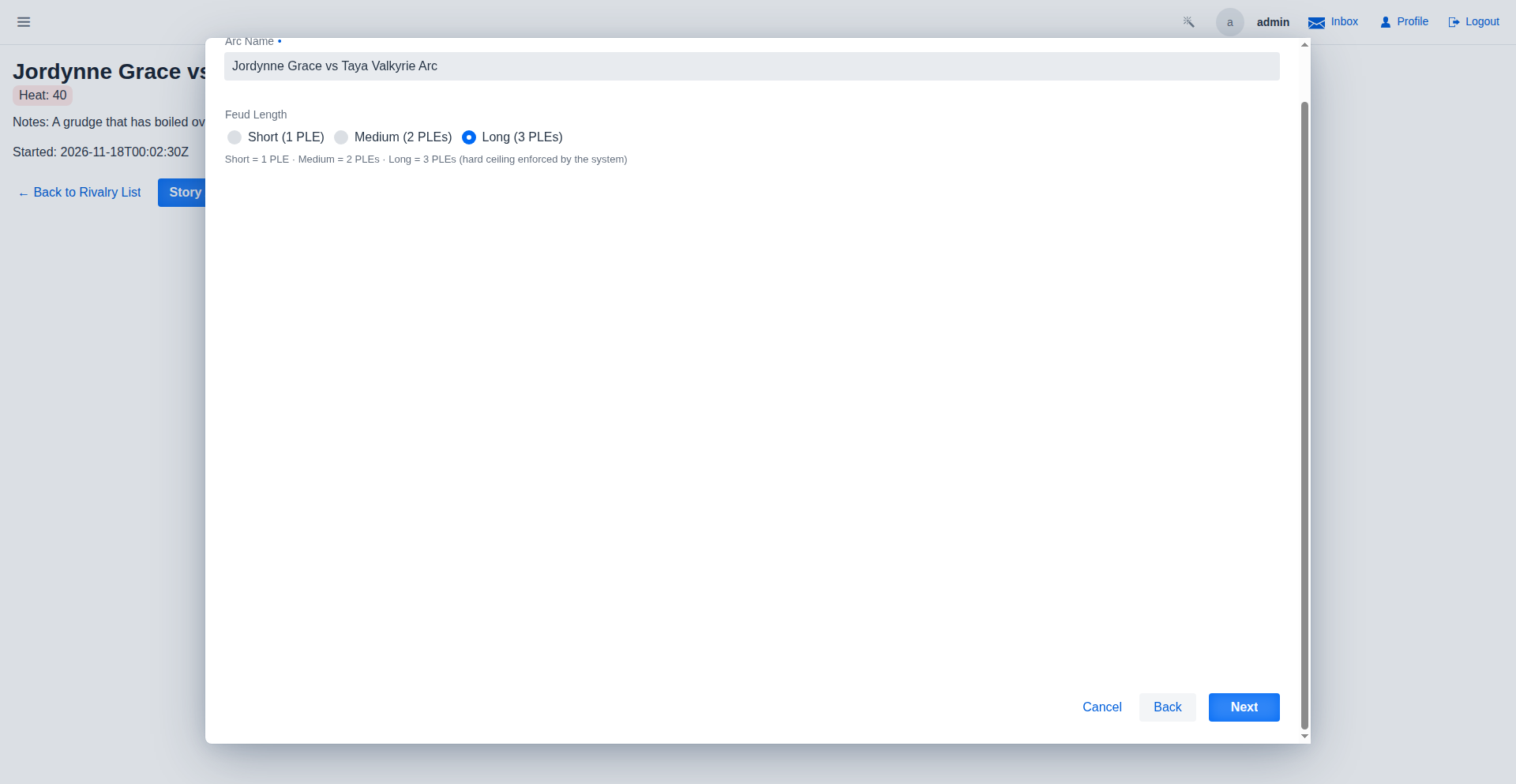
Story Arc Details
Step 2 names the arc (pre-filled from the selected wrestlers) and picks its length: Short spans 1 PLE, Medium 2, Long 3. The PLE count is a hard ceiling — once a feud has appeared on that many premium live events, it must culminate.
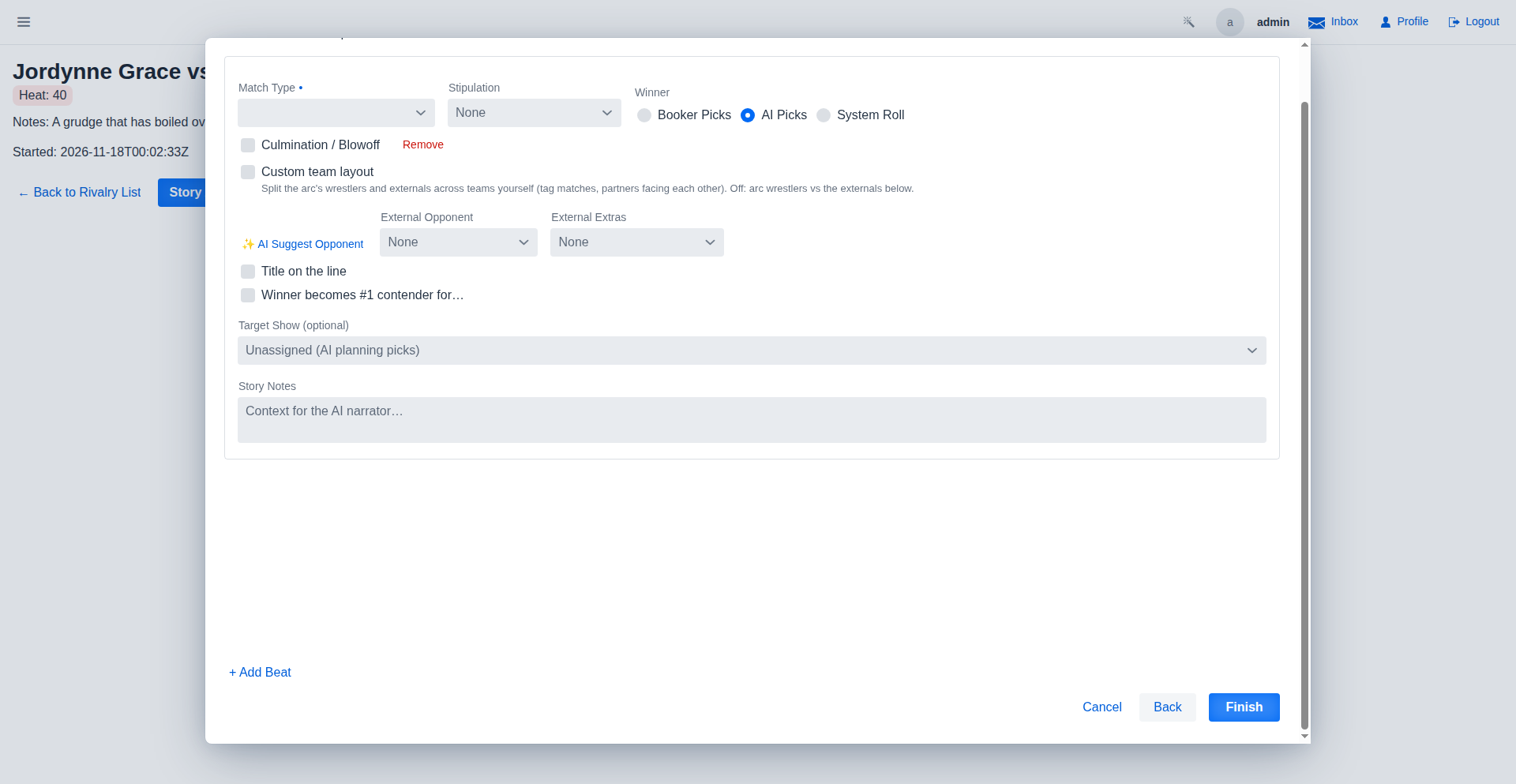
Story Arc Beats
Step 3 defines the match sequence. Each beat picks a match type and optional stipulation, and decides who controls the outcome: the booker names the planned winner, the AI picks based on story notes, or the system rolls. Mark a beat as the Culmination / Blowoff to close the feud. Roster wrestlers outside the arc can join a beat as an external opponent or run-in extra.
Edit Story Arc Beat
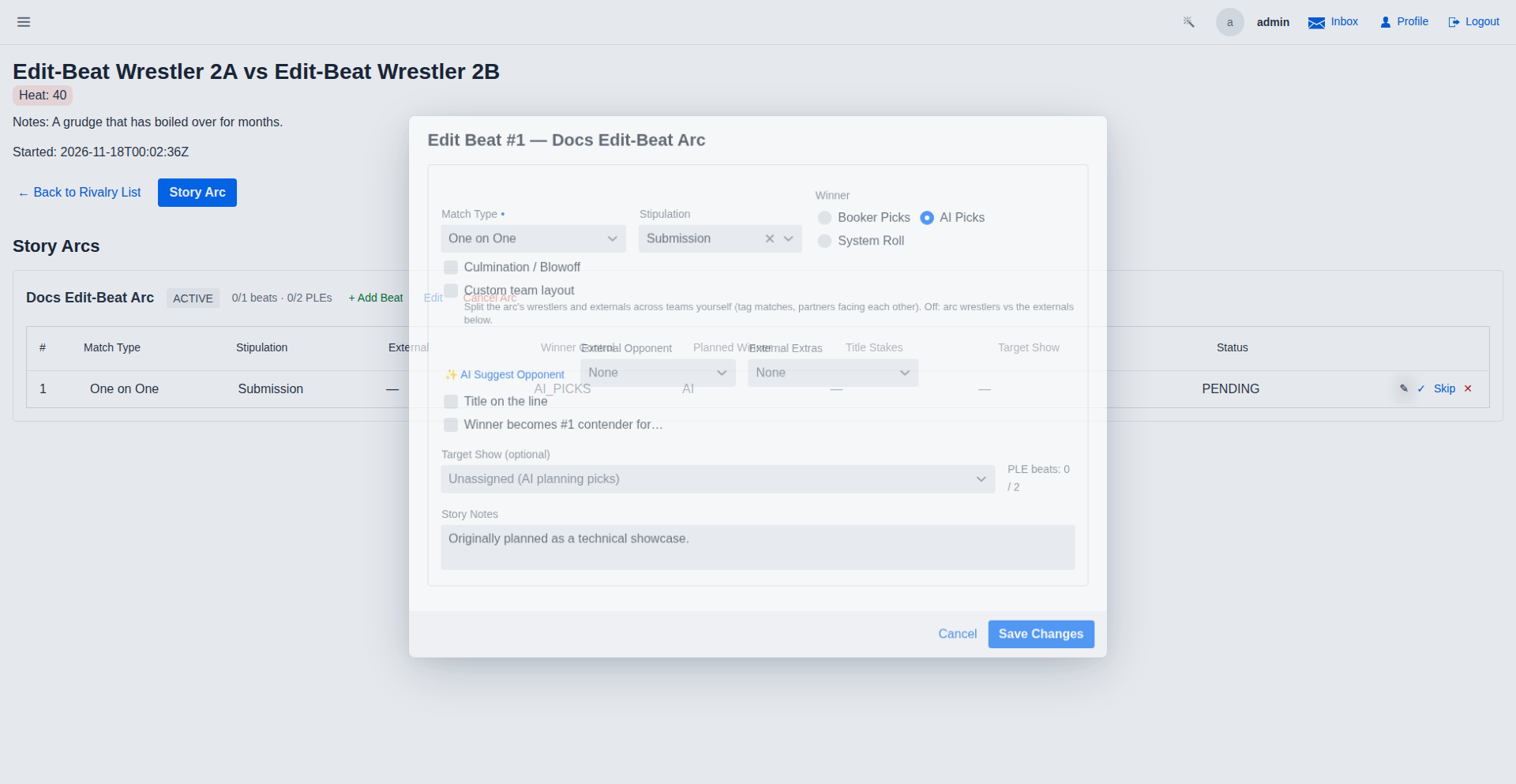
Pending beats can be retooled at any time before they play out. The edit dialog loads the beat's current match type, stipulation, winner control, planned winner, blowoff flag, notes and external participants — saving re-runs the same validation as creation and keeps any show or PLE reservation attached to the beat.
Story Arc Management
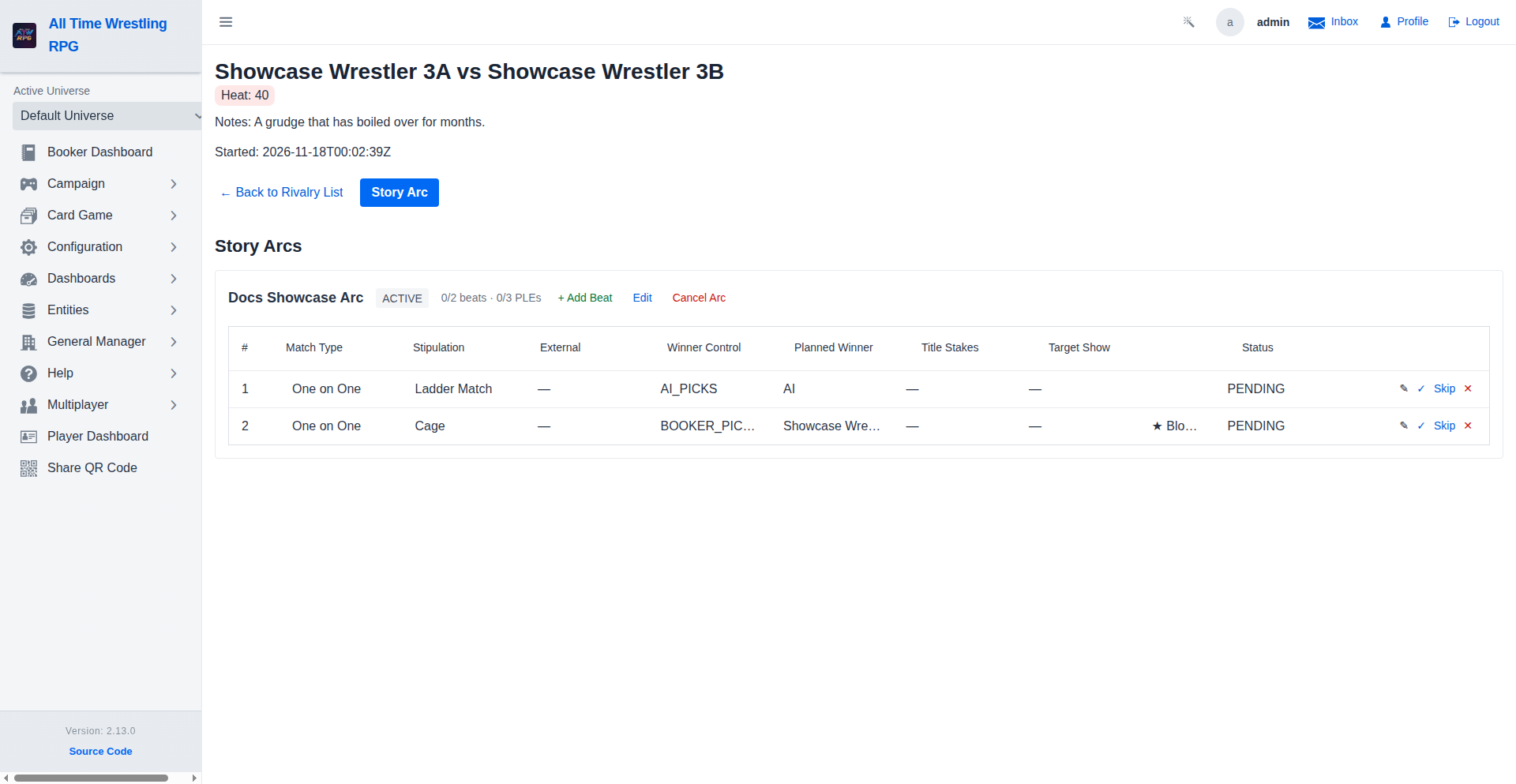
Every saved arc lives on the rivalry detail as a card with a status badge (Active, Completed, Cancelled). The beat grid lists each beat in order — match type, stipulation, external participants, winner control, blowoff marker and status. Pending beats can be edited or removed and renumber automatically; the arc itself can be renamed, extended with more beats, or cancelled before its culmination.
Show Planning — Tournament Slots on the Card
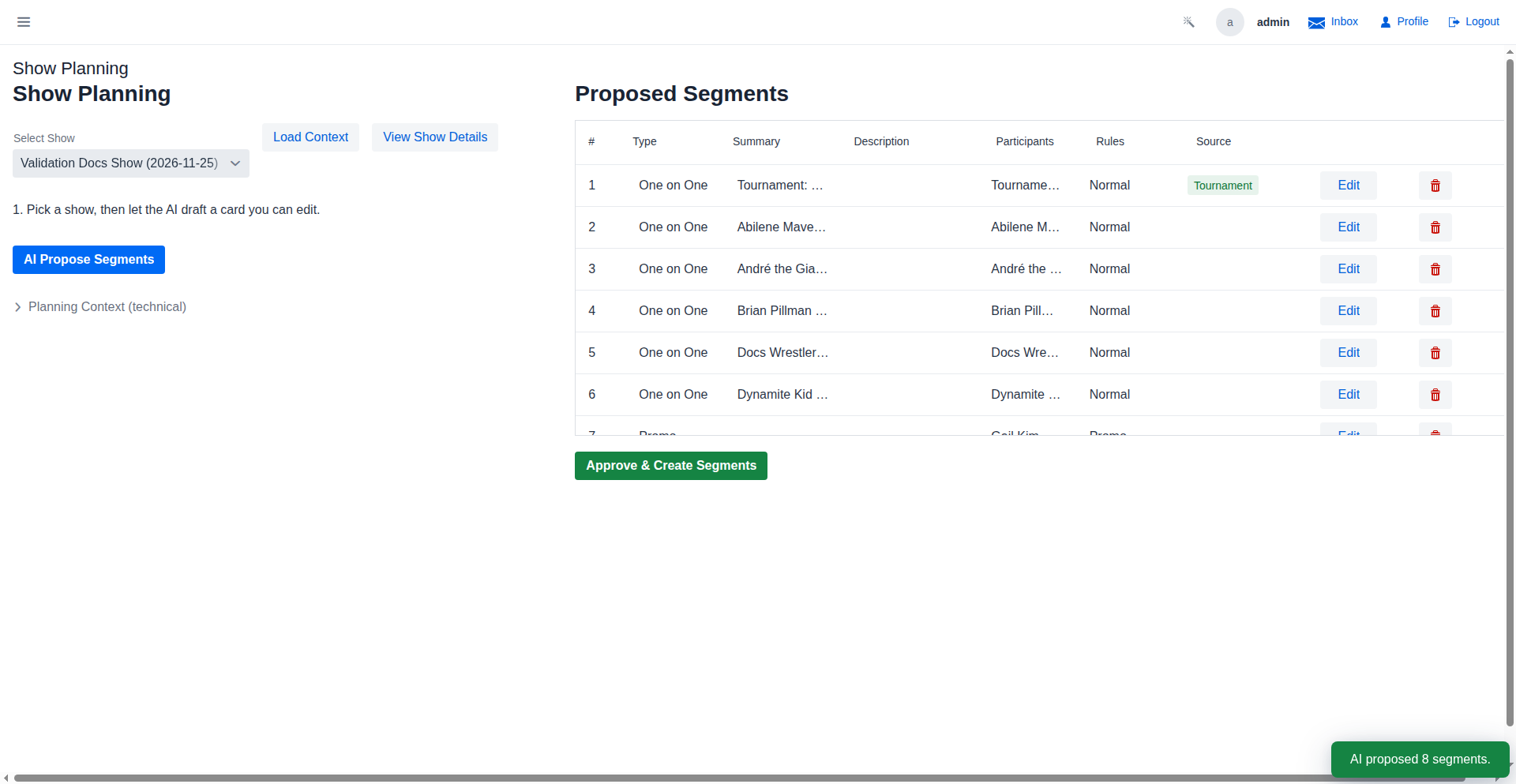
A one-time tournament attached to this show previews its slots on the proposed card: the payoff (and paced round matches on weekly shows) each appear as a grid row with a Tournament source badge. Seeded brackets preview the real match-ups; unknowable ones show placeholder teams. Delete a row to skip that slot on this show — approving books the slots that remain, exactly once.
Faction Rivalry List
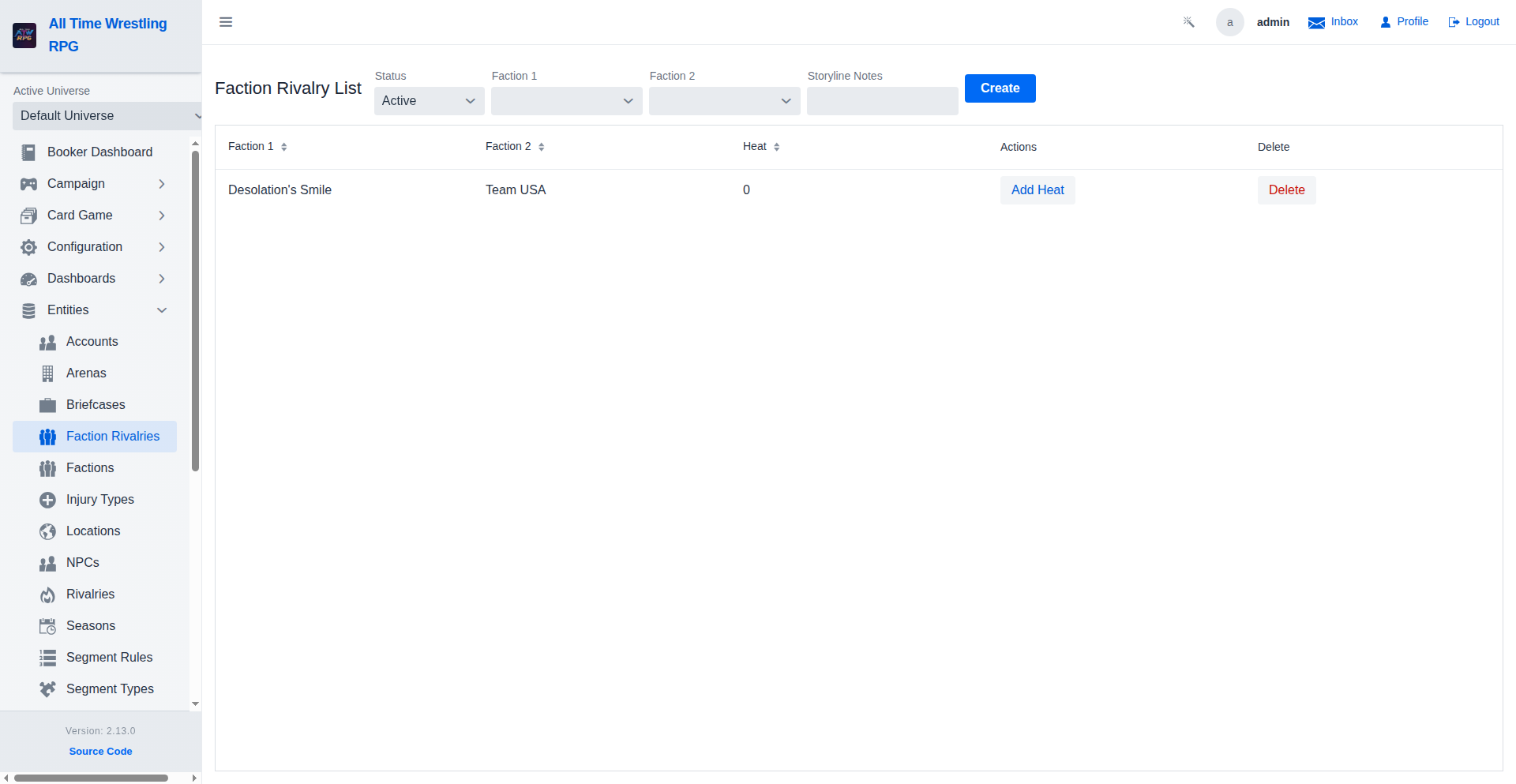
Track active feuds between factions — the Status filter defaults to Active and can show All or Ended faction rivalries. Add heat to escalate a faction feud toward a war match.
Tournament Creation Wizard
Create a tournament in two steps. Step 1 names the tournament and picks the format (Single Elimination or Round Robin), an optional linked championship, start date, and allowed rules — the seeding step stays locked until these are set. Linking a championship also unlocks the contender-deciding option: the tournament winner becomes the title's #1 contender instead of challenging. Step 2 chooses how entrants are seeded: automatically by fan count (with a live match-up preview of what Create will build), manual wrestler picking, or deferred so a paired show can seed it on approval.
Editing Tournament Seeds
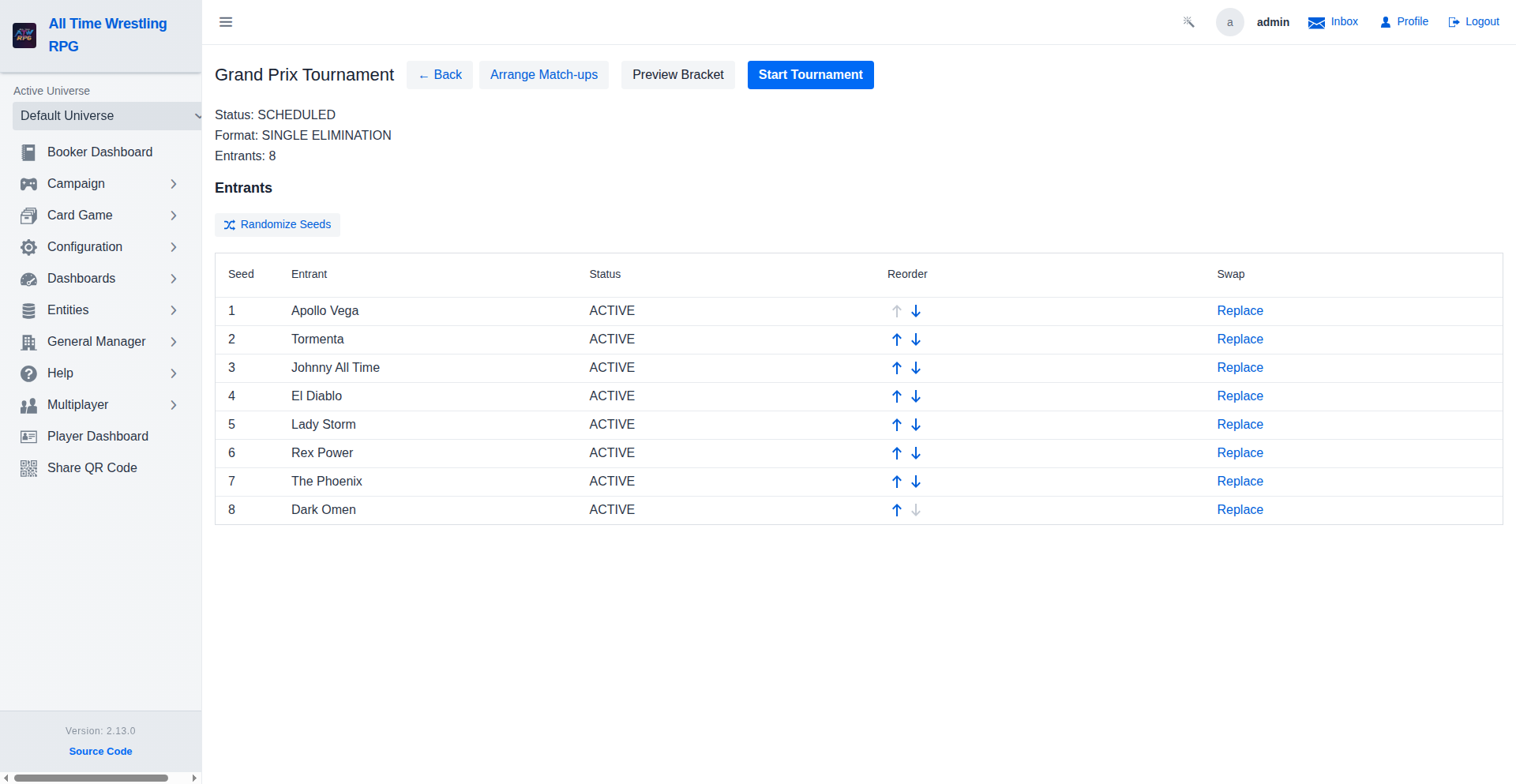
Before the bracket is generated, seeds stay editable. Move an entrant up or down to change its seed — the round-1 pairing is 1 vs last, 2 vs second-to-last, so reordering directly reshapes the match-ups — or swap in a different wrestler while keeping the seed. When the tournament is linked to a championship, the current titleholder is excluded from seeding and from the swap picker: the champion cannot win the belt from themselves. Seeds lock once the tournament starts.
Tournament Bracket Generator — Arrange Match-ups
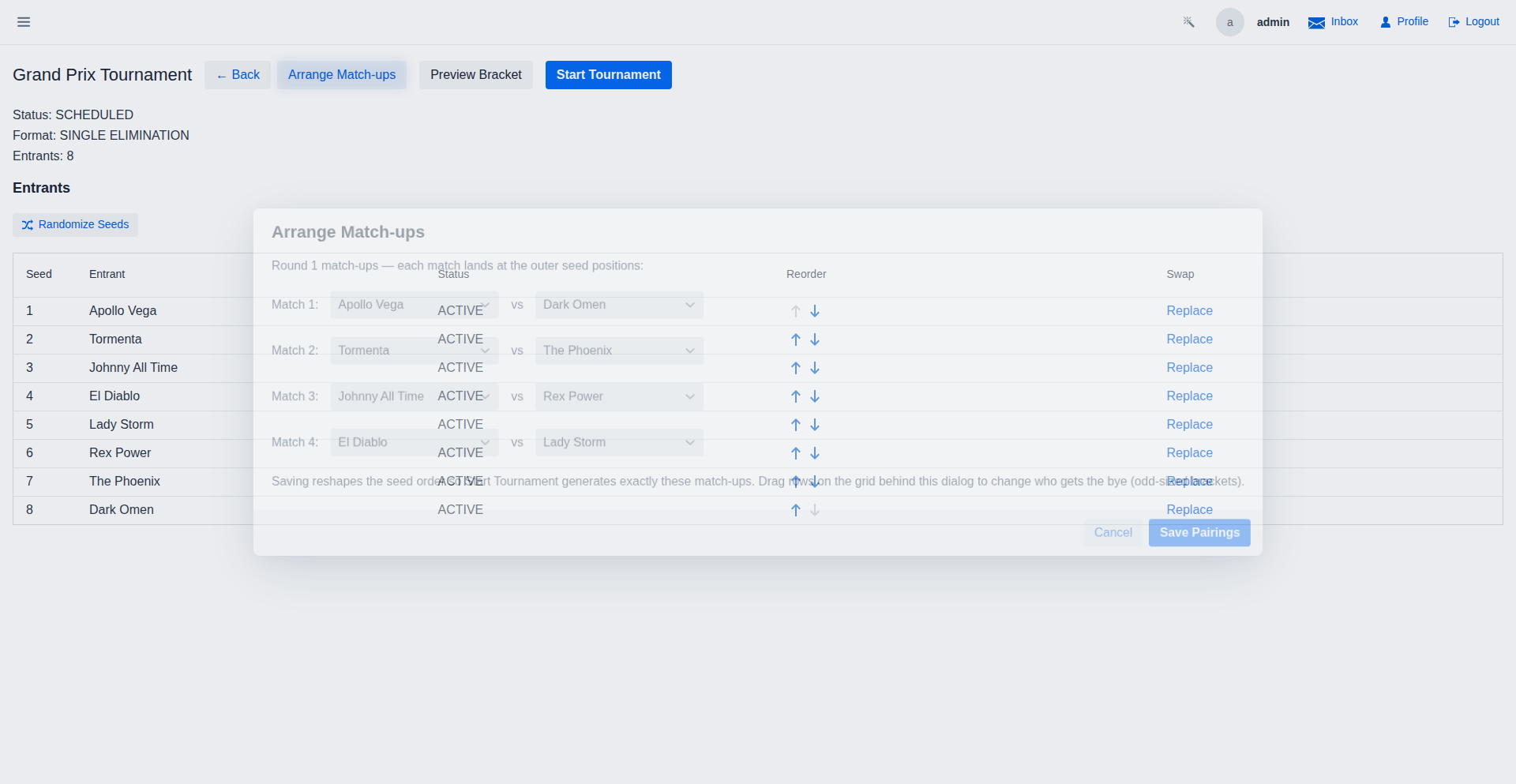
Beyond dragging rows to reorder seeds, the round-1 opponents can be hand-picked: each match pairs its wrestlers at the outer seed positions (1 vs last, 2 vs second-to-last), so Start Tournament generates exactly the arranged match-ups. Odd-sized brackets keep a bye at the middle seed.
One-Time Tournament on a Host Show
For a one-off tournament, attach it directly to a show instead of pairing it with a PLE template (that stays reserved for recurring tournaments). Pick a host show and the payoff books there exactly once — rounds pace automatically onto the weekly shows before it. The payoff match type and rule default to One-on-One but can be anything, e.g. a Free-for-All TLC match for a title.
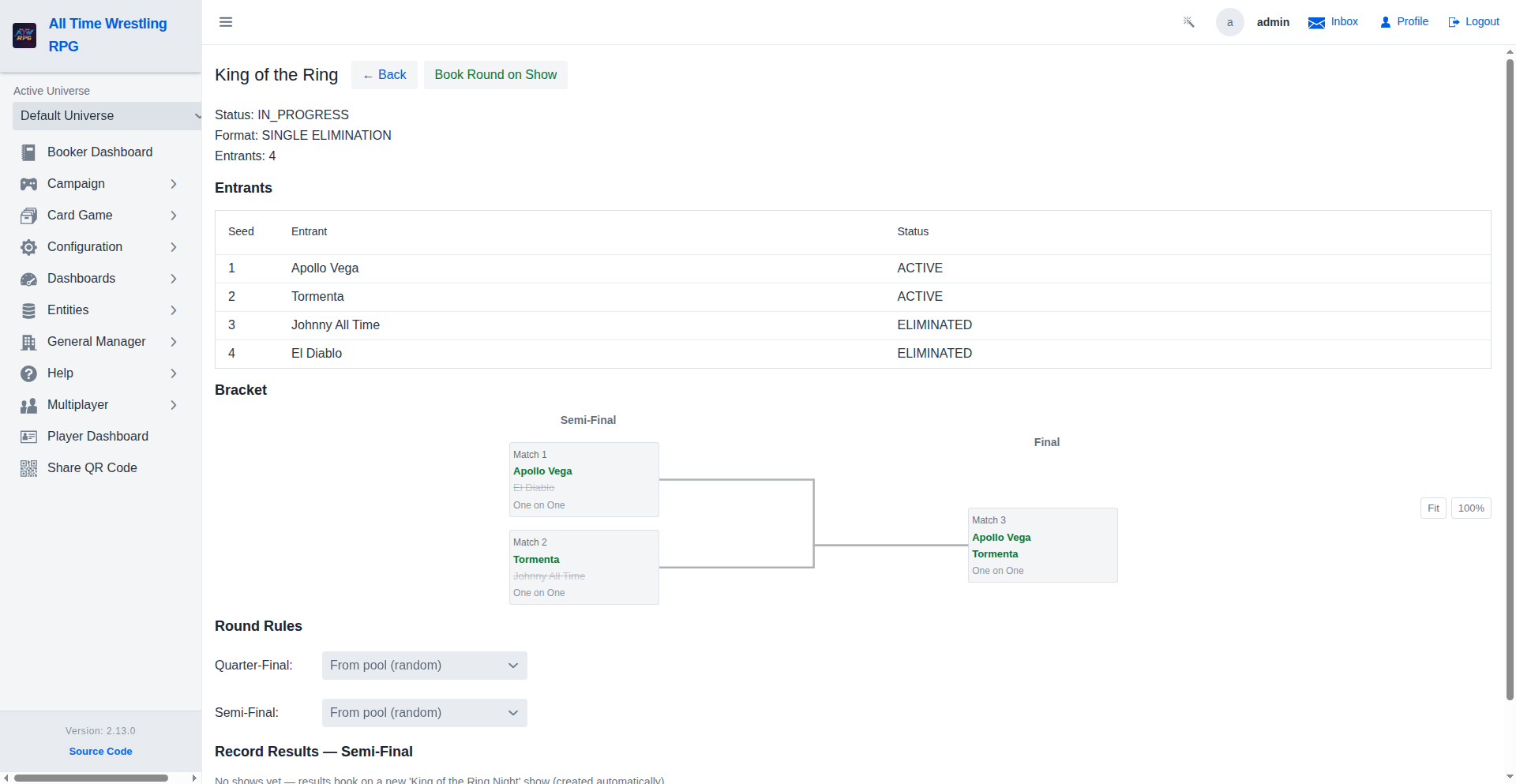
Tournament — Standalone Runner
Run a tournament without booking it on a show: pick each open match's winner yourself, or use 'Decide by Engine' for a single match — full health, stamina, fans and injury consequences, no AI provider needed. The bracket advances automatically when a round's last match is decided, and payoffs (trophy, briefcase, title opportunity) are granted at completion. No shows yet? A '<tournament> Night' show is created automatically to host the matches, or pick one from the Host show box.
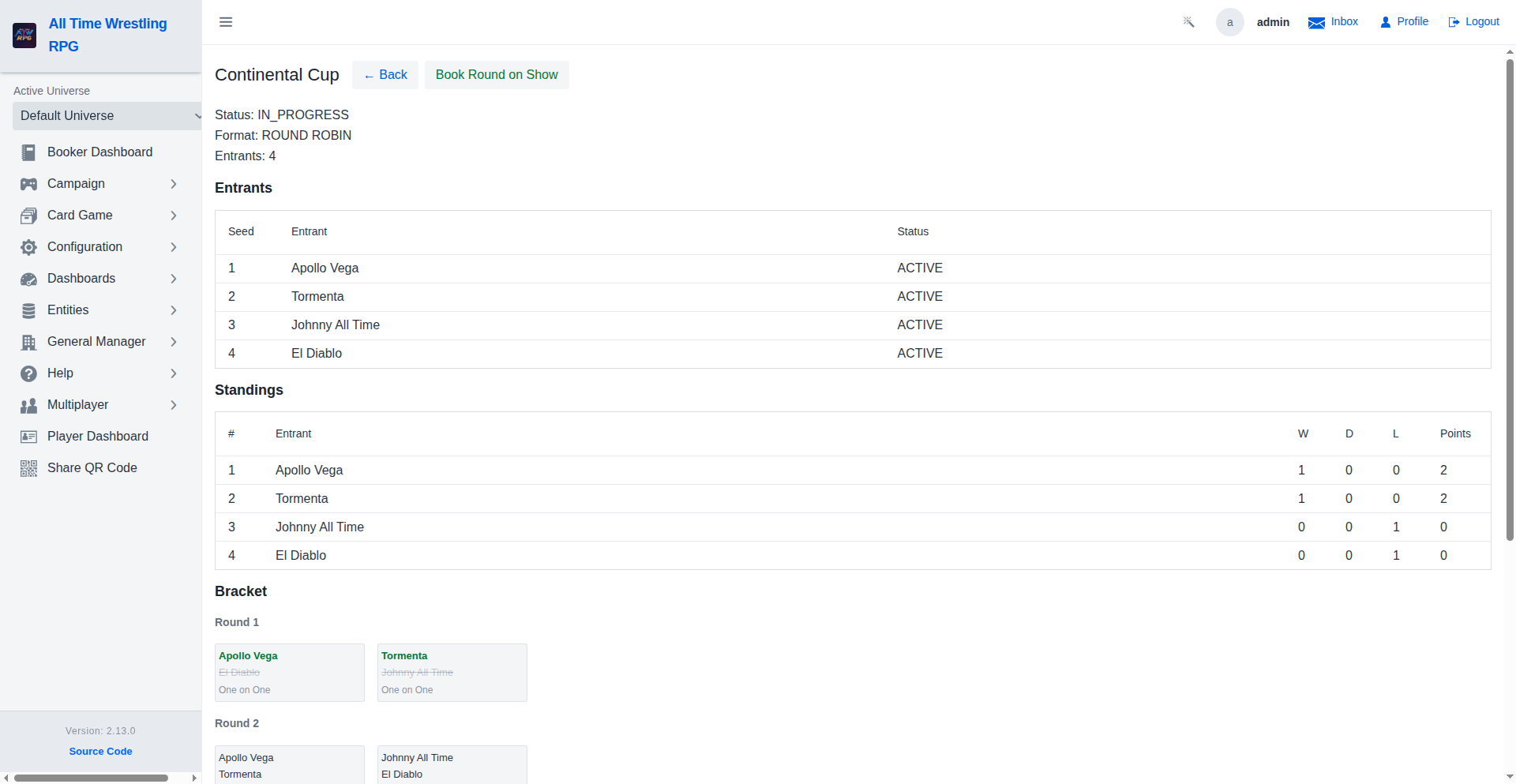
Tournament — Round Robin Standings
Round robin tournaments score every match: a win earns 2 points, a draw 1, a loss 0 — nobody is eliminated, everyone plays everyone. The live standings table ranks entrants by points, breaking ties head-to-head (results among the tied group) and then by seed. When the final round completes, the points leader is crowned the tournament winner automatically.
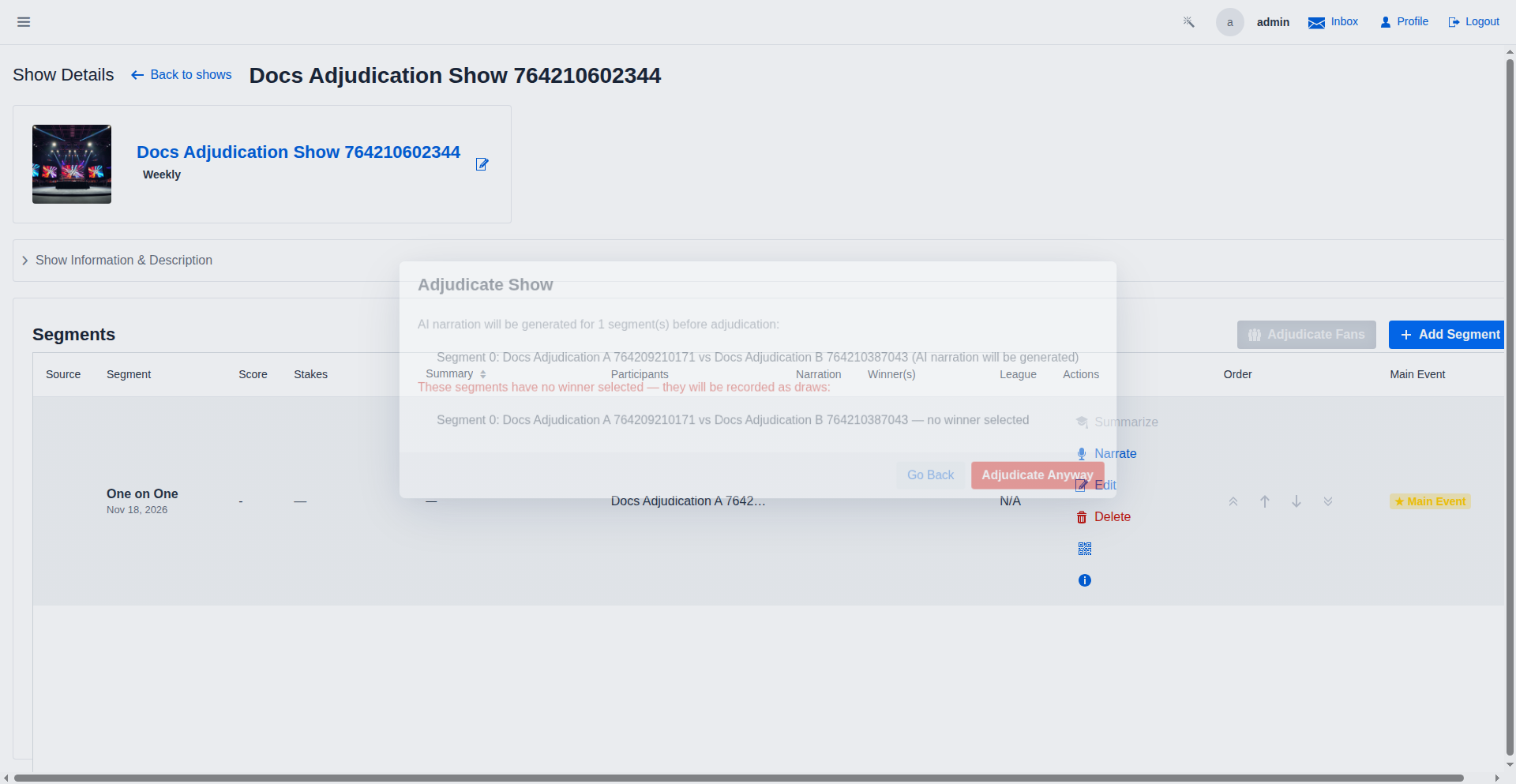
Adjudicate Show
Adjudicating a show: AI narration is generated for pending segments and the booker is warned about matches without a winner before confirming.
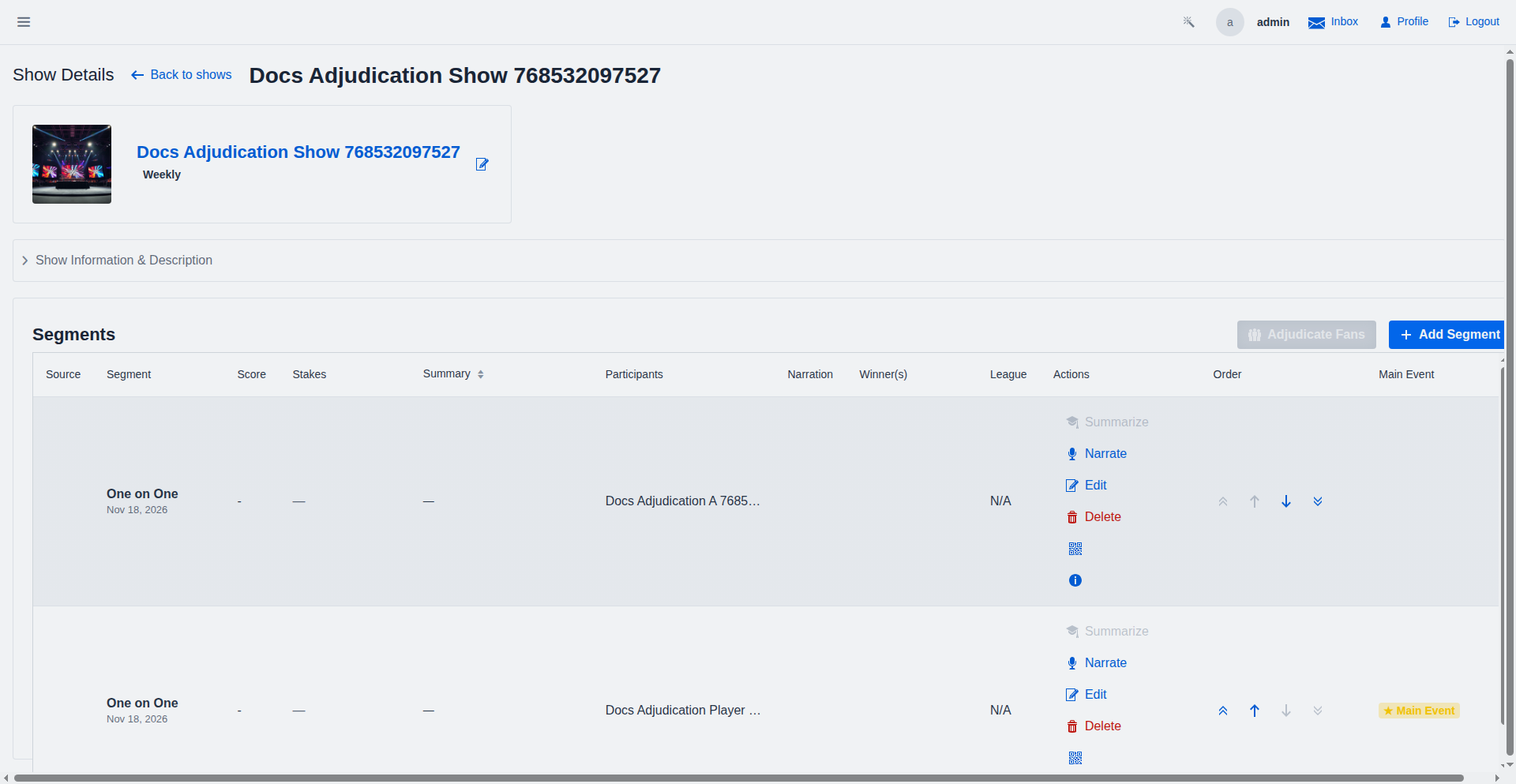
Adjudicate Show — player segments
Segments involving player-controlled wrestlers are excluded by default; the booker can include them after reviewing the list.
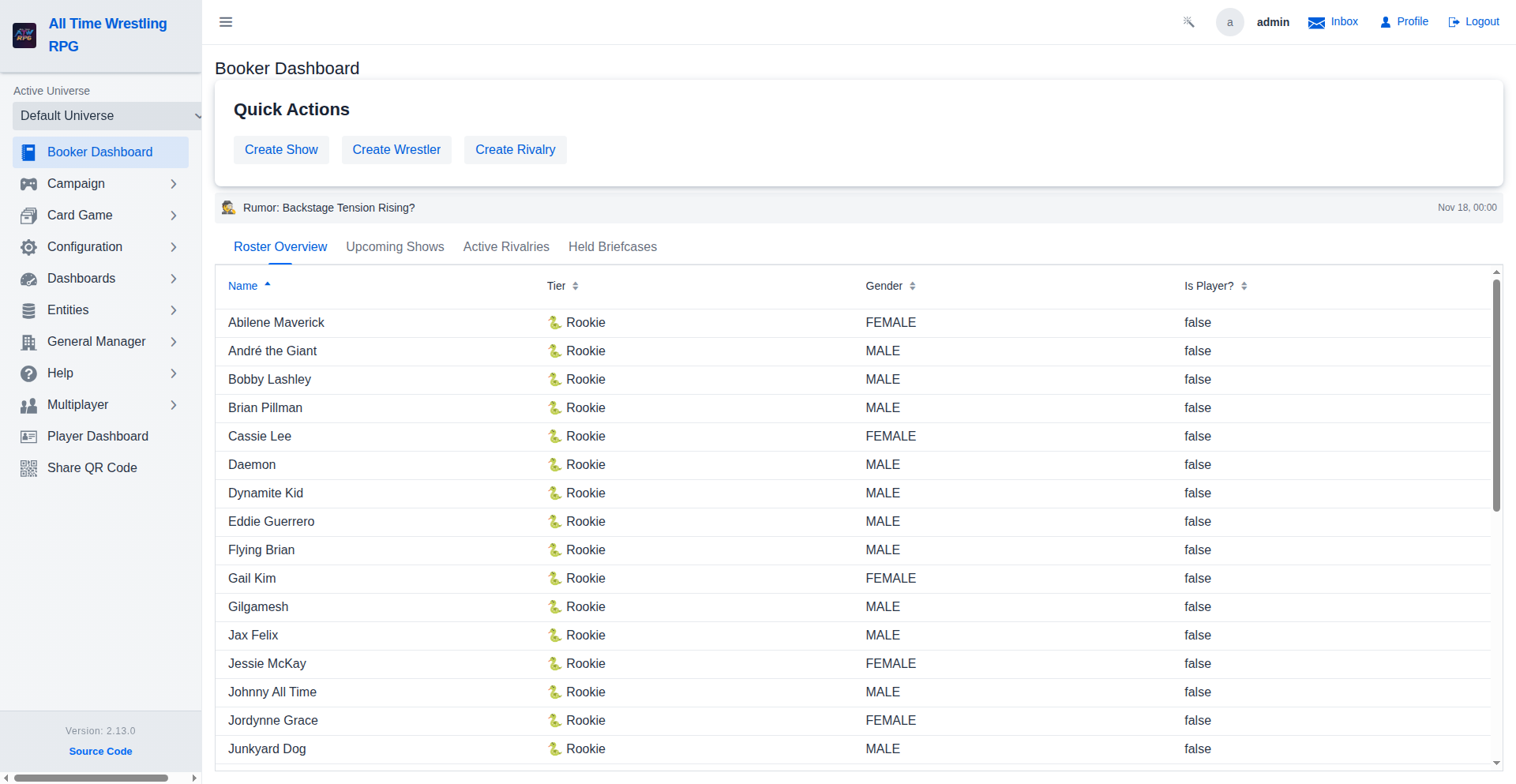
Dashboard with News Ticker
Latest headlines and rumors are visible directly on the booker dashboard.
Show Planning
The Show Planning interface allows you to book matches and segments for an upcoming show. Drag and drop wrestlers to create matches, set stipulations, and define segment types.
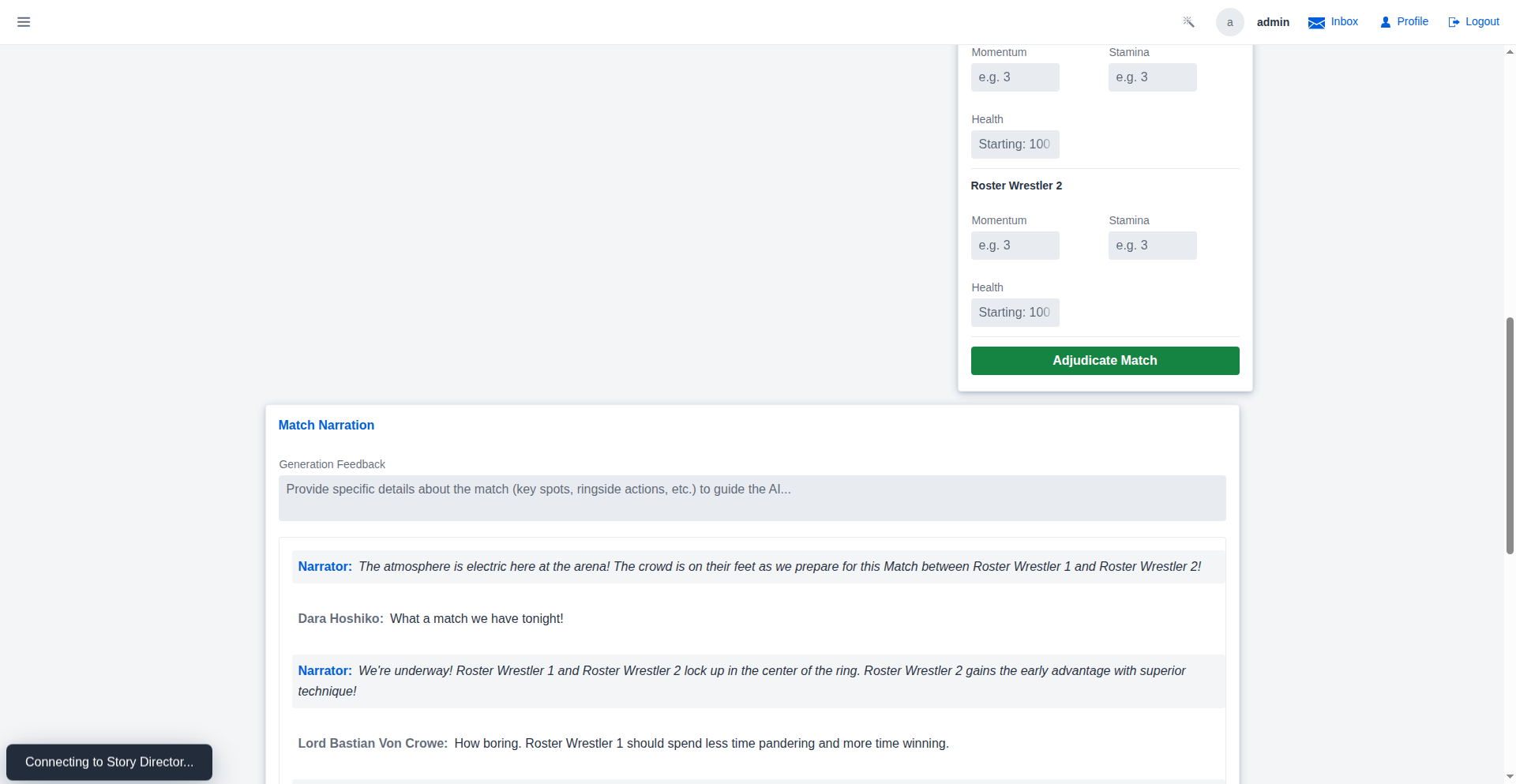
Match Narration
Bring your matches to life with AI-generated or manual narration. The Story Director uses match participants, rules, and outcomes to weave a compelling narrative of the action. The new structured transcript format separates objective action from character-driven commentary.
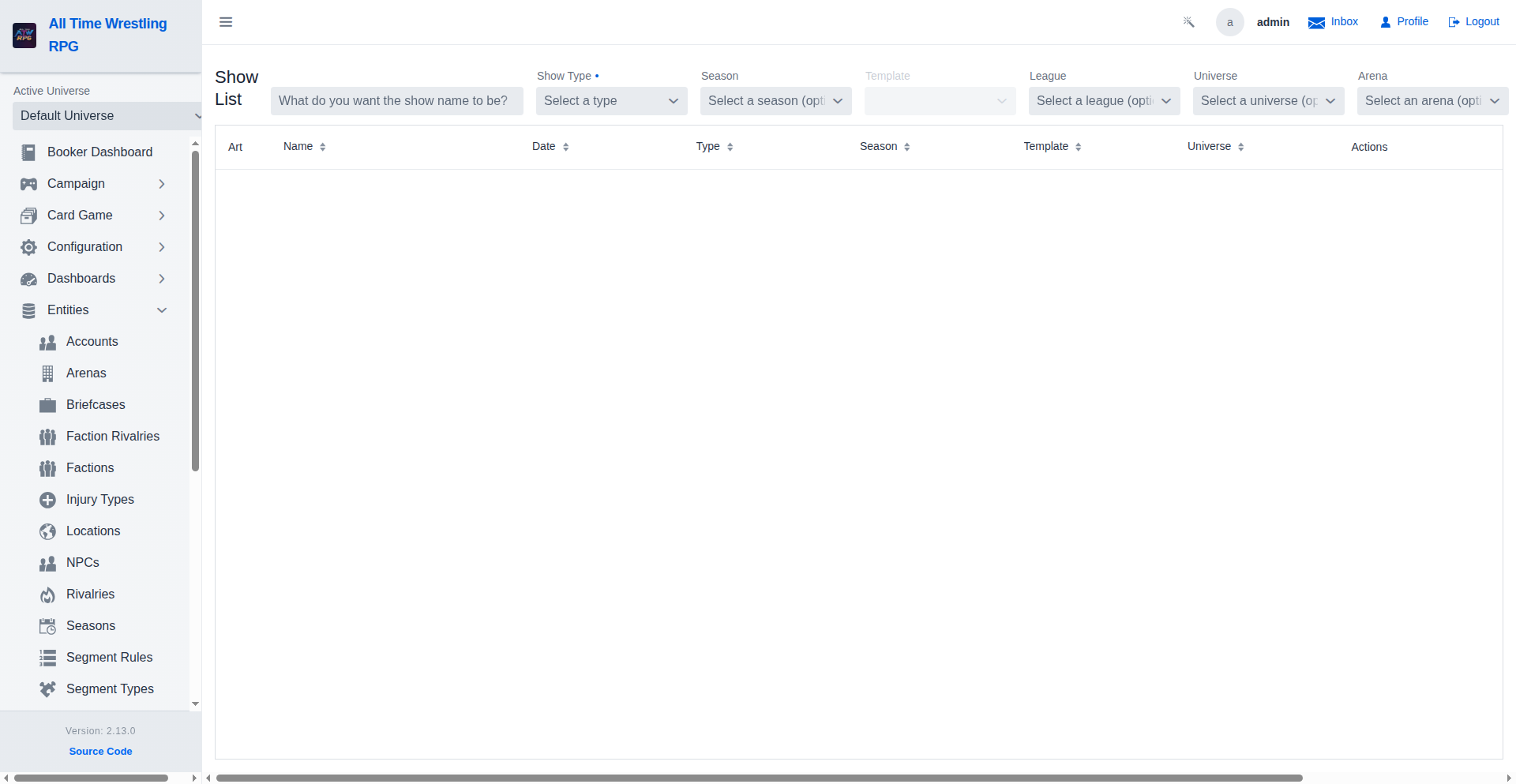
Show History
View a complete history of all booked shows. Click on any show to view its detailed results, ratings, and match history.
Video Walkthroughs
Show Card Validation Walkthrough
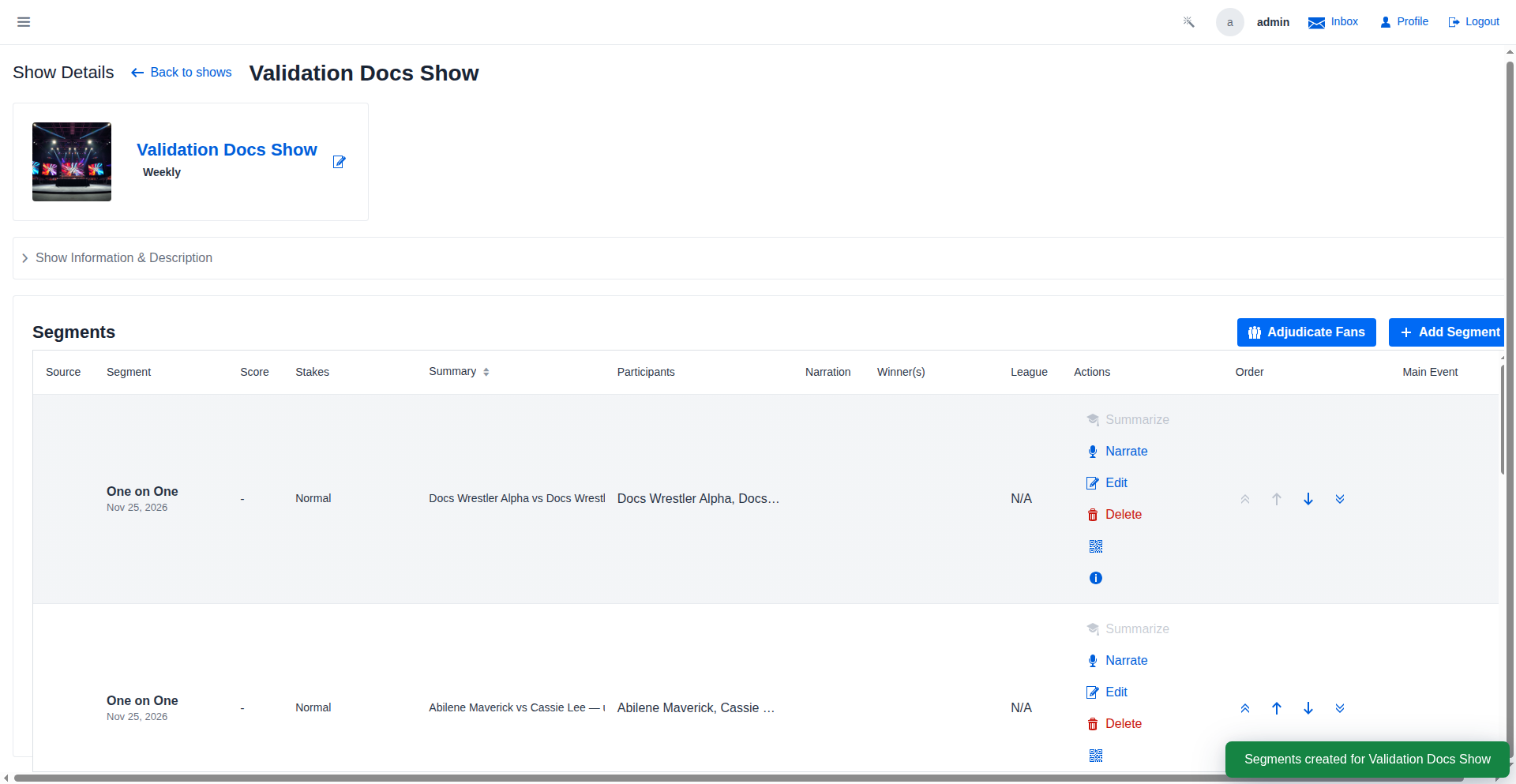
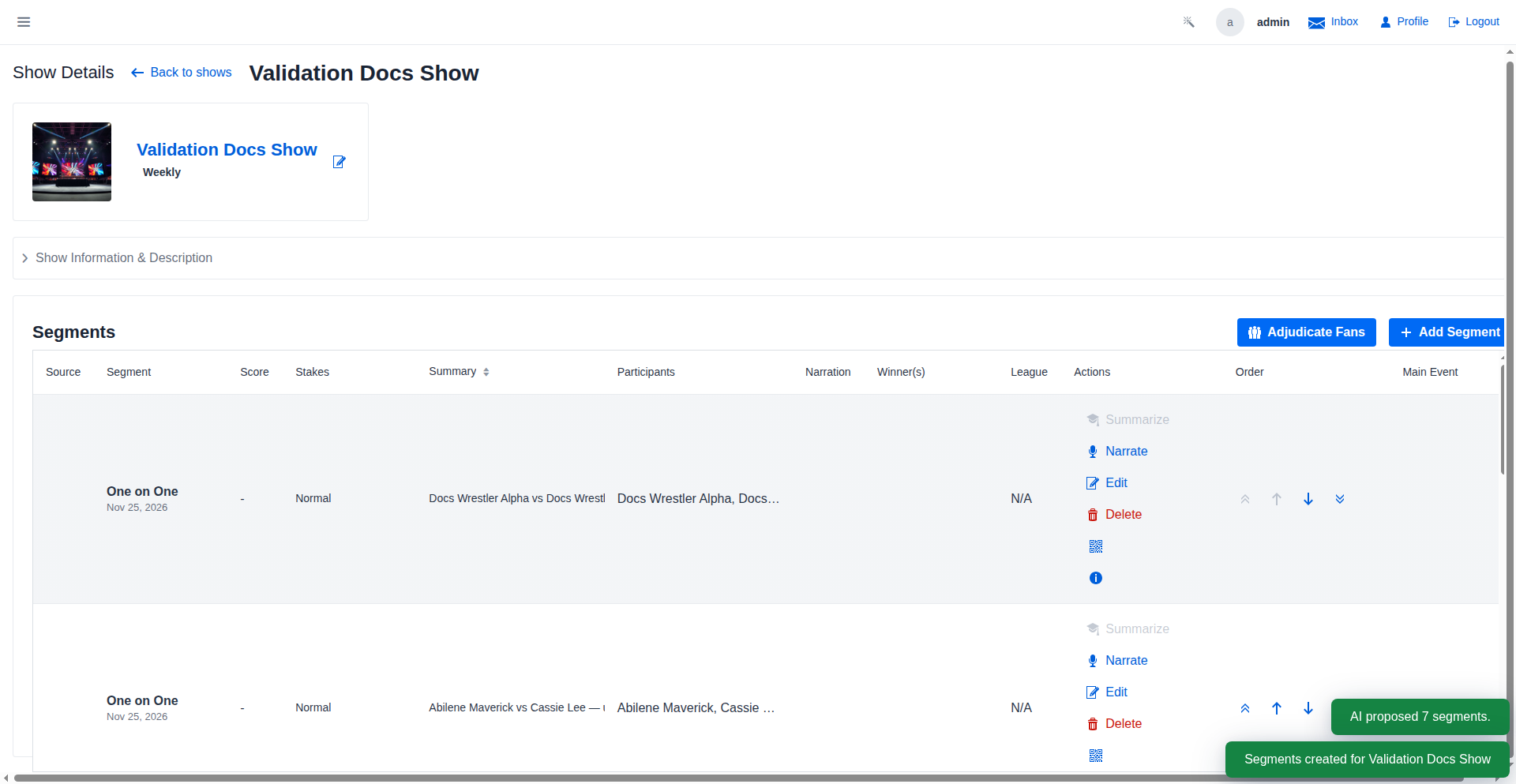
After the booker confirms, the segments are saved to the show. Each approved segment enters the adjudication pipeline — the match engine resolves outcomes, updates wrestler stats, and the AI generates narration ready for broadcast.
Show Calendar Walkthrough
Shows scheduled in future months appear here as soon as they're created in the Show List. Plan your entire PPV season at a glance — weekly shows, special events, and pay-per-view dates all land on the same calendar.
Season Awards Ceremony
The Awards Ceremony section lists each award winner: Wrestler of the Year (most wins), Most Improved (highest fan growth), and Most Decorated (most title reigns). Winners automatically receive fan bonuses when the season ends.
Tournament Bracket Generator
The tournament engine supports Single Elimination and Round Robin formats. Single Elimination generates one round at a time, perfect for big multi-week events. Round Robin pre-builds all match-ups so every entrant faces every other entrant before a winner is determined.
Story Arc Scripting
Back on the arc card, beats remain editable until they play out on a show. When a scripted segment completes, its beat is marked completed automatically — once every beat is done, the arc completes itself and the feud is over.
Tournament-Fed PLE Segments
Once the final is decided, the next approval of a paired show books the winner showcase — the champion against the highest-seeded wrestler they eliminated. If the tournament can't supply participants at any point, the show falls back to AI-proposed entrants instead of failing.
Tournament Creation Wizard
With Auto seeding, a live match-up preview shows exactly the round-1 pairings Create will commit — top seed vs bottom seed — before anything is saved. Create generates the bracket-ready tournament and opens its detail view, where seeds can still be reordered or wrestlers swapped until Start.