Run a Season
Who this is for: BOOKER or ADMIN for creating seasons and booking their shows; ADMIN only for the Season Settings screen (schedule generation, boundaries, fan recalibration).
A booker's guide to seasons — the yearly frame that groups shows, awards, and wrestler histories into chapters you can look back on.
What a season gives you: a container for your promotion's year (its shows, its champions, its milestones), per-wrestler season histories for the record books, and an auto-generated show schedule so the calendar fills itself.
Step 1 — Create the season
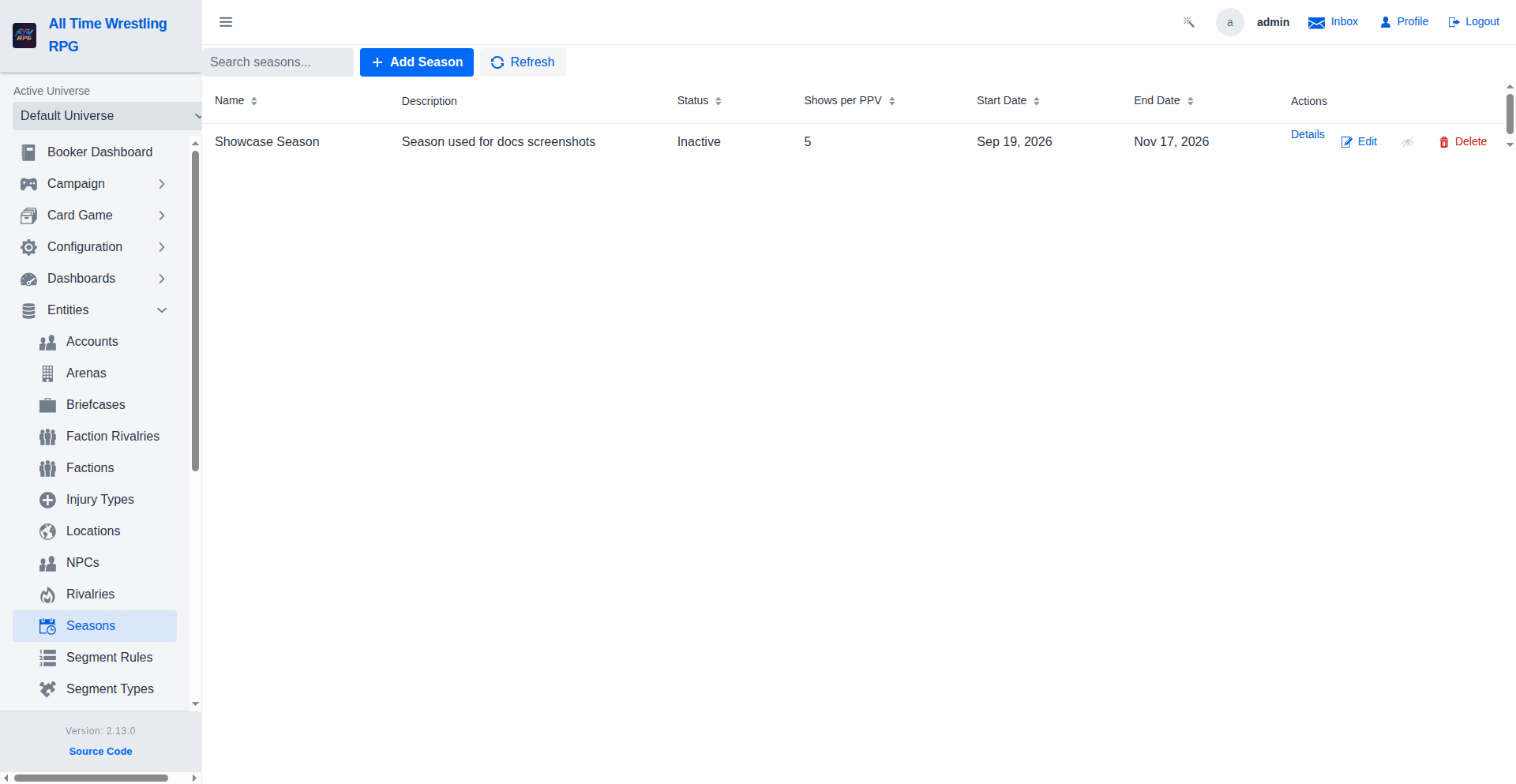
Open Season List from the navigation and click Add Season. Give it a name (and the year or episode numbering your promotion uses). The season starts as the active season — new shows you create default into it.
Step 2 — Generate the schedule (optional but recommended)
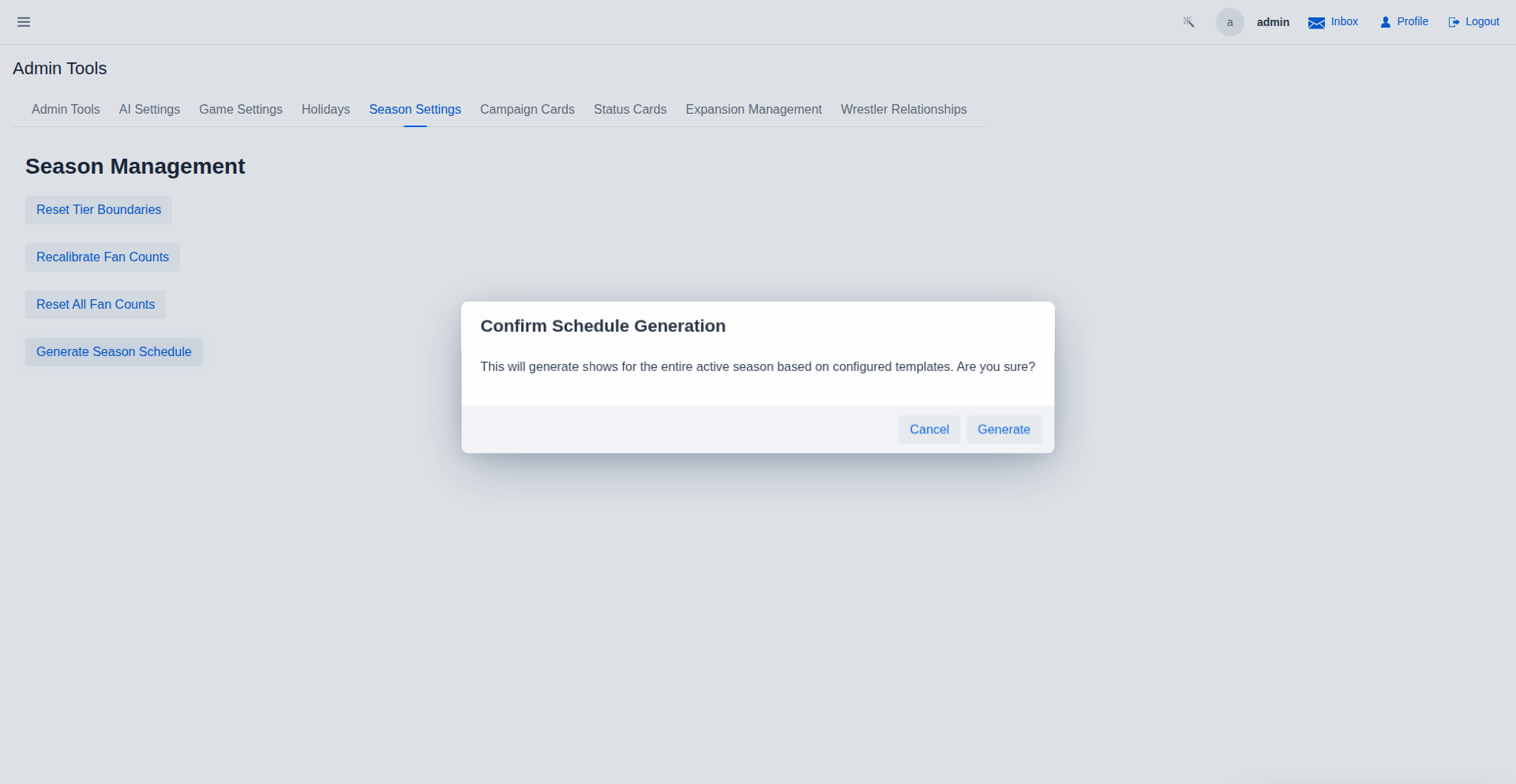
Under Season Settings, the Generate Season Schedule button builds a season's worth of shows automatically:
- Open Season Settings and click Generate Season Schedule.
- The game lays out the season's shows — weekly TV, premium live events — as Scheduled entries on the calendar, following your show templates.
- Confirm when prompted; the settings page shows the schedule before and after.
Generate early: tournaments with a Host Show binding and annual editions pace their rounds against upcoming shows, so a full calendar gives them somewhere to land.
Step 3 — Run the shows
The season now runs exactly like normal booking — see Schedule a Show for the per-show loop. Season membership is automatic: shows created while a season is active belong to it, and their results feed the season's story.
As the season progresses:
- Wrestler snapshots record each wrestler's fan count at season start — the baseline for season-end awards and historical performance.
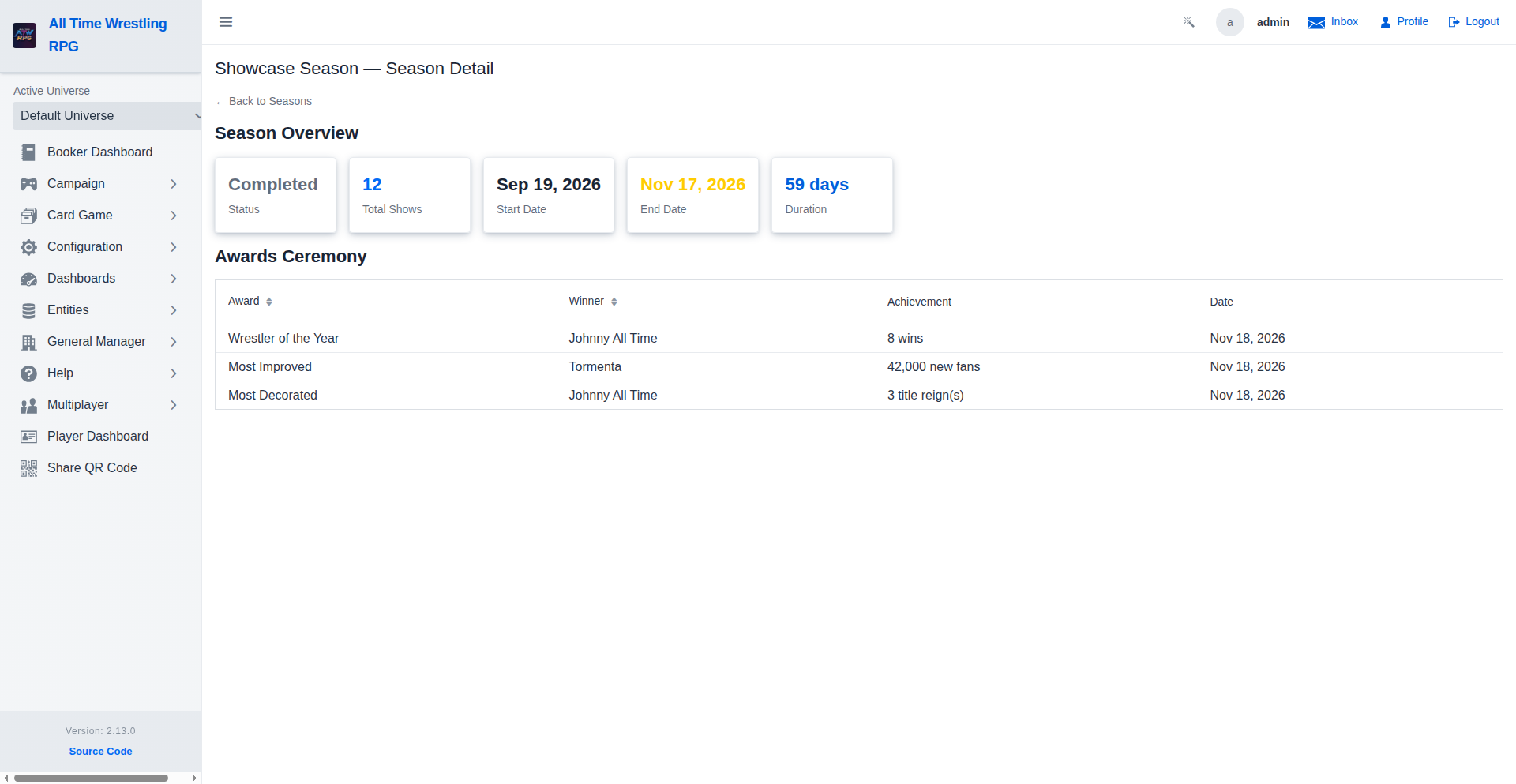
- Season awards accrue on the season's detail page as milestones are hit.
Step 4 — Read the record books
Two places tell the season's story after the fact:
- Season Detail — the season's awards and achievements with dates.
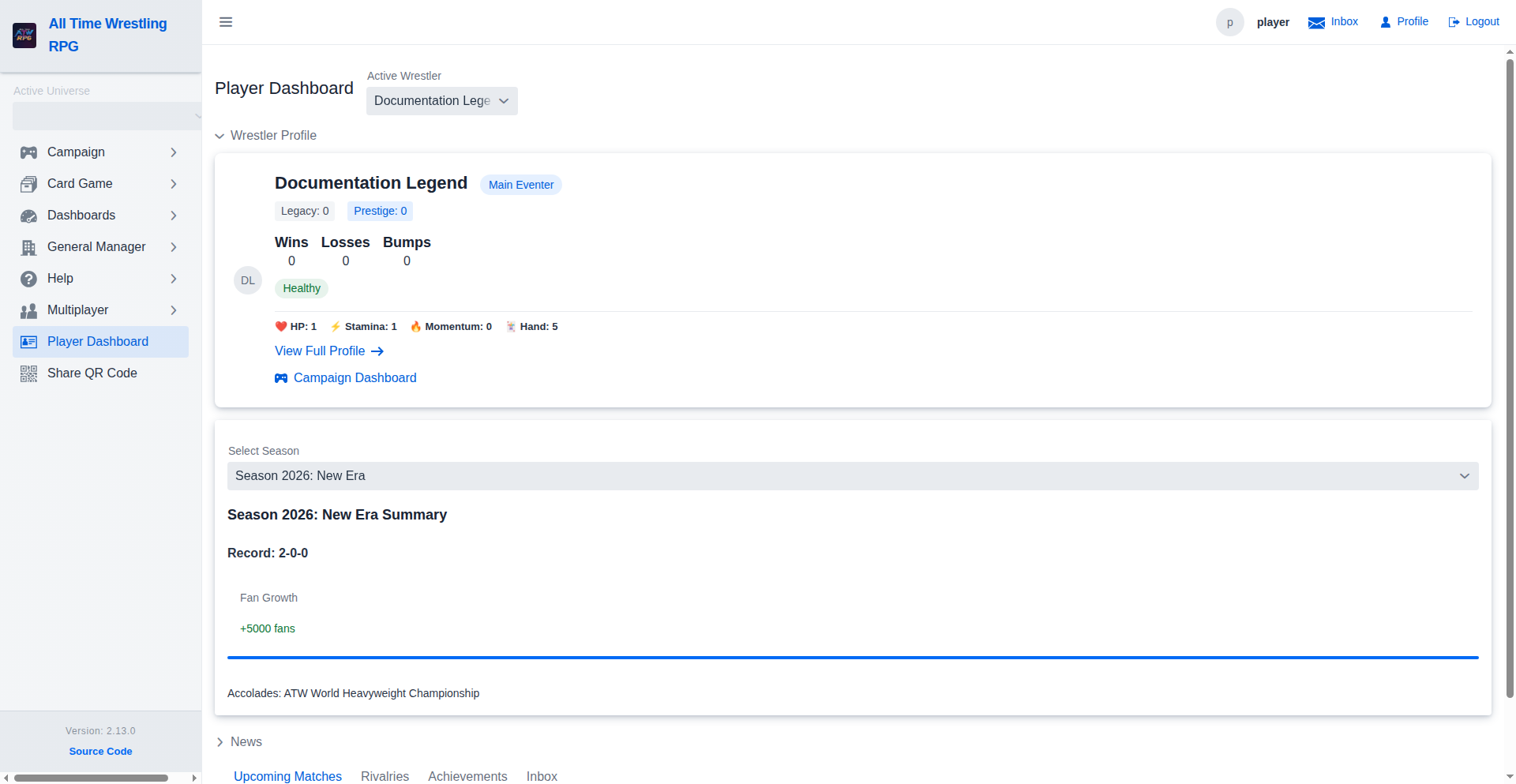
- Player Dashboard — each player-controlled wrestler's season history and season summary (start vs end fans, peak moments), so players see their own arc across the year.
Step 5 — Close it out and start the next
When the season's calendar is exhausted, create the next season and it becomes active — previous seasons stay browsable in the Season List with everything attached.
💡 Seasons and universes: seasons belong to your universe's continuity. If you run several universes (see Manage Universes), each keeps its own seasons.
Where to go next
- Schedule a Show — the weekly loop inside the season.
- Configure Tournaments — brackets that pace against the season's calendar.
- The auto-generated Season Management guide documents every season screen.