Configure Tournaments
Who this is for: BOOKER or ADMIN — creating, seeding, and starting tournaments. Players and viewers can watch brackets fill in, but the wizard is booker-gated.
A booker's guide to tournaments — one-shot brackets that crown a contender or a champion, and annual editions that run themselves year after year.
Two kinds of tournament:
- One-time — a single bracket with an optional host show. When its payoff match books, the tournament is done.
- Recurring (annual) — pairs with a PLE show template. When a payoff books, the next edition is created automatically and the template pairing re-points to it — no manual re-arming each year.
Step 1 — Create the tournament
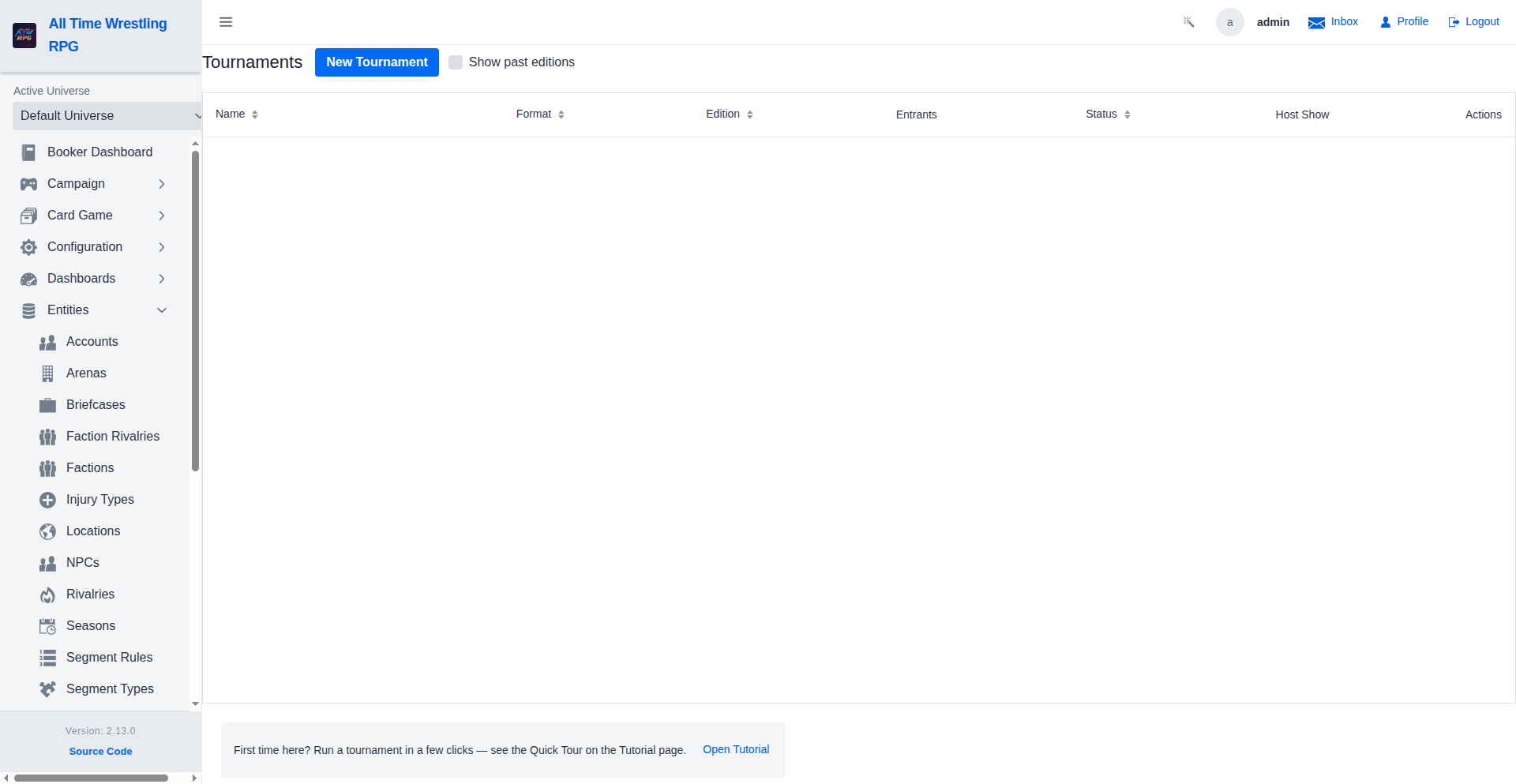
Open Tournaments from the navigation and click New Tournament. The wizard has two tabs.
Tab 1 — Details
- Tournament Name — required. Recurring editions get Roman numerals appended automatically ("Time Vault" → "Time Vault II").
- Format — how the bracket is shaped (single elimination, qualifier groups, …). The list comes from the game's installed formats; each shows its entrant range.
- Payoff — what the winner gets:
- Title on the line (default) — the final (or the champion showcase when a champion reigns) is a title match.
- Winner becomes #1 contender — needs a linked championship with a reigning champion; the payoff books as a contender match and the winner is named its #1 contender. A vacant title falls back to a vacant-title final.
- Winner earns the briefcase — no linked championship. The winner earns a cashable briefcase (a Money in the Bank-style prize): at any time before it expires (default one in-game year, configurable via the
briefcase.expiry.daysgame setting) the holder can cash it in — from their profile's Briefcase panel or their career page — for a title match against the reigning champion of any active championship — booked on the spot, spent whether the match is won or lost.
- Linked Championship (optional) — award a title to the winner. Hidden/disabled when the payoff mode is the briefcase. The current champion(s) are automatically excluded from seeding — they can't win the belt from themselves. If the title has a gender constraint, eligibility respects it.
- Gender Filter (optional) — restrict entrants to a division (men's/women's) even when the tournament isn't tied to a gendered title. Both constraints apply together.
- Host Show (optional) — for one-time tournaments: the payoff books on this show exactly once, and the earlier rounds pace automatically onto the weekly shows before it. Picking a host enables the payoff match type and rule pickers.
- Payoff Match Type / Rule (optional) — the segment type (defaults to One on One) and stipulation for the final.
- Edition Cadence — leave One-time, or choose Annual to make the tournament recurring. Annual editions pair with a PLE show template.
- Allowed Segment Rules (optional) — rules randomly applied to matches; a fixed rule can still be pinned per round later.
Tab 2 — Seeding
Three ways to fill the bracket:
- Auto (by fan count) — seeds the top wrestlers by fans. A live match-up preview shows the first-round pairings before you commit. The entrant count is capped at the eligible roster (after gender constraints).
- Manual (pick wrestlers) — hand-pick and order every entrant.
- Don't seed now (seed later) — create the empty bracket and seed it from the tournament detail view, or let a paired show template seed it automatically when the show is approved.
For the Qualifier Groups format, an extra field sets wrestlers per qualifier group (the bracket needs at least two groups).
Click Create Tournament — you land on the tournament detail page.
Step 2 — Watch the bracket play out
On the tournament detail page you can:
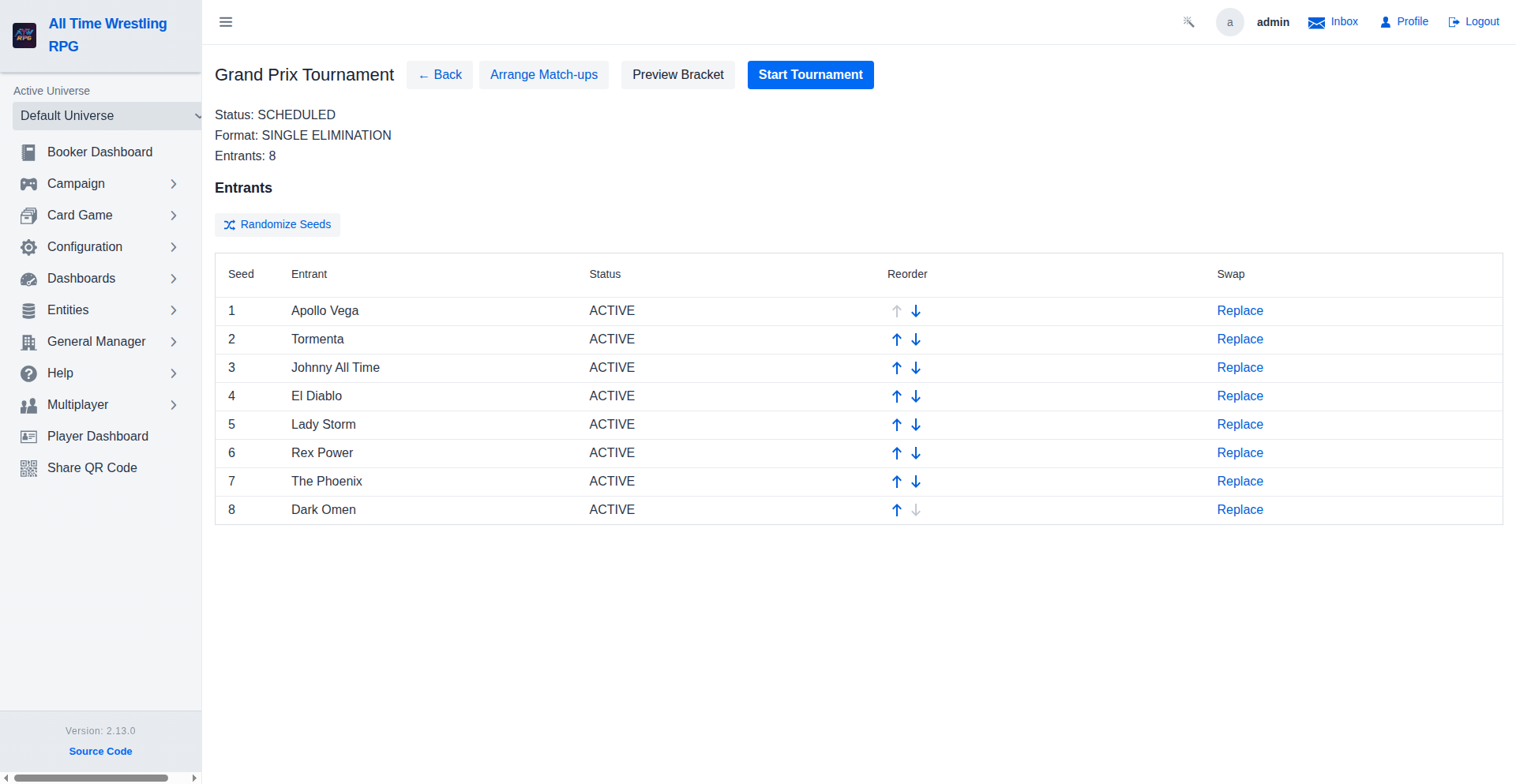
- Start the tournament (seeds first, if you deferred seeding) — the bracket generates and rounds become pending matches.
- Replace or reorder entrants before starting — replacements draw from the same eligibility pool.
- Set per-round rules — pin a stipulation to a specific round.
- Book rounds onto shows — rounds become segments on the weekly shows; the payoff books on the host show for one-time tournaments.
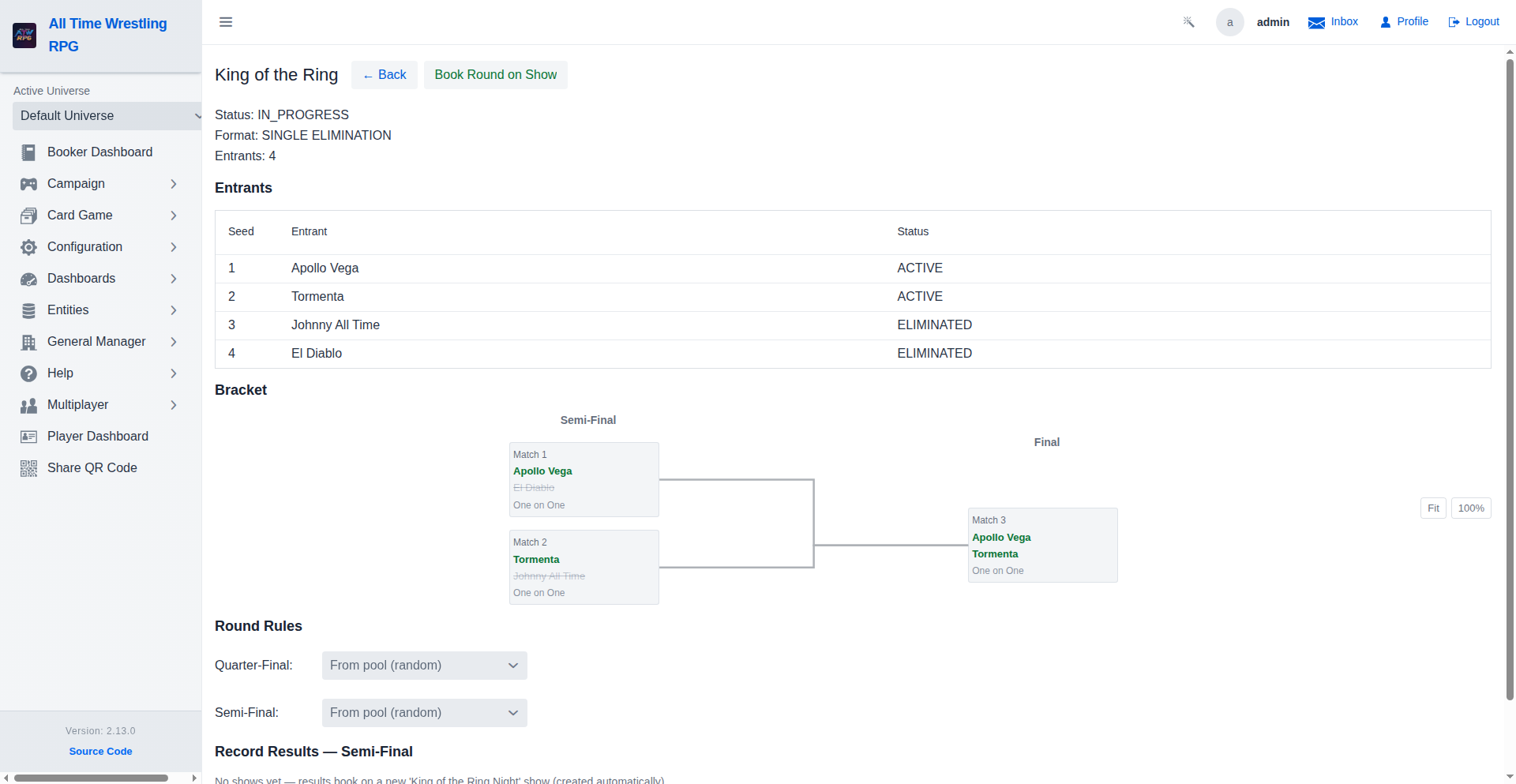
As rounds complete, winners advance automatically. The final (or champion showcase) is the payoff.
Step 3 — Recurring editions (annual tournaments)
For an Annual tournament paired with a PLE template:
- Book the payoff on the show as usual.
- When the payoff books, the game creates the next edition automatically — same format, rules, linked title, gender filter, and entrant count — named with the next Roman numeral.
- The template pairing re-points to the new edition, so next year's show books the new bracket with no setup.
Completed earlier editions stay in the list; tick Show past editions on the Tournaments page to see the full chain.
Where to go next
- Schedule a Show — the shows tournaments book onto.
- Run a Season — filling the calendar the rounds pace against.
- Report Match Results — resolving the individual matches.
- The auto-generated General Manager guide covers seasons, rivalries, and the wider booking picture.
- The wrestler career page is where a briefcase holder cashes in — and the wrestler profile page shows the same Briefcase panel (held case, cashable-until date, Cash In action) right after Championships, with a Career Dashboard link in the hero section. See the Money in the Bank briefcase payoff description above.